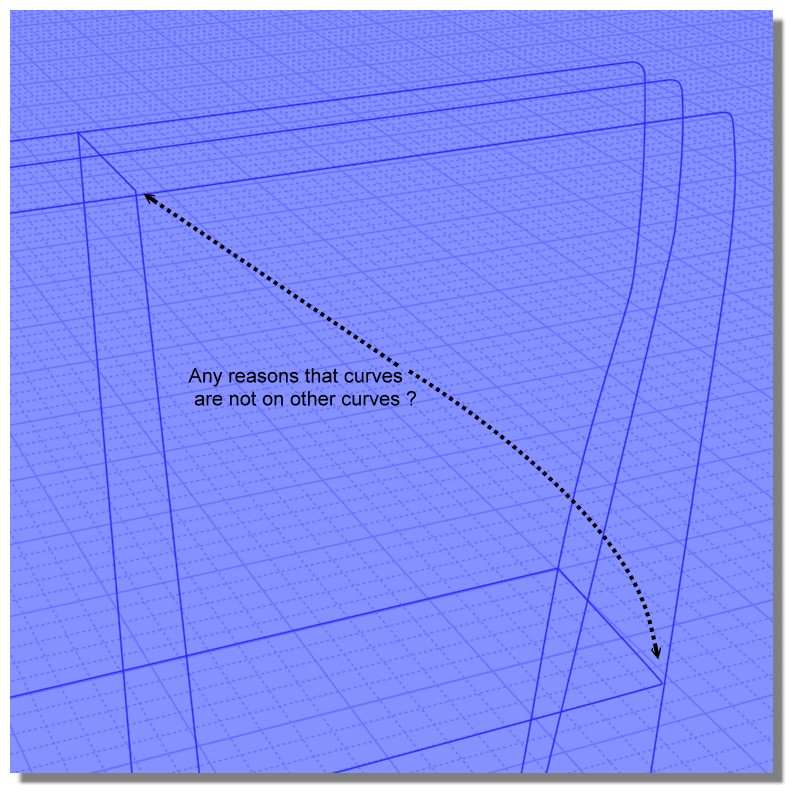
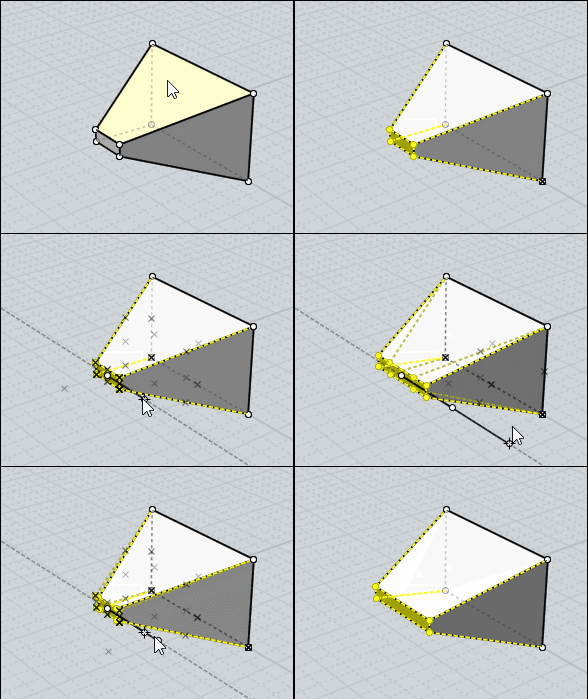
> >Little skinny pieces are because of sharp corners not being aligned.
> How they should be aligned ? I checked all profile curves (except rails) to doesn't have tilt.
They should align by the curves touching each other at sharp corner areas.
Currently the closest points between your curves in that area is here:

So the generated surface is going to match up the closest points between those curves, and since that is not at the sharp point that will make a skinny fragment there when it additionally passes through the sharp area.
> I also tried to build them such a way so they touch rail curves with control points but it doesn't help much.
Touching control points is irrelevant, it's the actual body of the curves that would need to touch.
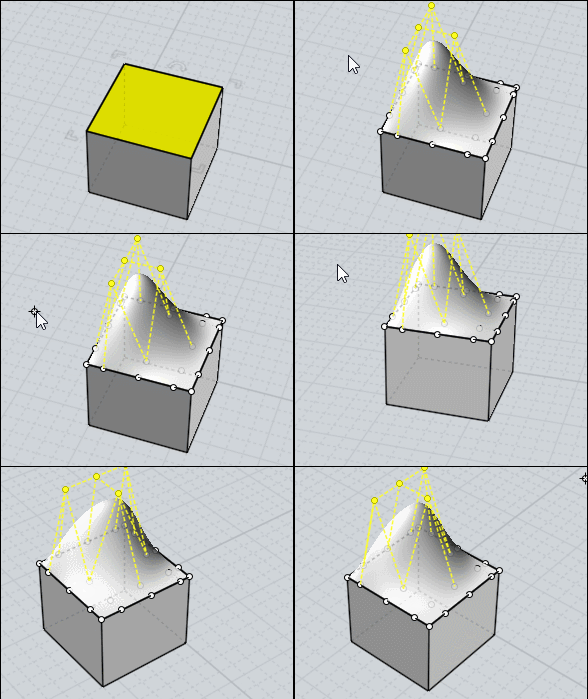
> And if you try to create tilt on a rounded corner part by trimming or extrude you lose roundness.
If you want your cut to have roundness you could build a rounded cutting surface using something other than extrude, like sweep. Then you'd fillet sharp edges to round them off.
But if the type of work that you want to do is similar to chipping away fragments of an initially blocky object while keeping everything smooth, that's really something more suited for ZBrush or 3D Coat's functionality. It's not a great fit for NURBS modeling.
- Michael |