Show messages:
1-13
14-33
34-53
54-73
74-80
From: Frenchy Pilou (PILOU)
@ Metin Some useful for fan or Mac, Pc, Blender!
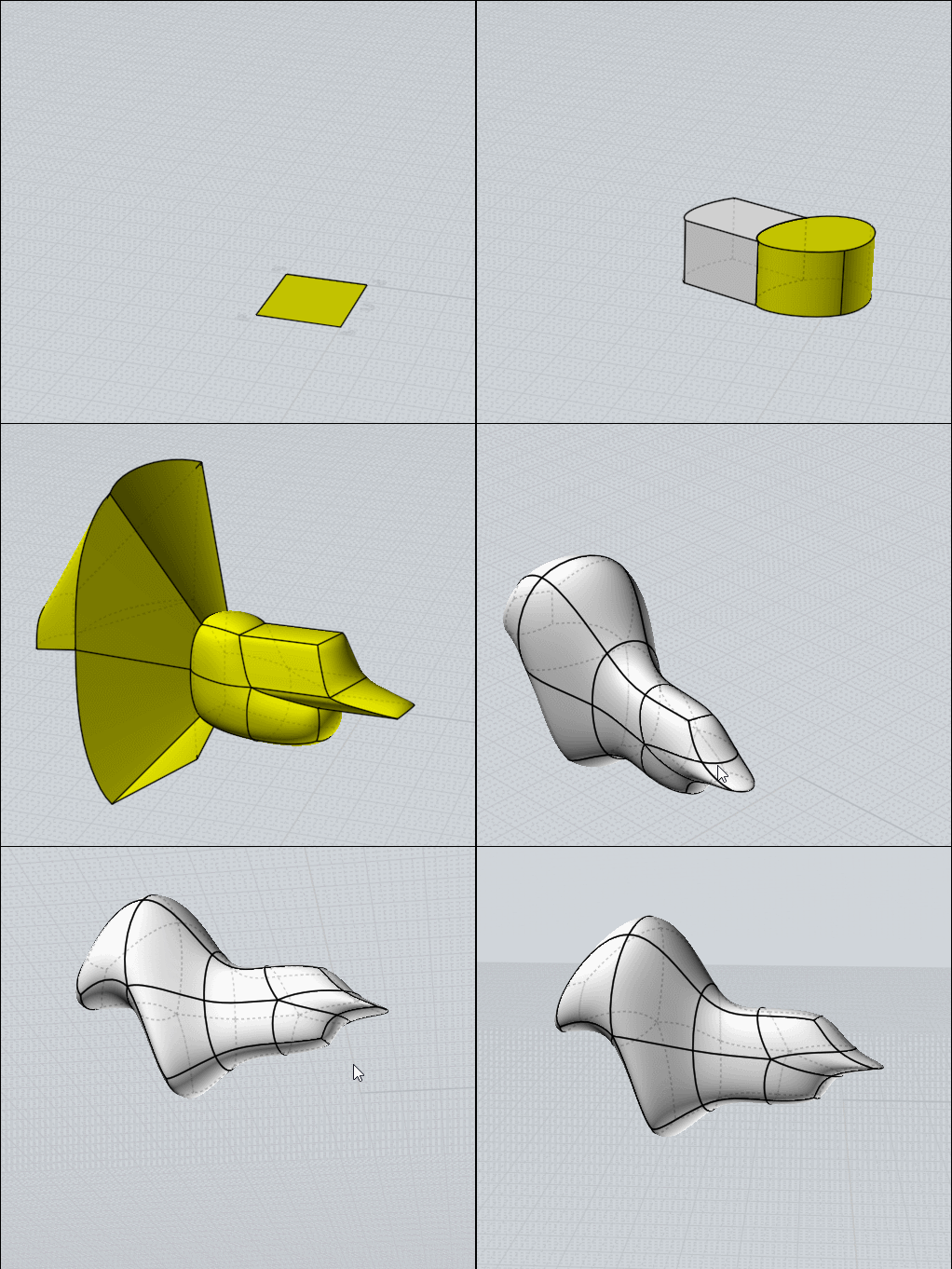
Personnaly i have only 5 shortcuts ...for make Subdivision inside Moi! :)
More is out of the possibility of my own old memory!
K : _subdiv_beta9
B : _sbridge
E : Extrude
P : _ssplit
S : _sscale
From: Metin (METIN_SEVEN)
Nice, Pilou! I need to explore subdivision modeling MoI as well. Am used to it in polygon-based editors like Blender, but forget it's also possible in MoI.
From: Frenchy Pilou (PILOU)
Sure it's so more rustic than Blender...but...
So don't miss this thread! ;)
https://moi3d.com/forum/index.php?webtag=MOI&msg=9689.1
PS you have also a free one (French at the start) some capable : Hexagon
https://www.daz3d.com/hexagon-3d-modeling-free
From: pafurijaz
Nice, thanks :)
From: Metin (METIN_SEVEN)
My pleasure, Pafurijaz. Nice to see you still around here too!
From: stefano (LIGHTWAVE)
Working on my list of master shortcuts.
Post it notes?

I use this OK script for a fast (or the fastest) way to get to and add to the shortcut menu.
https://moi3d.com/forum/index.php?webtag=MOI&msg=12006.1Image Attachments:
 shotcutkeys_post_it.png
From: Frenchy Pilou (PILOU)
Only these ones for me ! For simulate subdivide Polymodeling inside Moi !
P = ssPlit
B = sBridge
S =sSize
E = Extrude
K = SubD Beta9
A true pleasure to do! And so speed!

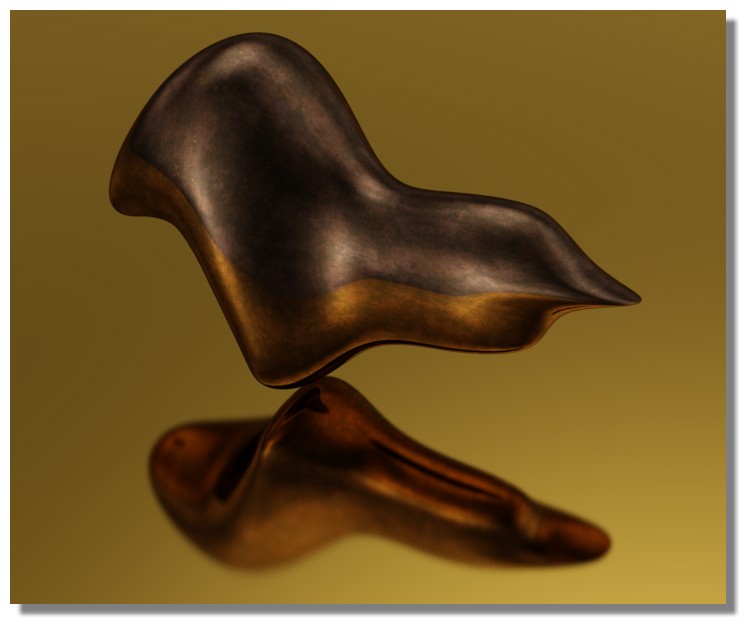
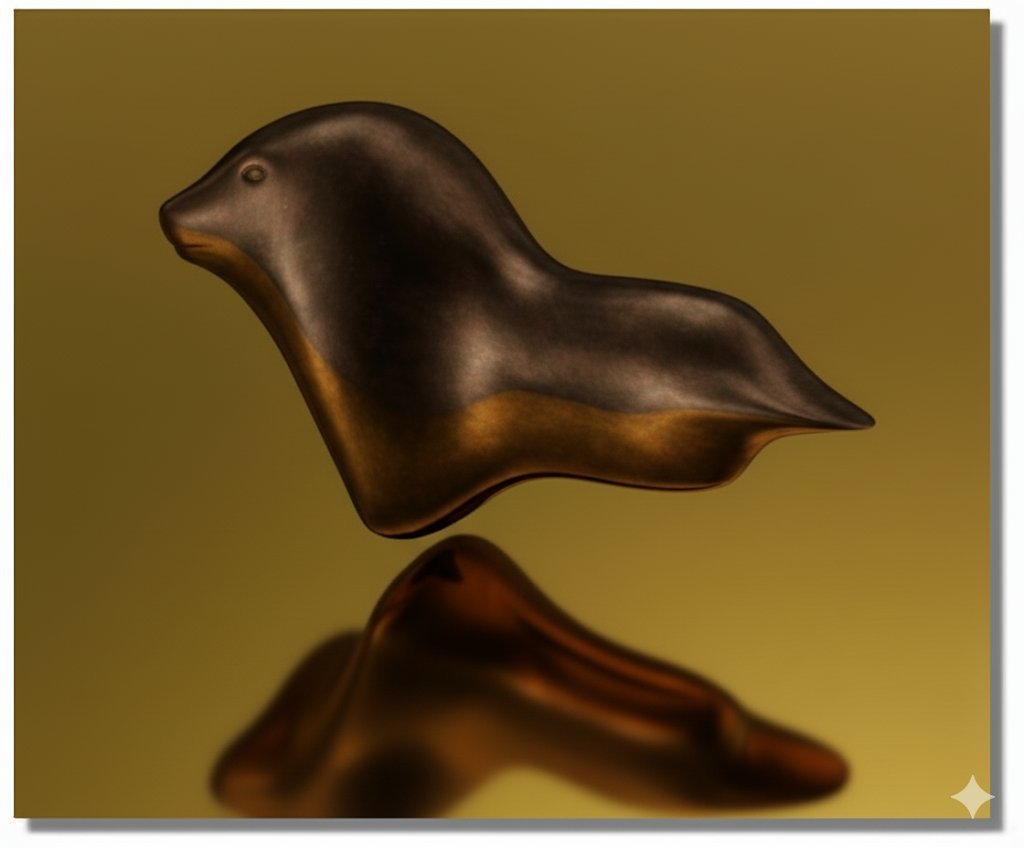
then Banana

Show messages:
1-13
14-33
34-53
54-73
74-80

