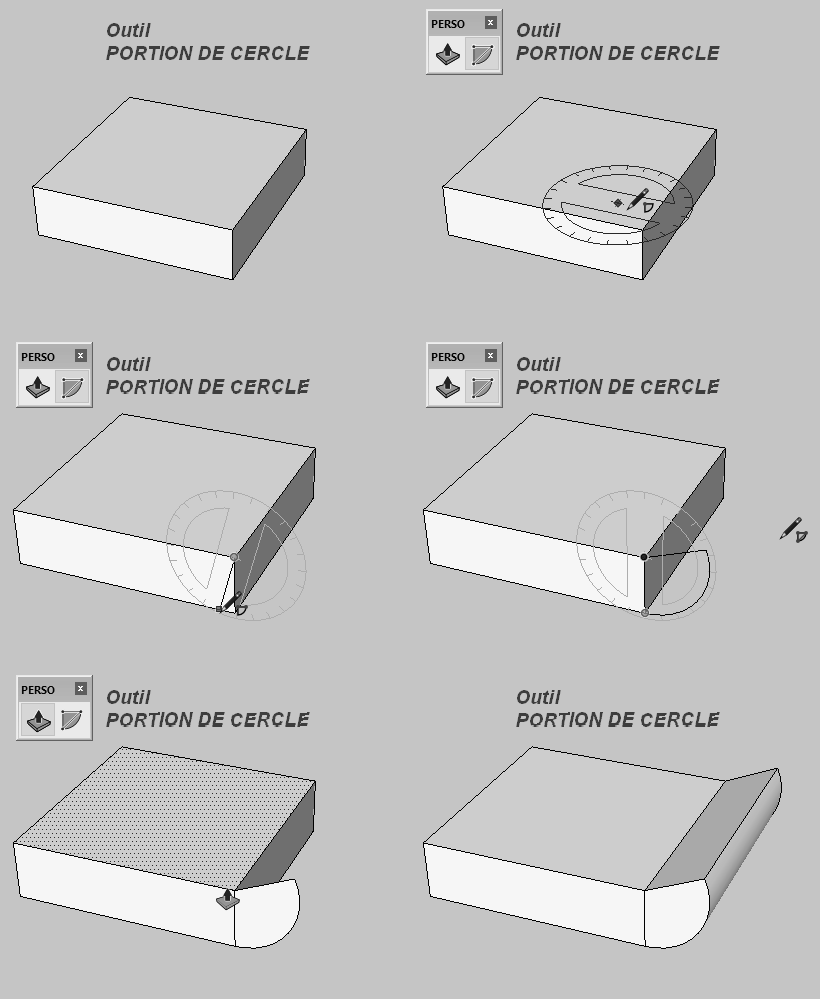
you mean probably rotation faces without drawing auxiliary circles, it means choosing edge as axis of rotation and then offset the face.
Because it's possible to calculate compensated length of radius, maybe it's more handy to rotate the face using centre of radius and then move the face in right direction by calculated distance.
> Question is, if it's possible to write script which can do this operation automatically. Length
> of radius should be let as variable which take into account material and tooling.
I'm not really sure if it's possible with the current stuff that's available to scripts... For example it's difficult for a script to analyze different geometric features of surfaces like find the center point of your bend, there just isn't currently a lot of functionality exposed for scripts to gather that type of information.
In the future I want to enhance the script layer to make more things available for scripts to access, something like this probably would not be feasible until that time.
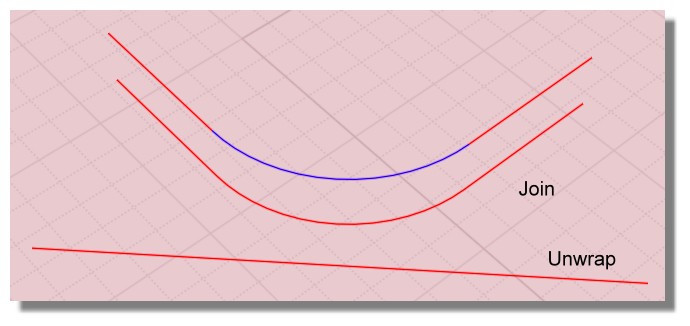
The function Join don't keep multi colors of the curves multicolored joined!
So when you Unwrap a curve "joined" it's monoclor so you can't see the differents extremities! :)
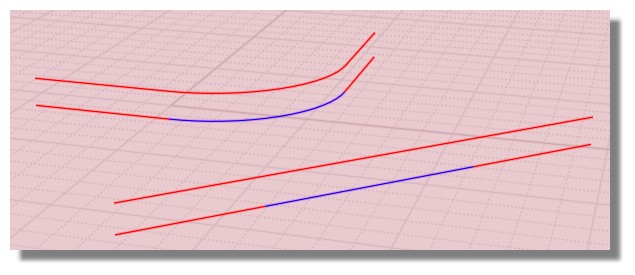
Flow yes! :)
So Flow the curves on their Unwrap! ;)
Have you the good result of your Unfold with this method ? Alas seems not!
script:/* Past Calculate lenght of selected curves inside the clipboard */ var crvs = moi.geometryDatabase.getSelectedObjects().getCurves(); var len = 0.0; for ( var i = 0; i < crvs.length; ++i ) len += crvs.item(i).getLength(); moi.copyTextToClipboard( len );
Seems the blue unfolded by Flow is not exactly the same or this tolerance is sufficient?
7,8539 8162216791 Blue Curve
7,8539 5062752401 Blue Unfolded by Flow
7,8539 8162216791 Unwraped is perfect!
So seems better use some Unwrap "unfold" method than Flow "unfold" method! :)
When you try Flow on the same place of some curves you can name them before then over put them
Select them with the Browser / Call the function Flow / Hide origin curve / Point the Base Curve etc...
Alas that change not the relative bad result of the Flow method! :)
Hi Pilou,
many thanks for your reply. I'm not sure, but I think that I do the similar thing. When I prepare geometry to Flow - "Unfold" process I highlight edges of part profile first, then I use Offset command to take Base curve which goes in the middle of material thickness. Offset curve is Joined automatically. This curve I Unwrap as a target curve. After that I highlight part (solid), point the Base Curve, then Target curve and then I obtain planar solid. If I color faces before Flow, so result is planar solid with coloured faces. Each unfolded face correspond to original.
I've tried to use your script but I'm not sure if I use it correctly. I choose some curve run the script by shortcut and in clipboard is saved length of selected curve.
May I ask you for explanation in more details, please.
Thanks a lot.
<<< I choose some curve run the script by shortcut and in clipboard is saved length of selected curve.
Yes it's exactly this! :)
The value of the lenght of any curve(s) selected is pasted in the ClipBoard!
So if you have some NotPad open somewhere you can read it after copy the clipBoard inside! :)
Not very speedy but better than nothing! And very informative! :)
There are plenty of unfold software tools. I would look at this one at it opens Rhino / Moi 3dm files . Its very clever, as it takes material thickness into account.
>> Not sure that it developps object as volume result ? Only as surface ...
Frenchy: Yes, the result is a surface, but this surface is calculated depending on the material and the material thickness to unroll. Let me cite the manual:
<snip>
Material: Use the "Material" menu to select the material (e.g. paper, steel, PETG) and material thickness to use. Lamina will take your material and its thickness into account when designing the 2-D cut path, to assure a proper fit of all the final pieces
</snip>
In case of!
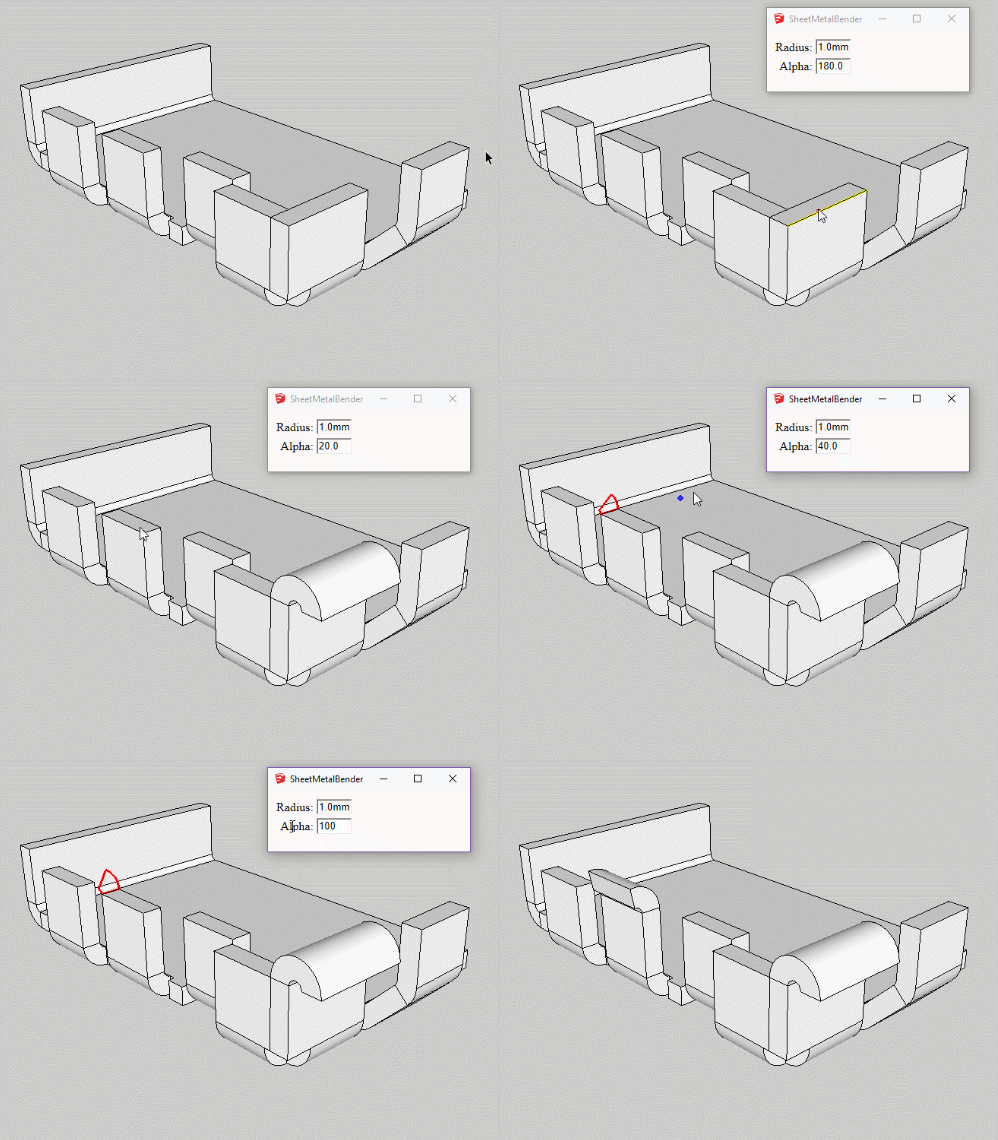
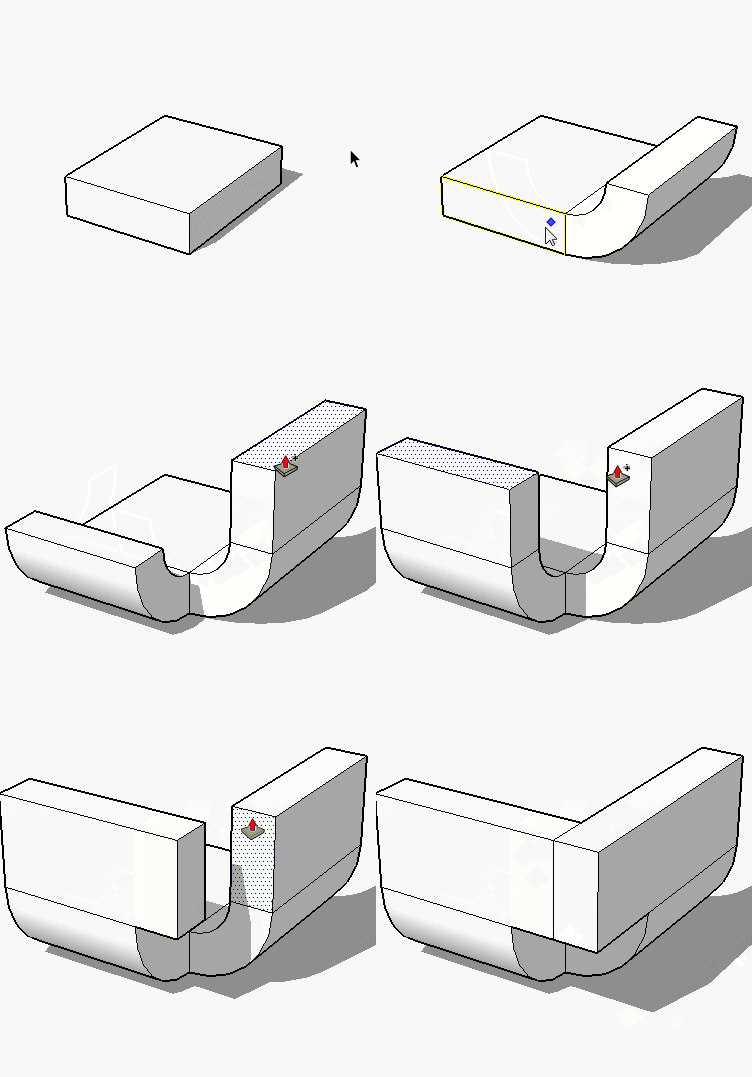
Remember there is a little free plugin for SKetchUp by Sdmitch : Sheet Metal Bender http://sdmitch.blogspot.com
The last free version of Sketchup who can use Plugins is the SketchUp Make 2017 !
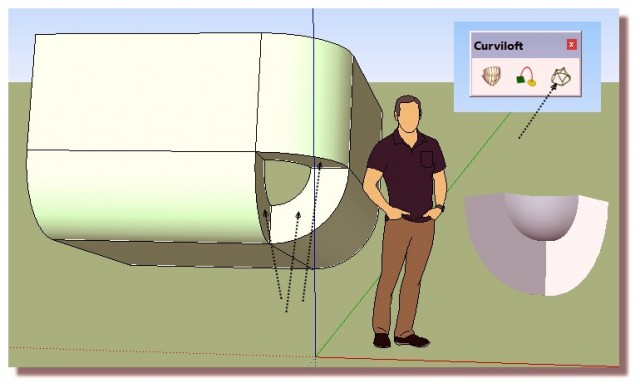
Curviloft by Fredo6
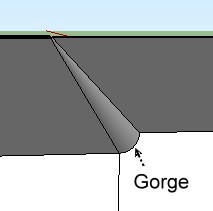
For something without "gorge" there is the native function!


 lamina.jpg