Show messages: All
1-3
4-10
From: Michael Gibson
I've attached here an example of using the Loft method.
To create it, I built several cross sections that were rotated and also one point at the end that is in the same plane as the end profile.
The run Construct > Loft and pick the Loft style = "Loose" option inside the Loft command options.
Then the last thing is to adjust the seam points - by default MoI tries to connect closed profiles together when lofting so as to minimize twist. But in this case you want to have twist so you will need to grab the seam point of each profile while you are inside the Loft options stage of the command, and move each seam point onto the same quadrant snap location on each rotated part in order to get the proper twisted result.
If you're having problems with the seam point adjustment part, you may find it easier to make all the sections not rotated to one another to start with so you build it as one sort of straight slab to start with and then use Transform > Deform > Twist to make the twisting.
- Michael
Attachments:
 prop_loft_example.3dm
From: Frenchy Pilou (PILOU)
Cool technic! :)
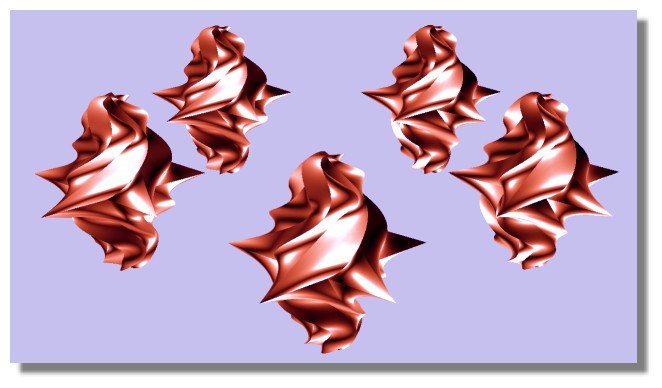
Not sure that my plane can fly with this italian cream :)
I have taken a star against an ellipse :)
From: bemfarmer
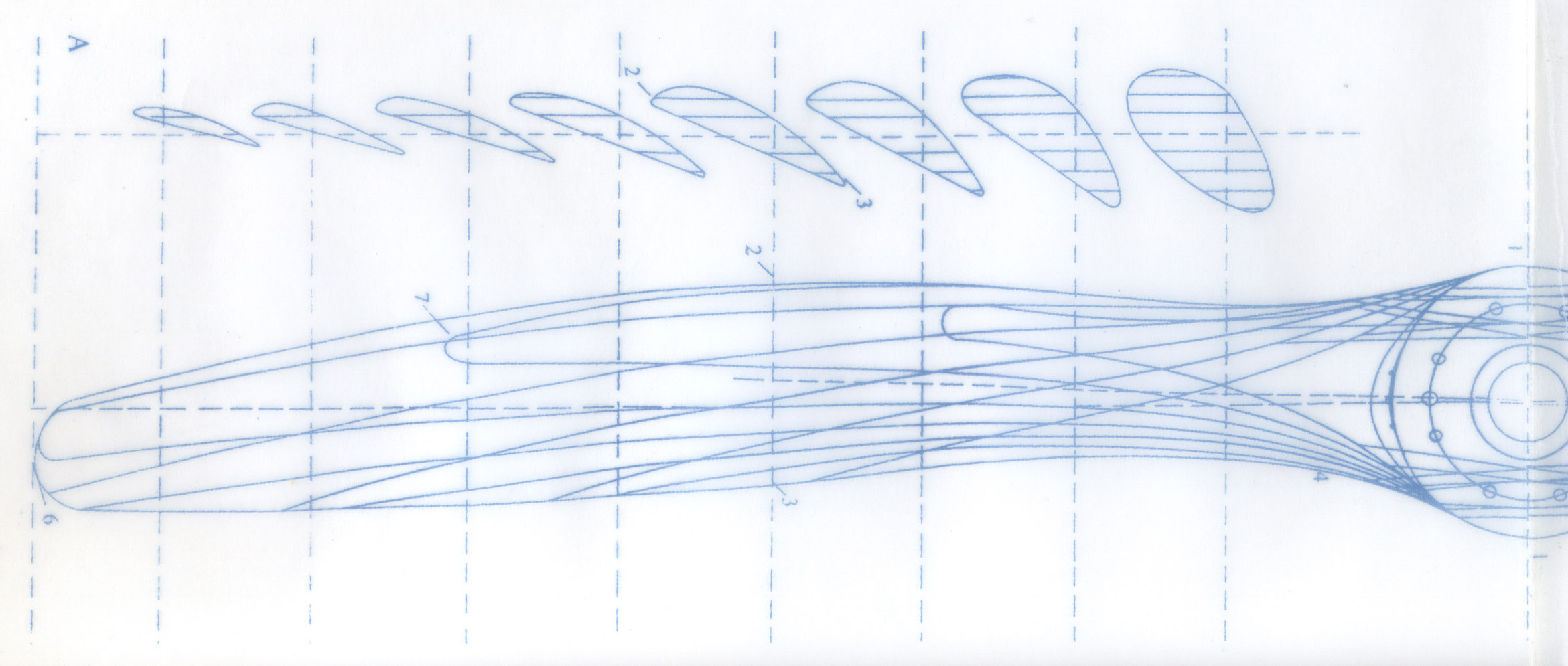
There are some blurry cross sections, for a German WWI plane here:
http://www.homebuiltairplanes.com/forums/firewall-forward-props-fuel-system/17719-reverse-engineering-wwi-wooden-propeller.html
http://www.woodenpropeller.com/DVII.html
The length of the propeller is said to be 2800 mm.
The pitch seem to vary with engine HP, ranging from 1780 mm, 1890 mm, to 2120 mm pitch.
I've read that pitch is measured at 75% of the radius of the blade.
There is a Rhino tutorial, and a thesis with Solidworks, on google...
- Brian
A general jpg:
http://www.woodenpropeller.com/blueprint.jpg
That site has more information.
Which bi-plane are you modeling?
From: bemfarmer
Here is a 6 station prop, drawing AD644, for a Sopwith camel:
http://naca.central.cranfield.ac.uk/reports/arc/rm/448.pdf
Page 12 could be traced in MoI, with the cross sections rotated and lofted. Still need to do the Hub.
A nice link, which explains cross sections very simply, is :
http://www.nmine.com/propeller.htm
(I imported the SLDPRT to Geomagic design, saved as step, and imported to MoI.)
- Brian
The Clark-Y profile, imported with MoI from Clark-Y.txt file
Attachments:
Clark-y-InterpCurve.3dm
From: Frenchy Pilou (PILOU)
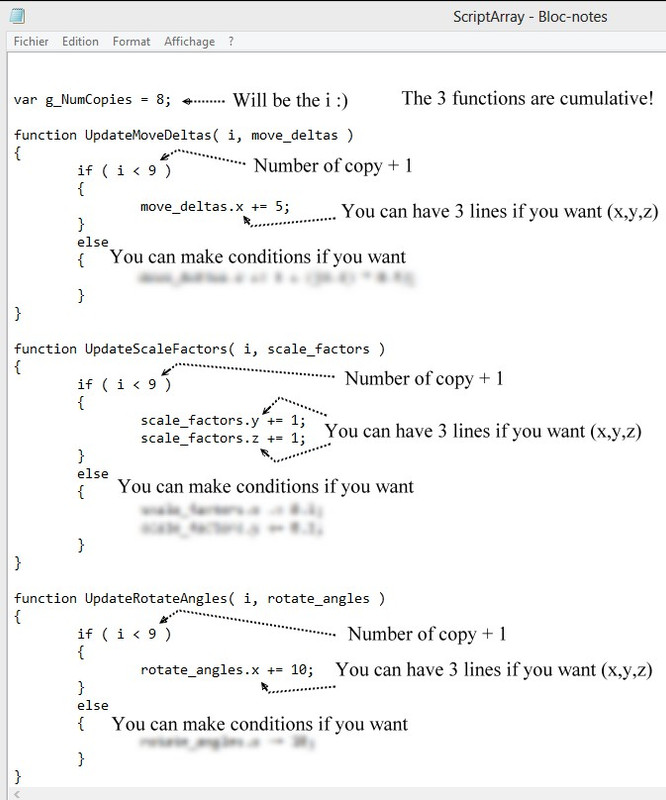
Maybe ScriptArray can help for some many things! :) because basic Transform / Array / Circular has not Size parameter inside!
(don't remember if another scritp blend Move, Size, Rotation in same time ? ) ScaleArray has not the rotation
http://moi3d.com/forum/index.php?webtag=MOI&msg=5595.18
Just edit the header of the page for the 3 functions Move, Size, Rotate!
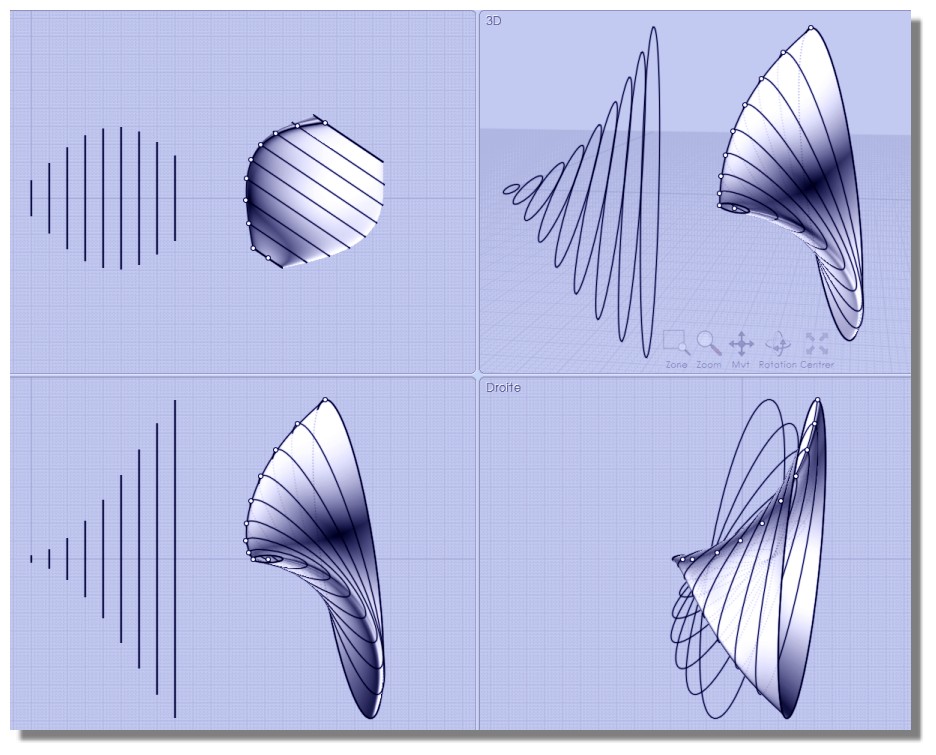
Draw original ellipse on Right View following your parameters : here movement will be on the X
Movement of the original on the X will be : 5, 10, 15,...
Size of the original will be on Y, Z : size y*2 size z*2, size y*3 size z*3, size y*4 size z*4,...
Rotation of the original will be: 10°, 20°, 30°...
Advantage : you can input any formulas and parameters, any conditions... you want! :)
From: Frenchy Pilou (PILOU)
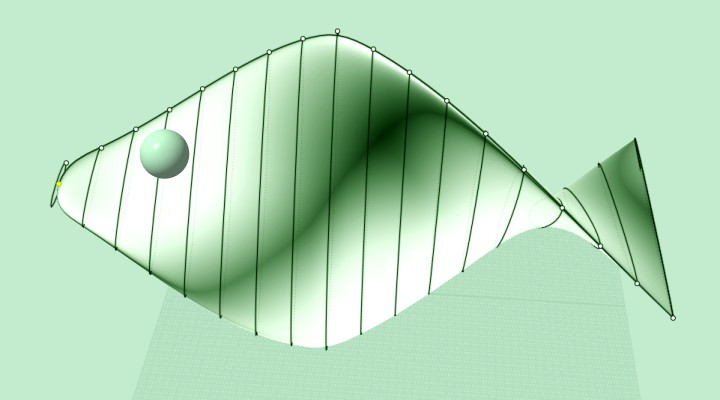
So April's Fish :)
From: Metin Seven (SEVENSHEAVEN)
I also like this approach, although it's a fan blade, not a propeller:
https://www.youtube.com/watch?v=w1ubEkhqTuE
Show messages: All
1-3
4-10