From: stefano (LIGHTWAVE)
Multi purpose scene browser / workflow script for toggling quickly from Inside Scene Browser View
to adjacent scene browser view. We really like mode 5 or: "Browser 4".
How it works:
The browser toggle script is designed to keep your workspace compact and use the inside scene browser
view (as default) until you need to see more detail or bigger/longer/expanded lists (objects, styles etc).
To make this work. rename script
browser.txt to browser.js
and put the script in the usual 'commands' script folder.
Then set up your default browser view as: inside
moi 3d options > general > scene browser position > inside

Configure a shortcut key or use command line box in moi.
Command Line or Shortcut Key Commands below, there is 5 options
or commands:
Browser 0
Browser 1
Browser 2
Browser 3
Browser 4
1.
Browser 0
Toggles from browser inside to browser adjacent.
All tools: objects, types, styles remain closed.
2.
Browser 1
Toggles from browser inside to browser adjacent and opens "Objects"
3.
Browser 2
Toggles from browser inside to browser adjacent and opens "Types"
4.
Browser 3
Toggles from browser inside to browser adjacent and opens "Styles"
5.
Browser 4
Toggles from browser inside to browser adjacent view and opens "whatever you had opened inside view"
before you activated the toggle, so if you had styles open when activating this command you will see
the styles tab open in the adjacent view.
Pressing the toggle or shortcut key toggles back to default state (inside).
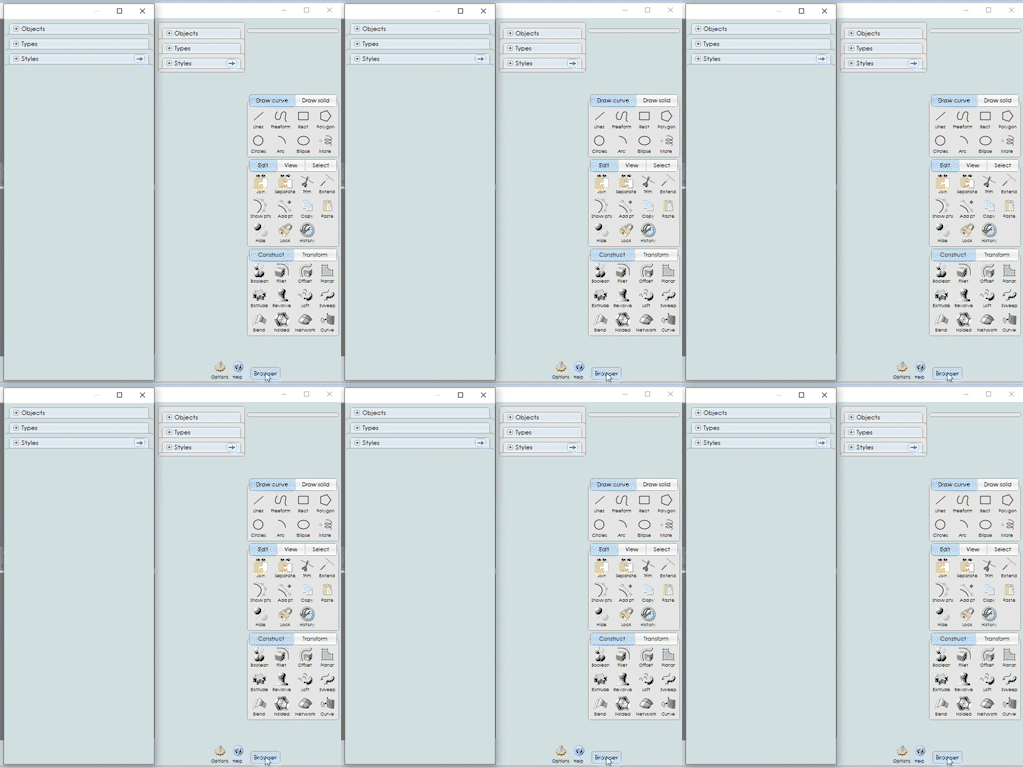
So you can now get from a partial inside view:

To a full adjacent view with a single keyboard shortcut...

------------------------------------------------------------------------------
thanks to Michael for this functionality.
------------------------------------------------------------------------------
Attachments:
 Browser.txt
Image Attachments:
browser4_adjacent_full_view_TOGGLE.jpg
browser_inside_partial view.jpg
browser_script_A.jpg
From: stefano (LIGHTWAVE)
quick video of the toggle working, using: "browser 4"
https://screenrec.com/share/foq0C6O9dN
From: 大道刀 (SUIYAN)
Is there a version that can be used with V3? Thank you.
From: Michael Gibson
Hi SUIYAN,
re:
> Is there a version that can be used with V3?
Sorry no the script access to the scene browser was added in MoI V4, that's the minimum version needed for this one.
- Michael
From: stefano (LIGHTWAVE)
Hi Suyan, i'd consider V4 so you can use V5 beta and all its improvements when you can.
In the meantime, this is a bit of a hack and it is not a 'toggle key' , Maybe
could be made one although with this version, pointless really as: its floating,
needs adjacent set and then the browser button pressed to minimise (so adjacent
panel is out of view).
So, if you can live with the scene browser floating or have two monitors might be "ok".
- It opens a floating scene browser on a shortcut key.
You would set options scene browser view to adjacent for this one to work.
options>general>scene broswer position>adjacent
Put
sidepane_V3_float.htm
file into moi 3 ui folder, here:

---------------------
The shortcut command is:
script: moi.ui.createDialog( 'sidepane_V3_float.htm', 'resizeable,defaultWidth:260,defaultHeight:820' );
▶ Click to play video
Inspired by this (floating tool palette)
https://moi3d.com/forum/messages.php?webtag=MOI&msg=9758.1Attachments:
sidepane_V3_float.htm
Image Attachments:
MOI3D_toggle_side_panel_v3_float.jpg

