Show messages:
1-5
6-25
26-45
46-51
From: Barry-H
Hi,
have been experimenting with Meshlab and Instant Meshes and got similar results To Burrman.
Maybe of some use.
Cheers
Barry
.png)
.png)
Image Attachments:
 Screenshot (614).png
Screenshot (618).png
Screenshot (614).png
Screenshot (618).png
From: Frenchy Pilou (PILOU)
What is the regulates / Parameters inside Instant Meshes (or Meshlab? ) for have these "Squares triming" ?
From: Barry-H
Hi Pilou,
In Instant Meshes you can adjust the density of the topology.
Instant Meshes didn’t load the original mesh properly so
I used Mesh lab to reduce the original mesh with just Quadric Edge Collapse Decimation.
Then took it into Instant Meshes to create the topology mesh that then can be loaded into Moi.
Cheers
Barry
From: Frenchy Pilou (PILOU)
Ok..the Key was your Quadrige decimation only in Meshlab then Instant Meshes! :)
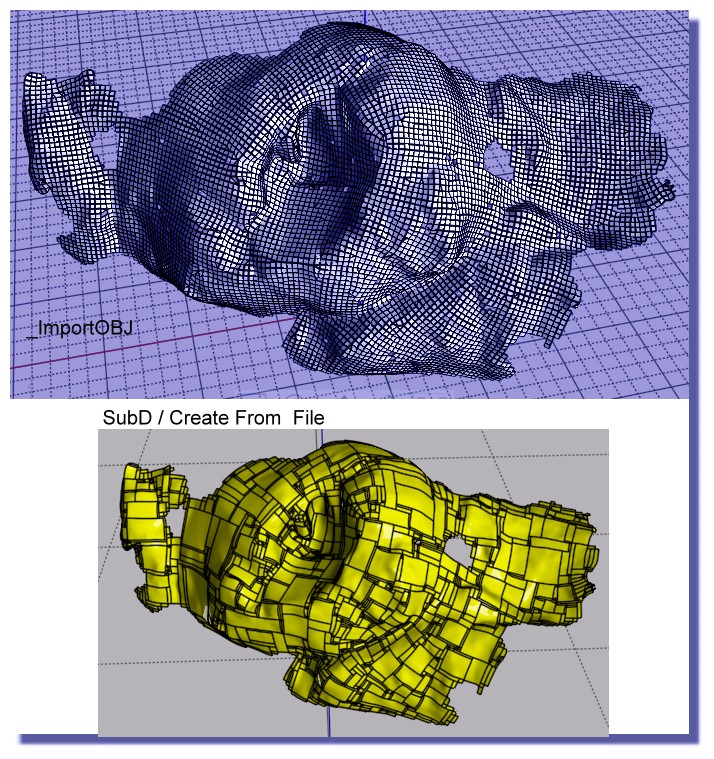
From: Andy (ANDYA)
Barry - how are you cutting off those pieces from the surface? Thanks, Andy
From: Barry-H
Hi Andy,
I offset the surface then trim inner and outer surfaces.
Then selected naked edges of the trimmed surfaces.
Apply join command this creates 2 curves I then rebuild them.
Loft these curves and join to trimmed surfaces thus creating a solid.
If you need more detail let me know.
Cheers
Barry
Show messages:
1-5
6-25
26-45
46-51

