New Car Modelling Tutorial
 1-4  5-24  25-35

Previous
Next
 From:  Frenchy Pilou (PILOU)
9956.5 
;)
Part 01

0.00 Step 1 - Draw the SPlines
1.06 Step 2 - Make Surface - Patch with NetWork and Loft
3.00 Step 3 - Trim some Patches
3.20 Step 4 - Retopologize the Patches
3.22 a) I use the "Multi Iso" script to create Iso Curve faster
3.41 b) I use the "Reconstruct Curve" script to create Polyline out of the so Curves
3.40 c) I use Loft setUp Straight to create Polygon Patches
3.50 d) I Snap Isocurves manually
3.55 sometimes I check flow the "SUbD" script
4.20 e) i use "SSPlit" script to create some harder edges
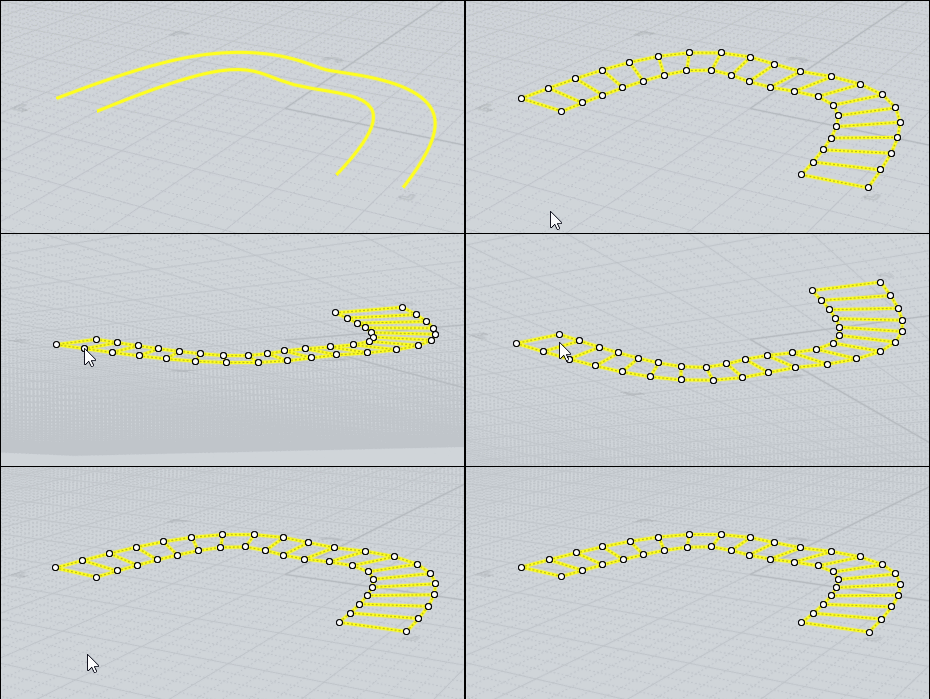
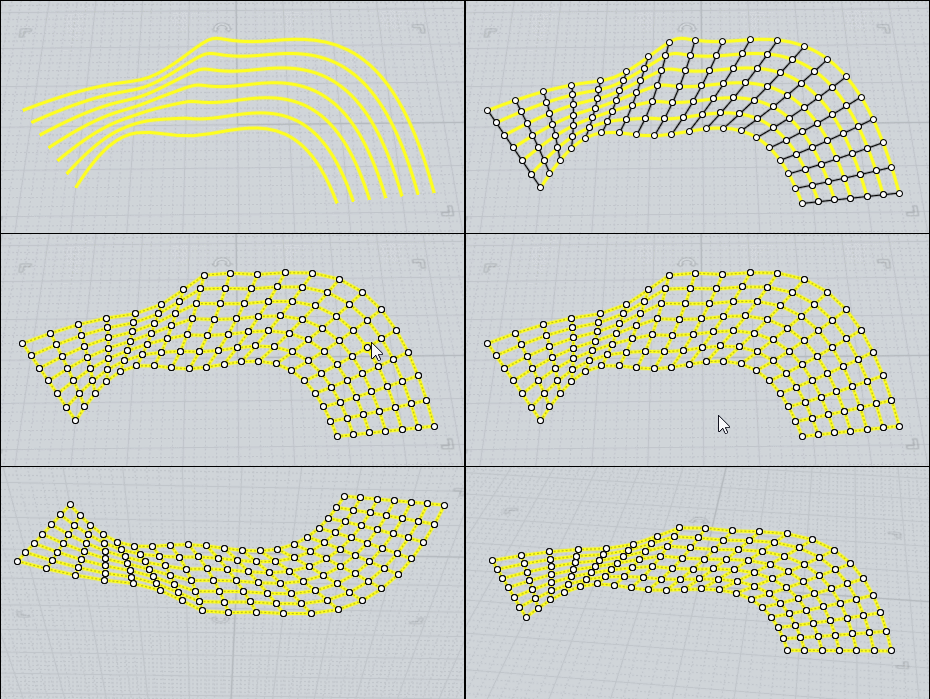
4.40 Step 5 - Last Mesh Check
4.55 Step 6 - the CleanUp Trick
5.00 moi 3.0 Export OBJ - Quads Angle Max Low...
5.11 ...Moi Beta 4.0 Import OBJ with the new Importer
5.15 Tadaaa!
5.20 Copy / Past back to Moi 3.0
5.45 Step 7 - Start to Trimming and Tweaking
6.15 Step 8 - Make some fillets
6.20 a) I use "the "Reconstruct Curve" script to create 200 Control Points Rebuild
6.40 b) i use the "Pipe 2" script to create a trim Pipe
7.20 Step 9 - Struggling and Tweaking with Network, Blend and Fillets

Part 02
0.05 Step 10 - Trim the Light Holes and define the Patch-Shape
1.20 Step 11 - Build the Light Exterior
2.40 Step 12 - Create some Fillets
8.25 Step 13 - Make the Rolls to Wheels
11.00 Step 14 - Define Some details
12.20 Repair a Wrong Trimmed Patch

EDITED: 17 Sep 2020 by PILOU

  Reply Reply More Options
Post Options
Reply as PM Reply as PM
Print Print
Mark as unread Mark as unread
Relationship Relationship
IP Logged

Previous
Next
 From:  zarkow
9956.6 In reply to 9956.5 
Thanks I copy your List, now you can klick on it under the Video
  Reply Reply More Options
Post Options
Reply as PM Reply as PM
Print Print
Mark as unread Mark as unread
Relationship Relationship
IP Logged

Previous
Next
 From:  Michael Gibson
9956.7 In reply to 9956.4 
Thanks for making this zarkow!

- Michael
  Reply Reply More Options
Post Options
Reply as PM Reply as PM
Print Print
Mark as unread Mark as unread
Relationship Relationship
IP Logged

Previous
Next
 From:  Frenchy Pilou (PILOU)
9956.8 In reply to 9956.6 
Excellent !
And if you want it in French ;) Bottom page
https://moiscript.weebly.com/la-voiture-de-zarkow.html

How many time for all modeling ?
---
Pilou
Is beautiful that please without concept!
My Moi French Site My Gallery My MagicaVoxel Gallery
  Reply Reply More Options
Post Options
Reply as PM Reply as PM
Print Print
Mark as unread Mark as unread
Relationship Relationship
IP Logged

Previous
Next
 From:  zarkow
9956.9 
Thank you all

here is Part 3

  Reply Reply More Options
Post Options
Reply as PM Reply as PM
Print Print
Mark as unread Mark as unread
Relationship Relationship
IP Logged

Previous
Next
 From:  Frenchy Pilou (PILOU)
9956.10 
Part 03

0.00 Step 15 - Repair a wrong Trimmed Patch
0.05 Step 16 - At some Grill-Flaps
0.25 Step 17 - Edit Wheel Filled and Scale
1.00 Step 18 - At some Gap Dimension
5.05 Step 19 - Change the Side Patch
6.45 Step 20 - Build the Rear Spoiler
8.50 Step 21 Define the Roof-Flap
---
Pilou
Is beautiful that please without concept!
My Moi French Site My Gallery My MagicaVoxel Gallery
  Reply Reply More Options
Post Options
Reply as PM Reply as PM
Print Print
Mark as unread Mark as unread
Relationship Relationship
IP Logged

Previous
Next
 From:  zarkow
9956.11 In reply to 9956.10 
Thanks ;-) Next week is Part 4 coming for more Details, and maybe a Cinema4D Octane texturing, lighting and render Tutorial with this Hypercar.
  Reply Reply More Options
Post Options
Reply as PM Reply as PM
Print Print
Mark as unread Mark as unread
Relationship Relationship
IP Logged

Previous
Next
 From:  stefano (LIGHTWAVE)
9956.12 In reply to 9956.11 
Hi Zarkow, top work!
Wondering is this all mouse work / do you ever use moi with a pen or wacom cintiq?
Be interested to know any tricks you use for fast object selections...
  Reply Reply More Options
Post Options
Reply as PM Reply as PM
Print Print
Mark as unread Mark as unread
Relationship Relationship
IP Logged

Previous
Next
 From:  zarkow
9956.13 
I am 3D Artist since 1998 (3DsMax 2.5)

I never try to use a pen or wacom. I am a Mouse man since Quake I.
  Reply Reply More Options
Post Options
Reply as PM Reply as PM
Print Print
Mark as unread Mark as unread
Relationship Relationship
IP Logged

Previous
Next
 From:  Cemortan_Tudor
9956.14 
80% of work is patching (
- Tudor -
  Reply Reply More Options
Post Options
Reply as PM Reply as PM
Print Print
Mark as unread Mark as unread
Relationship Relationship
IP Logged

Previous
Next
 From:  zarkow
9956.15 In reply to 9956.14 
and 20% of work is wishing ;-)
  Reply Reply More Options
Post Options
Reply as PM Reply as PM
Print Print
Mark as unread Mark as unread
Relationship Relationship
IP Logged

Previous
Next
 From:  Cemortan_Tudor
9956.16 
I wonder what tools could speed u'r modelling process ! 80% - is more technical aspects of moi leaving less space for design
- Tudor -
  Reply Reply More Options
Post Options
Reply as PM Reply as PM
Print Print
Mark as unread Mark as unread
Relationship Relationship
IP Logged

Previous
Next
 From:  zarkow
9956.17 In reply to 9956.16 
Here is a tool, but 4,445 $ per Year is not my price.

https://www.autodesk.com/products/alias-products/overview?plc=SURFST&term=1-YEAR&support=ADVANCED&quantity=1

the surfaces are much better, but are you faster.....yes?...no?...maybe?


MoI3d isn't really a Surface-Designer, but I show its possible to Design Surfaces, this is the base meaning of my Videos. You can create ready to render Surfaces with a "under 300 bucks Tool" but you must think.

Maybe Rhino have more Helfer-Tools for Surfaces (1000 dollar) it's also takes time:


maybe ProE, Catia, SiemensNX or Solidworks are much better but at look the prices.

In Moi3D is real CAD handwork without any big helpers, you must know what do, and why you do, but its much faster as Poly by Poly modeling in a Polygon based modeling tool like: Cinema4D, Maya, 3D Studio Max, Blender, Houdine, Modo

(the poly tools are 100% technical, to create a good meshloopflow und must have much more training.)

The Raw footage of my Hypercar Tutorial is under 8 hours, and I think it's fast enough for model a car exterior, without prebuild tests.

So I think if you need a "more time for design"-Tool you must spend much more money. And if a cheap surface designer gets to good, Autodesk buys it and kills it, or make the price super high: look for example: VSR Shape for Rhino.

EDITED: 19 Sep 2020 by ZARKOW

  Reply Reply More Options
Post Options
Reply as PM Reply as PM
Print Print
Mark as unread Mark as unread
Relationship Relationship
IP Logged

Previous
Next
 From:  Frenchy Pilou (PILOU)
9956.18 In reply to 9956.17 
Thx for these very informative infos...

PS You don't use sometime these other sort of possibilities for make Patches ? :)
LineWeb, Trim All, ReconstructCurve 2 Points


CMorph, Line Web, Trim All, ReconstructCurve 2 Points

EDITED: 20 Sep 2020 by PILOU

  Reply Reply More Options
Post Options
Reply as PM Reply as PM
Print Print
Mark as unread Mark as unread
Relationship Relationship
IP Logged

Previous
Next
 From:  Cemortan_Tudor
9956.19 In reply to 9956.17 
I didnt know a lot about patching*** seems a problem around cad modelling ! as rhino, as surface sufferers from it (a lot of time spending on patch making)
a good tool for moi will be ~ ogl - other shaders and better patching tools (from what I've watched) - u have any extra )))
ps: I'm asking a pro for wishes xD as I'm a poly-surface modeler - what & where cad can improve ))
as for poly modelling I partially disagree, there's OP tool for blender mira tools, that could handle polys under curve

EDITED: 20 Sep 2020 by CEMORTAN_TUDOR

  Reply Reply More Options
Post Options
Reply as PM Reply as PM
Print Print
Mark as unread Mark as unread
Relationship Relationship
IP Logged

Previous
Next
 From:  zarkow
9956.20 In reply to 9956.19 
Yes but Car Body Design is another Level for Polygon Modeling, this documentation:

https://www.carbodydesign.com/article/59531-modeling-cars-in-polygons/#classa

shows the problems and limitations of polygon modeling vs. CAD modeling the surface quality.
  Reply Reply More Options
Post Options
Reply as PM Reply as PM
Print Print
Mark as unread Mark as unread
Relationship Relationship
IP Logged

Previous
Next
 From:  Frenchy Pilou (PILOU)
9956.21 
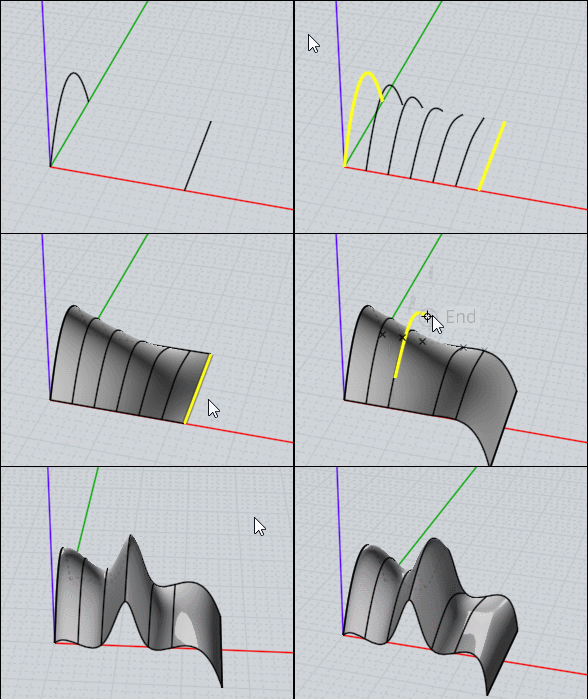
CMorph + Loft is practical for direct modeling! ;)

And this "structure" can be always modified all during the session even if some other objects are built elsewhere!


Even general lateral curves! And the original curves can be modified by their points!
You can even add points to these original curves!!!
Blend the lateral curves between them!!! etc...

EDITED: 21 Sep 2020 by PILOU

  Reply Reply More Options
Post Options
Reply as PM Reply as PM
Print Print
Mark as unread Mark as unread
Relationship Relationship
IP Logged

Previous
Next
 From:  zarkow
9956.22 
Part 04


The Last Modeling Part, Part 5 would be Render Settings and Shader

first look ;-)


  Reply Reply More Options
Post Options
Reply as PM Reply as PM
Print Print
Mark as unread Mark as unread
Relationship Relationship
IP Logged

Previous
Next
 From:  Frenchy Pilou (PILOU)
9956.23 
A concept car! :)
0.00 Step 22 - At Some Details
1.00 Step 23 - Define the Roof Details
2.25 Step 24 - Define the Rear Spoiler
3.00 Step 25 - At Light Interior
3.40 Step 26 - At Extra Brakes Lights
4.60 Step 27 - At Interior Room
5.20 - Make some Flaps
6.15 Step 28 - Build a Rear Chassis

EDITED: 22 Sep 2020 by PILOU

  Reply Reply More Options
Post Options
Reply as PM Reply as PM
Print Print
Mark as unread Mark as unread
Relationship Relationship
IP Logged

Previous
Next
 From:  zarkow
9956.24 
Part 5

Part 5 is the a small export and rendersettings aftermath


As a present the Free Hypercar 3D Data Download Link:

includes a Zip File with the Hyper Car in 3 Formats

.3dm
.step
.obj


https://1drv.ms/u/s!AgF6VFezvIYck2etUzGE19XByQ1n?e=eENE0V

https://www.artstation.com/artwork/28ykJx

EDITED: 23 Sep 2020 by ZARKOW

  Reply Reply More Options
Post Options
Reply as PM Reply as PM
Print Print
Mark as unread Mark as unread
Relationship Relationship
IP Logged
 

Reply to All Reply to All


Show messages:  1-4  5-24  25-35