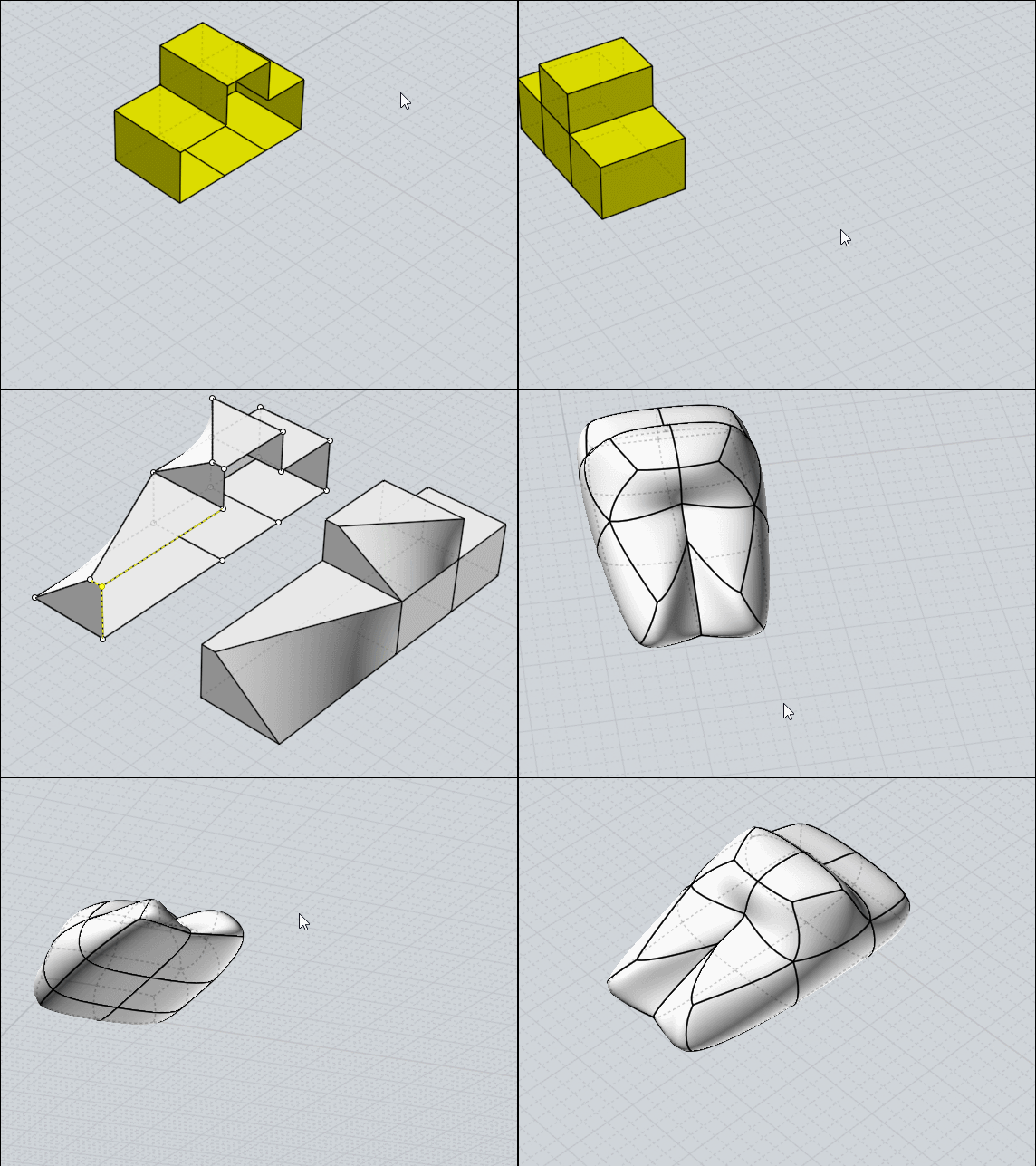
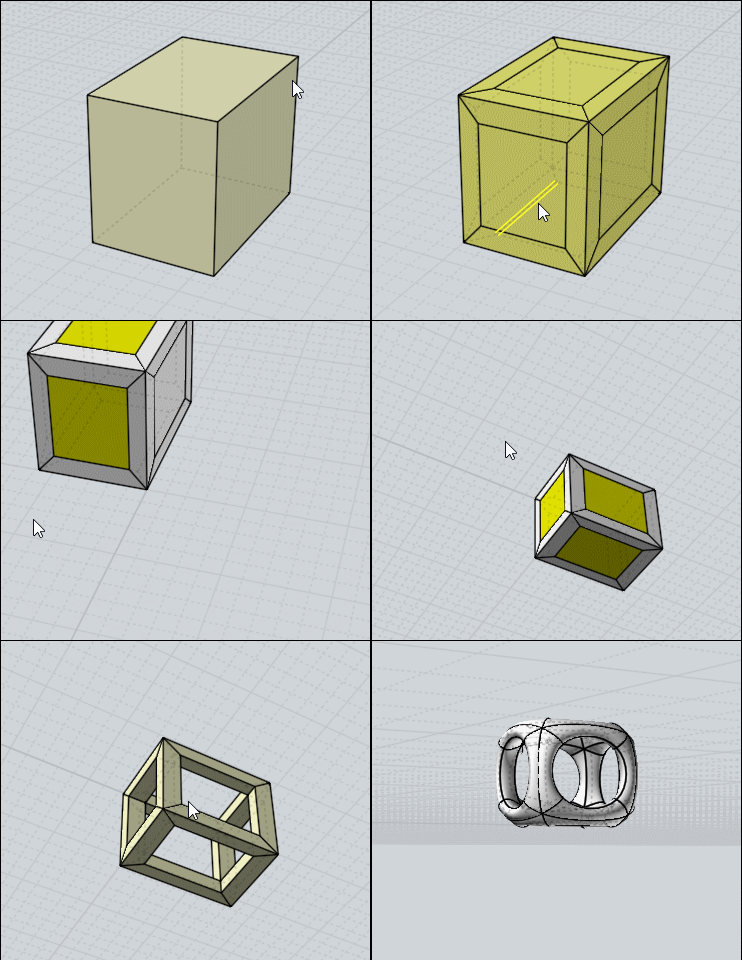
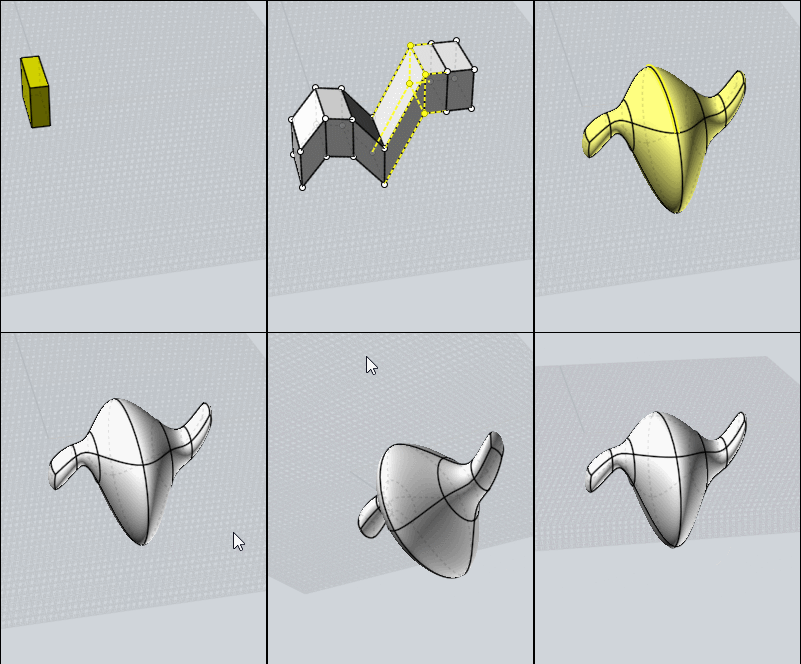
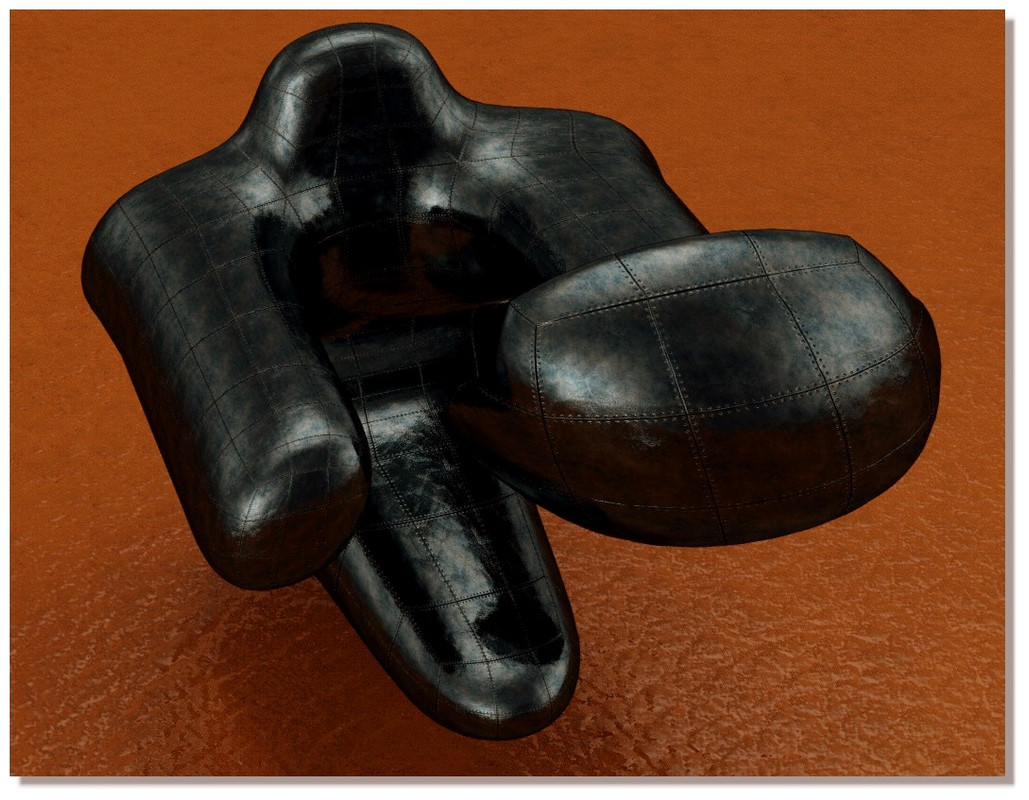
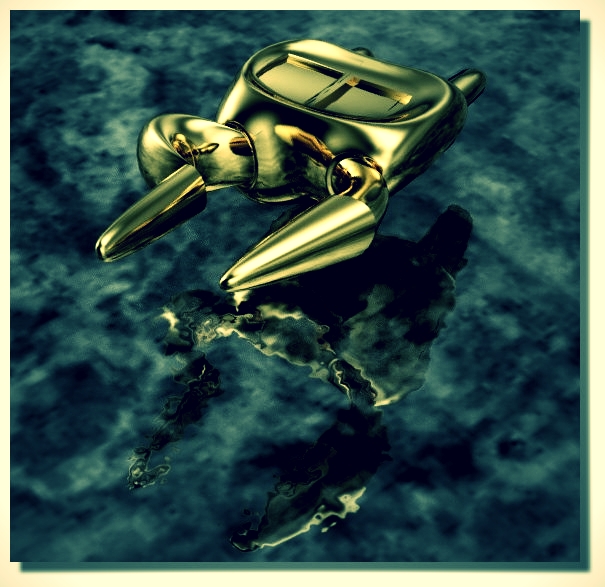
About SubDivide in nurbs :)
 1-8  9-28  29-48  49-68  69-88  …  109-120

Previous
Next
 From:  Frenchy Pilou (PILOU)
9689.29 In reply to 9689.28 
http://moi.maxsm.net/media/files/
All the plugins of Max Smirnov!
Subdiv 9
SBridge
Ssplit
Sscale

If you want them in French : http://moiscript.weebly.com
Les Commandes / Section Scripts de Max Smirnov ;)

EDITED: 24 Feb 2020 by PILOU

  Reply Reply More Options
Post Options
Reply as PM Reply as PM
Print Print
Mark as unread Mark as unread
Relationship Relationship
IP Logged

Previous
Next
 From:  Frenchy Pilou (PILOU)
9689.30 
We can't have edit subdive on 2 "half parts" in the same time!

So Subdivide on an half part mirror it and make any thing you want on the original half Part!

It's a little tricky !
- Mirror Original
- Select Mirrored
- Call History - Enable History - Deselect
- Select Original
- Modify / Edit as you want --> that is refflected! ( subdivide is not reflected)
(you can subdivide at any time the Original for test the form)
- Re-group the 2 parts
-Join
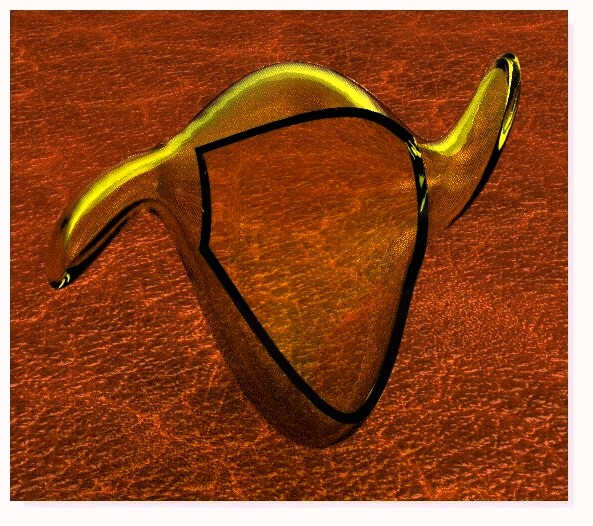
You can Subdivide the all volume!


Remark that the start lateral general side is "Open" !

EDITED: 25 Feb 2020 by PILOU

  Reply Reply More Options
Post Options
Reply as PM Reply as PM
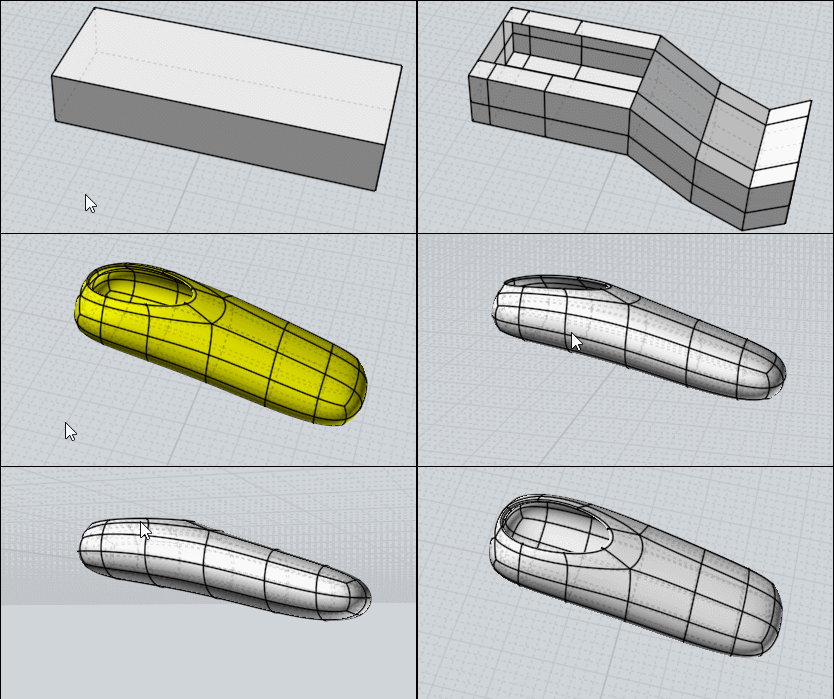
Print Print
Mark as unread Mark as unread
Relationship Relationship
IP Logged

Previous
Next
 From:  Frenchy Pilou (PILOU)
9689.31 
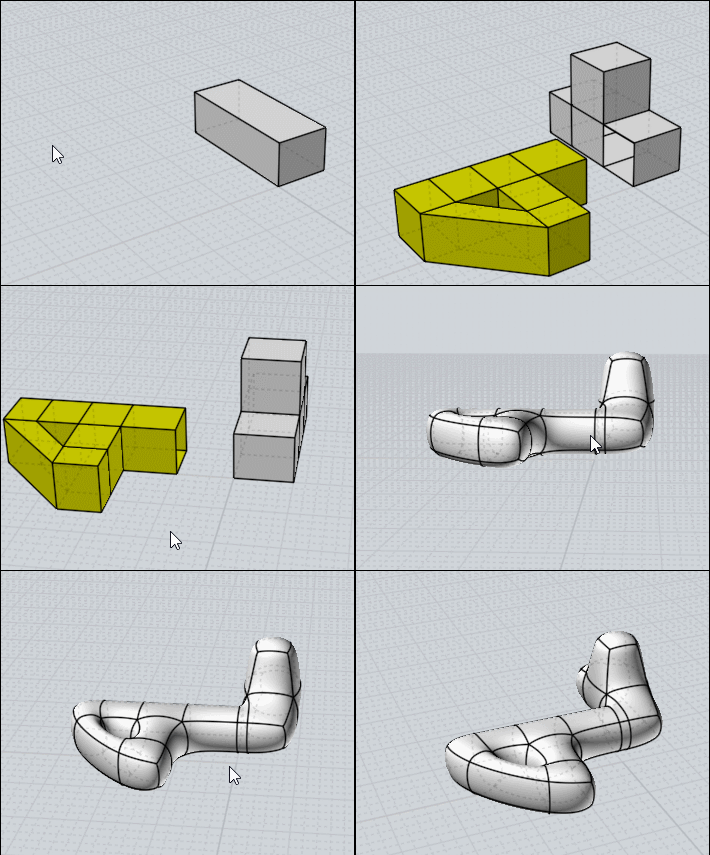
Extrude on middle faces is possible but not on the extremities!
Because faces are not all subdivided!

So Copy Move 1 faces & Bridge it on the faces's extremities!

EDITED: 25 Feb 2020 by PILOU

  Reply Reply More Options
Post Options
Reply as PM Reply as PM
Print Print
Mark as unread Mark as unread
Relationship Relationship
IP Logged

Previous
Next
 From:  Frenchy Pilou (PILOU)
9689.32 
For past something you must use Copy Snap then Join!
So kill the 2 minimum faces of "collage" from the 2 volumes!

Boolean Union don't work because some faces'edges ...
...will be welded in external "walls"and so create un-subdivided faces!

---
Pilou
Is beautiful that please without concept!
My Moi French Site My Gallery My MagicaVoxel Gallery
  Reply Reply More Options
Post Options
Reply as PM Reply as PM
Print Print
Mark as unread Mark as unread
Relationship Relationship
IP Logged

Previous
Next
 From:  Frenchy Pilou (PILOU)
9689.33 
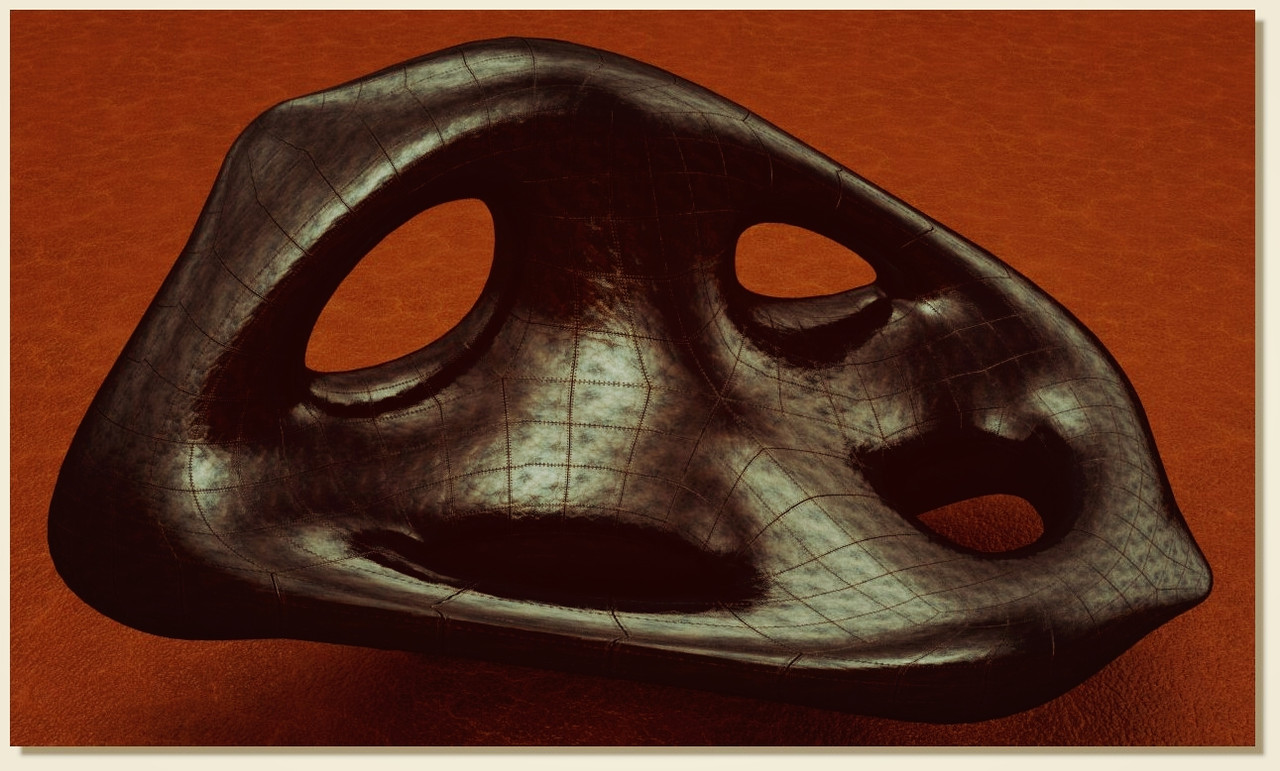
With the last function Sscale seems we can make some many things ;)
That's a very funny method of modelisation! Thx again to Max Smirnov for its crazzy plugin!


If i have forgotten something don't hesitate!
The only default of this method is that result is like a random result about measures...
so some tests...takebacks...it's an artistic method! :)

EDITED: 25 Feb 2020 by PILOU

  Reply Reply More Options
Post Options
Reply as PM Reply as PM
Print Print
Mark as unread Mark as unread
Relationship Relationship
IP Logged

Previous
Next
 From:  Frenchy Pilou (PILOU)
9689.34 
---
Pilou
Is beautiful that please without concept!
My Moi French Site My Gallery My MagicaVoxel Gallery
  Reply Reply More Options
Post Options
Reply as PM Reply as PM
Print Print
Mark as unread Mark as unread
Relationship Relationship
IP Logged

Previous
Next
 From:  vector illustrator (QUARITEXA)
9689.35 In reply to 9689.34 
The abstract art exhibition.
  Reply Reply More Options
Post Options
Reply as PM Reply as PM
Print Print
Mark as unread Mark as unread
Relationship Relationship
IP Logged

Previous
Next
 From:  nameless
9689.36 In reply to 9689.35 
(Combined with serious modeling tool knowledge injections)
  Reply Reply More Options
Post Options
Reply as PM Reply as PM
Print Print
Mark as unread Mark as unread
Relationship Relationship
IP Logged

Previous
Next
 From:  Frenchy Pilou (PILOU)
9689.37 
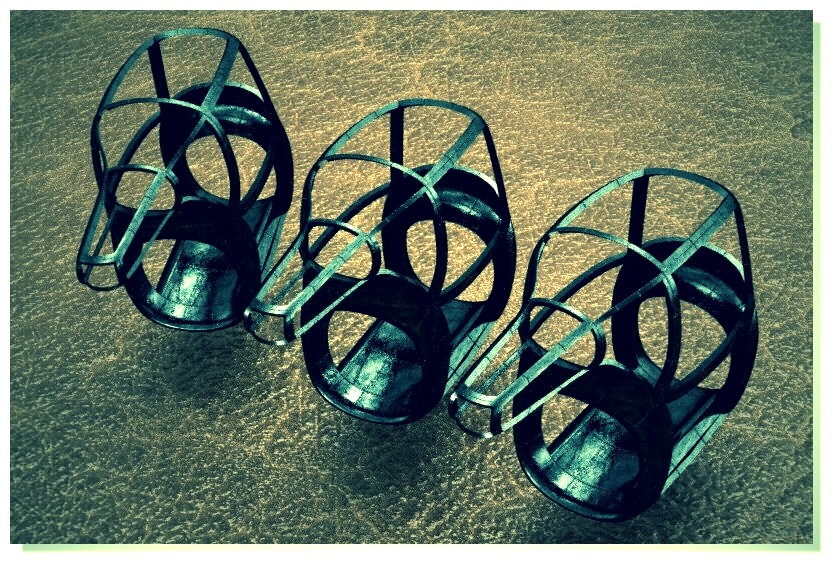
:) ....maybe abstract but 3D Printable! ;)
  Reply Reply More Options
Post Options
Reply as PM Reply as PM
Print Print
Mark as unread Mark as unread
Relationship Relationship
IP Logged

Previous
Next
 From:  Frenchy Pilou (PILOU)
9689.38 
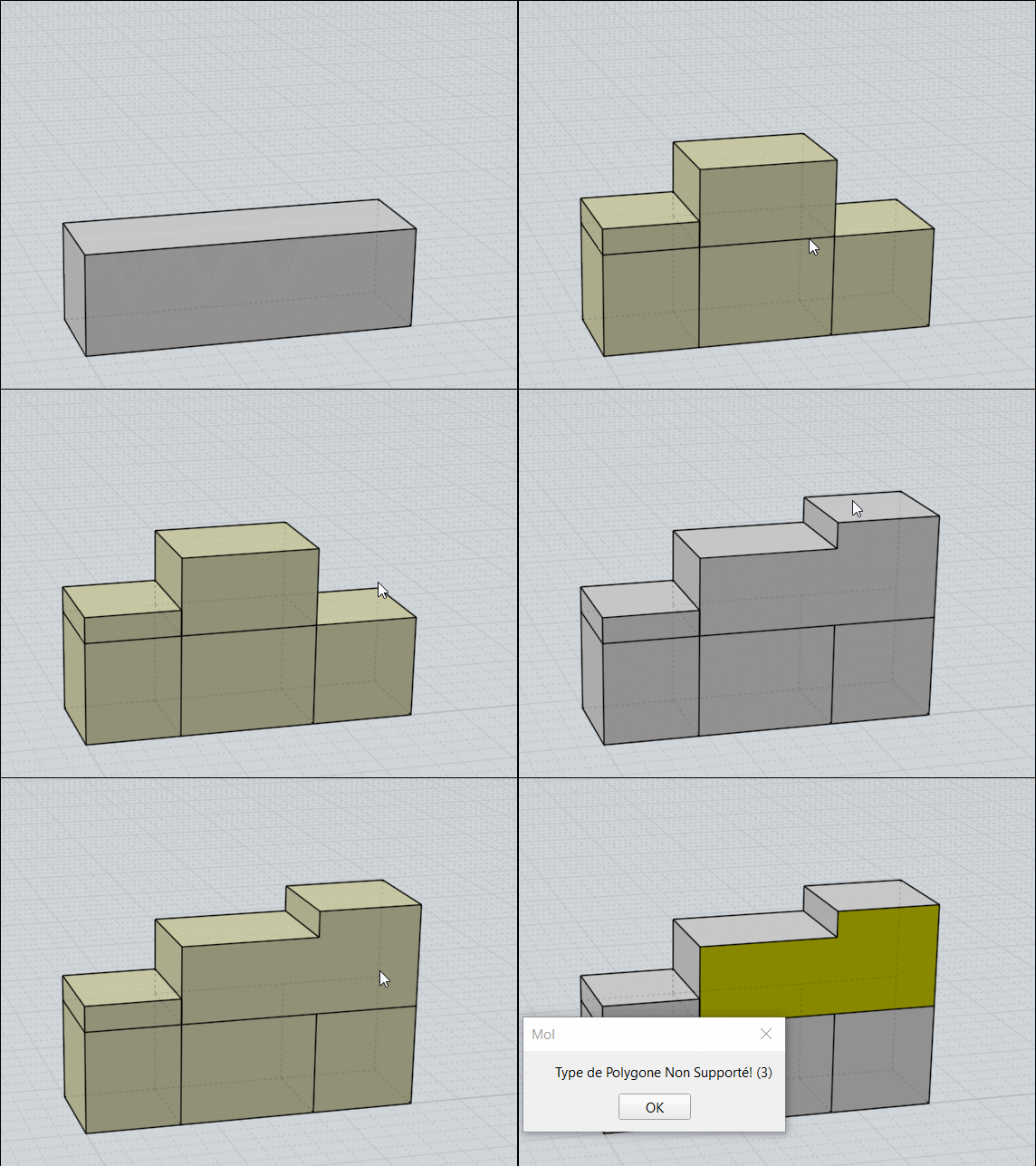
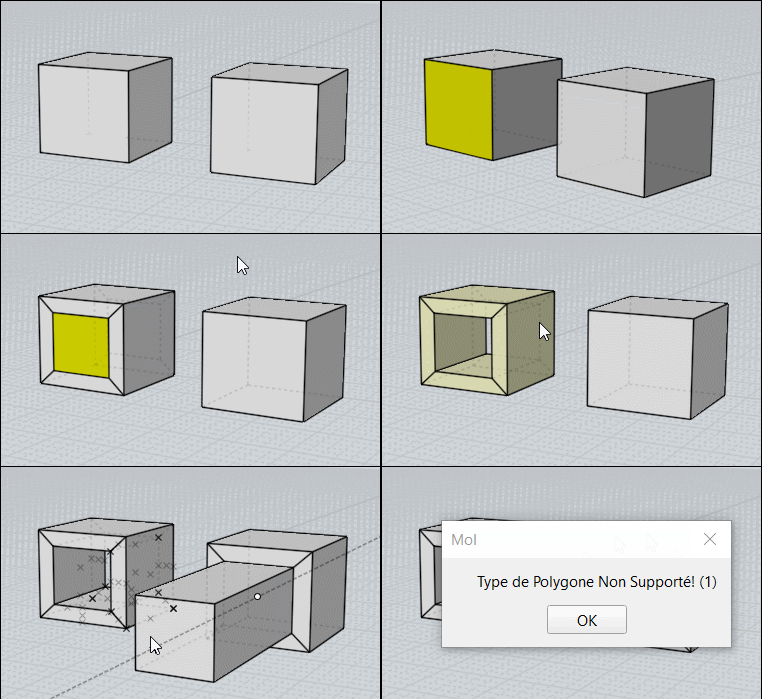
Careful!
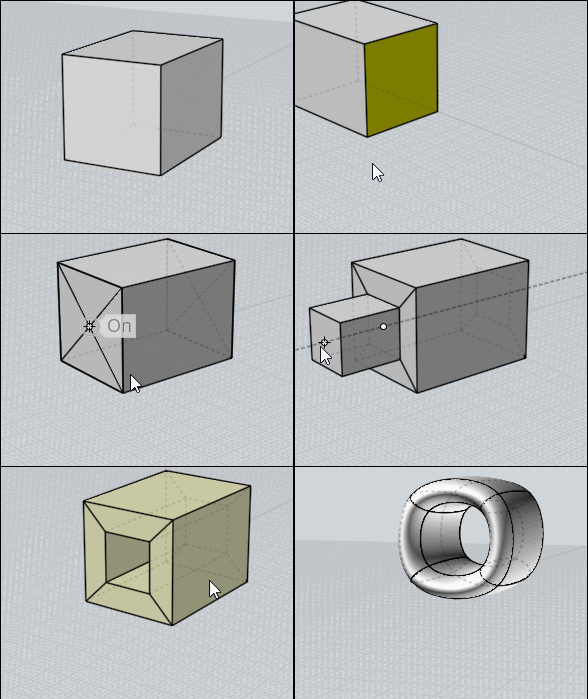
Extrude don't make suddivisable objects in some cases!

Use Bridge between 2 faces! (Bridge on the Left, Extrude on the Right)

  Reply Reply More Options
Post Options
Reply as PM Reply as PM
Print Print
Mark as unread Mark as unread
Relationship Relationship
IP Logged

Previous
Next
 From:  Frenchy Pilou (PILOU)
9689.39 
So the trick is to split the 2 faces before! ;) (like for a Bridge)

  Reply Reply More Options
Post Options
Reply as PM Reply as PM
Print Print
Mark as unread Mark as unread
Relationship Relationship
IP Logged

Previous
Next
 From:  Frenchy Pilou (PILOU)
9689.40 
---
Pilou
Is beautiful that please without concept!
My Moi French Site My Gallery My MagicaVoxel Gallery
  Reply Reply More Options
Post Options
Reply as PM Reply as PM
Print Print
Mark as unread Mark as unread
Relationship Relationship
IP Logged

Previous
Next
 From:  Frenchy Pilou (PILOU)
9689.41 
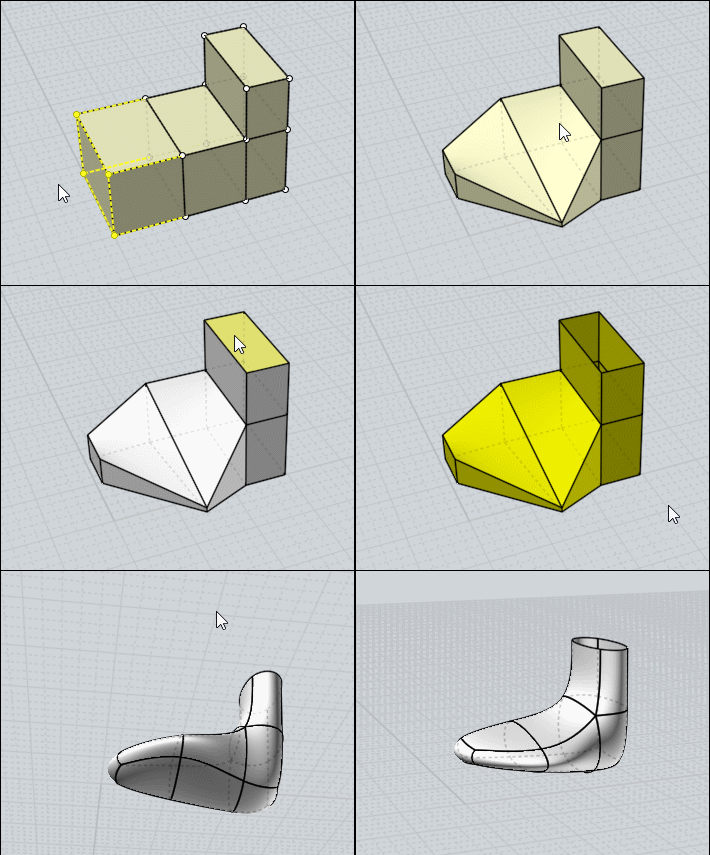
Select a Face Select All Psplit
Select each face
Extrude
Subdivide

---
Pilou
Is beautiful that please without concept!
My Moi French Site My Gallery My MagicaVoxel Gallery
  Reply Reply More Options
Post Options
Reply as PM Reply as PM
Print Print
Mark as unread Mark as unread
Relationship Relationship
IP Logged

Previous
Next
 From:  Frenchy Pilou (PILOU)
9689.42 


---
Pilou
Is beautiful that please without concept!
My Moi French Site My Gallery My MagicaVoxel Gallery
  Reply Reply More Options
Post Options
Reply as PM Reply as PM
Print Print
Mark as unread Mark as unread
Relationship Relationship
IP Logged

Previous
Next
 From:  Frenchy Pilou (PILOU)
9689.43 
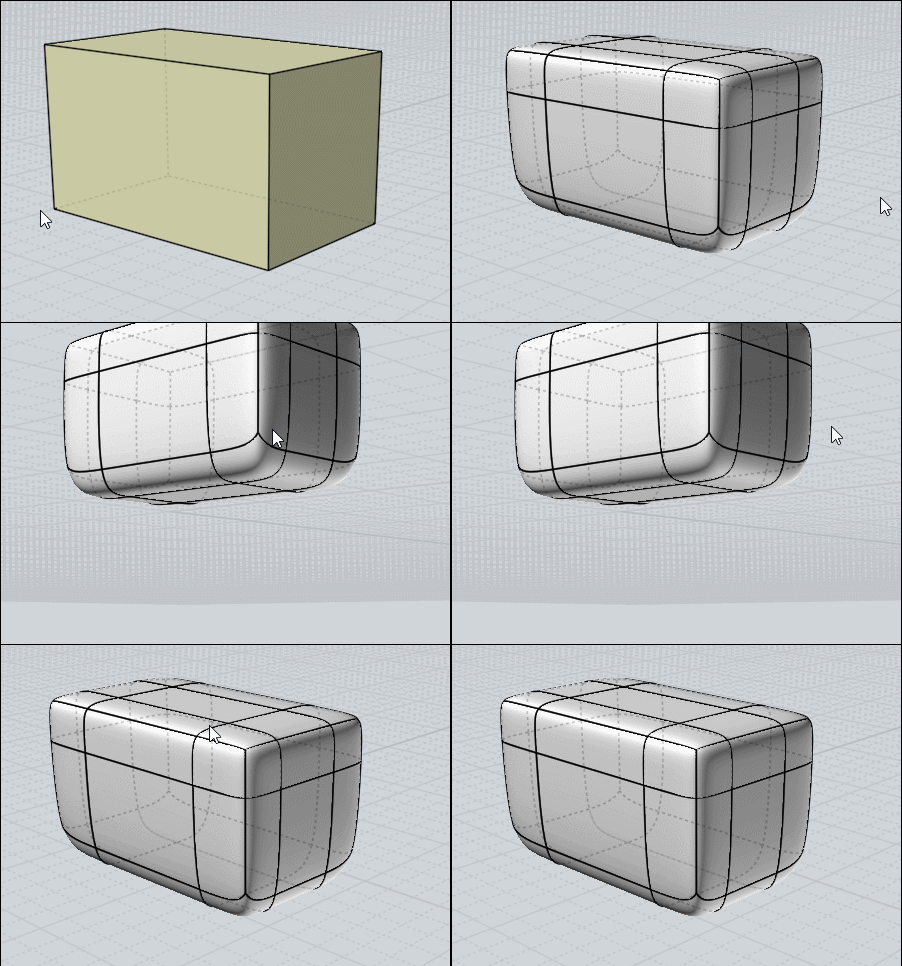
If a shell had no problem you can make multiple Subdivisions for refine the volume!

---
Pilou
Is beautiful that please without concept!
My Moi French Site My Gallery My MagicaVoxel Gallery
  Reply Reply More Options
Post Options
Reply as PM Reply as PM
Print Print
Mark as unread Mark as unread
Relationship Relationship
IP Logged

Previous
Next
 From:  Frenchy Pilou (PILOU)
9689.44 
For "crease" a face with the classic "Polygonal" method...


else playing with the Sscale...
  Reply Reply More Options
Post Options
Reply as PM Reply as PM
Print Print
Mark as unread Mark as unread
Relationship Relationship
IP Logged

Previous
Next
 From:  Barry-H
9689.45 In reply to 9689.39 
Pilou,
are you splitting the faces manual ?
Barry


Attachments:

  Reply Reply More Options
Post Options
Reply as PM Reply as PM
Print Print
Mark as unread Mark as unread
Relationship Relationship
IP Logged

Previous
Next
 From:  Frenchy Pilou (PILOU)
9689.46 In reply to 9689.45 
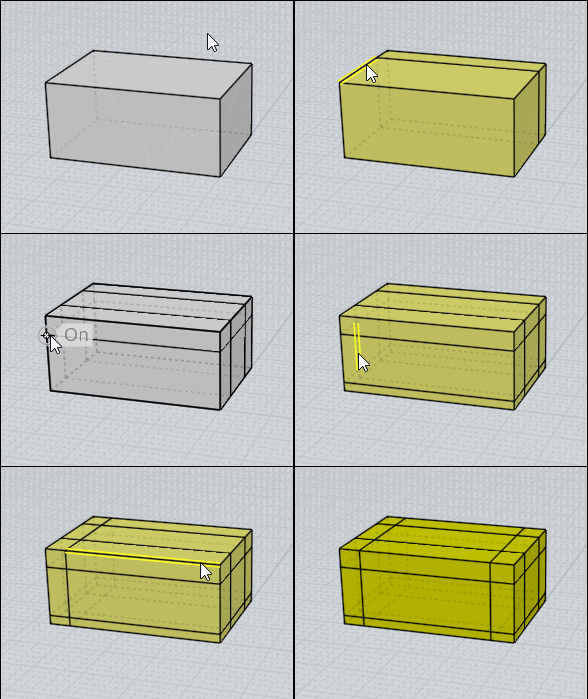
Oh no! You have the magic function Ssplit with selection of one(s) face(s) (your image above)

Of course make a shortcut for a speedy race ;)
mine are P = SsPlit, E = Extrude, K = Subdivide, S = Sscale , B = Bridge
With only that you can make miracles! :) (I can't memorize more! :)

Here only 2 faces in the same time!
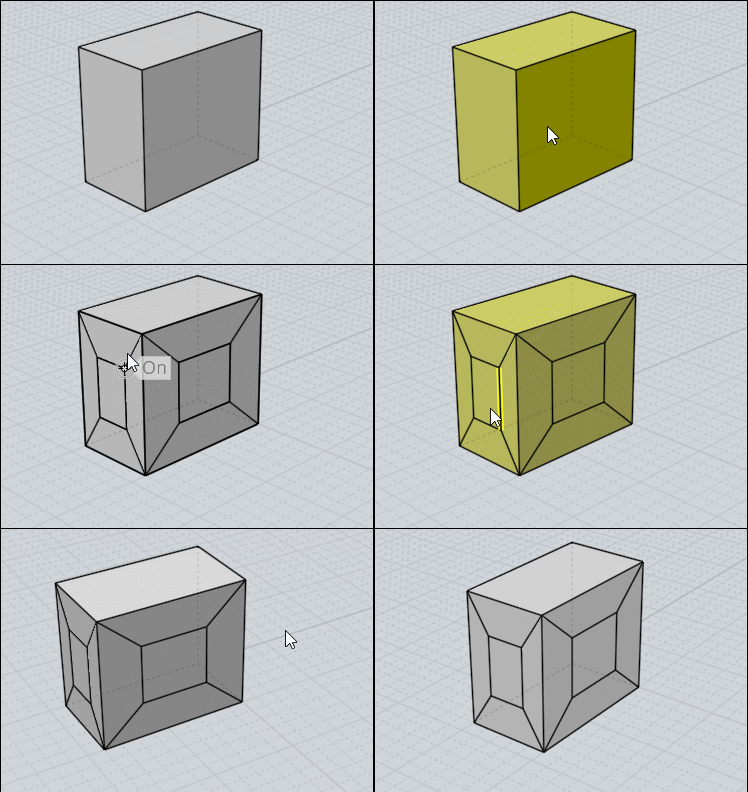


Like here all faces are splitted in the same time!
But you must select one face first then all the rest with for example the rectangle selection!
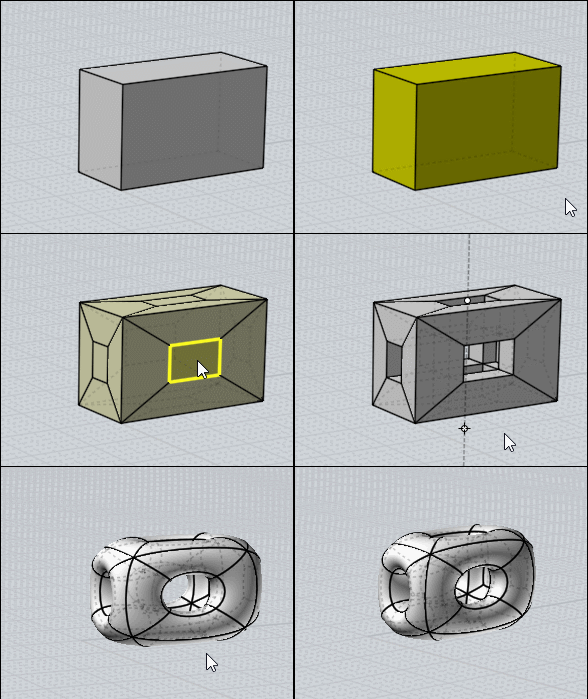


By hands will be a nightmare : drawings lines, Triming, etc...

or only one edge for "SPlit" all the volume!
Here split edge one by one (very cool to make a right Click for recall the function after a new edge selection! ;)
EDITED: 10 Mar 2020 by PILOU

  Reply Reply More Options
Post Options
Reply as PM Reply as PM
Print Print
Mark as unread Mark as unread
Relationship Relationship
IP Logged

Previous
Next
 From:  Barry-H
9689.47 In reply to 9689.46 
Hi Pilou,
having selected 2 faces on a cube and then running the sSplit command I get this.


Sorted have download the sSplit script from Max's website and replaced the one in my command folder and now working fine.
Thanks
Barry

EDITED: 10 Mar 2020 by BARRY-H

Attachments:

  Reply Reply More Options
Post Options
Reply as PM Reply as PM
Print Print
Mark as unread Mark as unread
Relationship Relationship
IP Logged

Previous
Next
 From:  Frenchy Pilou (PILOU)
9689.48 
Always amazed as little forms can do in no time! :)

  Reply Reply More Options
Post Options
Reply as PM Reply as PM
Print Print
Mark as unread Mark as unread
Relationship Relationship
IP Logged
 

Reply to All Reply to All


Show messages:  1-8  9-28  29-48  49-68  69-88  89-108  109-120