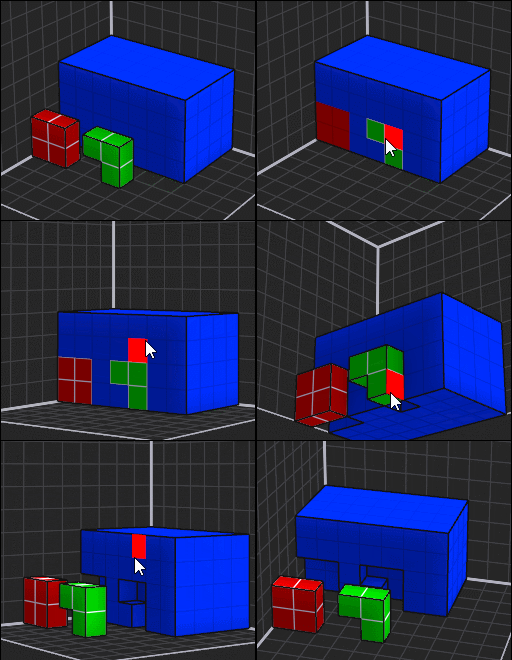
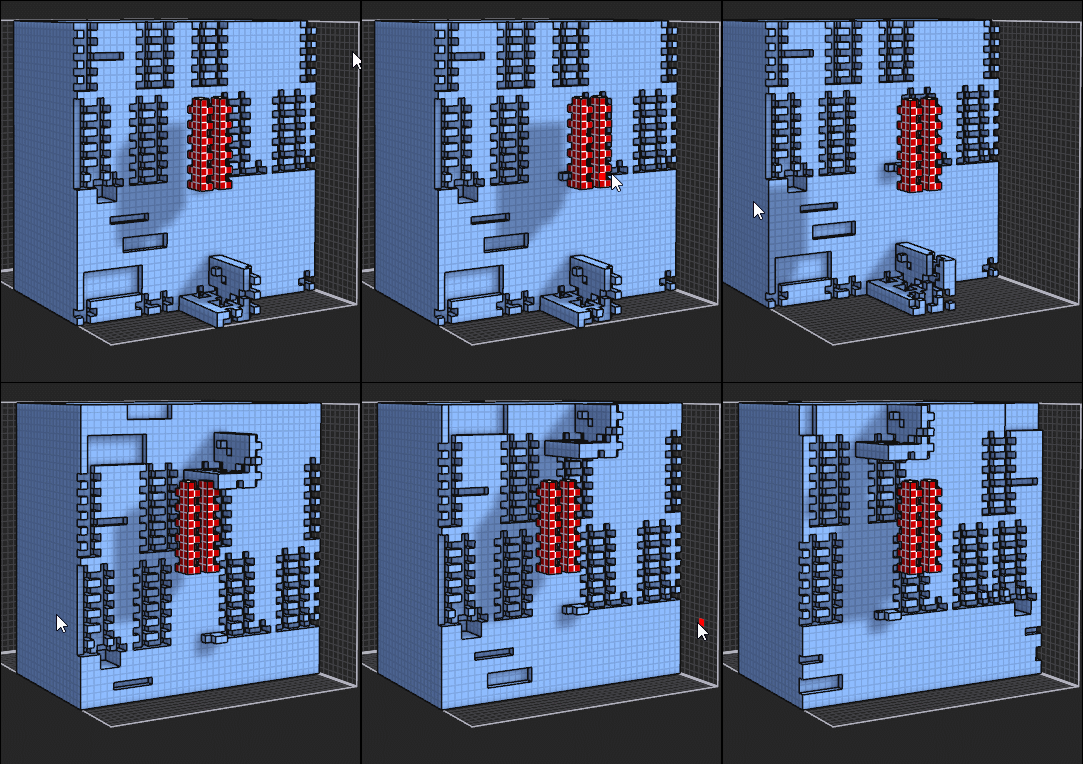
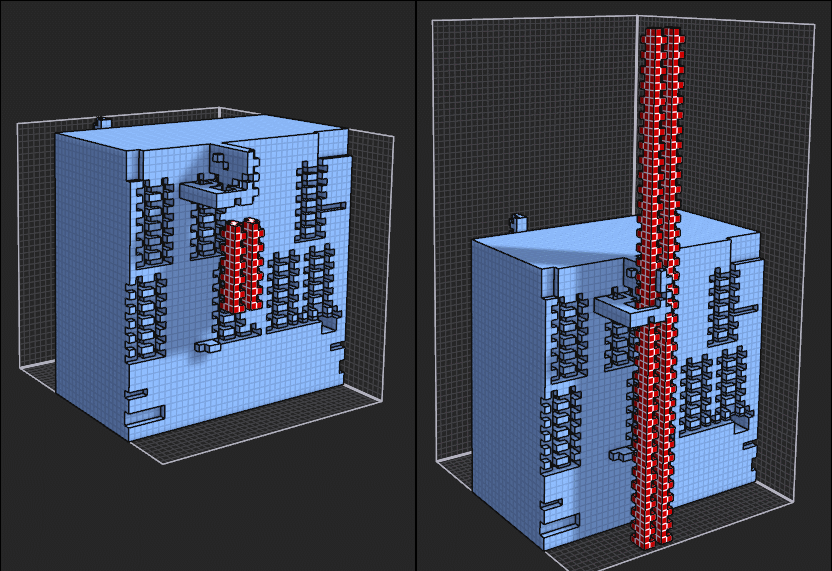
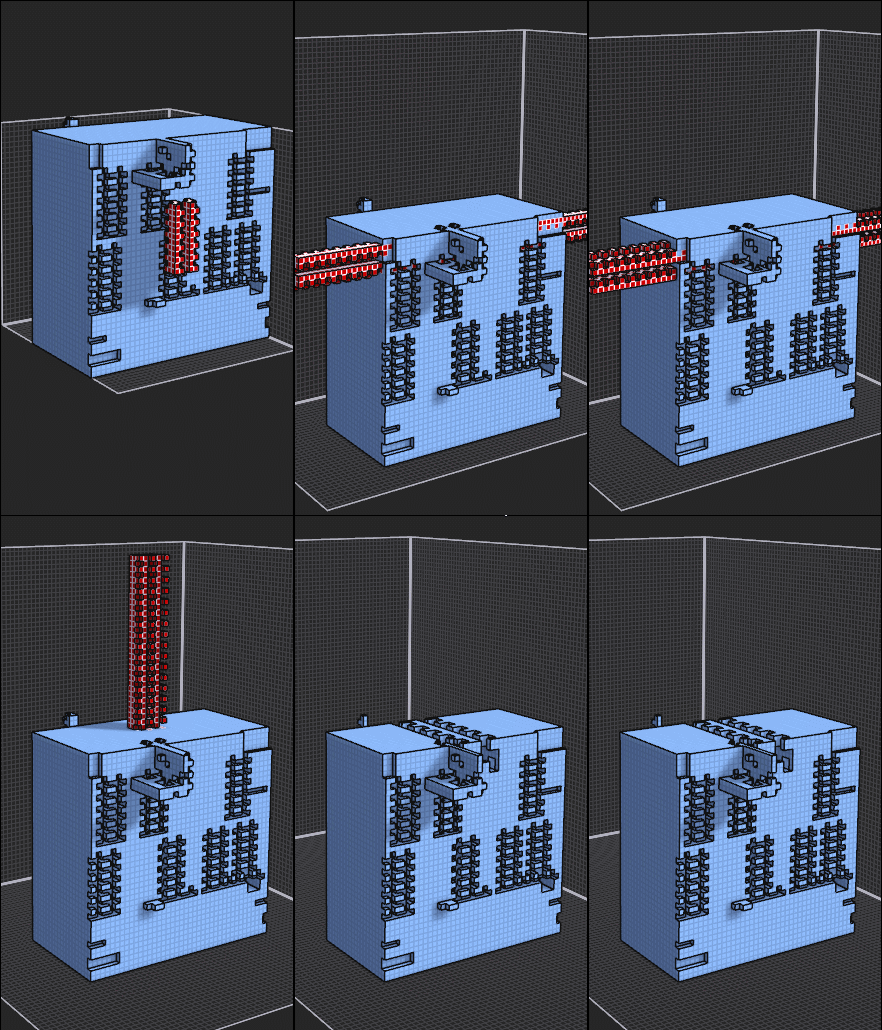
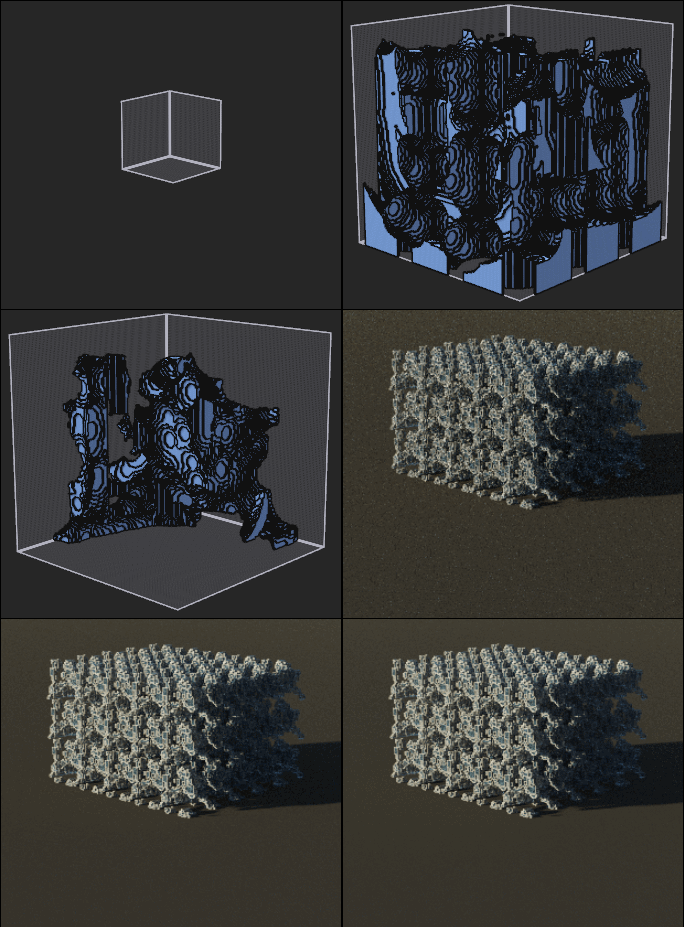
How to ? :)
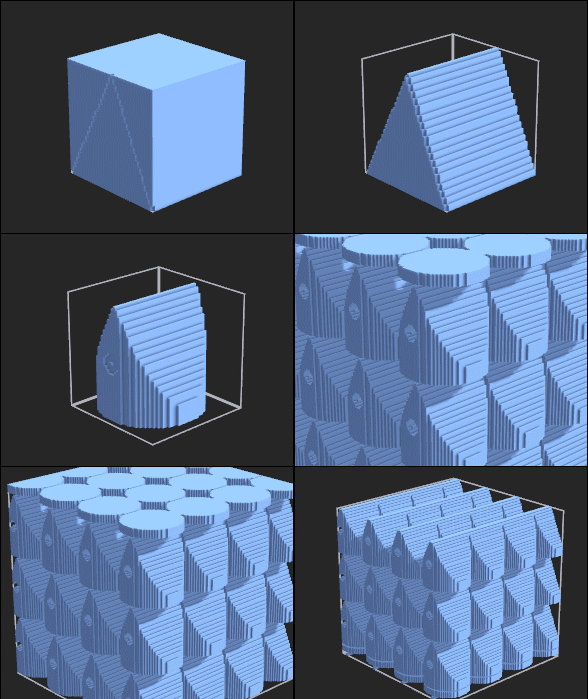
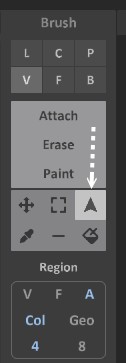
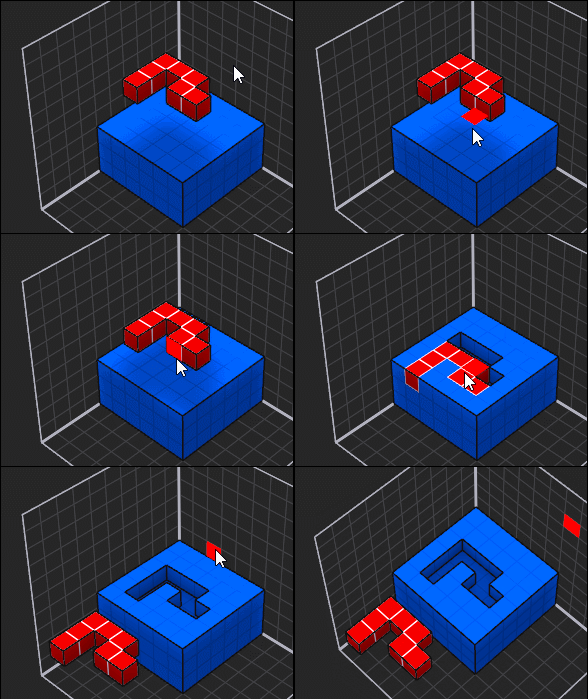
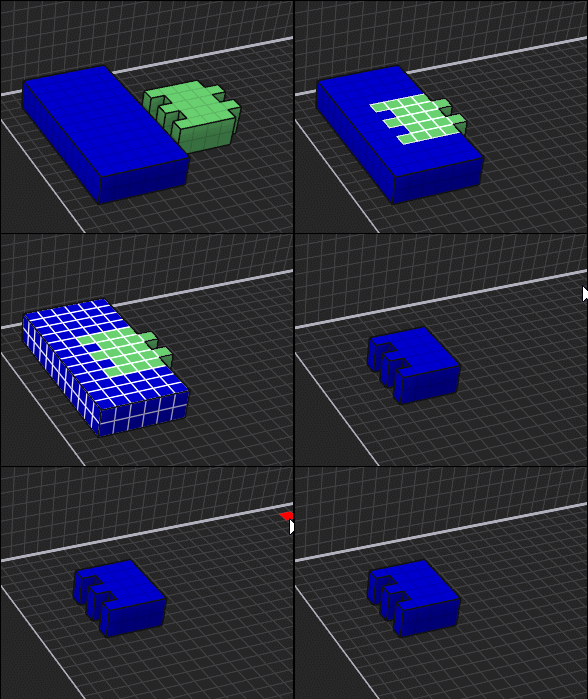
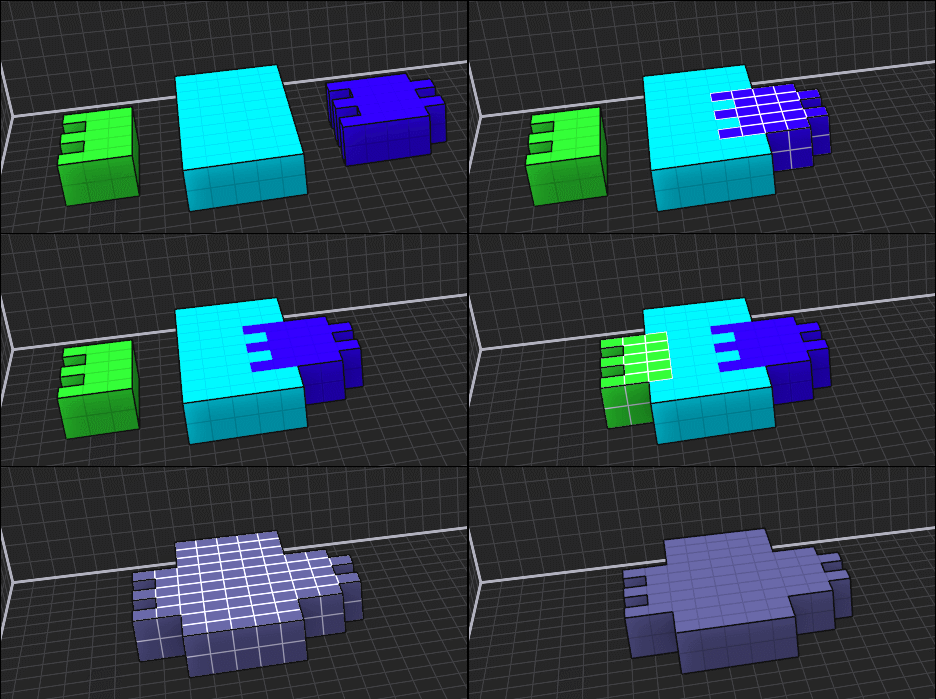
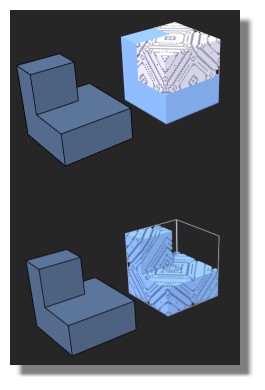
Matrix by default 40 40 40 - Cube - 2 Lines (straight) - eRase - Face - X(Ctrl+1) - Circle under the base - eRase - Face - Z (Ctrl + 3)
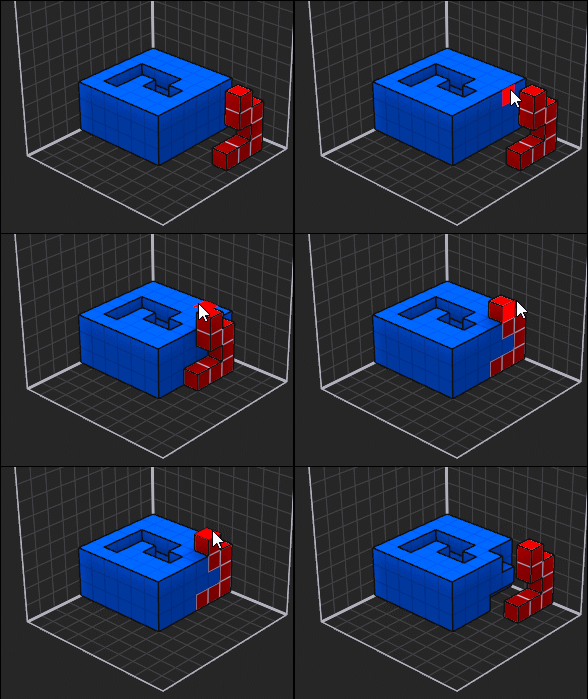
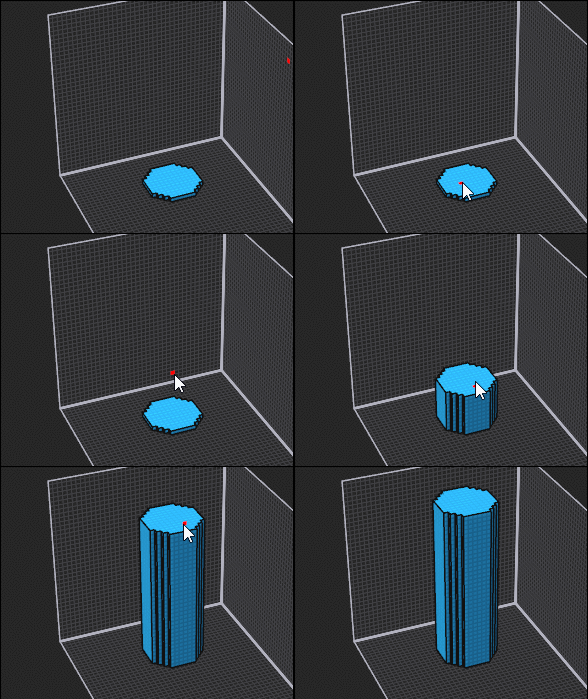
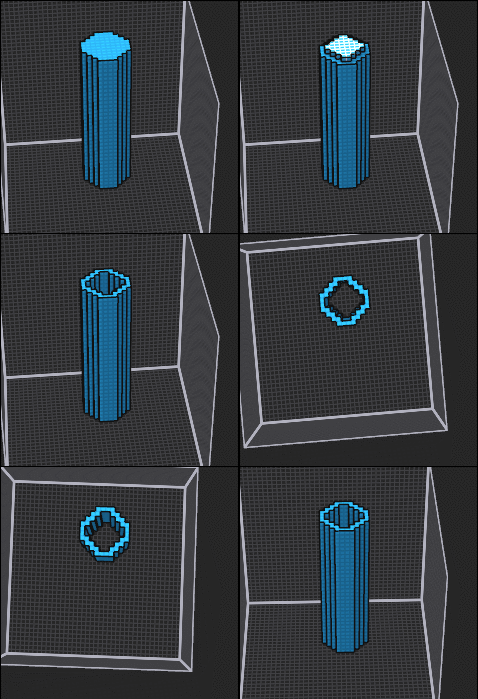
Circle on lateral face -eRase - Face - X(Ctrl+1) - repeat 5 - Ctrl on the object for glide on Z for move the circle hat!
(all by buttons and/ shortcuts)
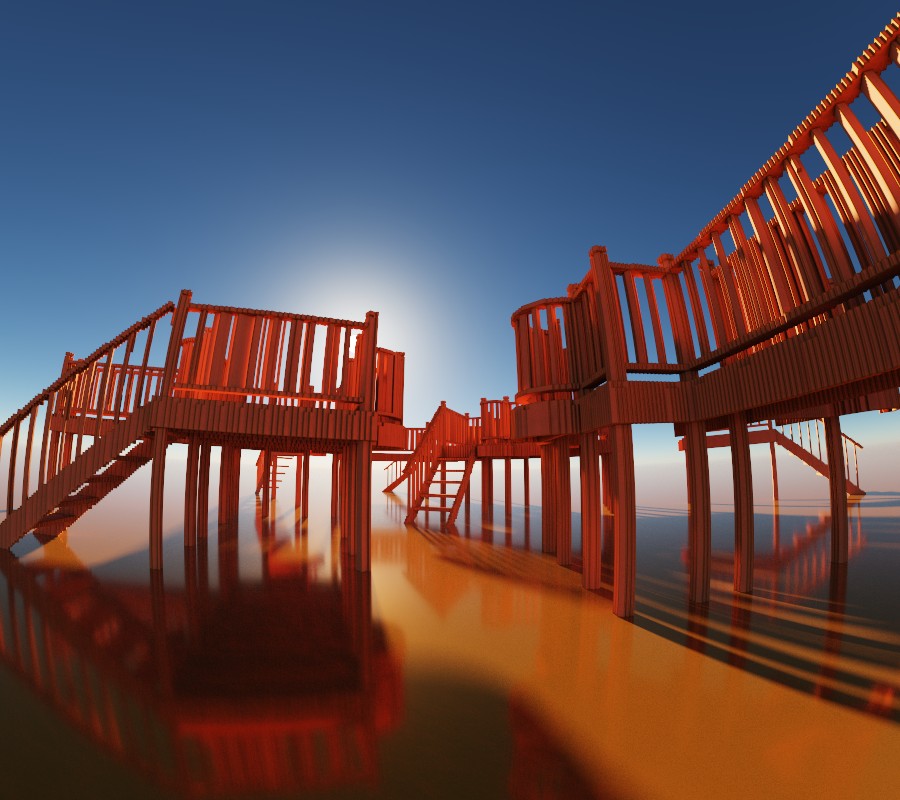
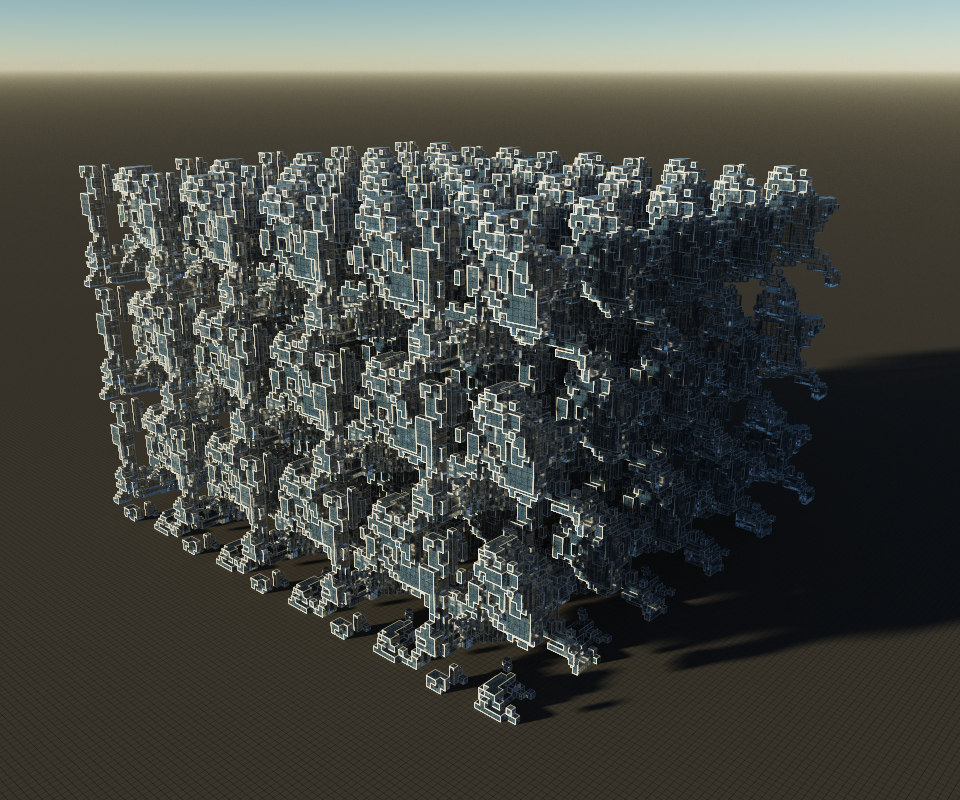
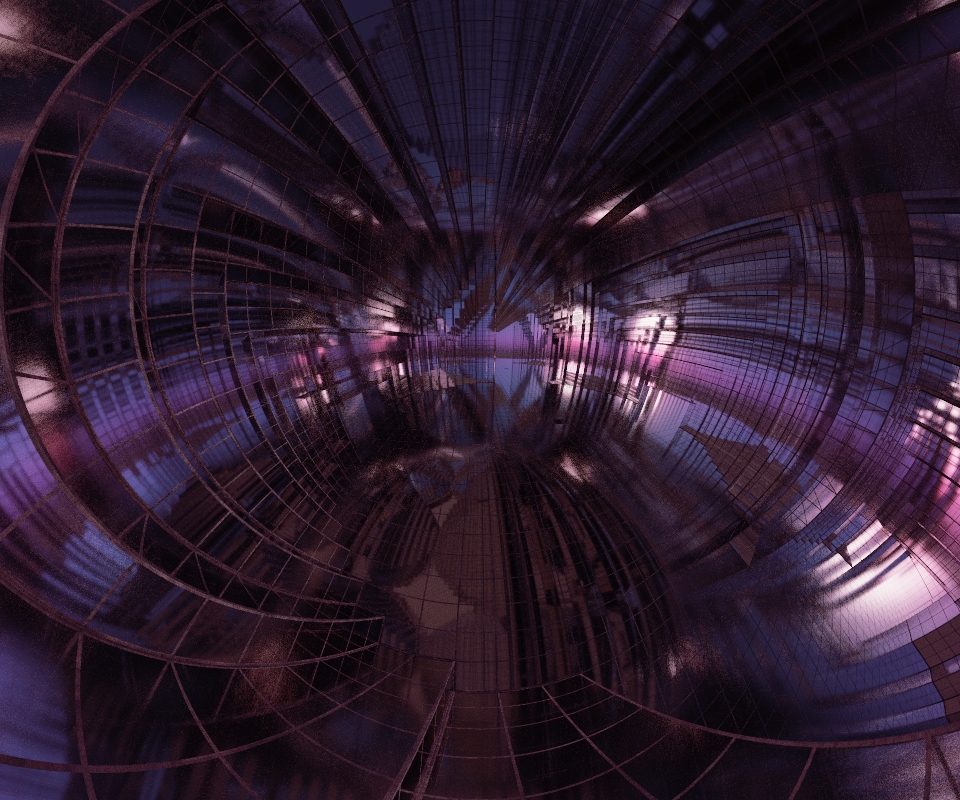
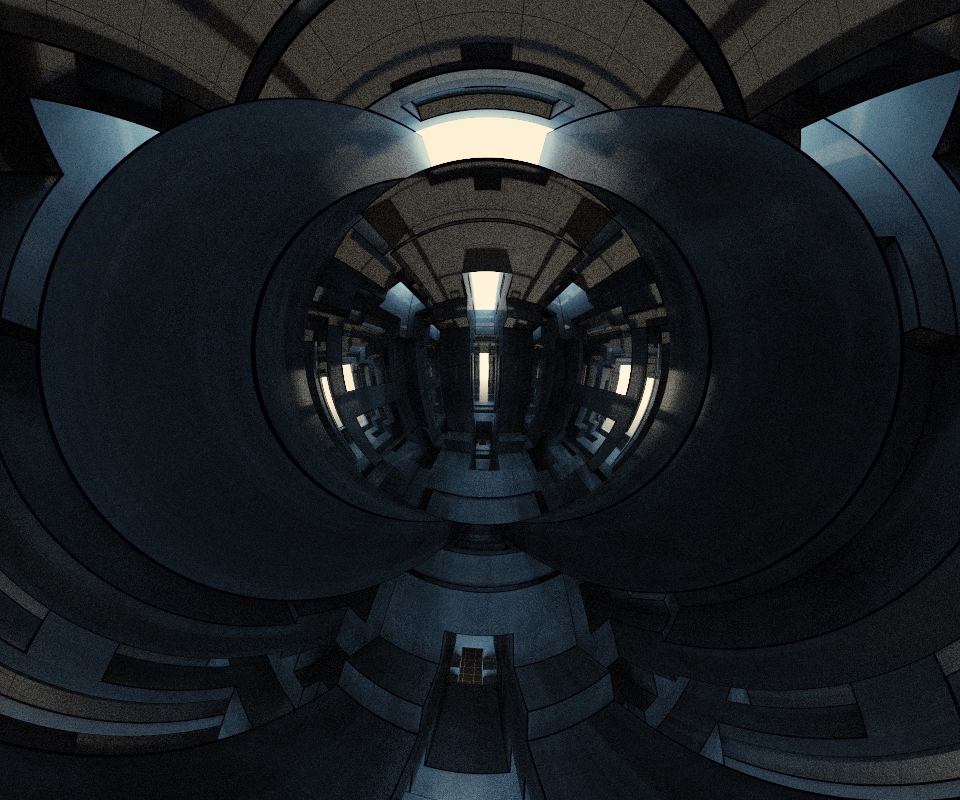
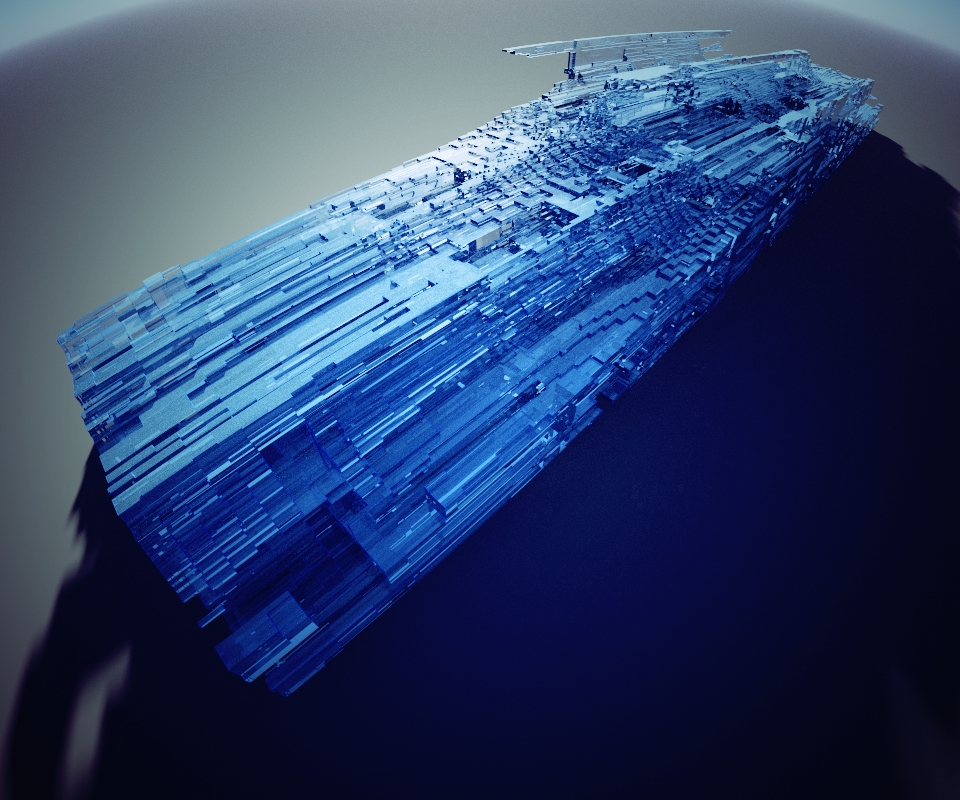
and all we have to do is play with the rendering parameters!
For the rendering and position of the camera it's up to you! :)
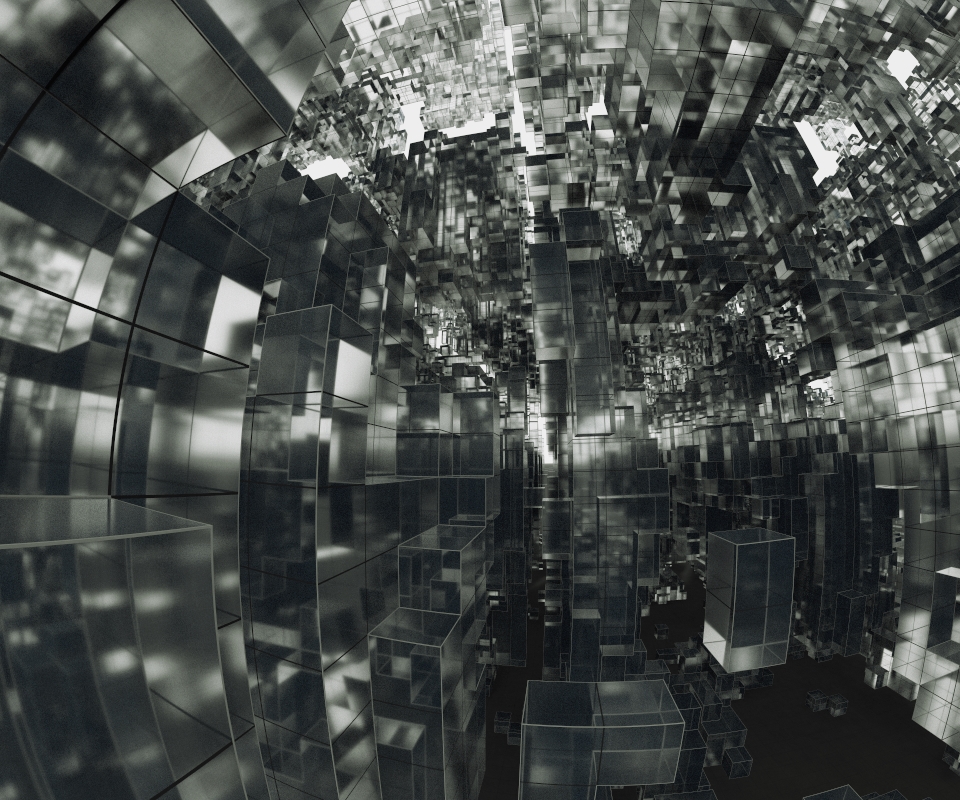
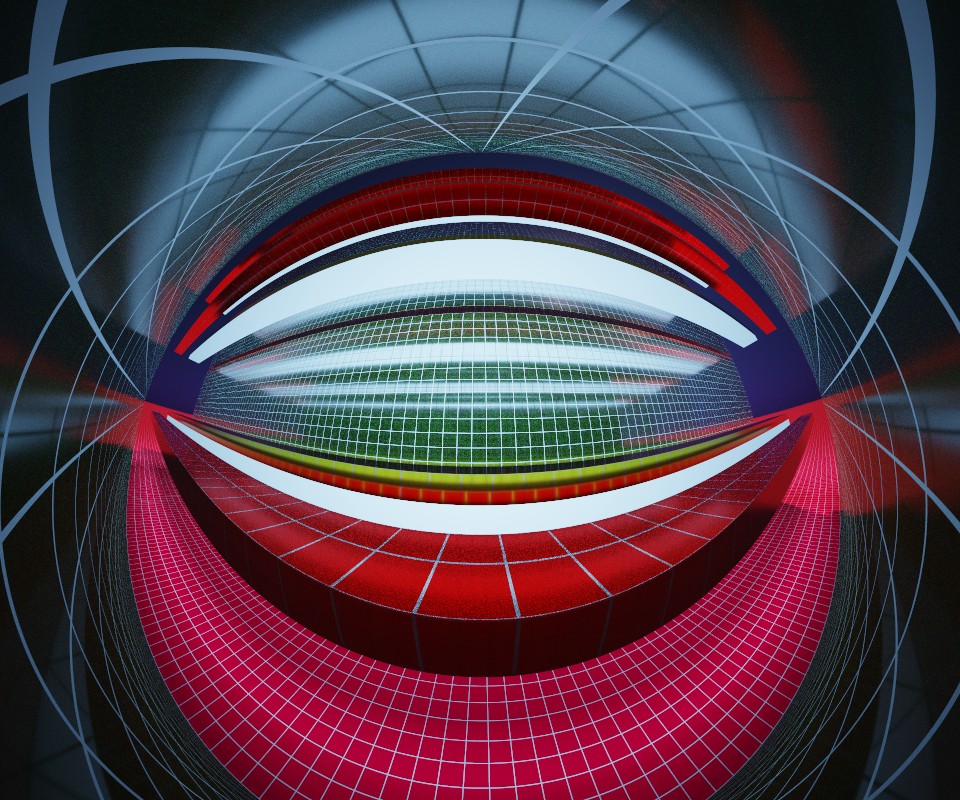
Colours/thickness of edges, grids, transparent materials, lighting, elongations on x,y,z, Stereographic projection!
120 above or 220 as follow for example for Stereographic projection
In one minute it's settled!
Only with this kind of shape it is the infinite possibilities!)
The longest one is actually the rendering time: 20 seconds depending on the machines and the size of the image!
 |