Moi3D to MagicaVoxel
 1-20  21-40  41-44

Previous
Next
 From:  Frenchy Pilou (PILOU)
9096.21 
Ok I have the full workflow for any .OBJ from Moi3D (or any packages! ;) to the crazy MagicaVoxel! :) (for Pc) I suppose that will be some similar for Mac! ;)

No need to make difficult triming of volumes as decribed above! :)

Thanks to Patrick Min (BinVox - ViewVox) & Zarbuz (SchematicToVox)
https://web.archive.org/web/20131022164842/http://www.patrickmin.com/minecraft/ for detail
and here for the complete "Vox_package" https://minecraft.gamepedia.com/Programs_and_editors/Binvox (BinVox +ViewVox)

For SchematicToVox https://github.com/Zarbuz/SchematicToVox/releases (works also for any image PNG 256 colors)

Put the OBJ inside the folder of the "Vox_package"
If your folder Vox_package is on your DeskTop : Key "Logo Windows" + R and enter the following line (except Pilou of course :)
C:\Users\Pilou\Desktop\Vox_package\binvox.exe -d 768 loco.obj (maxi can be 1024 for the 768)

you will obtain an loco.binvox
Drag this loco.binvox on viewvox.exe for verify the result!

again Key "Logo Windows" + R and enter the following line (except Pilou of course :)
C:\Users\Pilou\Desktop\Vox_package\binvox.exe -t schematic loco.obj
you will obtain a loco.schematic

Inside the folder of SchematicToVox Key "Logo Windows" + R and enter the following line

​​C:\Users\Pilou\Desktop\SchematicToVox-v1.0\SchematicToVox.exe --i loco.schematic --o loco (except Pilou of course :)
you will obtain a loco.vox

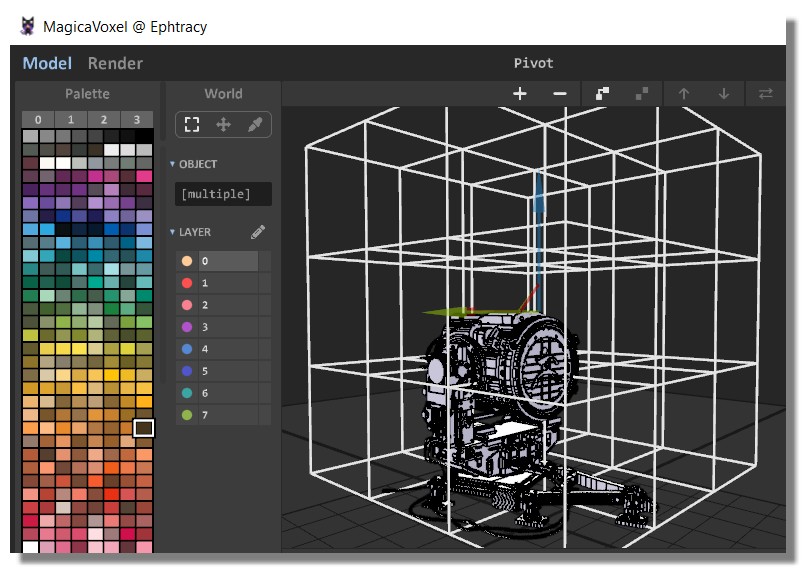
Launch MagicaVoxel and Load loco.vox

That all :)

Have fun!

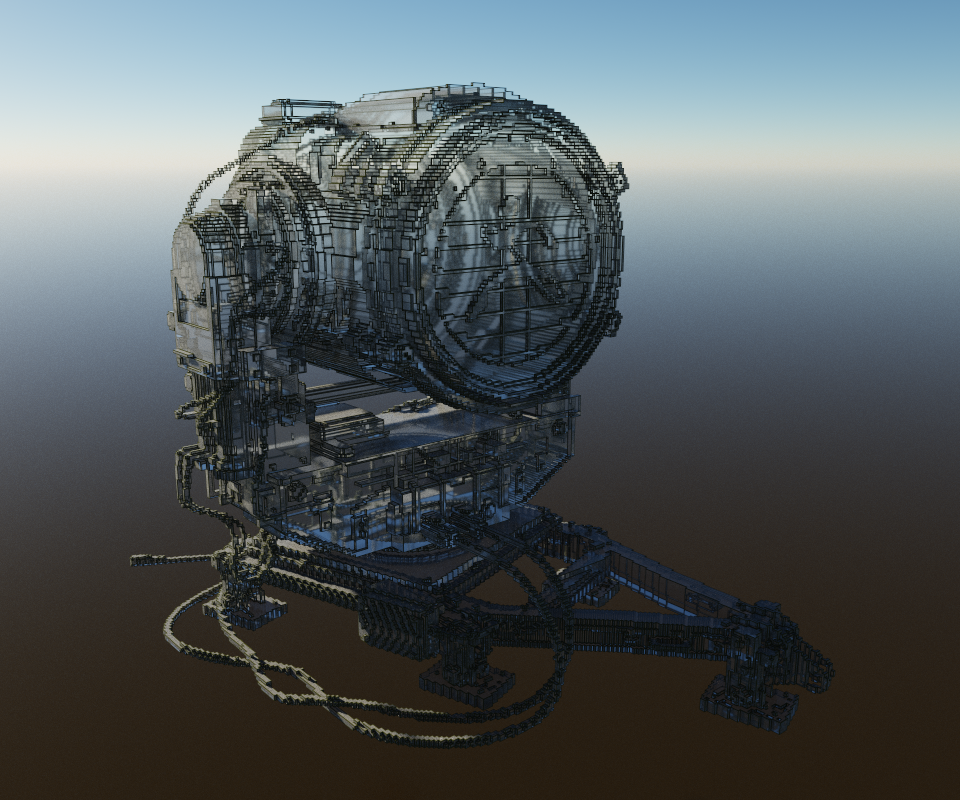
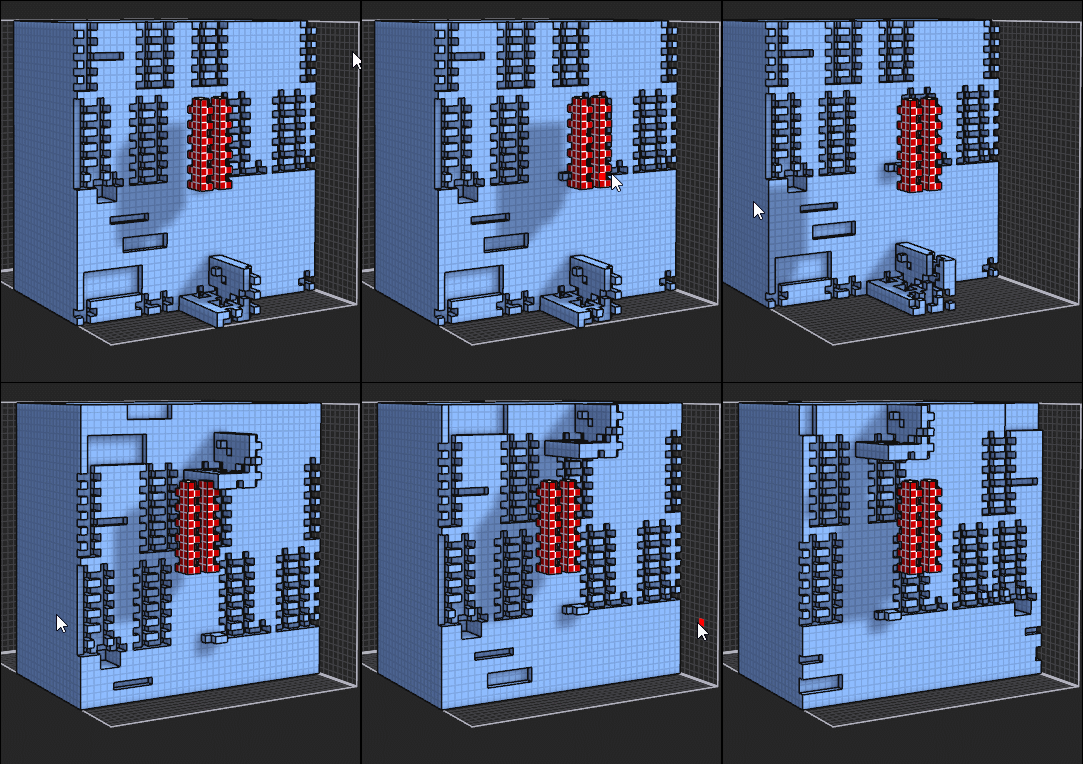
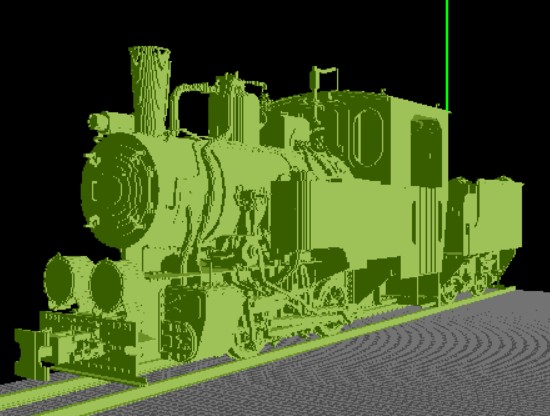
Loco Model T2-71 obj found on the Net - I don't know the author! :(

In ViewVox (5 millions of cubes !)

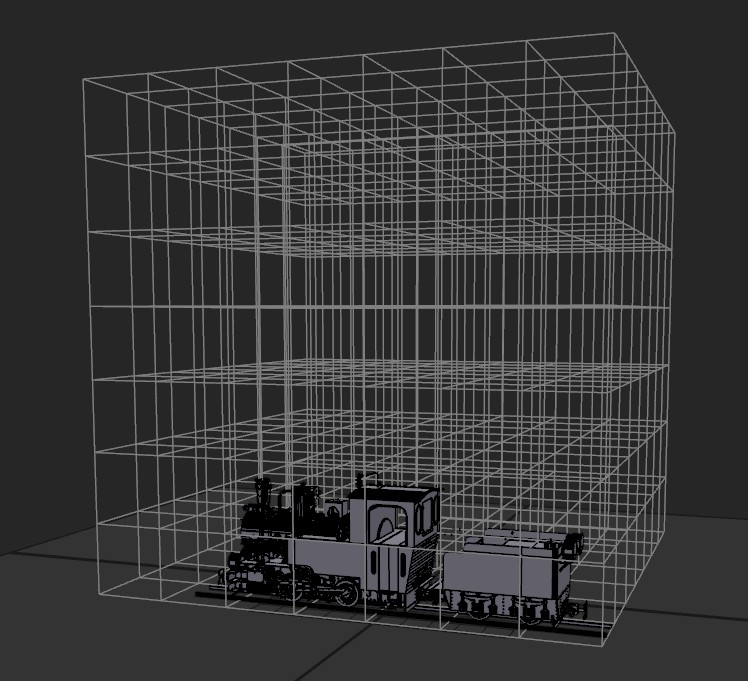
In MagicaVoxel : Each cubic matrix 126 * 126 *126

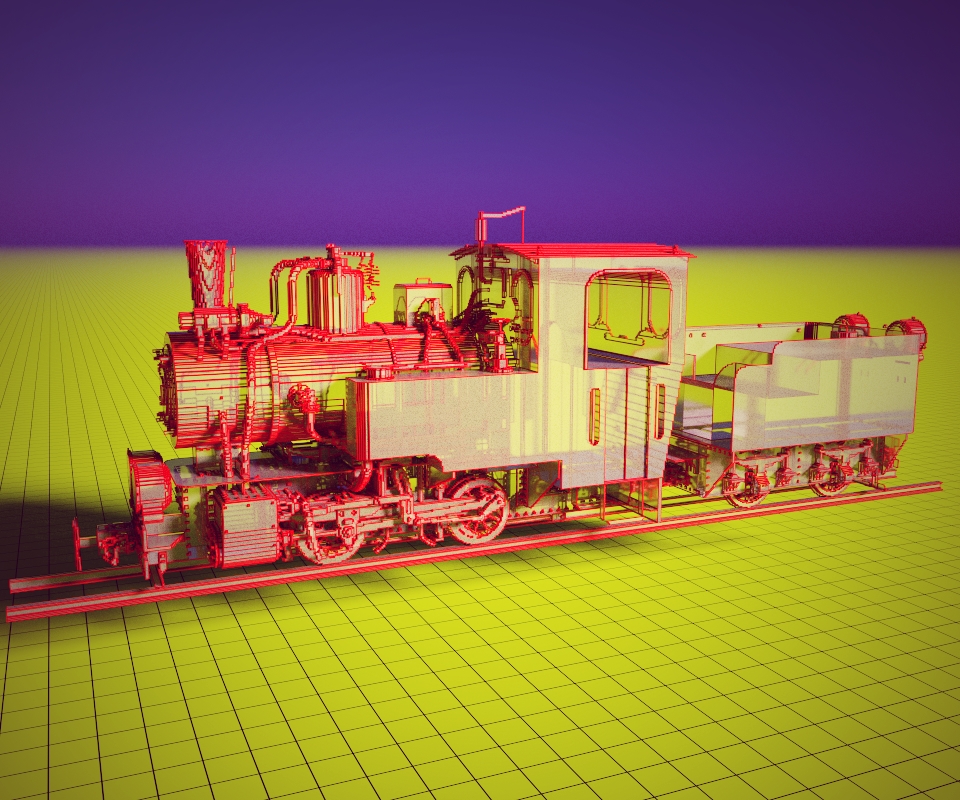
Play with the render :)
EDITED: 29 Nov 2018 by PILOU

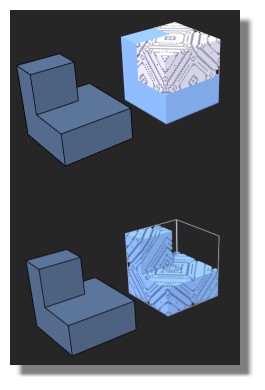
  Reply Reply More Options
Post Options
Reply as PM Reply as PM
Print Print
Mark as unread Mark as unread
Relationship Relationship
IP Logged

Previous
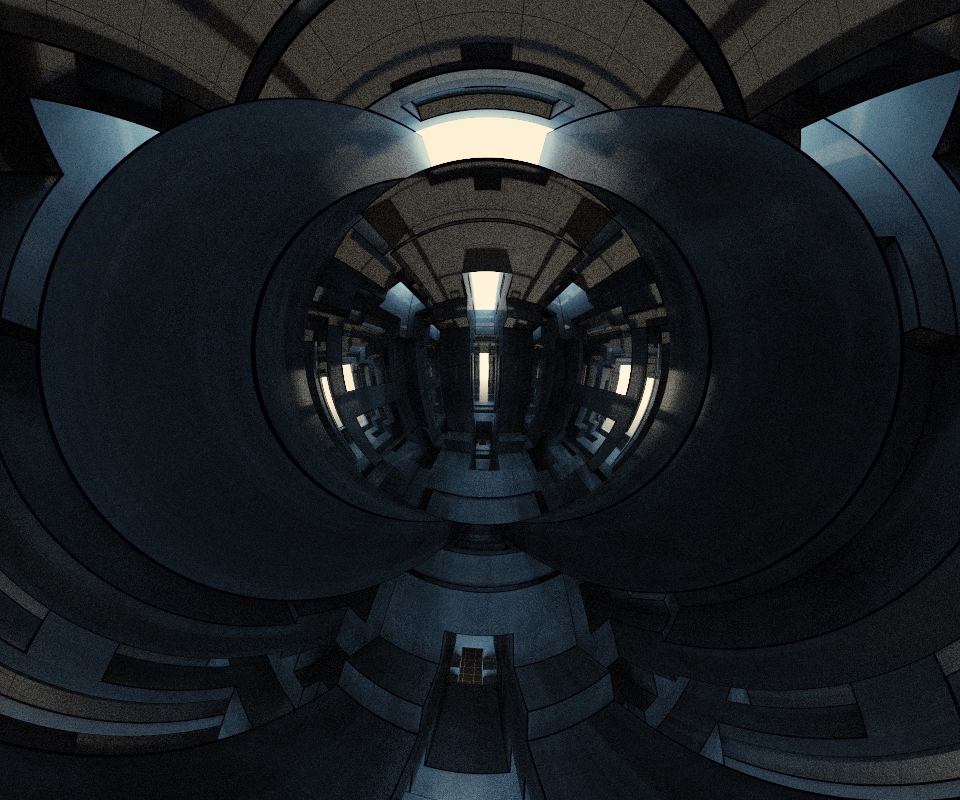
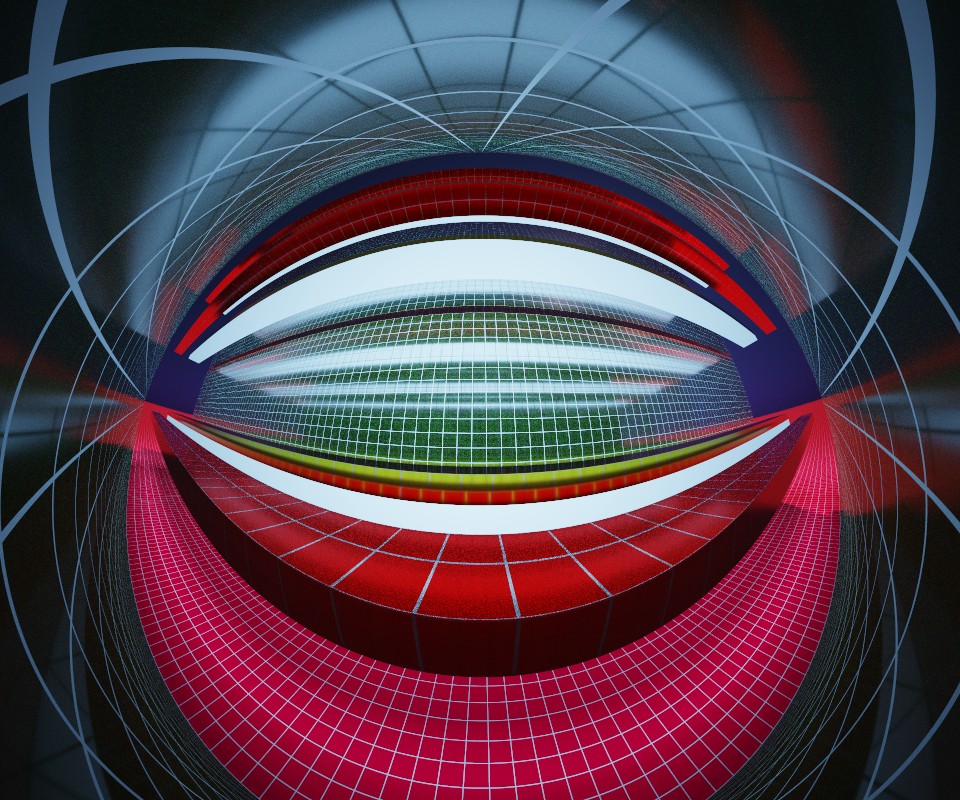
Next
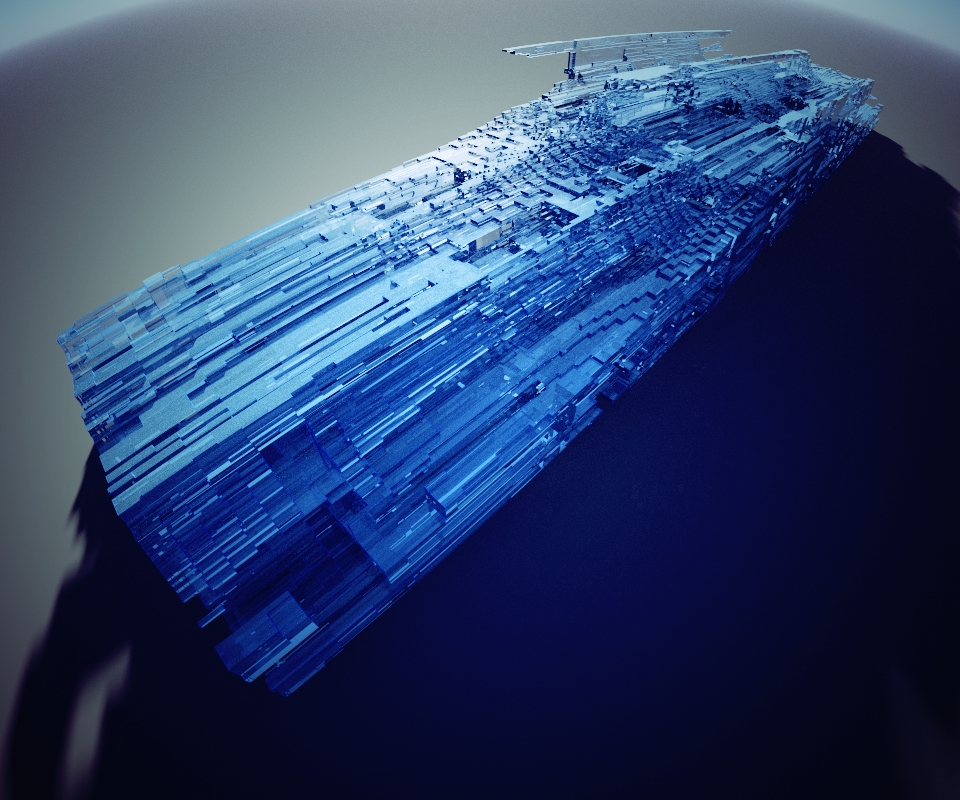
 From:  mkdm
9096.22 In reply to 9096.21 
I just pinned this post!!

Thanks a lot Pilou for all your sharings!!

- Marco (mkdm)
My Procreate portfolio
  Reply Reply More Options
Post Options
Reply as PM Reply as PM
Print Print
Mark as unread Mark as unread
Relationship Relationship
IP Logged

Previous
Next
 From:  amur (STEFAN)
9096.23 
Hi Pilou,

do you have also contact with the Developer of MagicaVoxel?

I ask because i was wondering why MagicaVoxel Viewer can read
.schematics files and why not MagicaVoxel? This would be imho
cool too, if MagicaVoxel could read them as well, then there would be
no need for the workflow you show.

Regards
Stefan
  Reply Reply More Options
Post Options
Reply as PM Reply as PM
Print Print
Mark as unread Mark as unread
Relationship Relationship
IP Logged

Previous
Next
 From:  Frenchy Pilou (PILOU)
9096.24 In reply to 9096.23 
@Stefan
sure ...but...
No contact...it's a mysterious coder! :)
You must have twitter for some improbable contacts!) https://twitter.com/ephtracy

The thing the more uncomprehensive is that MineCraft (who has millions of players) has not a decent OBJ to schematic!
it's not the spirit to use something yet built!

And till now you must make that i made!
And it's not entierely perfect because if you use too biggest files (like ZBrush file) you have some luck to have no success!
We are waiting Zarbuz a French coder for that but it's not it's present priority! :)

And i have not yet test the colors of an OBJ to shematic...
Adventure continues...:)

Ps Magicavoxel knows to load OBJ but for the moment only in 126 * 126 * 126 matrix so some decreasing resolution! ;)
Ephtracy will maybe change that when you see these images
https://twitter.com/ephtracy/status/1049117436124024832

EDITED: 30 Nov 2018 by PILOU

  Reply Reply More Options
Post Options
Reply as PM Reply as PM
Print Print
Mark as unread Mark as unread
Relationship Relationship
IP Logged

Previous
Next
 From:  amur (STEFAN)
9096.25 
Hi Pilou,

thanks for the info, much appreciated!

Regards
Stefan
  Reply Reply More Options
Post Options
Reply as PM Reply as PM
Print Print
Mark as unread Mark as unread
Relationship Relationship
IP Logged

Previous
Next
 From:  Frenchy Pilou (PILOU)
9096.26 
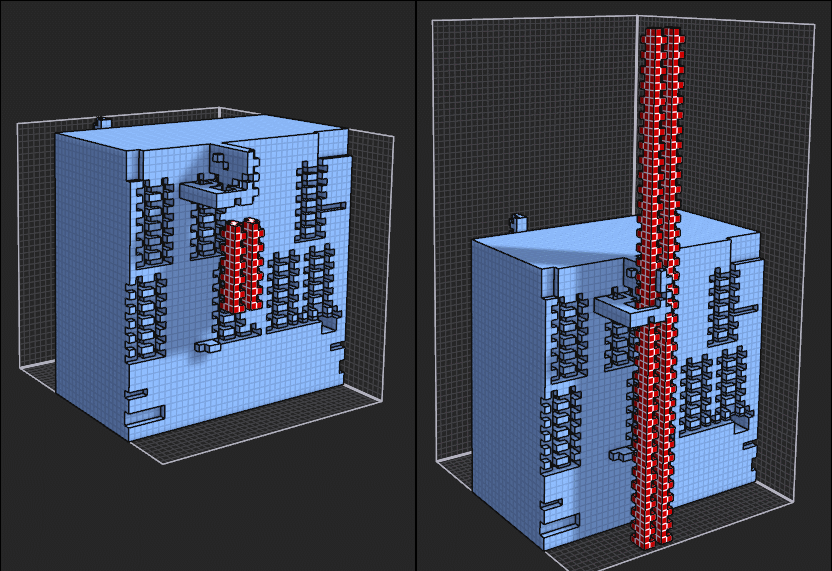
With a ZBrush object a little more complex :) : No problem !
Thx to Patrick Min (Binvox) & Zarbuz (SchematicToVox) and of course Ephtracy!

next time i will play with size of cube - i will see some parameters inside BinVox...
1.4 millions cubes


EDITED: 30 Nov 2018 by PILOU

  Reply Reply More Options
Post Options
Reply as PM Reply as PM
Print Print
Mark as unread Mark as unread
Relationship Relationship
IP Logged

Previous
Next
 From:  Frenchy Pilou (PILOU)
9096.27 
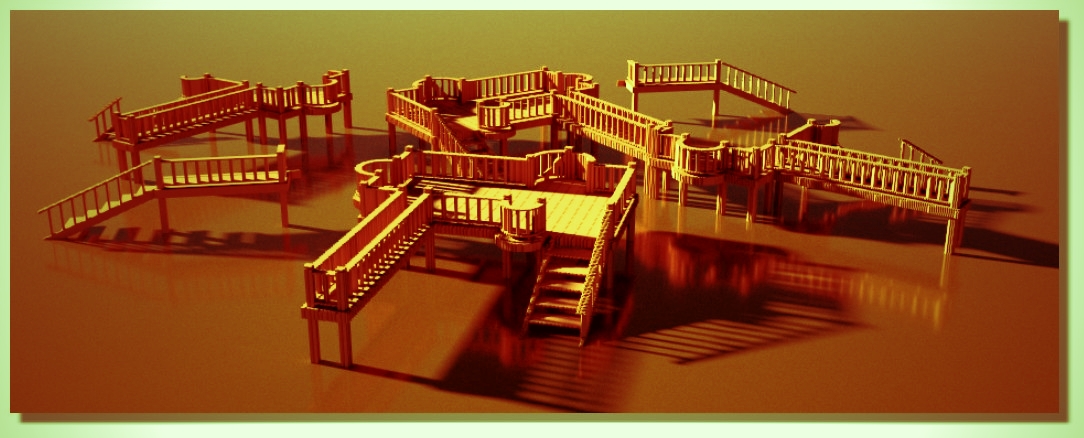
From free SketchUp 2017 with a plugin by SdMitch : you draw any horizontal surface et voilà! :)


Low Tide :)

EDITED: 1 Dec 2018 by PILOU

  Reply Reply More Options
Post Options
Reply as PM Reply as PM
Print Print
Mark as unread Mark as unread
Relationship Relationship
IP Logged

Previous
Next
 From:  Frenchy Pilou (PILOU)
9096.28 
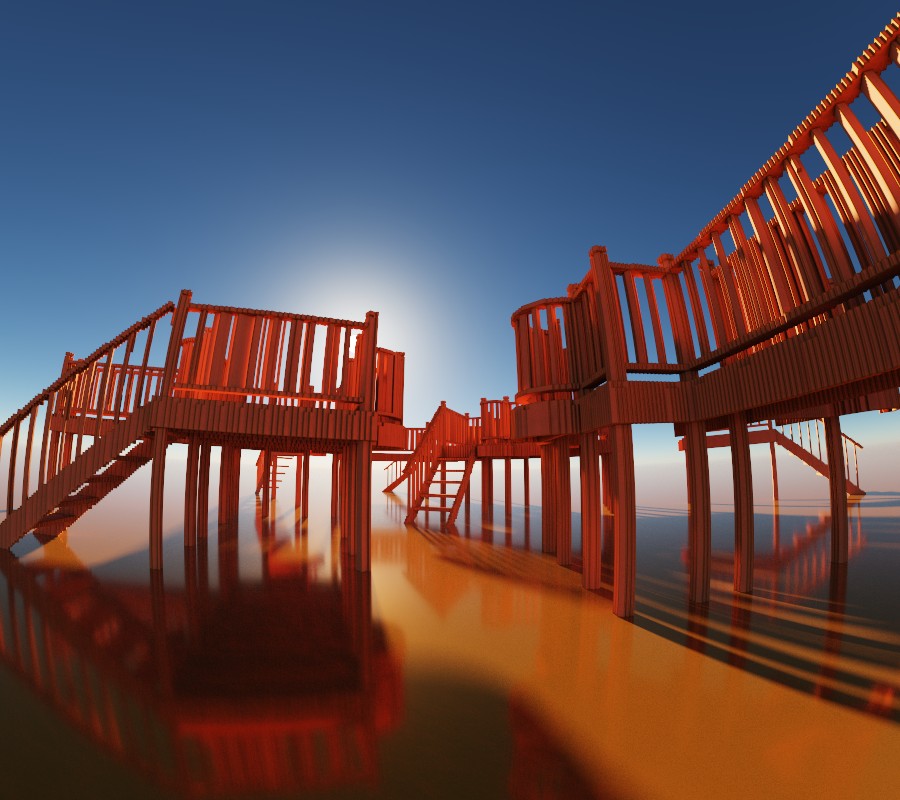
And of course infinite variations of some stereoscopic variations...

  Reply Reply More Options
Post Options
Reply as PM Reply as PM
Print Print
Mark as unread Mark as unread
Relationship Relationship
IP Logged

Message 9096.29 deleted 2 Dec 2018 by MKDM

Previous
Next
 From:  mkdm
9096.30 In reply to 9096.28 
This is really beautiful!

I like this kind of panoramic mood.

Very good camera point of view. Bravo!

- Marco (mkdm)
My Procreate portfolio
  Reply Reply More Options
Post Options
Reply as PM Reply as PM
Print Print
Mark as unread Mark as unread
Relationship Relationship
IP Logged

Previous
Next
 From:  Frenchy Pilou (PILOU)
9096.31 
Something very important that I just discover! :)

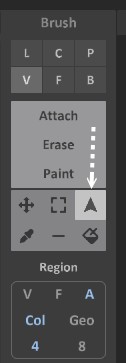
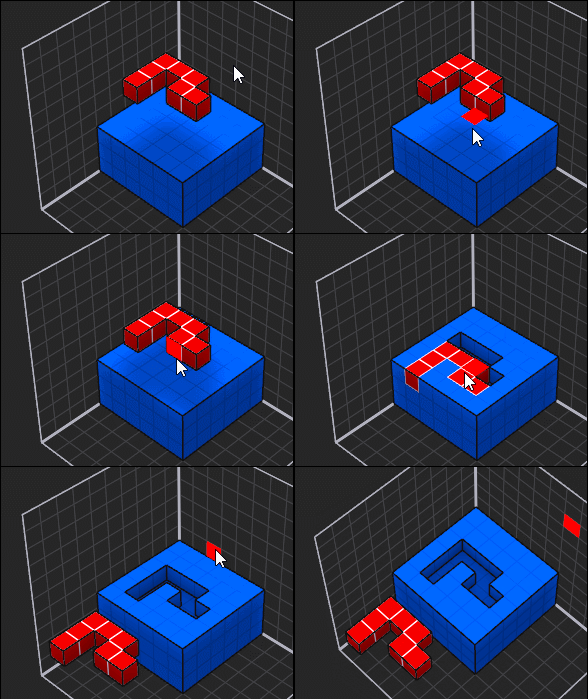
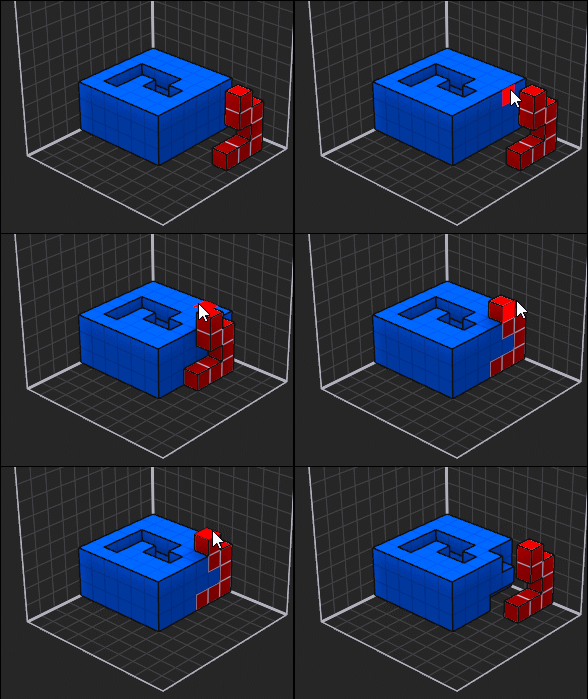
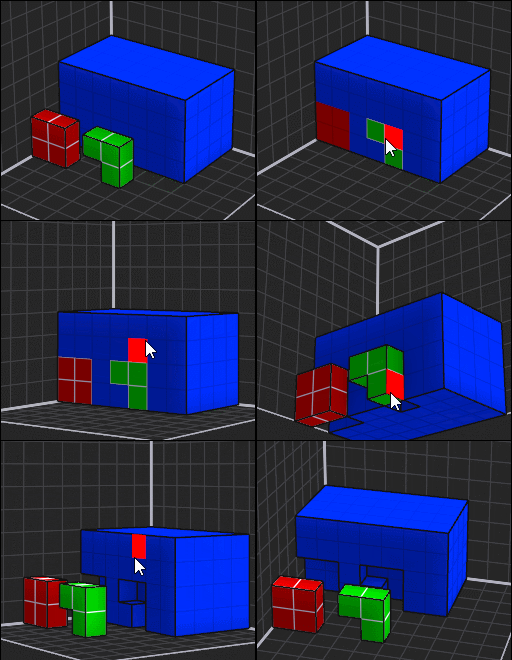
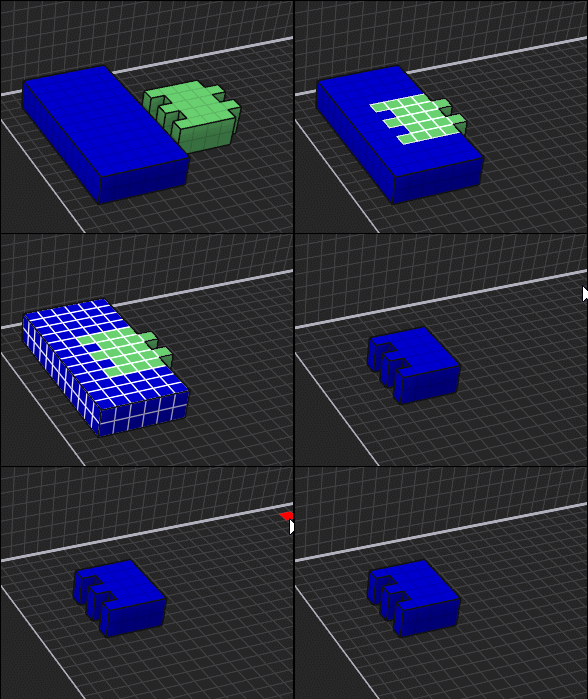
You can make Boolean Diff without use Patterns!

Just draw an object in a free space and with a different color of the object to trim!
And not make like me a selection inside an existing object!
2 weeks or more for discovered that! I am amazed that nobody tell me that! :)
A boolean union will be jut to colorize the objects with a same color! ;)

This can be enabled!


Can be partial!
  Reply Reply More Options
Post Options
Reply as PM Reply as PM
Print Print
Mark as unread Mark as unread
Relationship Relationship
IP Logged

Previous
Next
 From:  mkdm
9096.32 In reply to 9096.31 
Thanks!!

- Marco (mkdm)
My Procreate portfolio
  Reply Reply More Options
Post Options
Reply as PM Reply as PM
Print Print
Mark as unread Mark as unread
Relationship Relationship
IP Logged

Previous
Next
 From:  Frenchy Pilou (PILOU)
9096.33 
And the cool thing is that can be "Multiple" & "Mono" or "Multicolors"!
(M) + Shift for reselect when trimming is done by the first click on the cutting objects!
Ctrl on a face for move the selection!

---
Pilou
Is beautiful that please without concept!
My Moi French Site My Gallery
  Reply Reply More Options
Post Options
Reply as PM Reply as PM
Print Print
Mark as unread Mark as unread
Relationship Relationship
IP Logged

Previous
Next
 From:  Frenchy Pilou (PILOU)
9096.34 
Selection stay of course valid for any other function! ;)
Here like Repeat z 6 (by button or by console)


Matrix will be modified to maxi 126 * 126 * 126
Theorical number of Matrix: 16 * 16 * 16 = 4096 !
Only with these little 3 videos we have to the end of Univers for explore possibilities! :)
  Reply Reply More Options
Post Options
Reply as PM Reply as PM
Print Print
Mark as unread Mark as unread
Relationship Relationship
IP Logged

Previous
Next
 From:  Frenchy Pilou (PILOU)
9096.35 
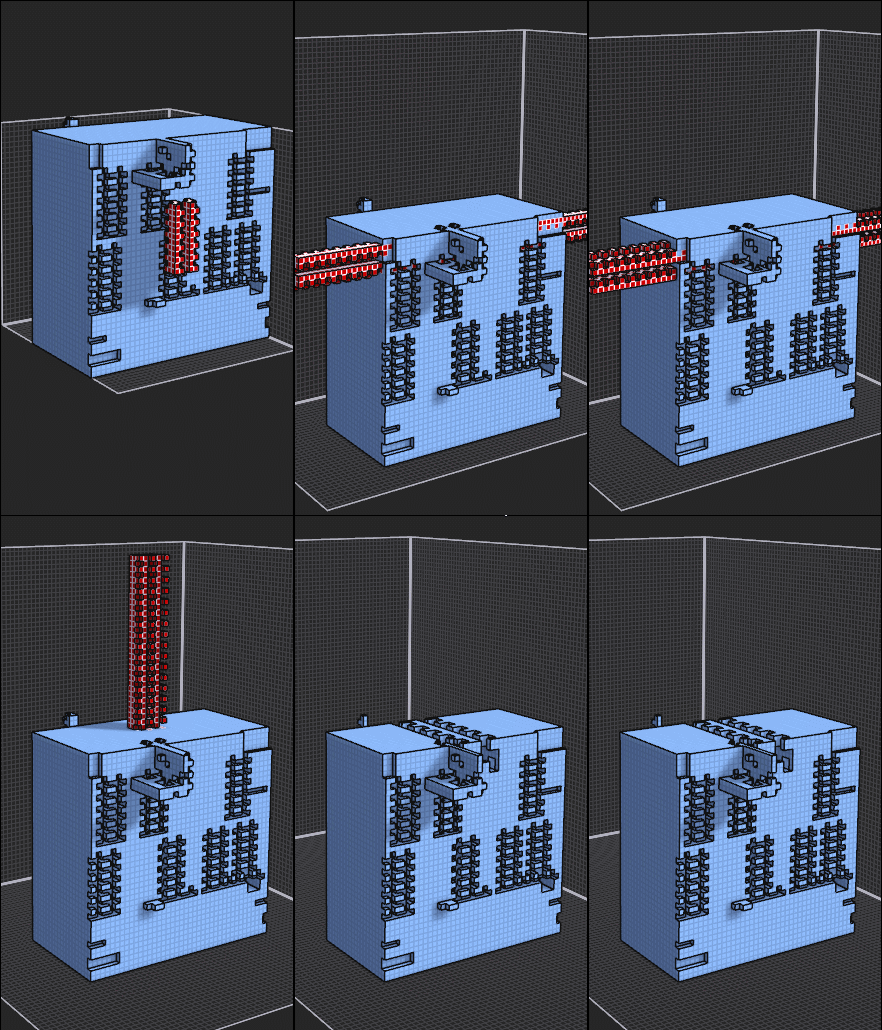
Some speedy :)

The trimming can be made between each function by a simple clic on the red form!
(not made here)

EDITED: 9 Dec 2018 by PILOU

  Reply Reply More Options
Post Options
Reply as PM Reply as PM
Print Print
Mark as unread Mark as unread
Relationship Relationship
IP Logged

Previous
Next
 From:  Frenchy Pilou (PILOU)
9096.36 
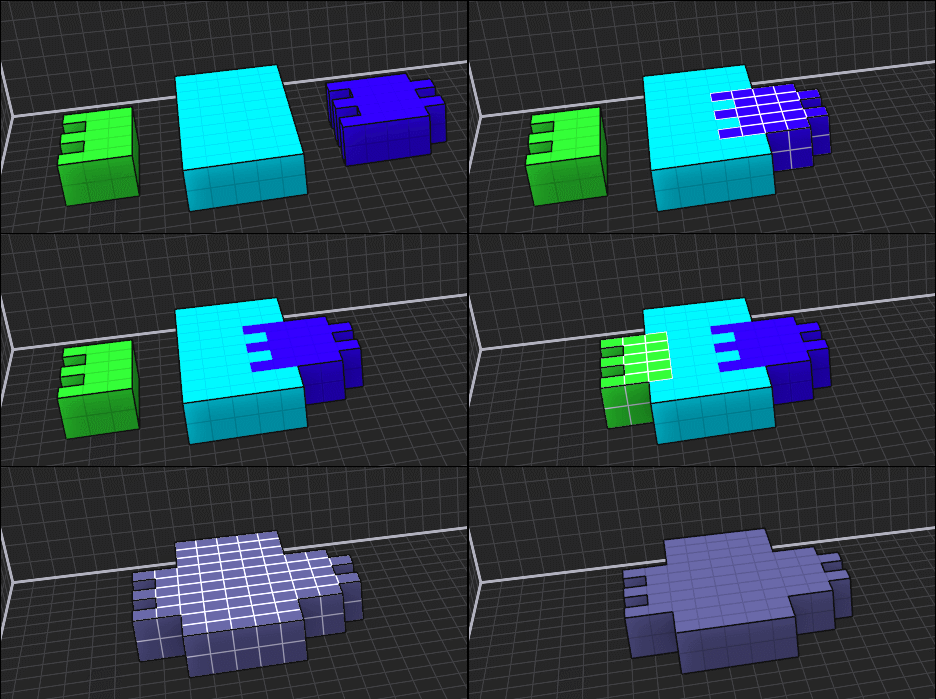
Intersection


- M (All mode Region All Voxel)
- Selection green object
- Ctrl (Move green object)  
- Shift + Click on blue object
- Ctrl + X or Delete

Union


- M (All mode Region All Voxel)
- Ctrl + Move (blue, green)
- Click on blue light object
- I Color as you want!
---
Pilou
Is beautiful that please without concept!
My Moi French Site My Gallery
  Reply Reply More Options
Post Options
Reply as PM Reply as PM
Print Print
Mark as unread Mark as unread
Relationship Relationship
IP Logged

Previous
Next
 From:  Frenchy Pilou (PILOU)
9096.37 
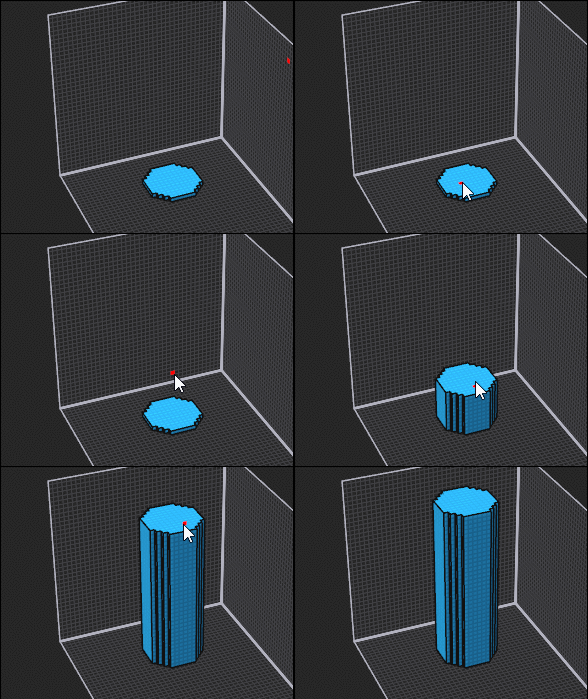
Cylinder
- primitive Circle ...extruded (aTtach Face)


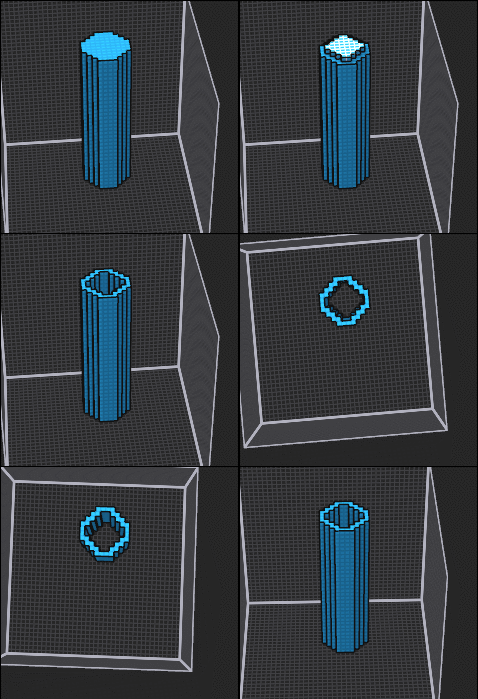
For a tube: can be a boolean Diff between 2 cylinders but this is more funny! :)

-Selection top
- function on console "ero xy"
- aTtach Face with Shift or not following you want erase or create to the deepth wished

EDITED: 11 Dec 2018 by PILOU

  Reply Reply More Options
Post Options
Reply as PM Reply as PM
Print Print
Mark as unread Mark as unread
Relationship Relationship
IP Logged

Previous
Next
 From:  Frenchy Pilou (PILOU)
9096.38 
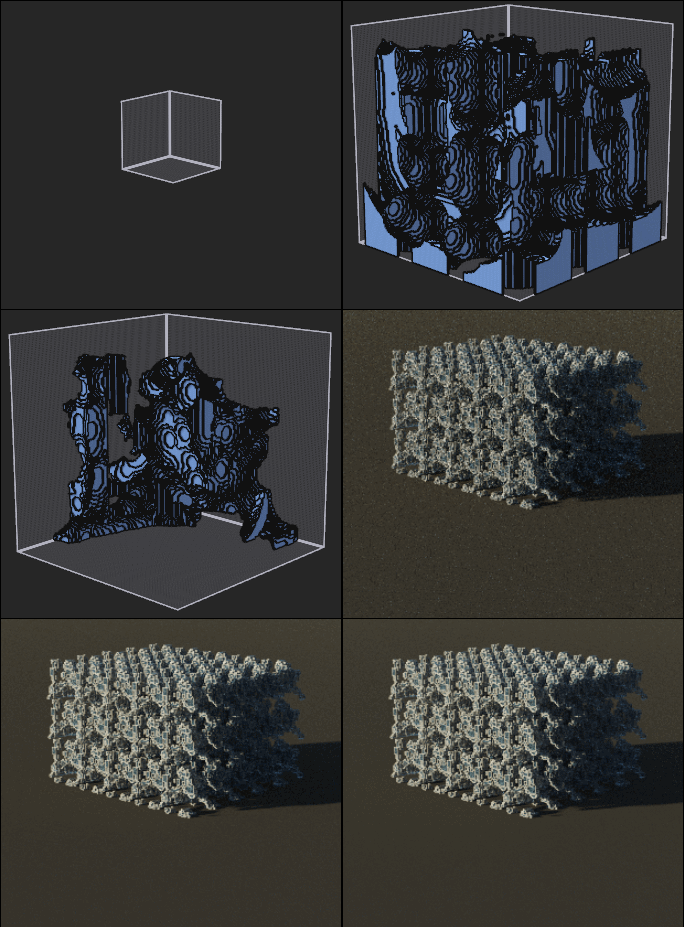
A complete process :)
Cylinder - Repeat xy 4 - Erase Voxel Sphere 20 - Scale 0.2 - Repeat 5 - Render


  Reply Reply More Options
Post Options
Reply as PM Reply as PM
Print Print
Mark as unread Mark as unread
Relationship Relationship
IP Logged

Previous
Next
 From:  Frenchy Pilou (PILOU)
9096.39 
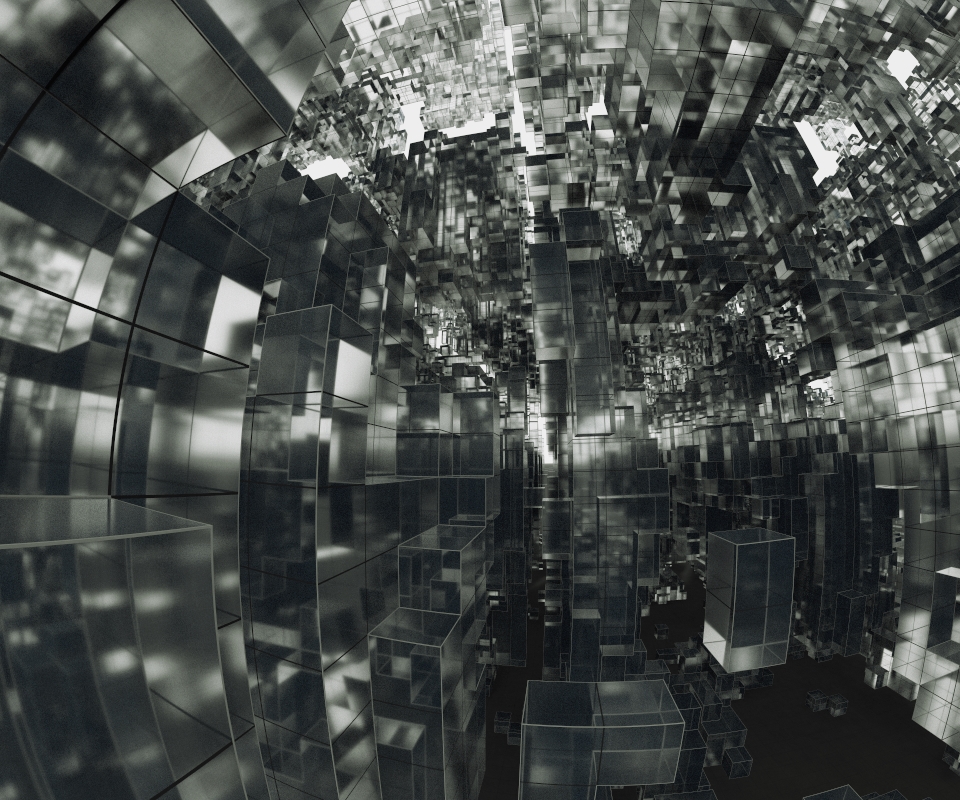
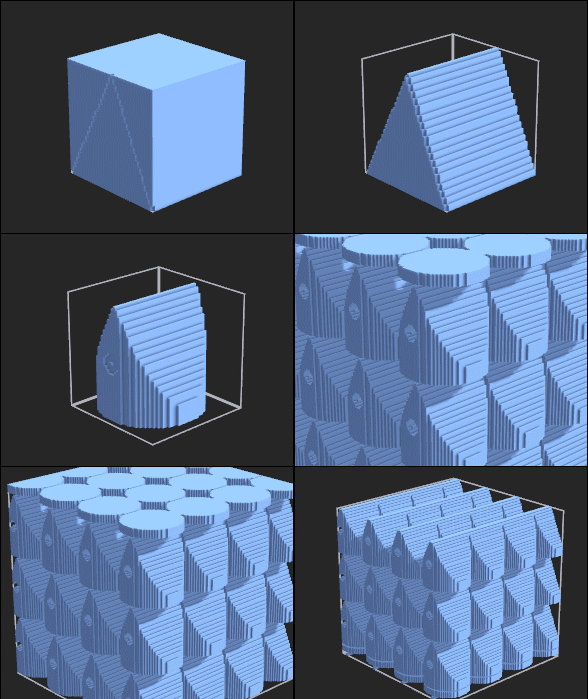
How to ? :)


Matrix by default 40 40 40 - Cube - 2 Lines (straight) - eRase - Face - X(Ctrl+1) - Circle under the base - eRase - Face - Z (Ctrl + 3)
Circle on lateral face -eRase - Face - X(Ctrl+1) - repeat 5 - Ctrl on the object for glide on Z for move the circle hat!
(all by buttons and/ shortcuts)

and all we have to do is play with the rendering parameters!
For the rendering and position of the camera it's up to you! :)
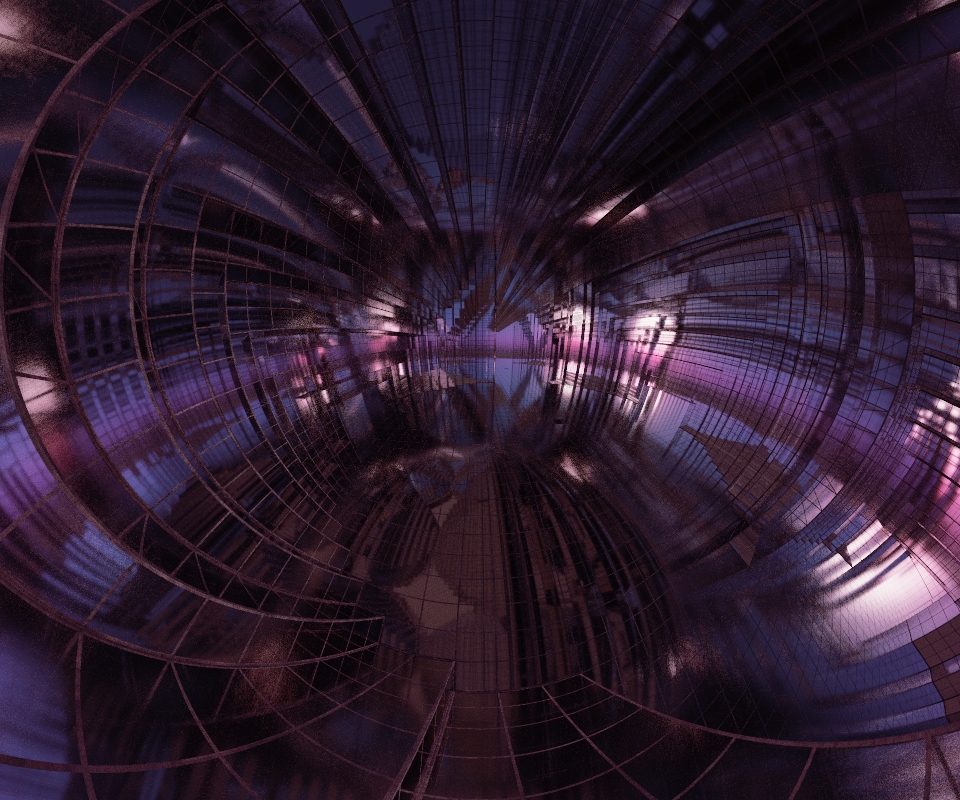
Colours/thickness of edges, grids, transparent materials, lighting, elongations on x,y,z, Stereographic projection!
120 above or 220 as follow for example for Stereographic projection
In one minute it's settled!

Only with this kind of shape it is the infinite possibilities!)
The longest one is actually the rendering time: 20 seconds depending on the machines and the size of the image!


EDITED: 20 Dec 2018 by PILOU

  Reply Reply More Options
Post Options
Reply as PM Reply as PM
Print Print
Mark as unread Mark as unread
Relationship Relationship
IP Logged

Previous
Next
 From:  Frenchy Pilou (PILOU)
9096.40 
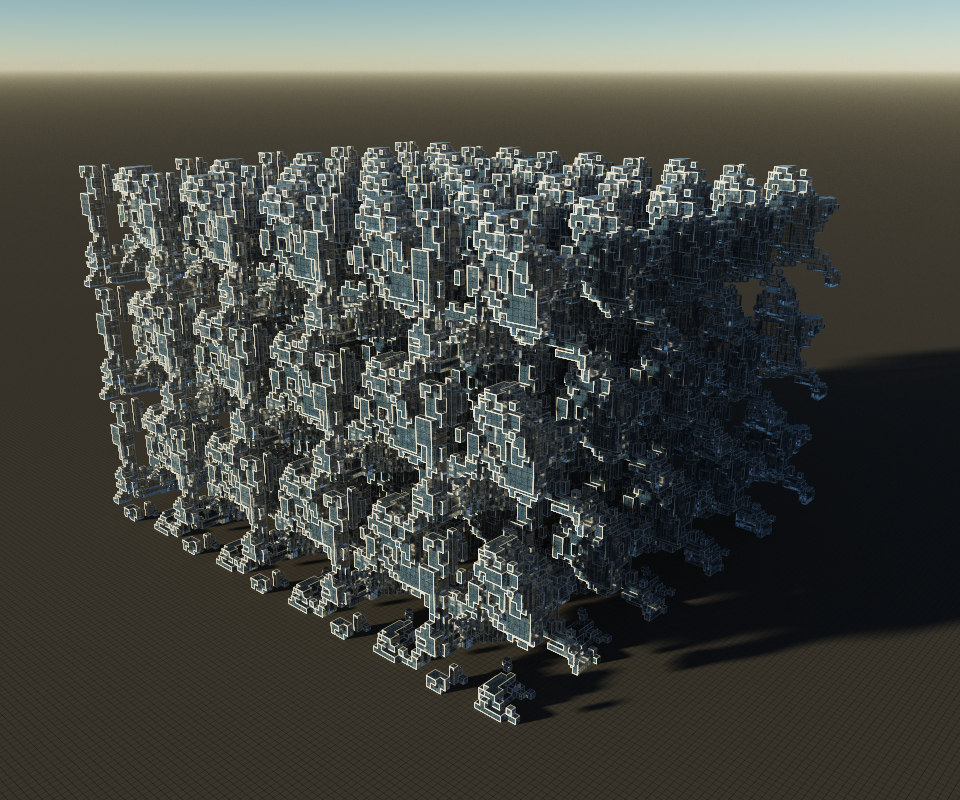
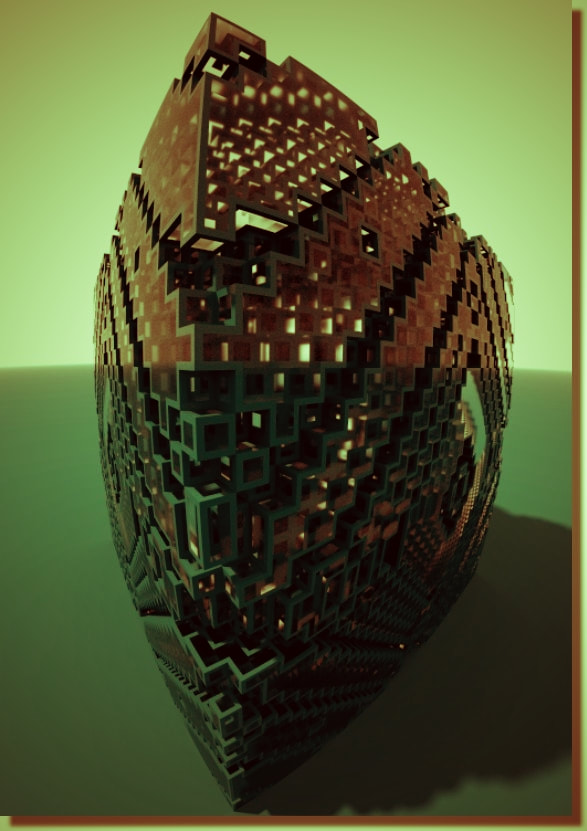
2 variants added at the Pseudofractal by Kchapelier https://github.com/kchapelier/pseudofractals-voxel-shader/tree/master/shaders


Of course you can make pseudofractal of pseudofractal! :)

not made here!

EDITED: 20 Dec 2018 by PILOU

  Reply Reply More Options
Post Options
Reply as PM Reply as PM
Print Print
Mark as unread Mark as unread
Relationship Relationship
IP Logged
 

Reply to All Reply to All


Show messages:  1-20  21-40  41-44