Moi3D to MagicaVoxel
 1  2-21  22-41  42-44

Previous
Next
 From:  Frenchy Pilou (PILOU)
9096.2 
The tuto :)

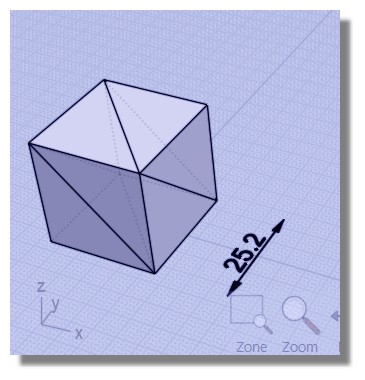
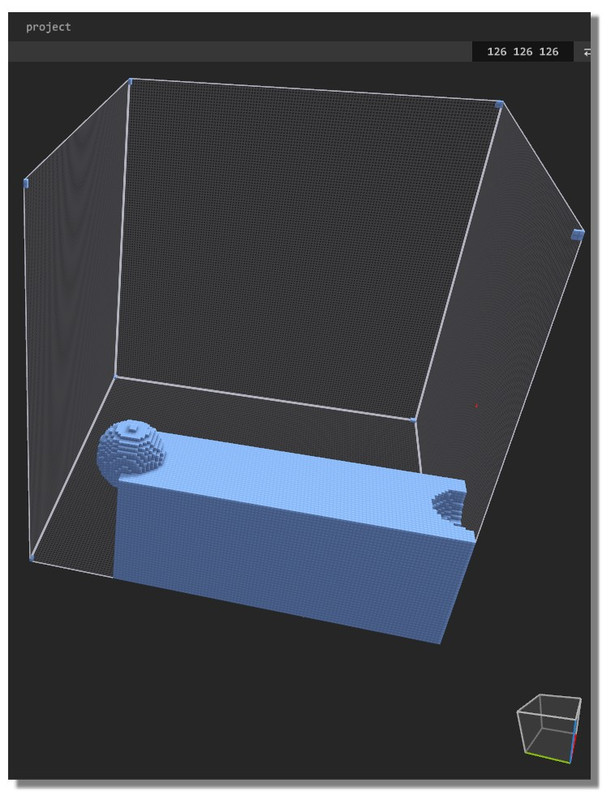
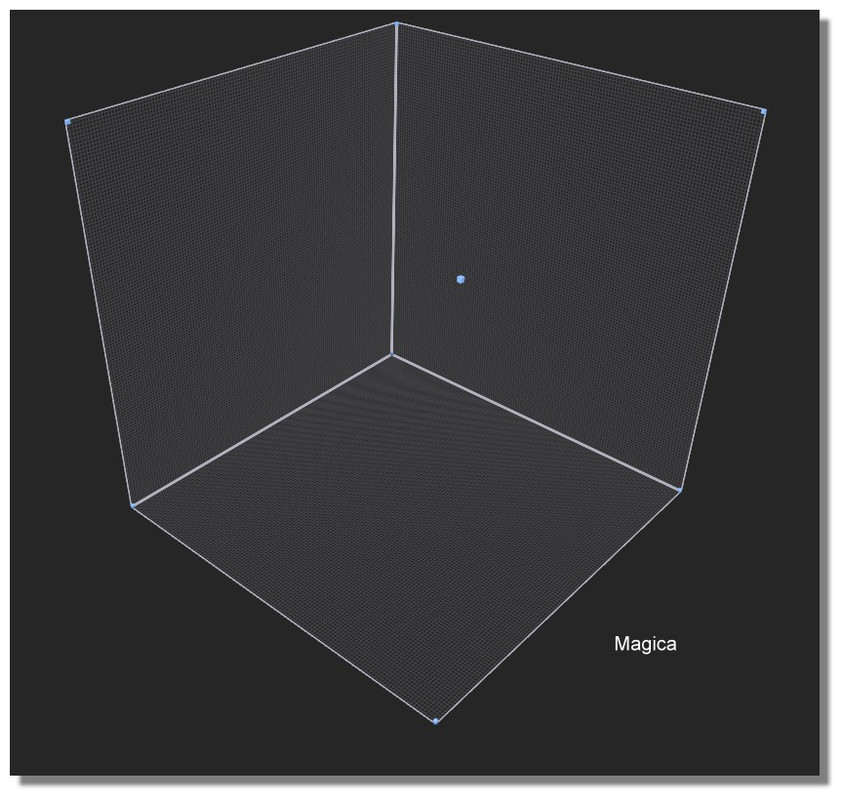
Seems a full cubic matrix of "126" is centered on origine at Z=0
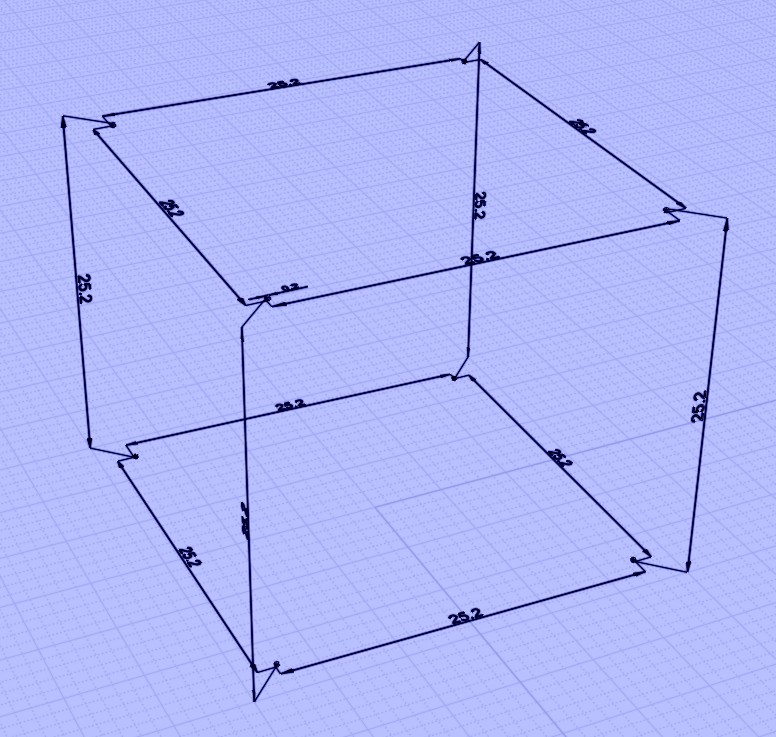
so this in Moi without unity
(12.6 * 2 = 25.2)


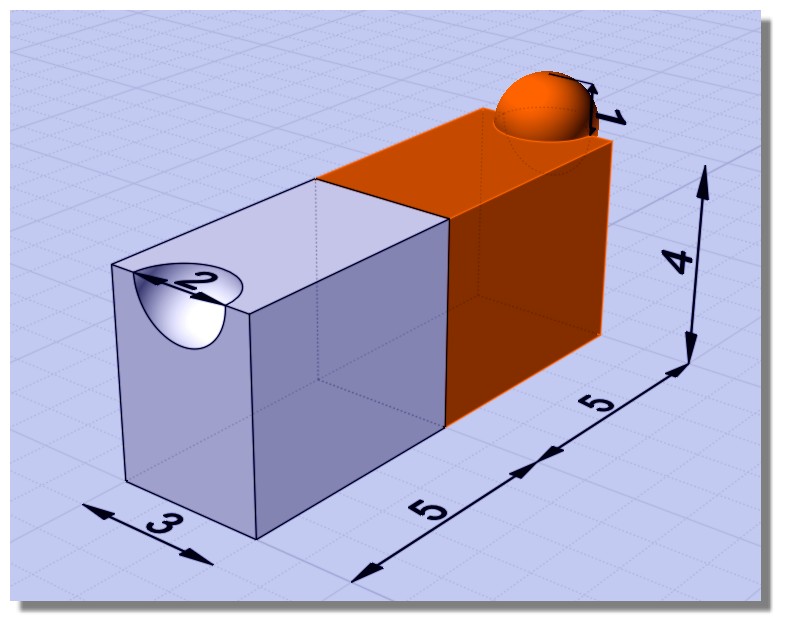
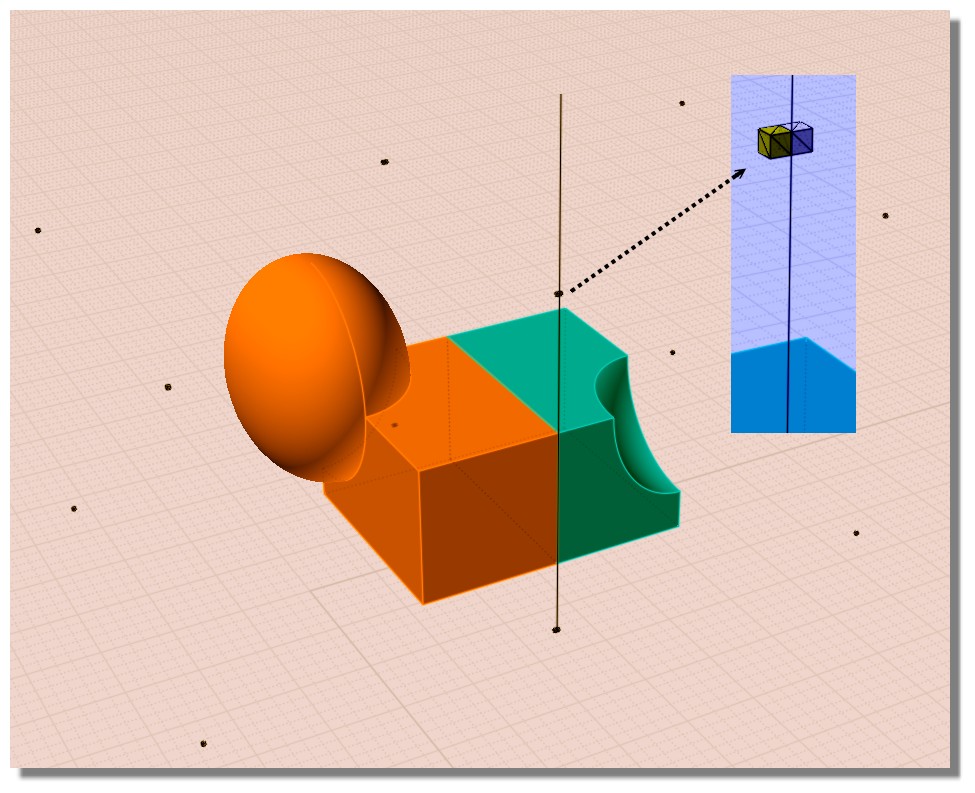
Say this object inside Moi


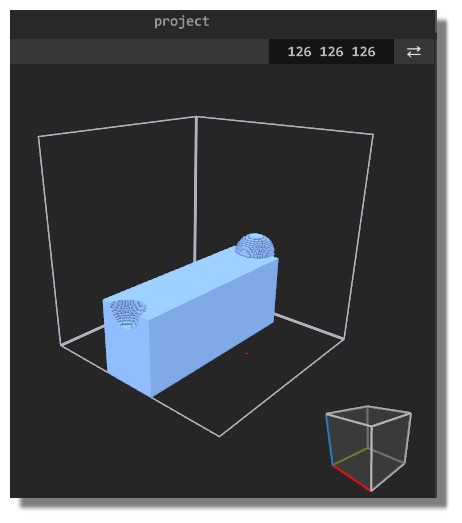
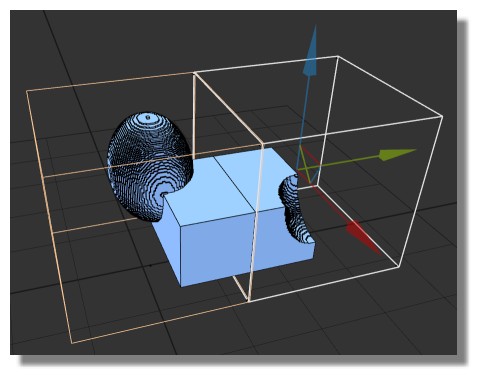
Imported in Magica we have that even the size of the Moi Object is twice, *10 or any thing else!
It centered along the biggest length(s) and adapted to 126 along the 3 axis x,y,z


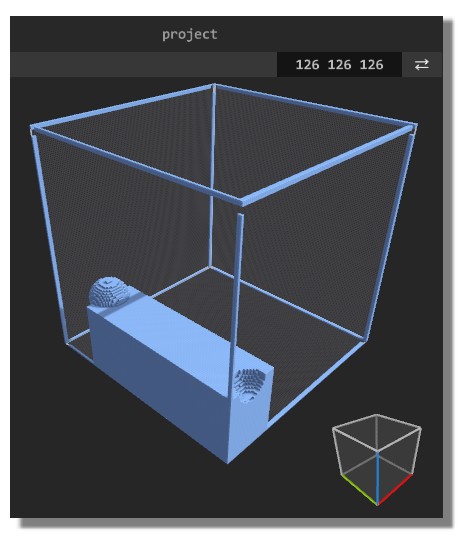
We need to have a cool trick for have any position wanted inside the Matrix 126 :)

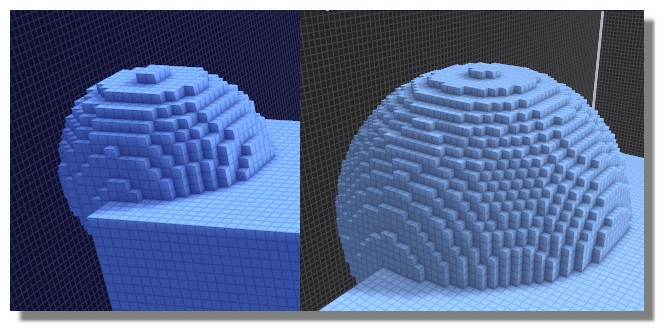
The trick is to modelize (or place) in Moi your object inside 8 cubes who are in the corner of the Matrix! ;)
Like this you can have any objects who will be easilly aligned!

Here objects must be aligned on a side and smallest than "126" )


So something like that very easy to erase when objects are aligned like you want!


When you increase size object inside Moi in using more than one matrix (if it not sufficient for a big object(s) )
cubes become more smaller and increase the precision!

EDITED: 15 Oct 2018 by PILOU

  Reply Reply More Options
Post Options
Reply as PM Reply as PM
Print Print
Mark as unread Mark as unread
Relationship Relationship
IP Logged

Previous
Next
 From:  mkdm
9096.3 In reply to 9096.1 
Very cool renderings! Great!

- Marco (mkdm)
My Procreate portfolio
  Reply Reply More Options
Post Options
Reply as PM Reply as PM
Print Print
Mark as unread Mark as unread
Relationship Relationship
IP Logged

Previous
Next
 From:  Frenchy Pilou (PILOU)
9096.4 
A more easy way for make the 8 vertices of a Matrix 126 :)

Draw it inside Magica (enable Grid) so Attach the 8 cubes

then Import it inside Moi with _importObj by Max Smirnov!

All measures must at the external of the Cubes!

so


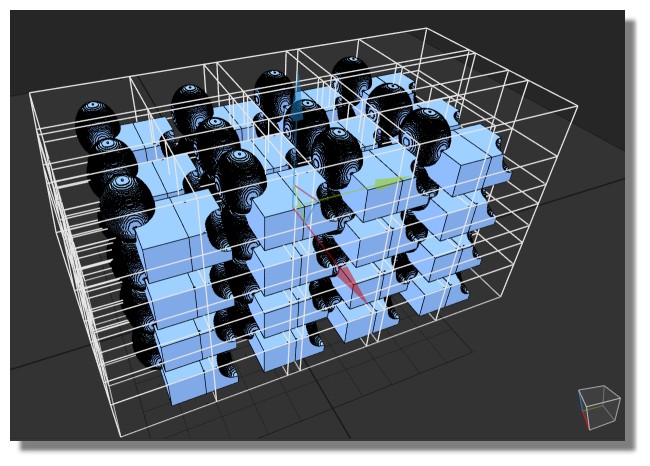
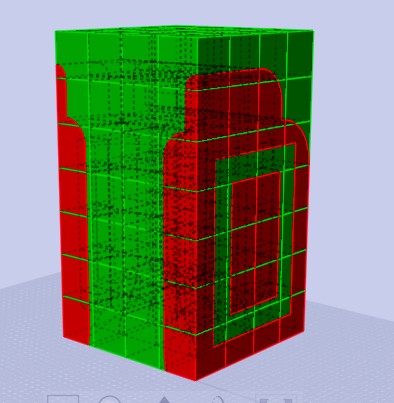
You can now draw any objects inside several Matrix!

Just Split them at fontiers of each Matrix!

That be made by a simple line and Boolen Diff


Now each object + its 8 vertices can be exported inside Magica! :)

Of course name all your Matrix for a more easy selection!


Some Copy Paste Move


and...go...


etc... :)

EDITED: 15 Oct 2018 by PILOU

  Reply Reply More Options
Post Options
Reply as PM Reply as PM
Print Print
Mark as unread Mark as unread
Relationship Relationship
IP Logged

Previous
Next
 From:  mkdm
9096.5 In reply to 9096.4 
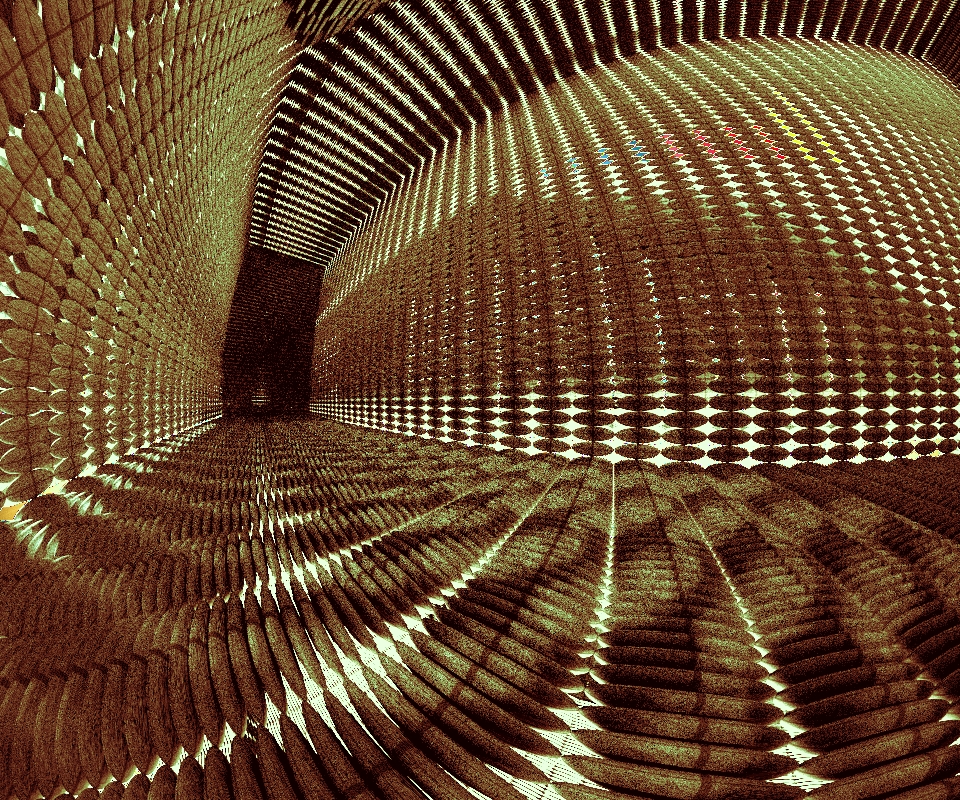
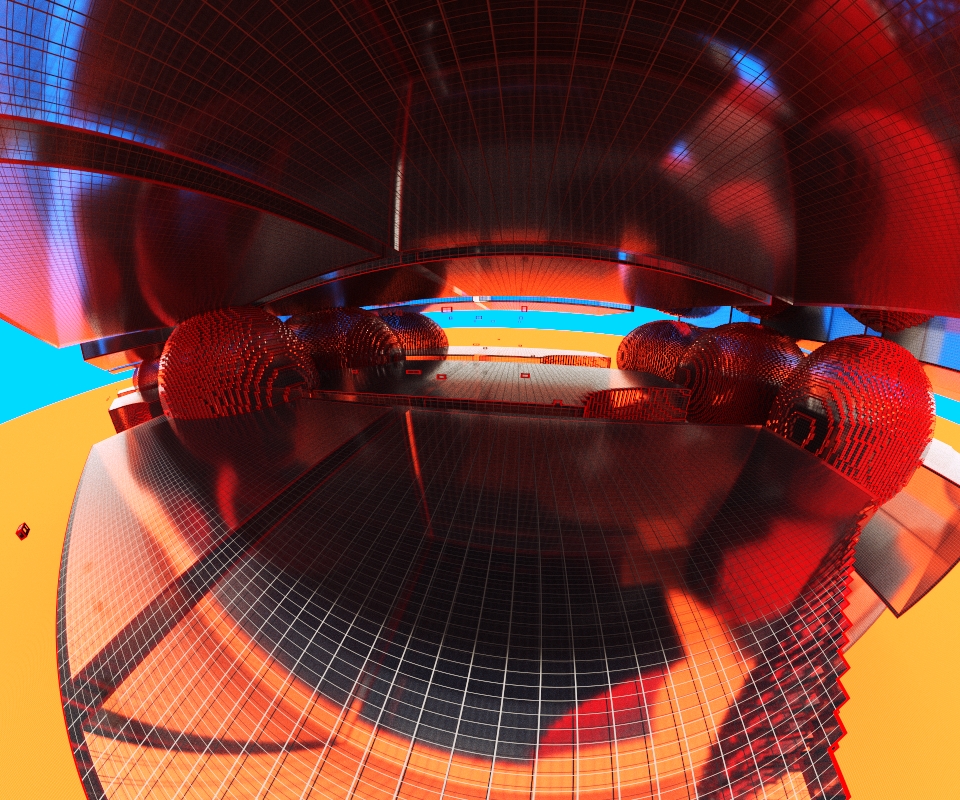
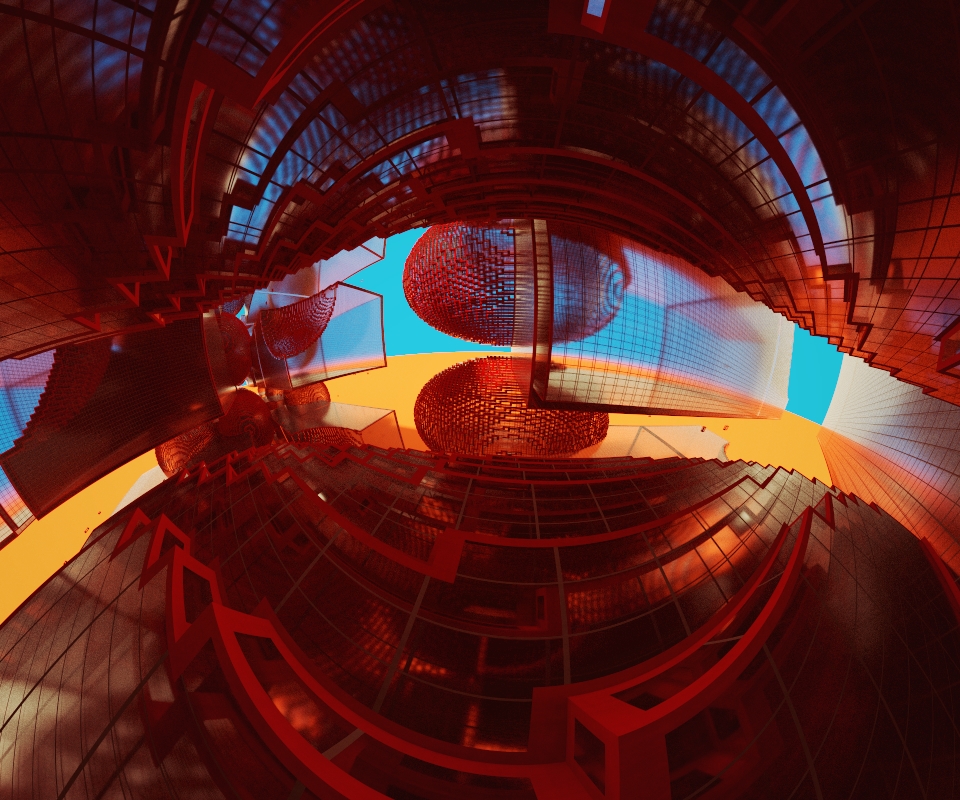
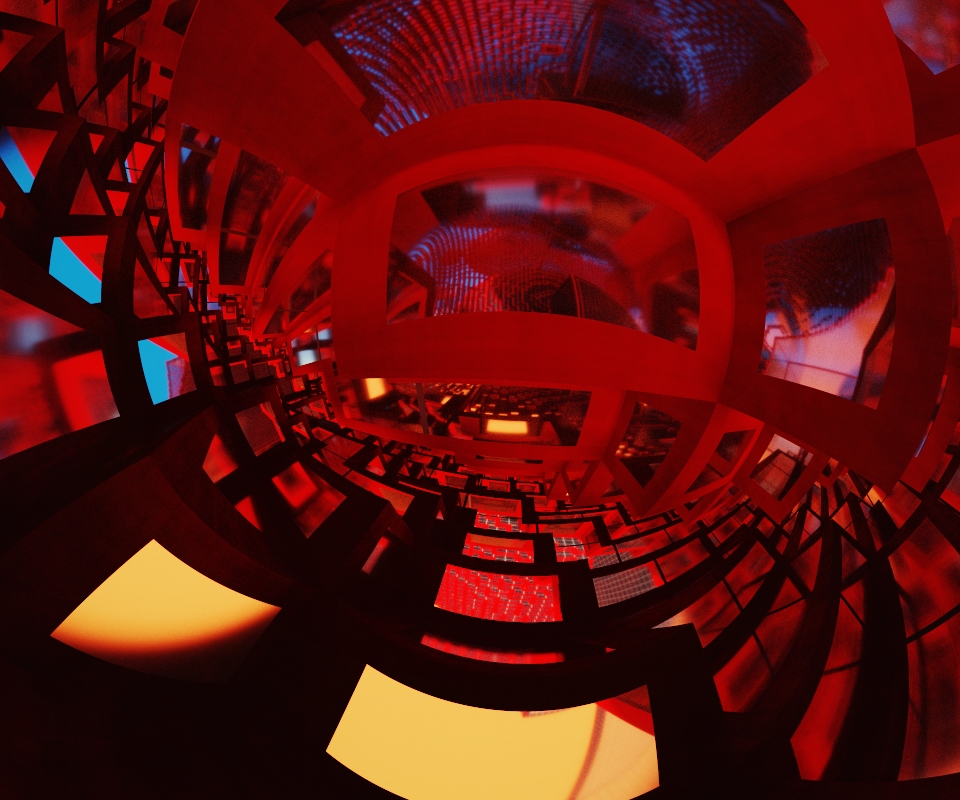
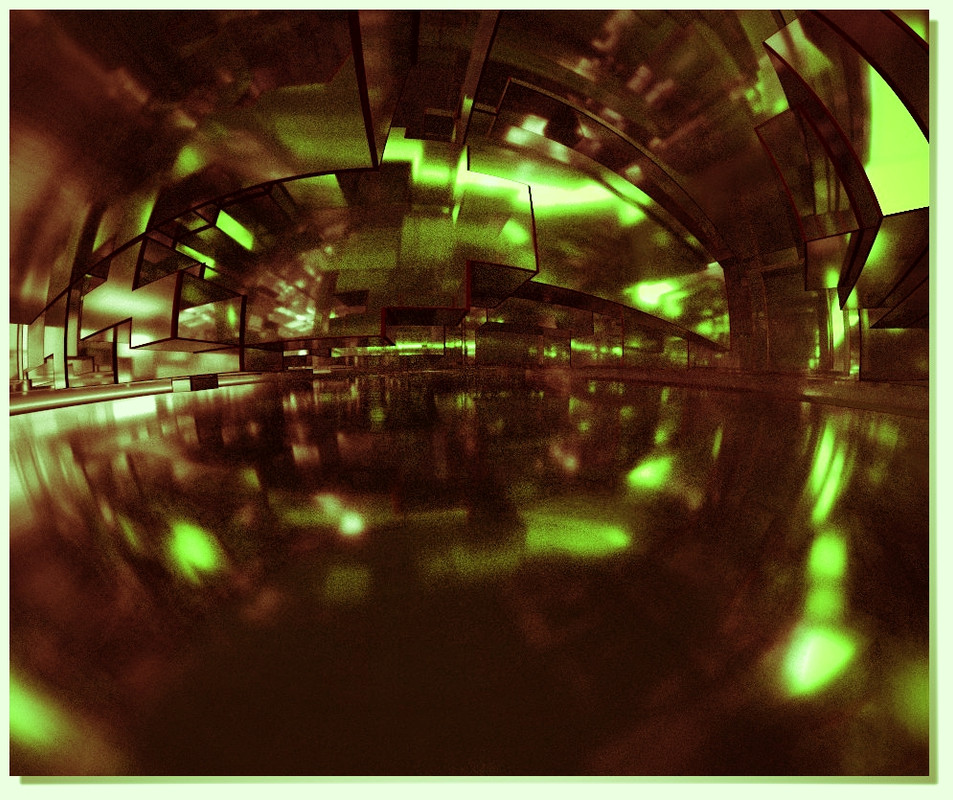
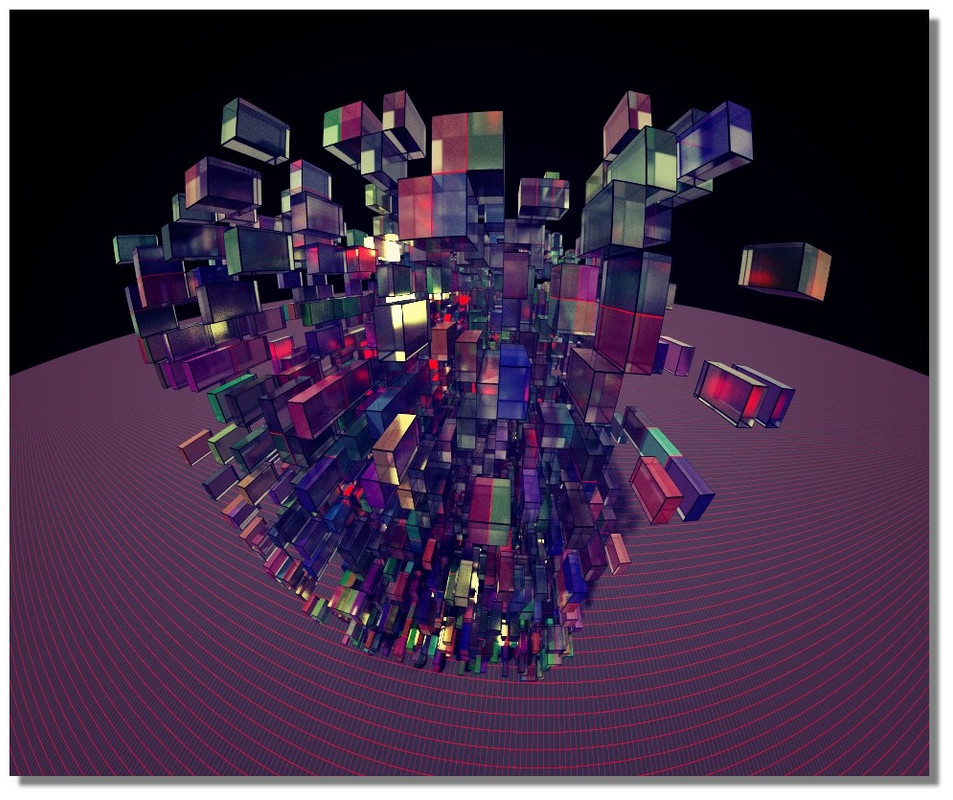
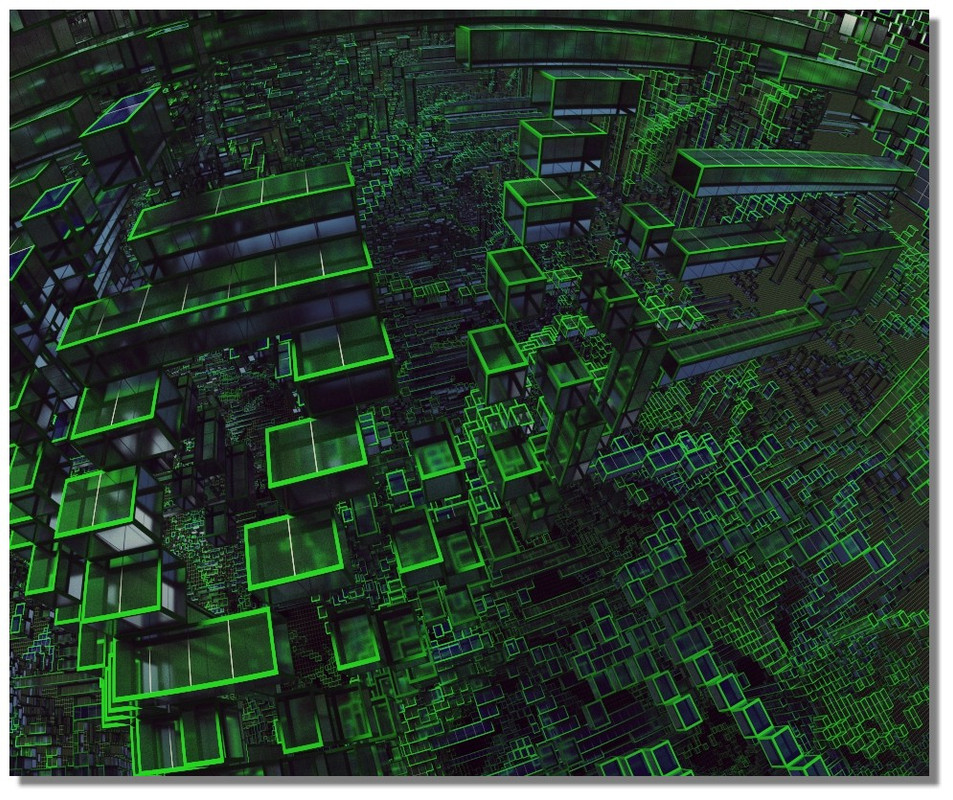
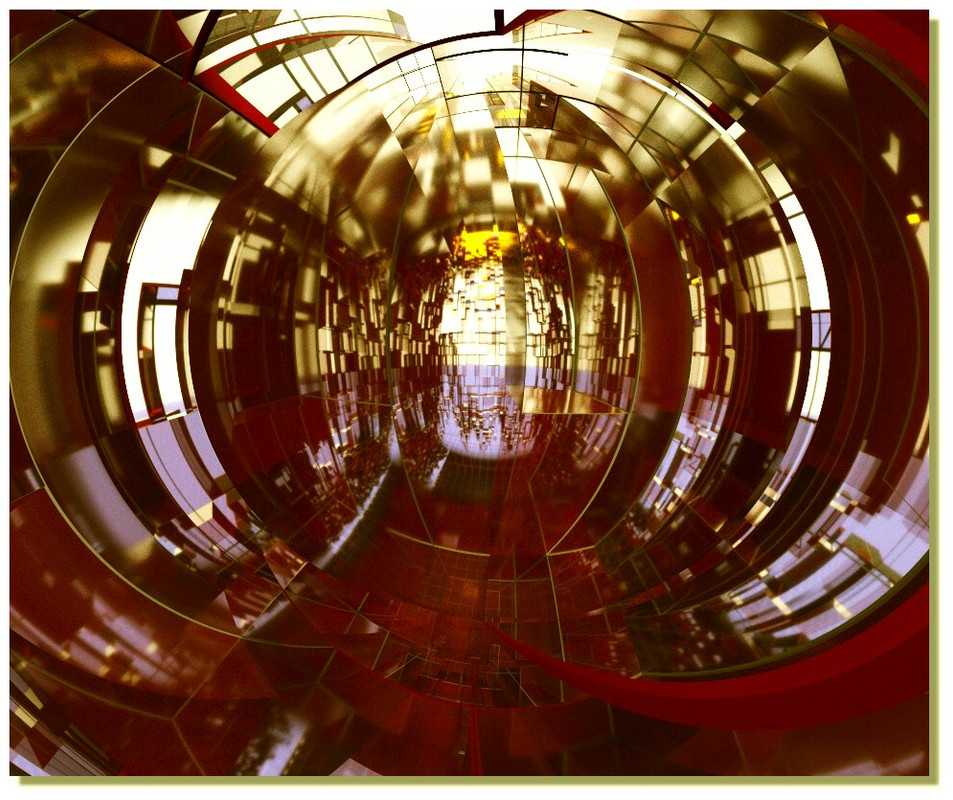
Psychedelic renderings!!!

Really cool for a giant wallpaper :)

- Marco (mkdm)
My Procreate portfolio
  Reply Reply More Options
Post Options
Reply as PM Reply as PM
Print Print
Mark as unread Mark as unread
Relationship Relationship
IP Logged

Previous
Next
 From:  Frenchy Pilou (PILOU)
9096.6 
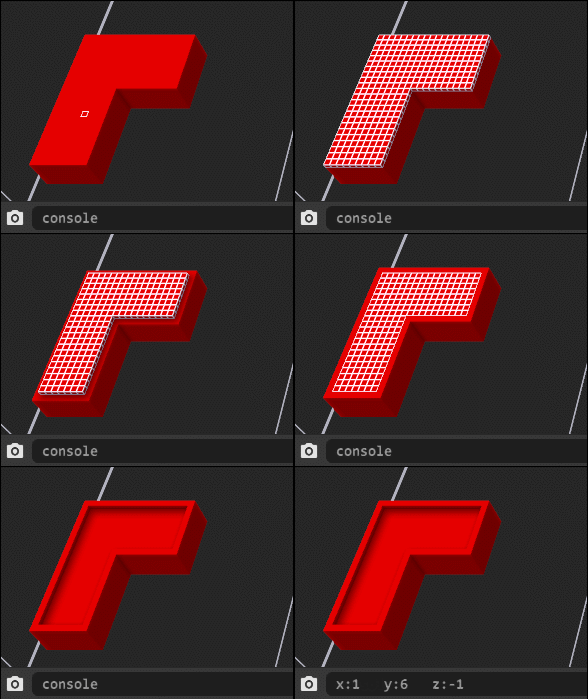
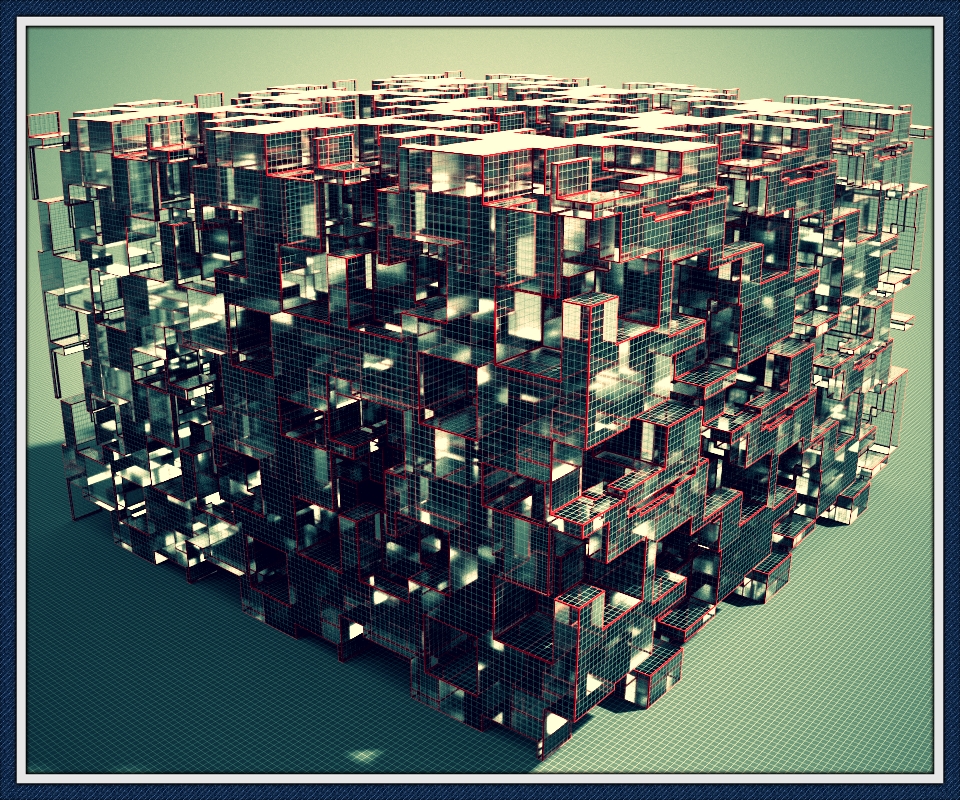
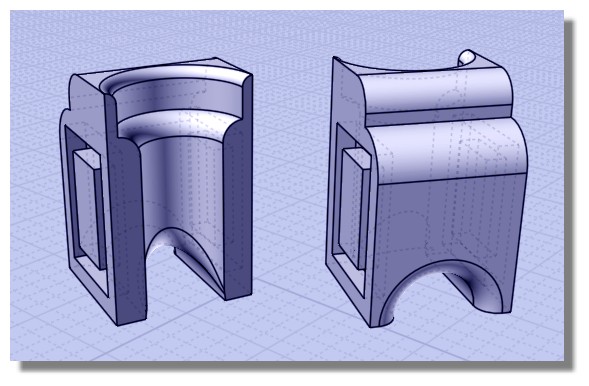
Exploring the functions of modeling :they are totally crazzy!

And you can use them inside the Console!

Here Select Face then Console ero xy then Clic Attach Face, Cut


Else :)

From a model by diTOTO found on 3DWarehouse


I am astonished!
30 secondes modeling and zapppppppp!

EDITED: 16 Oct 2018 by PILOU

  Reply Reply More Options
Post Options
Reply as PM Reply as PM
Print Print
Mark as unread Mark as unread
Relationship Relationship
IP Logged

Previous
Next
 From:  Frenchy Pilou (PILOU)
9096.7 
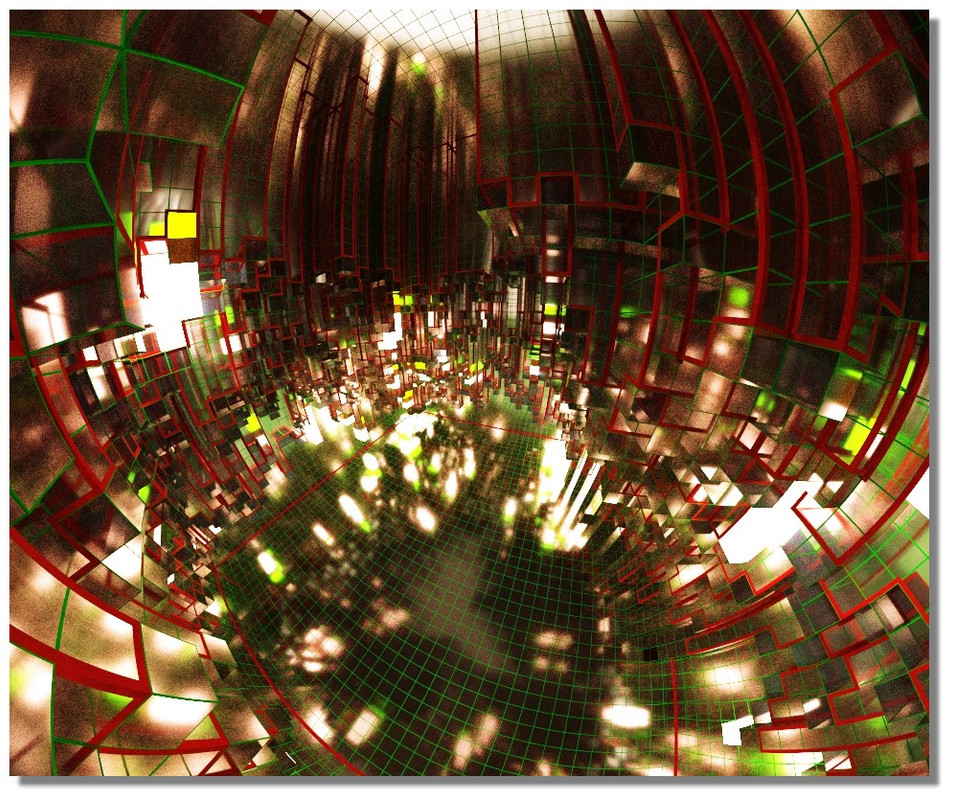
As you can give thickness to edges and grid that is infinite variations! :)

---
Pilou
Is beautiful that please without concept!
My Moi French Site My Gallery
  Reply Reply More Options
Post Options
Reply as PM Reply as PM
Print Print
Mark as unread Mark as unread
Relationship Relationship
IP Logged

Previous
Next
 From:  Frenchy Pilou (PILOU)
9096.8 
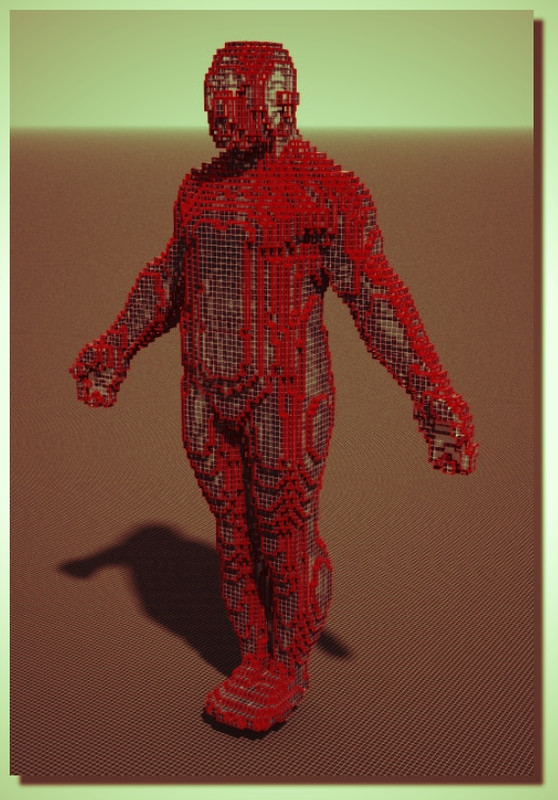
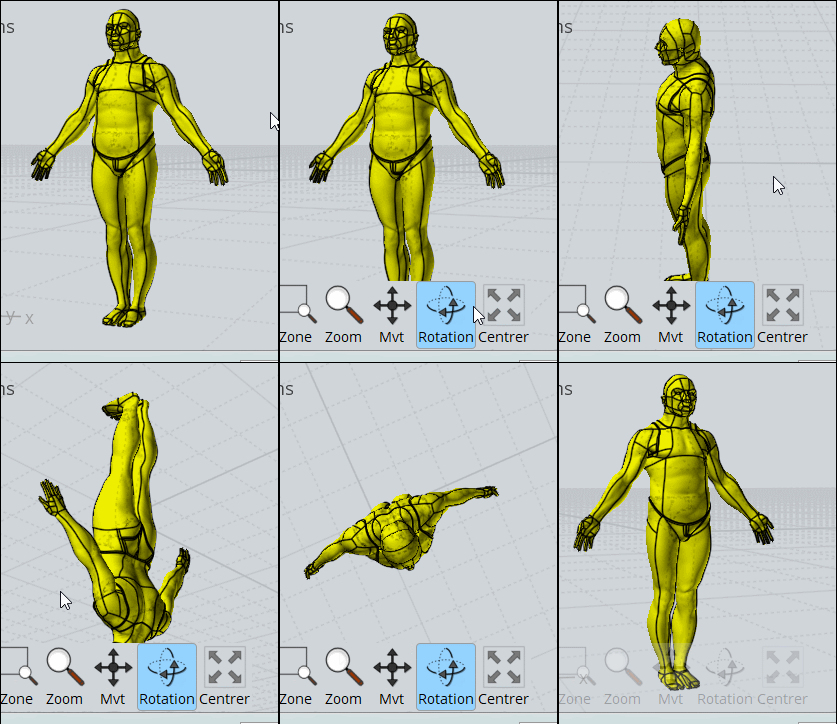
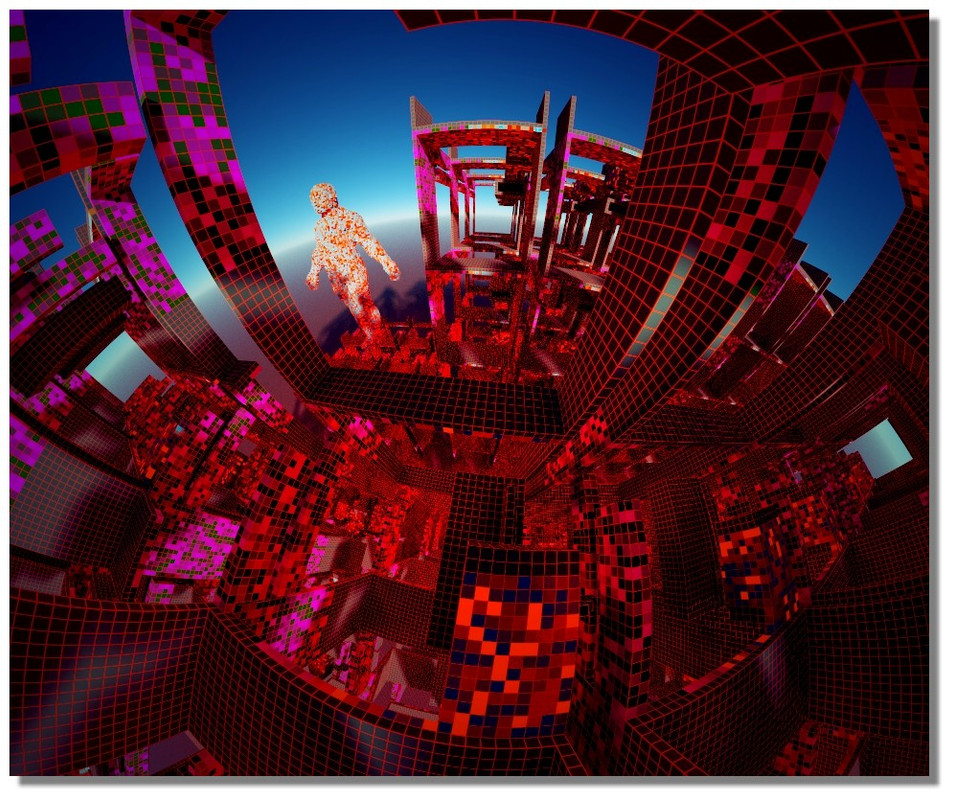
Swimming-pool :)


From the famous Demo_solider of ZBrush

EDITED: 18 Oct 2018 by PILOU

  Reply Reply More Options
Post Options
Reply as PM Reply as PM
Print Print
Mark as unread Mark as unread
Relationship Relationship
IP Logged

Previous
Next
 From:  Frenchy Pilou (PILOU)
9096.9 
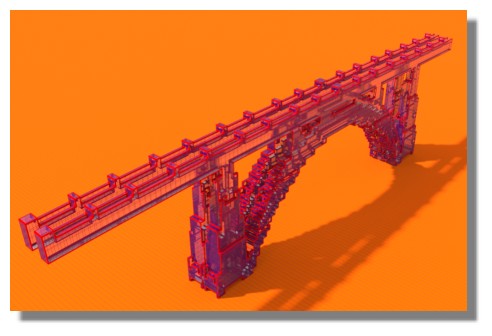
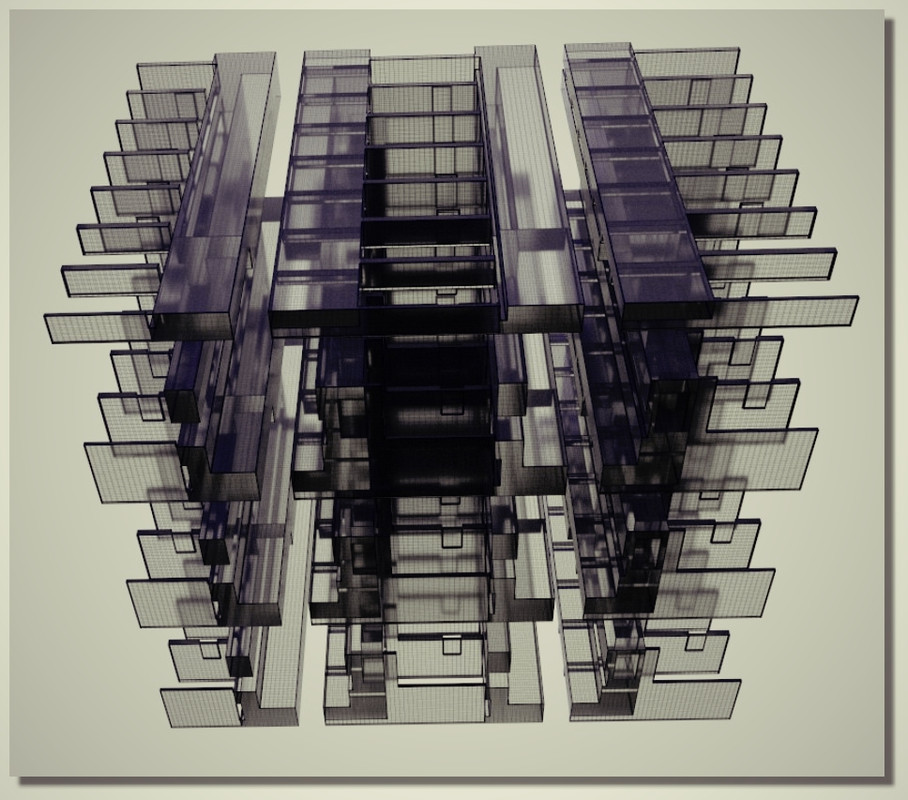
Architecture in 30 seconds :D


EDITED: 20 Oct 2018 by PILOU

  Reply Reply More Options
Post Options
Reply as PM Reply as PM
Print Print
Mark as unread Mark as unread
Relationship Relationship
IP Logged

Previous
Next
 From:  mkdm
9096.10 In reply to 9096.9 
Bellissimi!!

:)

Bravo!

- Marco (mkdm)
My Procreate portfolio
  Reply Reply More Options
Post Options
Reply as PM Reply as PM
Print Print
Mark as unread Mark as unread
Relationship Relationship
IP Logged

Previous
Next
 From:  Frenchy Pilou (PILOU)
9096.11 
MagicaVoxel to SketchFab ;) (so Moi --> OBJ --> render MagicaVoxel ---> SketchFab :)

https://blog.sketchfab.com/complete-guide-importing-magicavoxel-sketchfab/

Not my style! it's no me! it's for example before mine! :)


Sorry for the blood, it's just ketchup! ;)

EDITED: 23 Oct 2018 by PILOU

  Reply Reply More Options
Post Options
Reply as PM Reply as PM
Print Print
Mark as unread Mark as unread
Relationship Relationship
IP Logged

Message 9096.12 deleted 23 Oct 2018 by MICHAEL GIBSON

Previous
Next
 From:  Frenchy Pilou (PILOU)
9096.13 
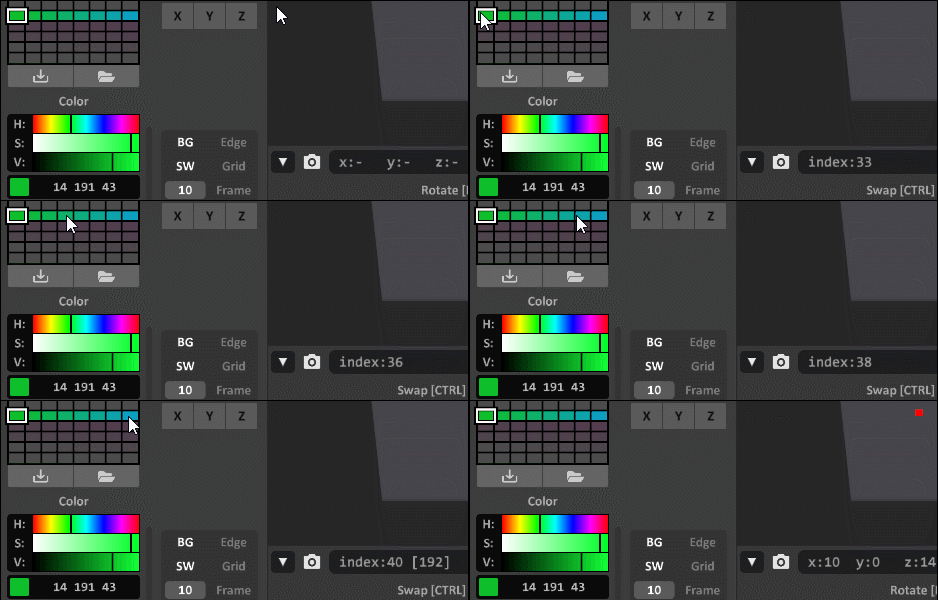
When the Moi Object(s) format OBJ...


... is droped by Drag&Drop inside the screen of MagicaVoxel

it's fun to apply to it and other volumes selected random colors from a palett(s)
with the function "rand" on the console (F1) like here: rand 33 40

You can see the number index with mouse over the palett !
Of course it's better when they are existing colors" !!!

The 2 Numbers of index is just start - end color wanted! :)

For make a gradient just SHIFT + ALT with mouse pressed from a color to another (diagonal are permitted)
SHIFT + Move = Copy along the Move
CTRL + Move = Move color
We can save & Load Paletts


With other gradients or colors


My Magica Gallery :)
https://schmoll8.wixsite.com/magicavox

EDITED: 26 Oct 2018 by PILOU

  Reply Reply More Options
Post Options
Reply as PM Reply as PM
Print Print
Mark as unread Mark as unread
Relationship Relationship
IP Logged

Previous
Next
 From:  mkdm
9096.14 In reply to 9096.13 
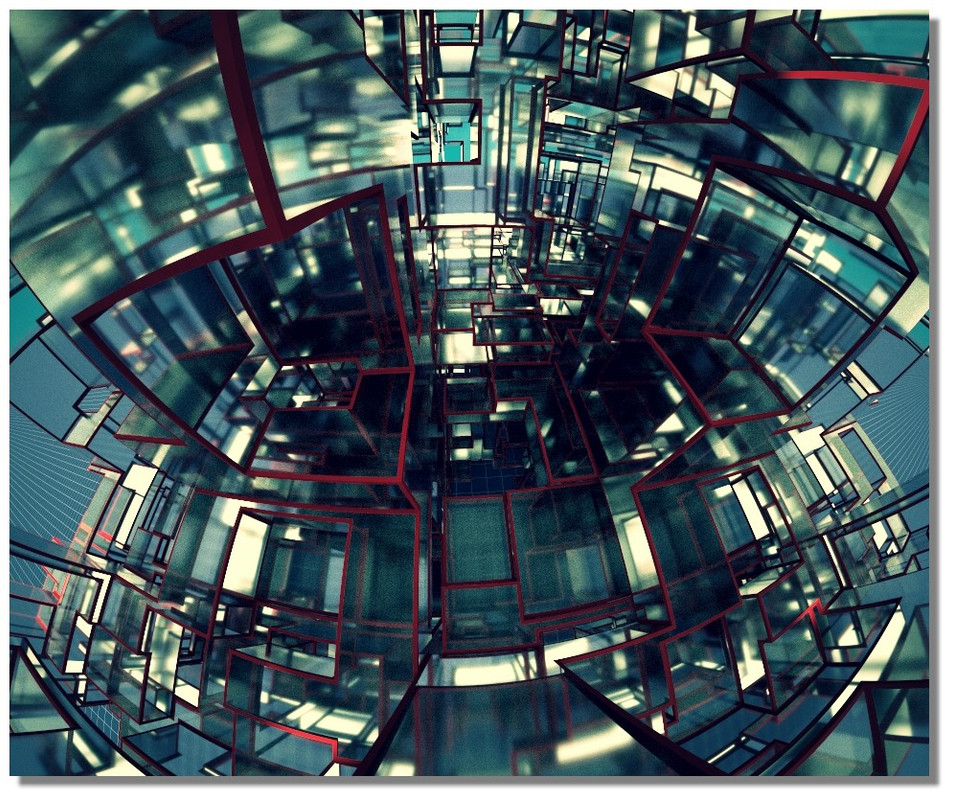
Cool and super psychedelic!

Perfect for some led wall!

- Marco (mkdm)
My Procreate portfolio
  Reply Reply More Options
Post Options
Reply as PM Reply as PM
Print Print
Mark as unread Mark as unread
Relationship Relationship
IP Logged

Previous
Next
 From:  Frenchy Pilou (PILOU)
9096.15 
in a second!
just write in the Console (F1)

rand 249 10 (take index color palett existing - on the board palett : palett up = 249 - palett down = 8 )
noise 123 0.2 0.3 0.2 (seed scale min max - default values scale =0.03 min = 0.2 max = 0.5)


EDITED: 27 Oct 2018 by PILOU

  Reply Reply More Options
Post Options
Reply as PM Reply as PM
Print Print
Mark as unread Mark as unread
Relationship Relationship
IP Logged

Previous
Next
 From:  Frenchy Pilou (PILOU)
9096.16 
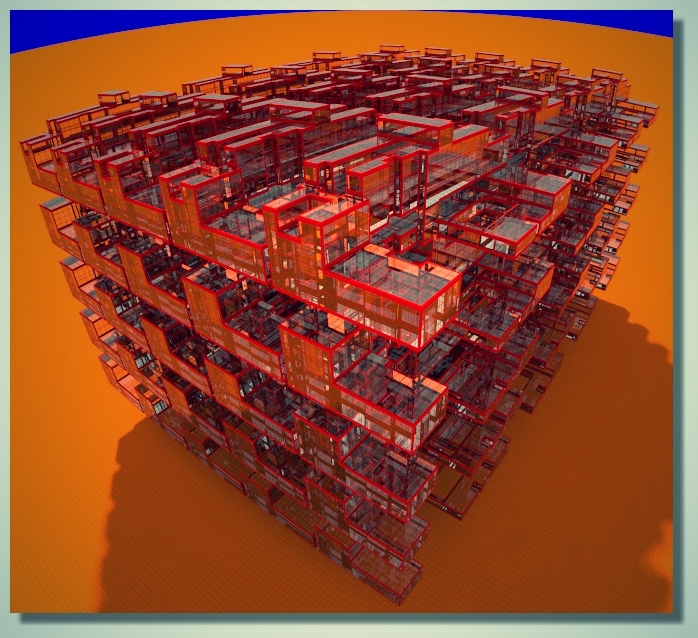
Some cubic vegetation :)
---
Pilou
Is beautiful that please without concept!
My Moi French Site My Gallery
  Reply Reply More Options
Post Options
Reply as PM Reply as PM
Print Print
Mark as unread Mark as unread
Relationship Relationship
IP Logged

Previous
Next
 From:  Frenchy Pilou (PILOU)
9096.17 
Always search a cool process :)


Else less one minute all creation: modeling 20 seconds - rendering parameters 20 seconds - rendering 10 seconds :)

  Reply Reply More Options
Post Options
Reply as PM Reply as PM
Print Print
Mark as unread Mark as unread
Relationship Relationship
IP Logged

Previous
Next
 From:  mkdm
9096.18 In reply to 9096.17 
So...you're having a lot of fun with this app!

Really cool things!!

- Marco (mkdm)
My Procreate portfolio
  Reply Reply More Options
Post Options
Reply as PM Reply as PM
Print Print
Mark as unread Mark as unread
Relationship Relationship
IP Logged

Previous
Next
 From:  Frenchy Pilou (PILOU)
9096.19 
For explore the modeling functions!


EDITED: 4 Nov 2018 by PILOU

  Reply Reply More Options
Post Options
Reply as PM Reply as PM
Print Print
Mark as unread Mark as unread
Relationship Relationship
IP Logged

Previous
Next
 From:  Frenchy Pilou (PILOU)
9096.20 


for a group challenge in voxel art style :)
  Reply Reply More Options
Post Options
Reply as PM Reply as PM
Print Print
Mark as unread Mark as unread
Relationship Relationship
IP Logged

Previous
Next
 From:  Frenchy Pilou (PILOU)
9096.21 
Ok I have the full workflow for any .OBJ from Moi3D (or any packages! ;) to the crazy MagicaVoxel! :) (for Pc) I suppose that will be some similar for Mac! ;)

No need to make difficult triming of volumes as decribed above! :)

Thanks to Patrick Min (BinVox - ViewVox) & Zarbuz (SchematicToVox)
https://web.archive.org/web/20131022164842/http://www.patrickmin.com/minecraft/ for detail
and here for the complete "Vox_package" https://minecraft.gamepedia.com/Programs_and_editors/Binvox (BinVox +ViewVox)

For SchematicToVox https://github.com/Zarbuz/SchematicToVox/releases (works also for any image PNG 256 colors)

Put the OBJ inside the folder of the "Vox_package"
If your folder Vox_package is on your DeskTop : Key "Logo Windows" + R and enter the following line (except Pilou of course :)
C:\Users\Pilou\Desktop\Vox_package\binvox.exe -d 768 loco.obj (maxi can be 1024 for the 768)

you will obtain an loco.binvox
Drag this loco.binvox on viewvox.exe for verify the result!

again Key "Logo Windows" + R and enter the following line (except Pilou of course :)
C:\Users\Pilou\Desktop\Vox_package\binvox.exe -t schematic loco.obj
you will obtain a loco.schematic

Inside the folder of SchematicToVox Key "Logo Windows" + R and enter the following line

​​C:\Users\Pilou\Desktop\SchematicToVox-v1.0\SchematicToVox.exe --i loco.schematic --o loco (except Pilou of course :)
you will obtain a loco.vox

Launch MagicaVoxel and Load loco.vox

That all :)

Have fun!

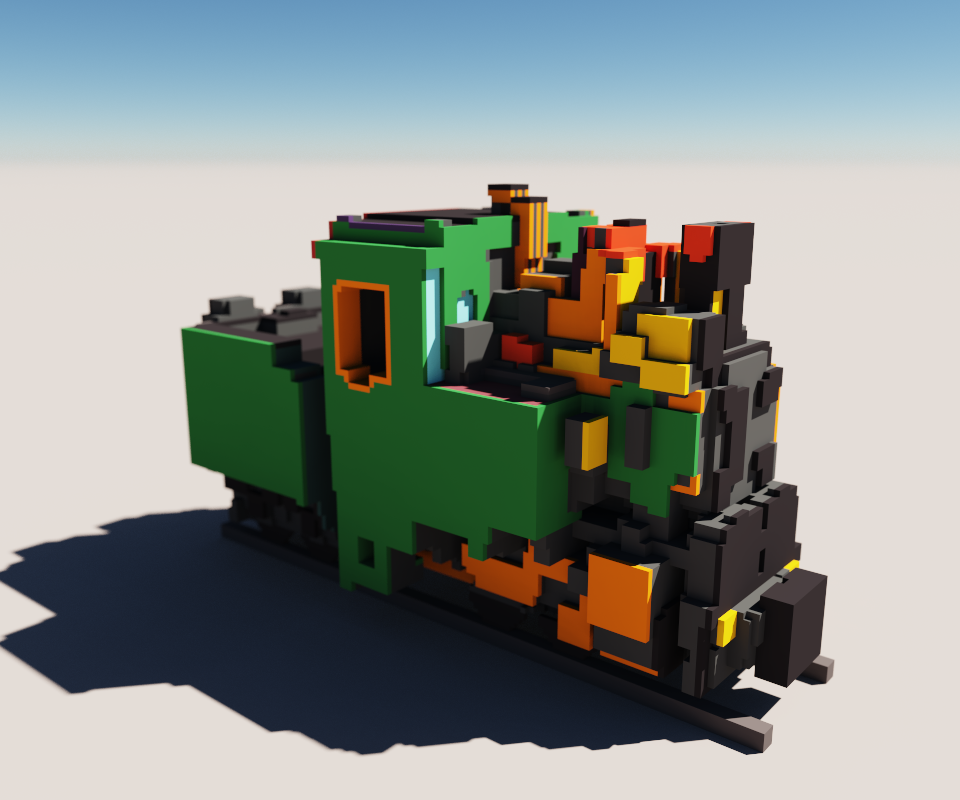
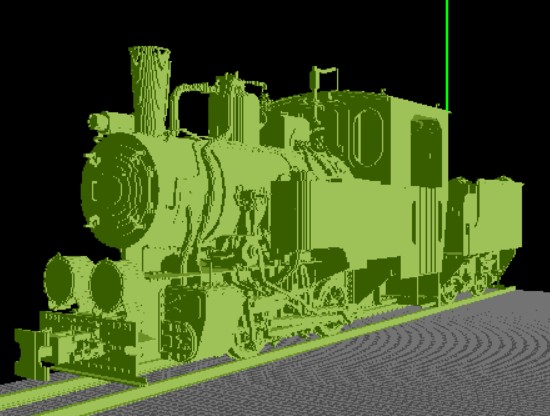
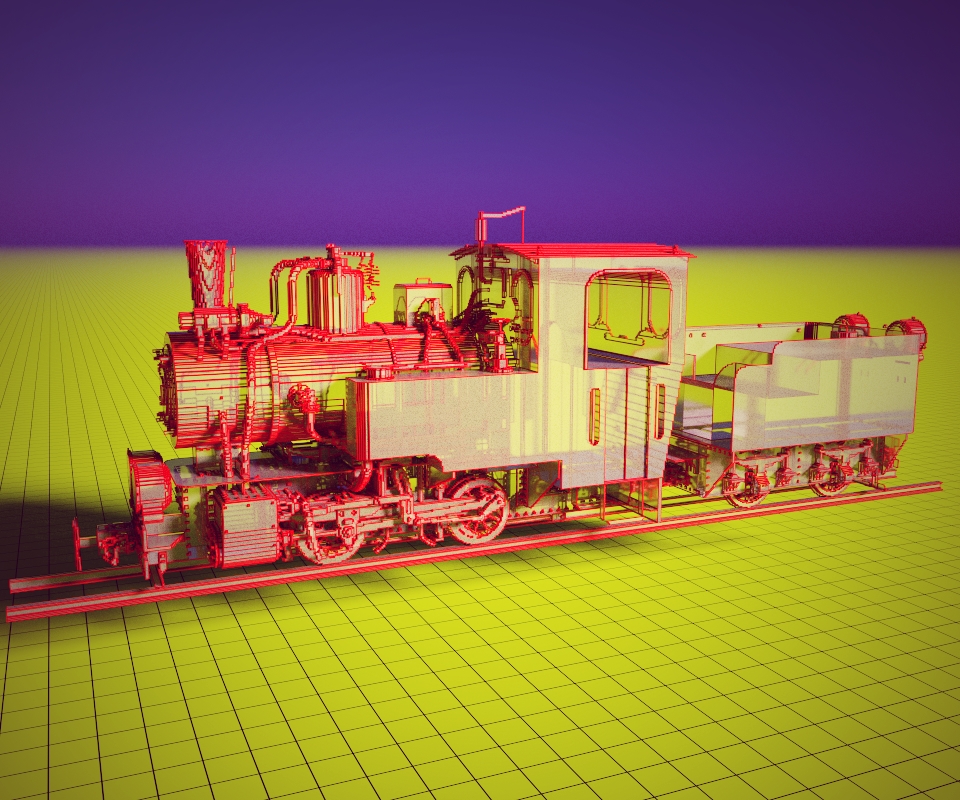
Loco Model T2-71 obj found on the Net - I don't know the author! :(

In ViewVox (5 millions of cubes !)

In MagicaVoxel : Each cubic matrix 126 * 126 *126
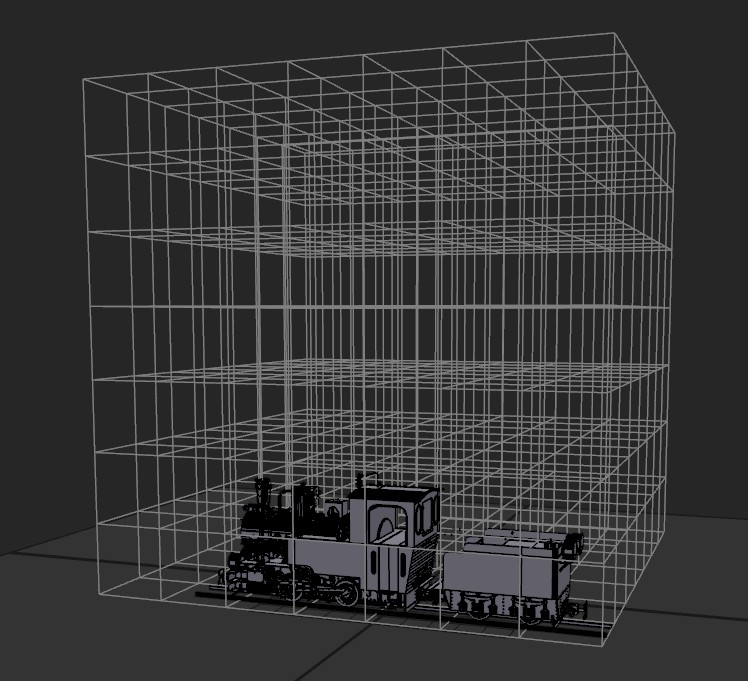

Play with the render :)
EDITED: 29 Nov 2018 by PILOU

  Reply Reply More Options
Post Options
Reply as PM Reply as PM
Print Print
Mark as unread Mark as unread
Relationship Relationship
IP Logged
 

Reply to All Reply to All


Show messages:  1  2-21  22-41  42-44