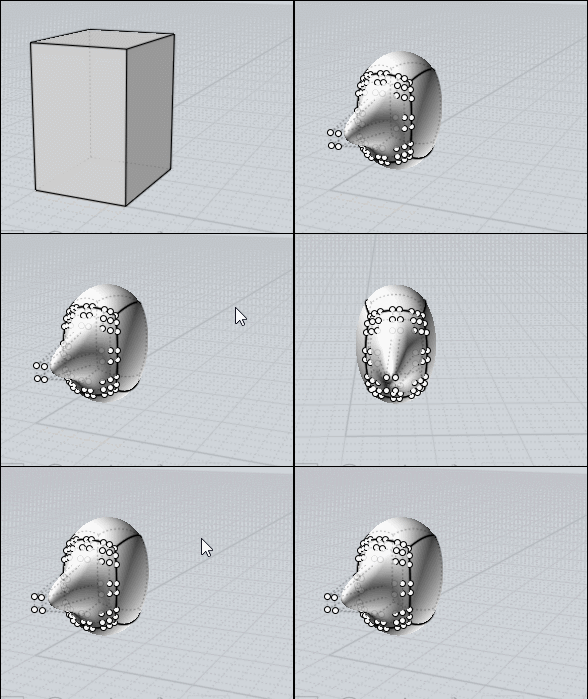
<< How do you do it, Pilou?
I have not your Box Dialog for this sort of "trim" section segment wanted! :)
I have just a ShortCut "P" for the plugin _SSplit of Max Smirnov
http://moi3d.com/forum/index.php?webtag=MOI&msg=6674.254
So on a rectangular box (as shown on the video)
Function call a Face(s) or a segment...so
I click on a segment (so pre-selection) then Press "P"
For a vertical "trim" select an horizontal segment and you can move your vertical "section"!
Select a segment etc...
Of course if you want an horizontal "trim" select a vertical segment and move your horizontal "section" ! :)
Of course after one apply section you can just select a segment and Richt Click (recall last function) or Press "P" as yo want!
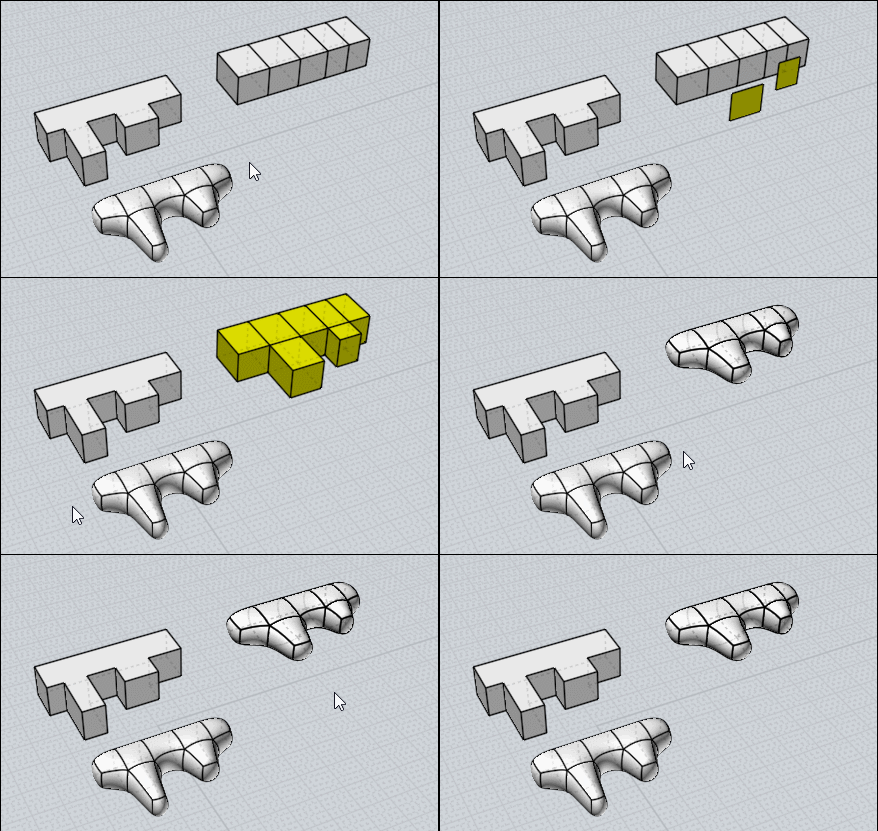
You must "bridged" faces for have this subdivided volume! If you make extrude you will have separated subdivided volumes!
PS If you select a Face I have your Box Dialog for input quadrangular faces on the selected face(s)!
I don't know if "trim section" is the good words ... "subdivided section" ? ... |