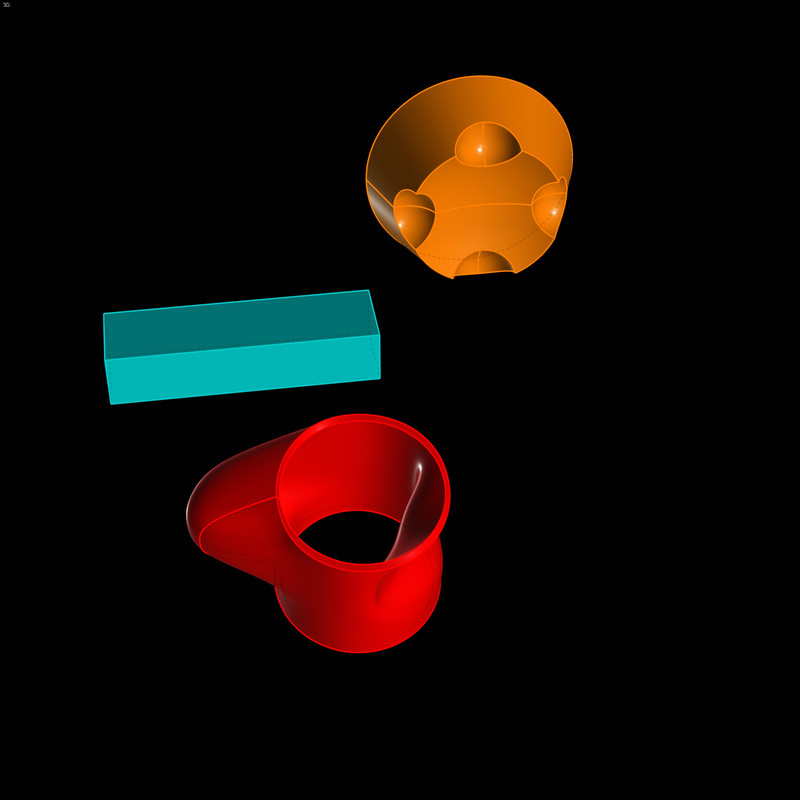
Q : Transparent background for renderToClipboard() ?
All  1-10  11-15

Previous
Next
 From:  Frenchy Pilou (PILOU)
12083.11 
Cool Plugin!

But seems it was very similar to the old "PrintScreen" ;)

https://moiscript.weebly.com/print-screen.html


your is added


:)

EDITED: 27 Aug 16:13 by PILOU

  Reply Reply More Options
Post Options
Reply as PM Reply as PM
Print Print
Mark as unread Mark as unread
Relationship Relationship
IP Logged

Previous
Next
 From:  BurrMan
12083.12 In reply to 12083.11 
It6 looks like your repository starts with the same script with the black background I listed. I didnt create it (So you added a duplicate with "Burr's Version")

The original discussion where this came in was with "Ambimind" in this thread here:

https://moi3d.com/forum/index.php?webtag=MOI&msg=1049.1

With his desire to create a rendering with controls of the output and an "Alpha Channel"
  Reply Reply More Options
Post Options
Reply as PM Reply as PM
Print Print
Mark as unread Mark as unread
Relationship Relationship
IP Logged

Previous
Next
 From:  BurrMan
12083.13 In reply to 12083.12 
I couldnt find the thread that changed it to a "Black" background....

But the original creation from Michael came out of this discussion (I Believe)

https://moi3d.com/forum/lmessages.php?webtag=MOI&msg=10393.2

At that point, it's easier to understand what is being done , then the script background color could easily be changed in here as its just a hex value...

So Somebody just changed the hex value to black, which worked for me, so I saved it as a js file and use it when needed....

You could make 5 or 10 js files with different color backgrounds to use as required in your pipeline.....
  Reply Reply More Options
Post Options
Reply as PM Reply as PM
Print Print
Mark as unread Mark as unread
Relationship Relationship
IP Logged

Previous
Next
 From:  BurrMan
12083.14 In reply to 12083.13 
Hey Elang,
Also when you pass this to the guys that use it, remember that the "Resolution" can be changed to work in different scenarios, or to get the "Max Output" of the hardware being used

So looking at the script i posted, this was created with my hardware at the time in mind. An Nvidia Quadro Workstation Card (At the time, top of the line) with a max resolution of 2560x2560 with 1.5 gigs of ram!!!!

Lol

Today, my card I use would laugh at that....

So if needing better resolution for editing, they can change that in the script.... Like 4K and 8K Etc... But just remember you can force the capture to outweigh your hardware capabilities.....
  Reply Reply More Options
Post Options
Reply as PM Reply as PM
Print Print
Mark as unread Mark as unread
Relationship Relationship
IP Logged

Previous
 From:  Frenchy Pilou (PILOU)
12083.15 In reply to 12083.12 
@ BurrMan
Thx for the old infos! ;)

So re-modifyed! :) bottom page :)
https://moiscript.weebly.com/print-screen.html
  Reply Reply More Options
Post Options
Reply as PM Reply as PM
Print Print
Mark as unread Mark as unread
Relationship Relationship
IP Logged
 

Reply to All Reply to All


Show messages: All  1-10  11-15