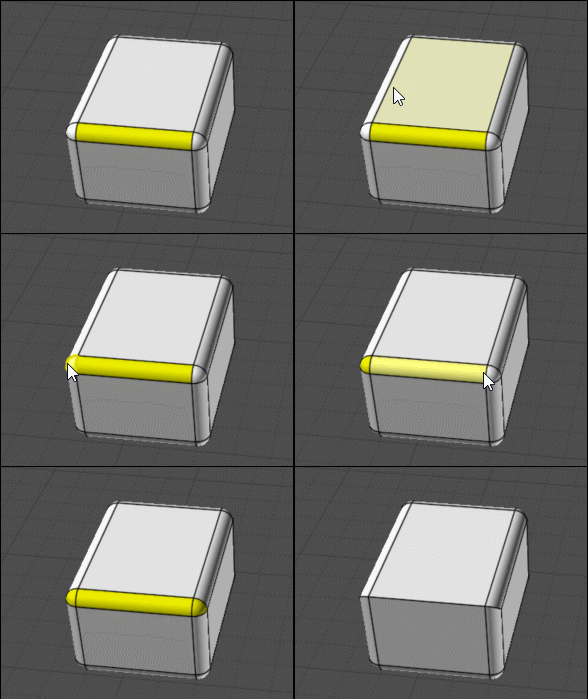
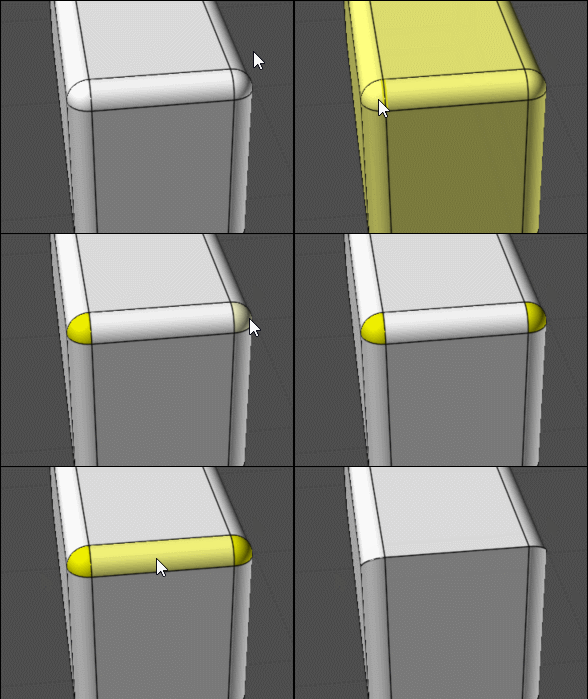
Hi Pilou, for fewer steps you could do -
"Details..." button, then on the object properties dialog, click "Faces", then Ctrl+click on "Planar" to deselect those.
Or on Scene Browser, Types section, click on the selection dot area for "Faces", then click on selection dot on Faces > Planar to deselect planar faces.
- Michael
|