Hi Pilou,
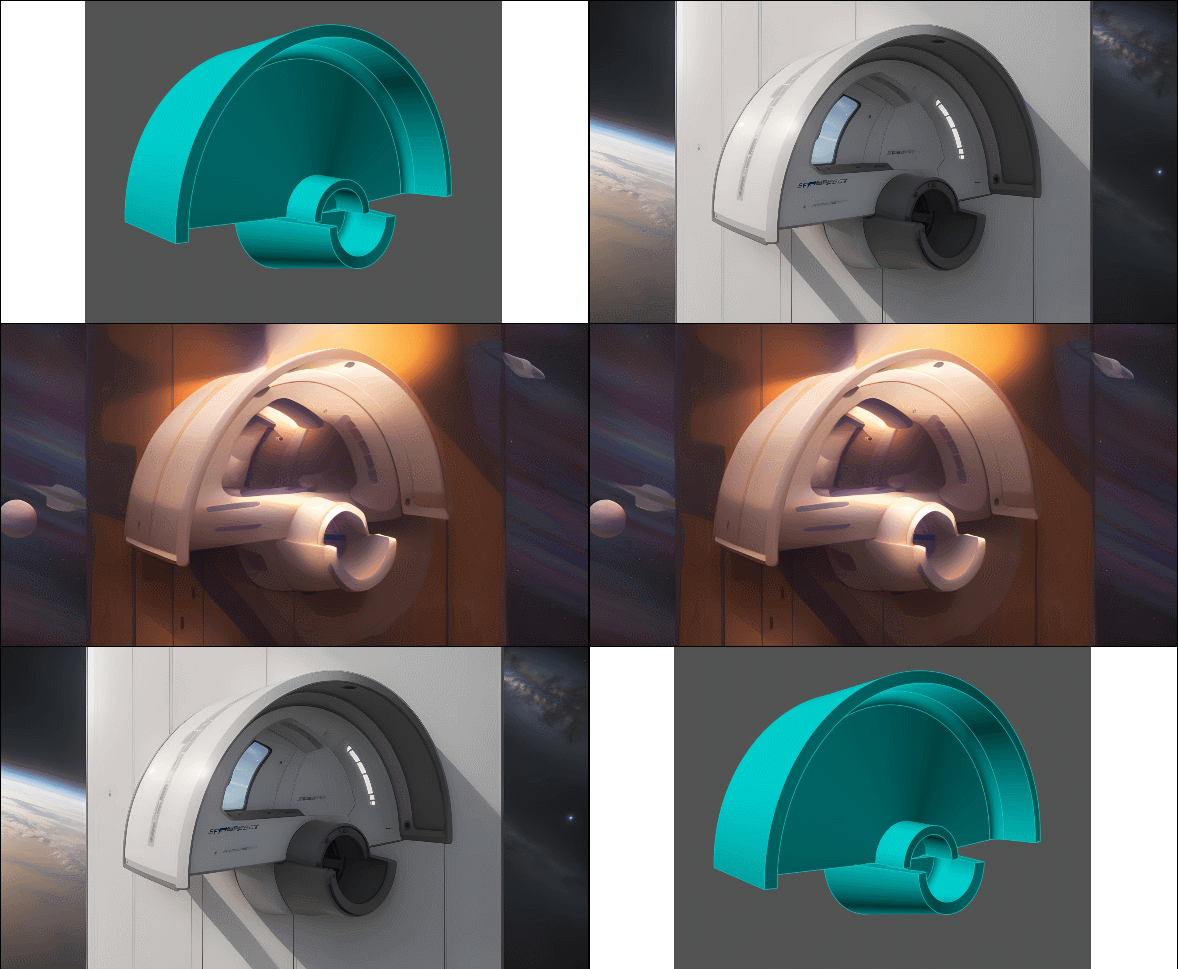
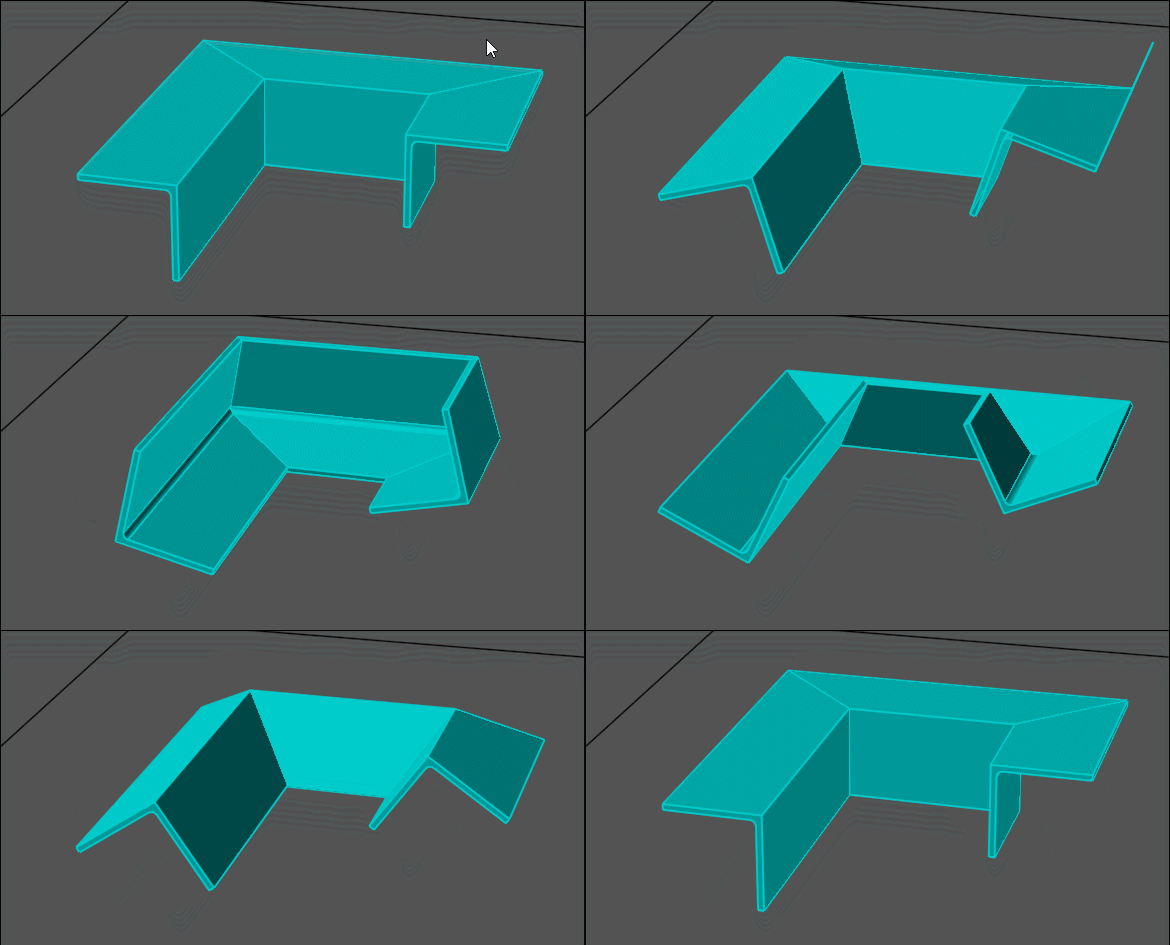
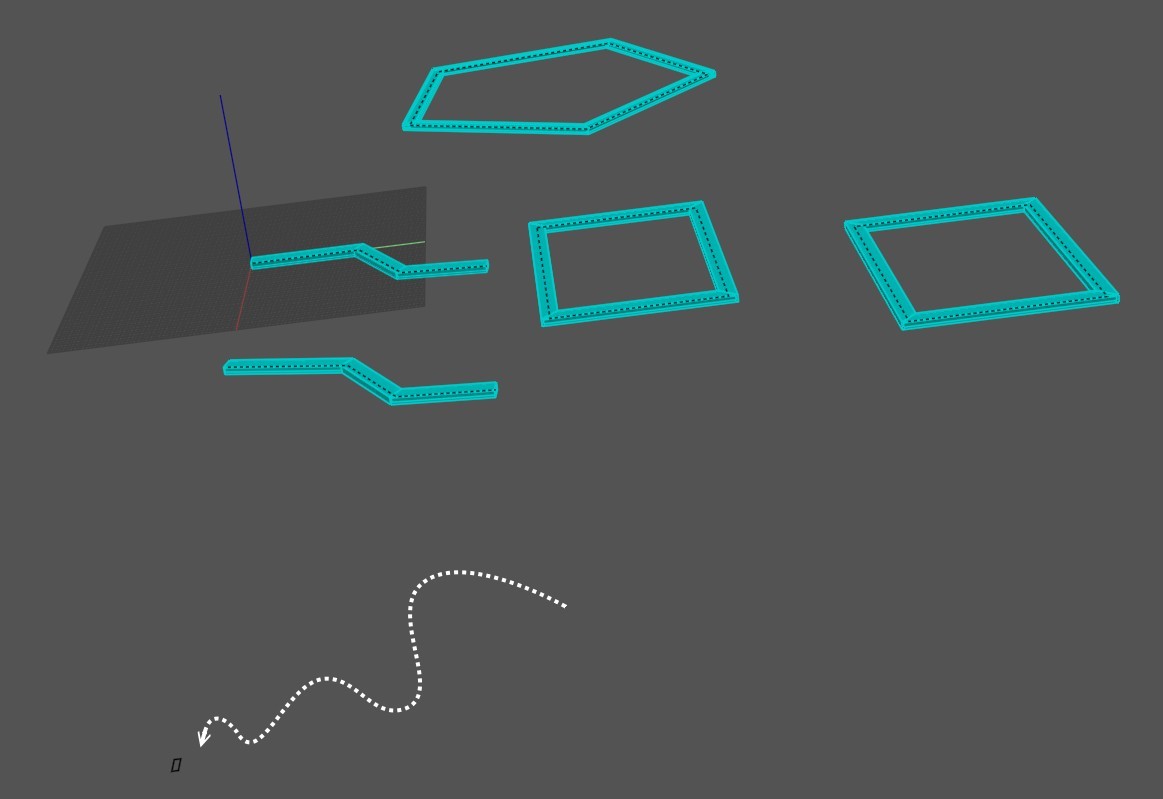
the nod file sweeps either a round or a rectangular pipe on the paths (rails) you create.
You can select numerous paths and cycle one by one thro them with the knob.
When your happy with the style of pipe shape (round or rectangular) you want press apply.
With the knob select the next path and so on.
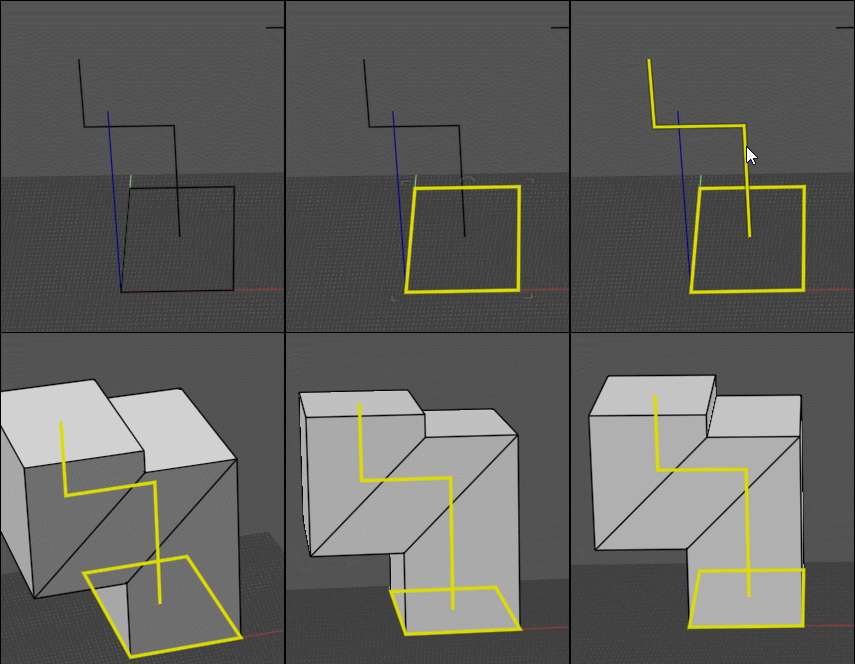
Perhaps the gif below will help it as 2 paths.
Cheers
Barry
Ah ok! I have yet this!
So you must refine a little your node for have also the natural sweep!
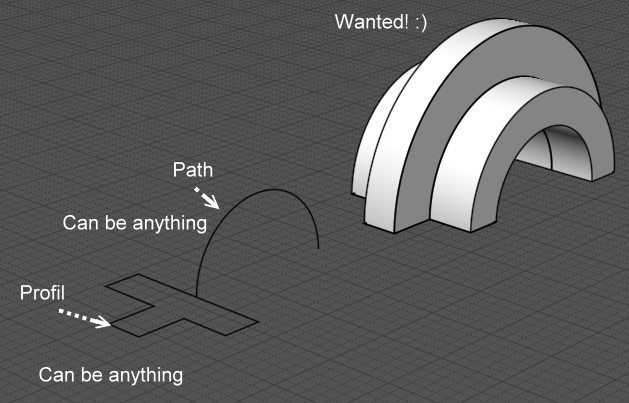
Any profil along any reasonable rail! :)
or a little more hard any profils along any reasonable rails! ;)
Hi Pilou.
A small rectangle to the side is one of the profiles that is used to form the pipe. I made him visible. Depending on the selected curve, it will be located in different places. This is a method that moves the "pipe profile" away from the "guides" to avoid conflicts. The mechanism of pipe construction consists of creating solid bodies using profiles and guides, and then the body that is inside is subtracted from the one in which it is located.
Hi WN,
thanks for spotting the issue not come across that before.
I have attached a nod file to produce various sections along a path based on the Pipe Tool.
Can you test it please.
Cheers
Barry
Hi Pilou,
<<I replace Knobs by Cursors ! ;)
Not sure what you mean ?
360 +or - makes no difference it's a complete revolution.
You can add 3 sliders (Height , Width , Thickness) feeding a Concat node and plugin to Section.
Barry
<<I replace Knobs by Cursors ! ;)
<<Not sure what you mean ?
Just that Cursors/Sliders are more easy to move with a mouse than Knobs...
<< 360 +or - makes no difference it's a complete revolution.
yes but when you have for example first go to 150°
with negative values you can go to -220° if wanted! (else it was blocked to 0°)
It's with that i have made my spaceship! :)
Hi WN,
thank you for your suggestions.
The problem is there are so many standard sections & the concat node is limited to 6 inputs.
I have made a manual input nod file as Pilou suggested for now please have a look.
I have also modified the positioning of the profile in the 'Y' axis as just moving in the 'X' did not clear the bounding box
when a path is just a straight line on the 'Y' if that makes sense.
This applies to the Pipe tool as well so will update my post.
Pilou,
have made the rotation +- 180 and now a manual input for profile sizes.
Many thanks to you both.
Cheers
Barry
For the next :)
General concept of the sweep with one rail!
But take only case of the profil is touching the rail else that will be headache of the Profil orientation!!!
WOW! from a small request so much function, so many tools to play with and so many possible directions. Off to play....
many thanks to all who have input keeping MOI the sharpest pen in the pack.
All the best Alex.
Hi,
have updated the pipe tool with a minor bug fix.
Also have modified the Sections nod file.
Have removed the gate selection system and replaced with a slider.
A fillet adjustment slider as also been added.
Cheers
Barry




.png)