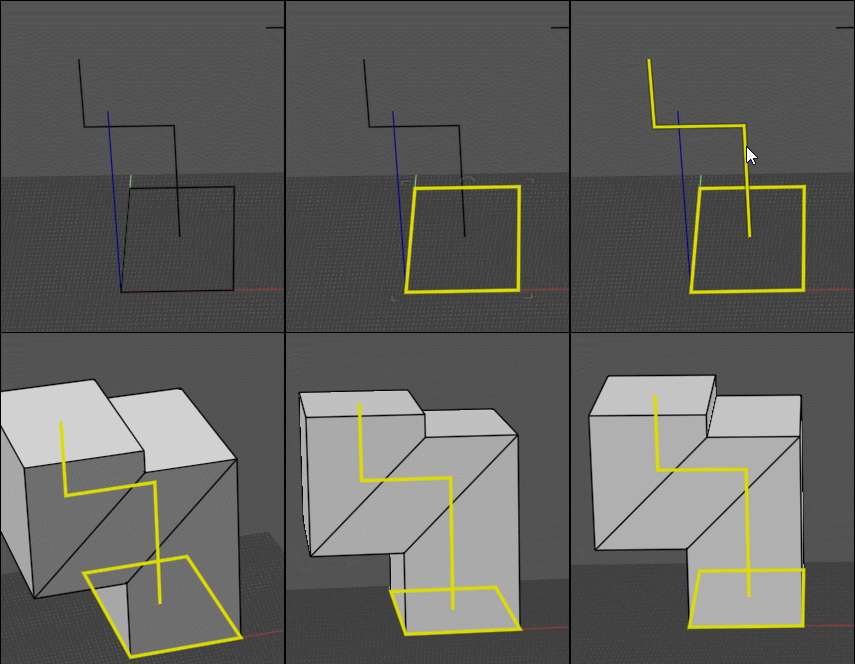
MOI Script Pipe2Thickness evolve into TUBE TOOLKIT
 1-4  5-24  25-44  45-64  65-84  85-93

Message 11314.45 deleted 28 Jan 2024 by WN

Previous
Next
 From:  Frenchy Pilou (PILOU)
11314.46 In reply to 11314.45 
so only the multi select to Swicht or other thing ?

Because i have only one object result but 2 curves selected..

EDITED: 28 Jan 2024 by PILOU

  Reply Reply More Options
Post Options
Reply as PM Reply as PM
Print Print
Mark as unread Mark as unread
Relationship Relationship
IP Logged

Previous
Next
 From:  Barry-H
11314.47 In reply to 11314.46 
Hi Pilou,
The multi select indexes thro your selections one at a time so you need to apply your selection before moving to the next selection.
This allows you to choose between pipe or box.
If your selections are all the same (pipe or box) give them the same name and select by get by name.
Hope that’s clear.
Cheers
Barry
  Reply Reply More Options
Post Options
Reply as PM Reply as PM
Print Print
Mark as unread Mark as unread
Relationship Relationship
IP Logged

Previous
Next
 From:  Frenchy Pilou (PILOU)
11314.48 In reply to 11314.47 
Very "sportive" nodes! :)
here select the 2 rectangles in the same time !
  Reply Reply More Options
Post Options
Reply as PM Reply as PM
Print Print
Mark as unread Mark as unread
Relationship Relationship
IP Logged

Previous
Next
 From:  Barry-H
11314.49 In reply to 11314.48 
Hi Pilou,
The small rectangle looks to small for the pipe size you have used thus the problem.
Can you post your shapes and settings so I can check.
Cheers.
Barry
  Reply Reply More Options
Post Options
Reply as PM Reply as PM
Print Print
Mark as unread Mark as unread
Relationship Relationship
IP Logged

Previous
Next
 From:  Frenchy Pilou (PILOU)
11314.50 In reply to 11314.49 
here the file!
https://moiscript.weebly.com/uploads/3/9/3/8/3938813/for_barry.3dm

But it not really a problem because it's a solid! :) auto-intersected! :)

EDITED: 29 Jan 2024 by PILOU

  Reply Reply More Options
Post Options
Reply as PM Reply as PM
Print Print
Mark as unread Mark as unread
Relationship Relationship
IP Logged

Previous
Next
 From:  Barry-H
11314.51 In reply to 11314.50 
Hi Pilou,
the nod file will not calculate multi different shapes at one time.( it will if all shapes are the same)
I have modified the nod file to take multiple paths but you will need to index thro them one at a time choosing
Pipe or Box fillets or no fillet etc.
The nod file includes the use of MO (M0_TE) new fillet curve & note nodes so I have included my latest Nodeditor.
Also included is my test file.
Please let me know of any issues.
Cheers
Barry

Edit 30/01/24
Correction thanks to WN the node will now do multiply paths at same time.
Have updated nod file.
Another bug fix so latest version Pipe Tool 300134

Bug fix 02/02/24 version Pipe Tool 010224

EDITED: 2 Feb 2024 by BARRY-H


  Reply Reply More Options
Post Options
Reply as PM Reply as PM
Print Print
Mark as unread Mark as unread
Relationship Relationship
IP Logged

Previous
Next
 From:  Frenchy Pilou (PILOU)
11314.52 In reply to 11314.51 
OK i will test that!
I replace the knob by a cursor with no decimal number
For me a knob is not practical...
---
Pilou
Is beautiful that please without concept!
My Moi French Site My Gallery My MagicaVoxel Gallery
  Reply Reply More Options
Post Options
Reply as PM Reply as PM
Print Print
Mark as unread Mark as unread
Relationship Relationship
IP Logged

Previous
Next
 From:  Frenchy Pilou (PILOU)
11314.53 In reply to 11314.51 
Cool that you have linked your nodeeditor

Works fine for alone path except the fact that i don't find how sweep a profil along a path!

EDITED: 29 Jan 2024 by PILOU

  Reply Reply More Options
Post Options
Reply as PM Reply as PM
Print Print
Mark as unread Mark as unread
Relationship Relationship
IP Logged

Previous
Next
 From:  Barry-H
11314.54 In reply to 11314.53 
Pilou,
I do not understand can you give an example.
Barry
  Reply Reply More Options
Post Options
Reply as PM Reply as PM
Print Print
Mark as unread Mark as unread
Relationship Relationship
IP Logged

Previous
Next
 From:  Frenchy Pilou (PILOU)
11314.55 In reply to 11314.54 
Something like that :)
with your example of path given
---
Pilou
Is beautiful that please without concept!
My Moi French Site My Gallery My MagicaVoxel Gallery
  Reply Reply More Options
Post Options
Reply as PM Reply as PM
Print Print
Mark as unread Mark as unread
Relationship Relationship
IP Logged

Previous
Next
 From:  Barry-H
11314.56 In reply to 11314.55 
Hi Pilou,
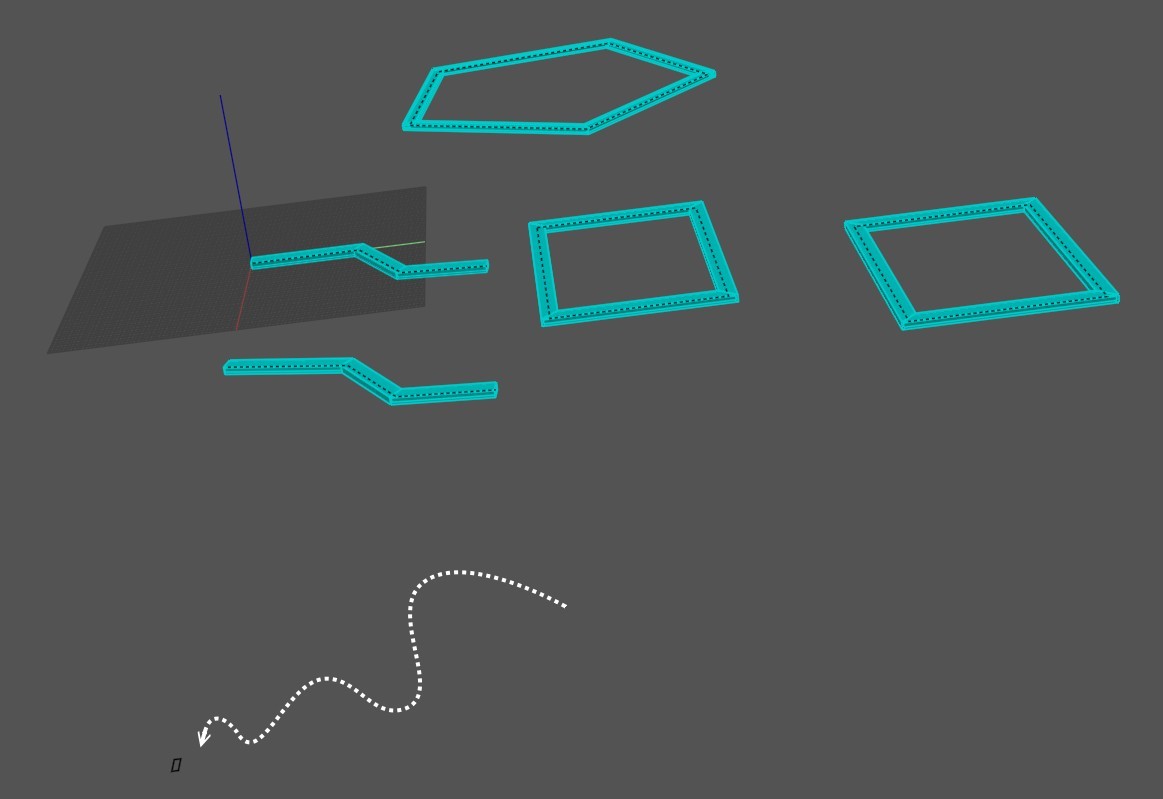
the nod file sweeps either a round or a rectangular pipe on the paths (rails) you create.
You can select numerous paths and cycle one by one thro them with the knob.
When your happy with the style of pipe shape (round or rectangular) you want press apply.
With the knob select the next path and so on.
Perhaps the gif below will help it as 2 paths.
Cheers
Barry


Attachments:

  Reply Reply More Options
Post Options
Reply as PM Reply as PM
Print Print
Mark as unread Mark as unread
Relationship Relationship
IP Logged

Previous
Next
 From:  Frenchy Pilou (PILOU)
11314.57 In reply to 11314.56 
Ah ok! I have yet this!
So you must refine a little your node for have also the natural sweep!
Any profil along any reasonable rail! :)
or a little more hard any profils along any reasonable rails! ;)

EDITED: 29 Jan 2024 by PILOU

  Reply Reply More Options
Post Options
Reply as PM Reply as PM
Print Print
Mark as unread Mark as unread
Relationship Relationship
IP Logged

Previous
Next
 From:  WN
11314.58 
A small change and everything will work.
Attachments:

Image Attachments:
Size: 141.8 KB, Downloaded: 35 times, Dimensions: 1320x707px
Size: 110.8 KB, Downloaded: 37 times, Dimensions: 680x662px
  Reply Reply More Options
Post Options
Reply as PM Reply as PM
Print Print
Mark as unread Mark as unread
Relationship Relationship
IP Logged

Previous
Next
 From:  Frenchy Pilou (PILOU)
11314.59 In reply to 11314.58 
works like a charm!

Rest to make something for use any profil against only the rectangle for the moment!

EDITED: 29 Jan 2024 by PILOU

  Reply Reply More Options
Post Options
Reply as PM Reply as PM
Print Print
Mark as unread Mark as unread
Relationship Relationship
IP Logged

Previous
Next
 From:  WN
11314.60 In reply to 11314.59 
Hi Pilou.
A small rectangle to the side is one of the profiles that is used to form the pipe. I made him visible. Depending on the selected curve, it will be located in different places. This is a method that moves the "pipe profile" away from the "guides" to avoid conflicts. The mechanism of pipe construction consists of creating solid bodies using profiles and guides, and then the body that is inside is subtracted from the one in which it is located.
  Reply Reply More Options
Post Options
Reply as PM Reply as PM
Print Print
Mark as unread Mark as unread
Relationship Relationship
IP Logged

Previous
Next
 From:  Frenchy Pilou (PILOU)
11314.61 In reply to 11314.60 
So not easy to put any other reasonable profil(s) ?
---
Pilou
Is beautiful that please without concept!
My Moi French Site My Gallery My MagicaVoxel Gallery
  Reply Reply More Options
Post Options
Reply as PM Reply as PM
Print Print
Mark as unread Mark as unread
Relationship Relationship
IP Logged

Previous
Next
 From:  Barry-H
11314.62 In reply to 11314.60 
Hi WN,
thanks for spotting the issue not come across that before.
I have attached a nod file to produce various sections along a path based on the Pipe Tool.
Can you test it please.
Cheers
Barry


  Reply Reply More Options
Post Options
Reply as PM Reply as PM
Print Print
Mark as unread Mark as unread
Relationship Relationship
IP Logged

Previous
Next
 From:  Frenchy Pilou (PILOU)
11314.63 In reply to 11314.62 
Cool...

I replace Knobs by Cursors ! ;)

Cursors must be added to Height, Width, Wall
Rotation must be something like -360 to + 360
Waiting the free section ;)

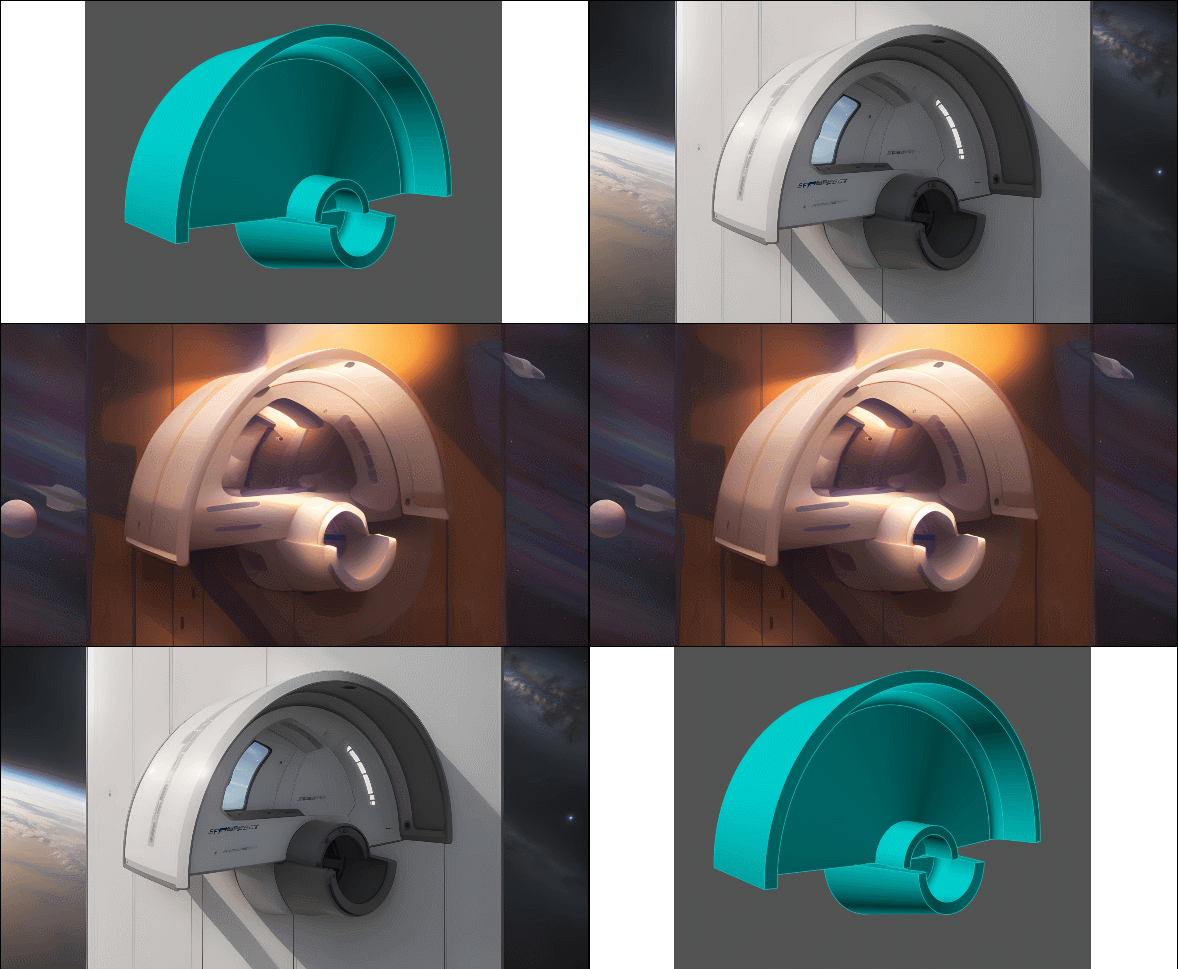
Speedy test with the Free Vizcom! :)

EDITED: 30 Jan 2024 by PILOU

  Reply Reply More Options
Post Options
Reply as PM Reply as PM
Print Print
Mark as unread Mark as unread
Relationship Relationship
IP Logged

Previous
Next
 From:  Barry-H
11314.64 In reply to 11314.63 
Hi Pilou,
<<I replace Knobs by Cursors ! ;)
Not sure what you mean ?
360 +or - makes no difference it's a complete revolution.
You can add 3 sliders (Height , Width , Thickness) feeding a Concat node and plugin to Section.
Barry

EDITED: 30 Jan 2024 by BARRY-H

  Reply Reply More Options
Post Options
Reply as PM Reply as PM
Print Print
Mark as unread Mark as unread
Relationship Relationship
IP Logged
 

Reply to All Reply to All


Show messages:  1-4  5-24  25-44  45-64  65-84  85-93