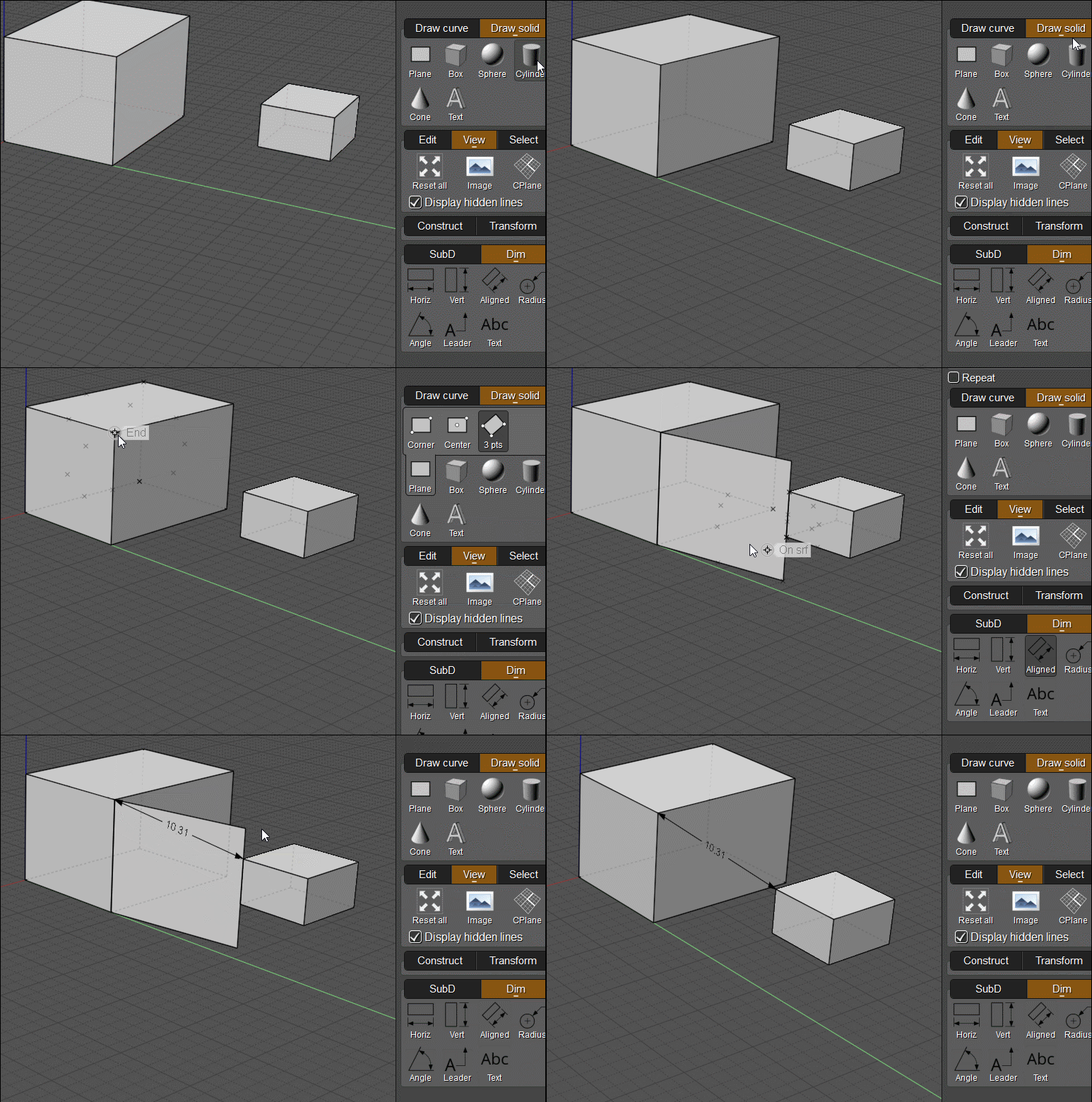
Hello !
Well, what can I say - as always, thank you for following through and being willing to provide such helpful custom scripts. Being able to lay dims this way (without the legs/offset) really fits with the way I think of drafting - that is to say : being accurate early on (to an extent ...), but without obsessing over fully constraining everything. This is great.

One last suggestion I would have would be the ability to edit a dim not just as its X and Y, but also being able to input the actual dimension like one can do with regular line objects, as shown (or rather, not shown) on the dim being actively edited in the screenshot above. And of course (as mentioned earlier in a different thread IIRC), perhaps an option to temporarily display the dimensions of everything on screen as an overlay could be useful too.
All understood about rotation - I do tend to mostly use the rotate tool anyways (as opposed to using the edit frame, or direct manipulation of points), so that's perfectly fine. |