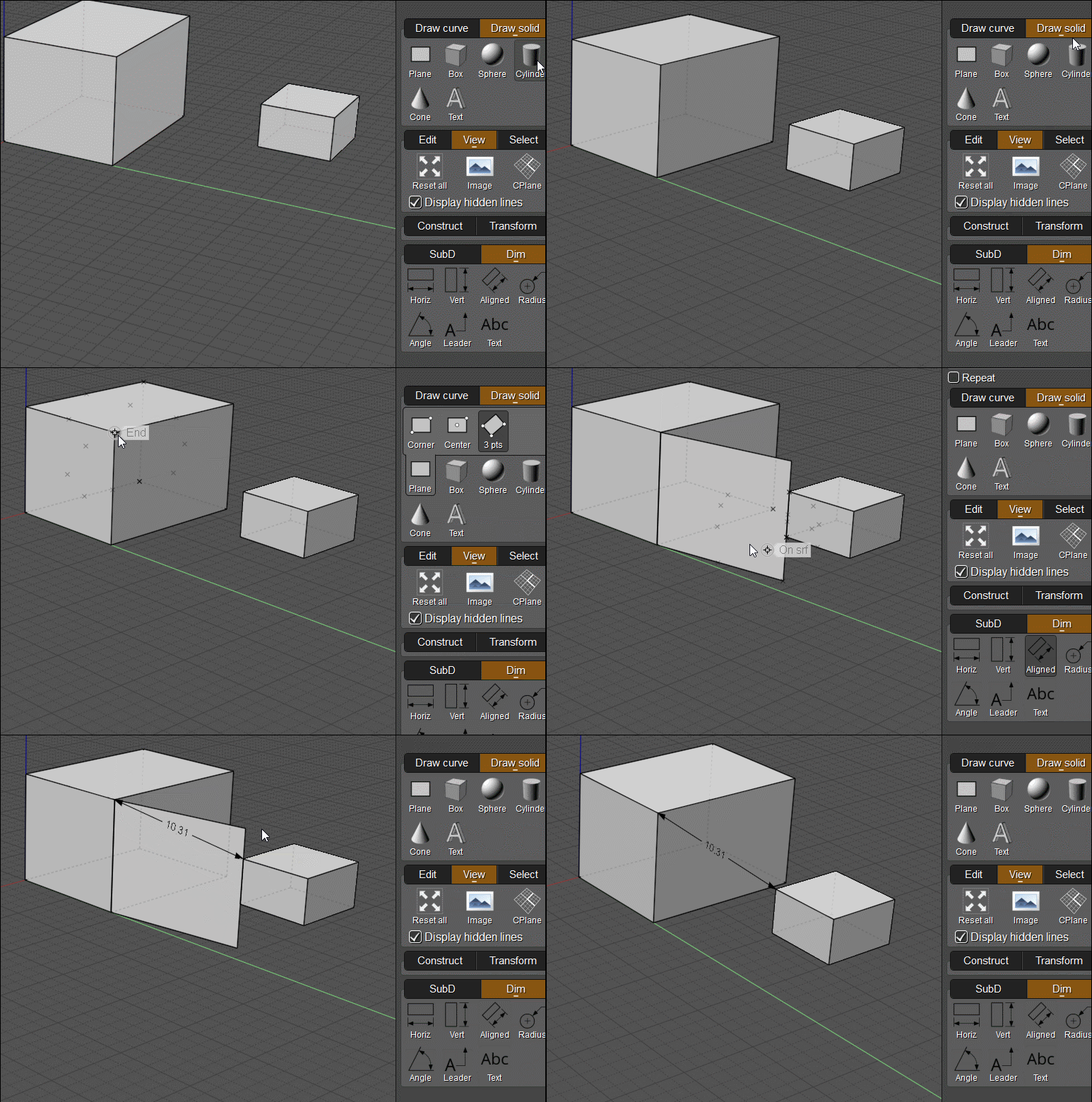
Hi Pior,
re:
> 1 - The lines from the dimension tool do not start exactly at their point of reference, but rather a few
> pixels away. This is obviously by design, but is there an option to control this distance and set it as 0 ?
Yes, that's controlled by the "Extension gap" property, you can either set it on an individual object by selecting it and using the "Details..." object properties dialog, or you can set the default value under Options > Dimensions:


re:
> 2 - Is it possible to somehow make these dimension lines be taken into account for intersections ?
In general the annotation objects are not treated as regular geometry, like you can't extrude or trim them for example.
But a couple of options are you could drag out a construction line along the dimension line and then that construction line will be able to be intersected. Or also if you export to PDF, AI, or SVG formats and read it back in that will cause the dimensions to have been converted into regular geometry.
- Michael |