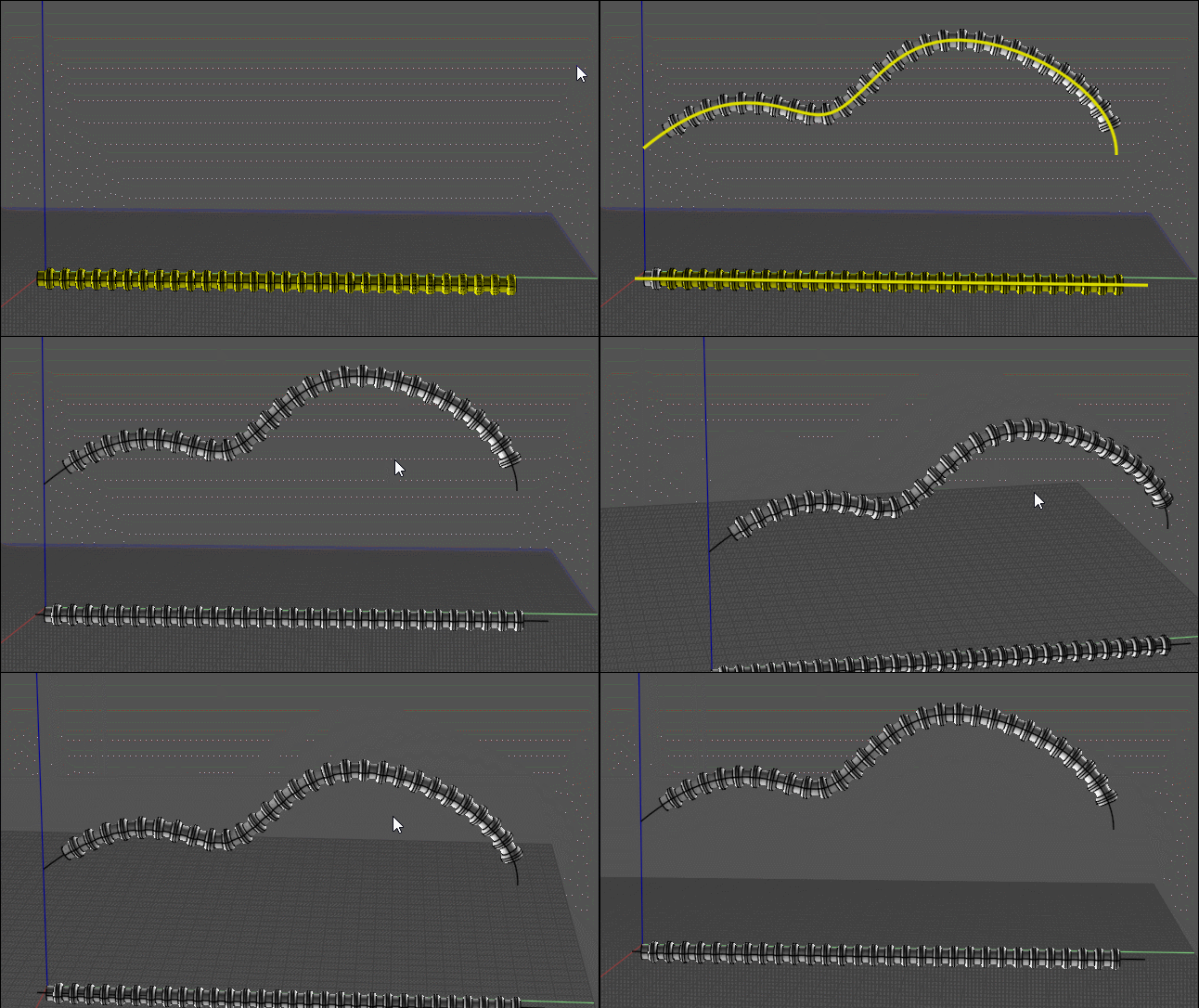
Hi Robert,
The object is at quite an angle. So I found it a little challenging.
First place a small (green) line along the normal of the object, at the center of a circle portion.
The start of the green line should be at the place in the object where the curve will eventually start, probably the
"left" side of the object, center of circle, with green line, (reverse normal), going to the right.
Also place a lightBlue tangent line at the start of your target curve, from "left" to "right". (reverse tangent.)
Orient Line Line the object with the green and the lightBlue lines.
- Brian
(Or better yet, un-reverse both the normal and the tangent :-)
There are snaps for the Normal and the Tangent. These snaps work in either "direction", 180 degrees...
There is more than one way to do the alignment...
With both the object and the curve at such angles, cPlane would not work, unless...
It might be easier to cPlane the object, with normal along z direction, and save it to a file alone, erase object from curve .3dm.
Then cPlane the curve alone, in z direction, and reload the object in say TopView...
Your curve seems to have a "sharp", rounded, almost 90 degree bend... (unnatural physics?)
A catenary section, or larger arc radius, might seem more natural?
|