Insert Circle script
 1-14  15-25

Previous
Next
 From:  Michael Gibson
10340.15 In reply to 10340.14 
Hi Burr,

re:
> Well, that would work, but the other script just has access to the various
> pick points and just inserts as you click.

Wouldn't that be the same thing as InsertCircle then?

- Michael
  Reply Reply More Options
Post Options
Reply as PM Reply as PM
Print Print
Mark as unread Mark as unread
Relationship Relationship
IP Logged

Previous
Next
 From:  BurrMan
10340.16 In reply to 10340.15 
Well, with the inversion added. Insert circle only goes 1 way...

Let me check
  Reply Reply More Options
Post Options
Reply as PM Reply as PM
Print Print
Mark as unread Mark as unread
Relationship Relationship
IP Logged

Previous
Next
 From:  BurrMan
10340.17 In reply to 10340.16 
Yup, just checked.

So insert circle has the actual picking ability, but it only does it additively. It would need the inverse added to it.

or

Inverse fillet does have the flip option, for adding or subtracting. But it doesn't have the ability to pick where this happens. It just globally applies it to closed curve "corner points".

The pick point method doesn't even need a corner point. You can place it "Anywhere".

So I guess the optimal would be the InsertCircle command with the flip option added in...
  Reply Reply More Options
Post Options
Reply as PM Reply as PM
Print Print
Mark as unread Mark as unread
Relationship Relationship
IP Logged

Previous
Next
 From:  Michael Gibson
10340.18 In reply to 10340.13 
Hi Colin, I've updated the inverse fillet in the attachment above so you can select which vertices to target.

- Michael
  Reply Reply More Options
Post Options
Reply as PM Reply as PM
Print Print
Mark as unread Mark as unread
Relationship Relationship
IP Logged

Previous
Next
 From:  Michael Gibson
10340.19 In reply to 10340.17 
Hi Burr, I've updated the InsertCircle script to have a "Flip" option now:
http://moi3d.com/forum/index.php?webtag=MOI&msg=9266.93

- Michael
  Reply Reply More Options
Post Options
Reply as PM Reply as PM
Print Print
Mark as unread Mark as unread
Relationship Relationship
IP Logged

Previous
Next
 From:  Frenchy Pilou (PILOU)
10340.20 
Cool additions!
  Reply Reply More Options
Post Options
Reply as PM Reply as PM
Print Print
Mark as unread Mark as unread
Relationship Relationship
IP Logged

Previous
Next
 From:  BurrMan
10340.21 In reply to 10340.19 
That's it!!!

Thanks Michael. Really appreciate it.
  Reply Reply More Options
Post Options
Reply as PM Reply as PM
Print Print
Mark as unread Mark as unread
Relationship Relationship
IP Logged

Previous
Next
 From:  Mik (MIKULAS)
10340.22 In reply to 10340.20 
Very usefull script
Mik
  Reply Reply More Options
Post Options
Reply as PM Reply as PM
Print Print
Mark as unread Mark as unread
Relationship Relationship
IP Logged

Previous
Next
 From:  colinpartridge
10340.23 In reply to 10340.18 
Thats really cool, thank you so much. I normally start my designs in Moi and then transfer to Vectric V-carve to add dogbone fillets, but this script means all I'm using V-carve for is the CNC path generation.

Colin
  Reply Reply More Options
Post Options
Reply as PM Reply as PM
Print Print
Mark as unread Mark as unread
Relationship Relationship
IP Logged

Previous
Next
 From:  Frenchy Pilou (PILOU)
10340.24 
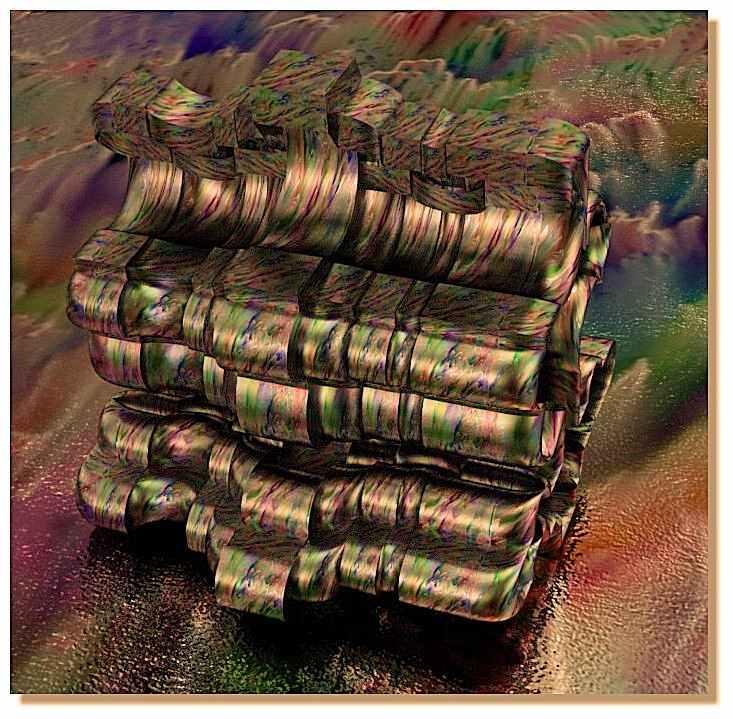
Insertcircle
Funny form with only a revolve on it's perpendicular profil :)

---
Pilou
Is beautiful that please without concept!
My Moi French Site My Gallery My MagicaVoxel Gallery
  Reply Reply More Options
Post Options
Reply as PM Reply as PM
Print Print
Mark as unread Mark as unread
Relationship Relationship
IP Logged

Previous
 From:  Frenchy Pilou (PILOU)
10340.25 
Always fun! :)


---
Pilou
Is beautiful that please without concept!
My Moi French Site
  Reply Reply More Options
Post Options
Reply as PM Reply as PM
Print Print
Mark as unread Mark as unread
Relationship Relationship
IP Logged
 

Reply to All Reply to All


Show messages:  1-14  15-25