Cmorph with distance?

Next
 From:  Matadem
11964.1 
Good day.
Is there a way for the cmorph script to show the distance between before to commit to apply the curves?
What I mean is run the morph script select the 2 curves ...you can adjust the amount of lines but don't know the distance.
so while you ar moving the slider a box that displays the distance between the created lines.

Why? so I know let say my cnc bit can cut 5mm deep I want to have the lines to not exceed the 5mm.

Tnx!

EDITED: 15 Apr 12:35 by MATADEM

  Reply Reply More Options
Post Options
Reply as PM Reply as PM
Print Print
Mark as unread Mark as unread
Relationship Relationship
IP Logged

Previous
Next
 From:  BurrMan
11964.2 In reply to 11964.1 
Hey Metadem,
Remember the "Morph" in the script has the distance between the lines as a variable space. You could only have a single point along each path be spaced.

The modeling package would generate a bunch of stacked up lines.

My CAM software has morph toolpaths.
  Reply Reply More Options
Post Options
Reply as PM Reply as PM
Print Print
Mark as unread Mark as unread
Relationship Relationship
IP Logged

Previous
Next
 From:  Matadem
11964.3 
Good day.
Yes but they are evenly spaced...so that is the number I need.
One example...Vcarve you can create chamfer with a chamfer bit or a round bit.
but not with an flat bottom endmill....this can be done with moulding toolpaths
to me it is just faster to machine different size circles at certain depths to get the angle I need for different screws.
on top of that I do not need to change bits.

So I would use it to cnc 3d shapes out of 2d curves(not all of the time but 99%)...why? because it is faster for me to setup that way than to setup the 3d model in Vcarve.

Since everything comes out of Moi anyways...I do not use Vcarve for drawing...too slow compared to Moi.

Tnx!

EDITED: 15 Apr 13:37 by MATADEM

  Reply Reply More Options
Post Options
Reply as PM Reply as PM
Print Print
Mark as unread Mark as unread
Relationship Relationship
IP Logged

Previous
Next
 From:  Michael Gibson
11964.4 In reply to 11964.1 
Hi Matadem,

re:
> Is there a way for the cmorph script to show the distance between before to commit to apply the curves?

Not quite exactly as you ask, because the way cmorph works there is not just one distance value like you describe, there is a separate value for each end:


- Michael

  Reply Reply More Options
Post Options
Reply as PM Reply as PM
Print Print
Mark as unread Mark as unread
Relationship Relationship
IP Logged

Previous
Next
 From:  Matadem
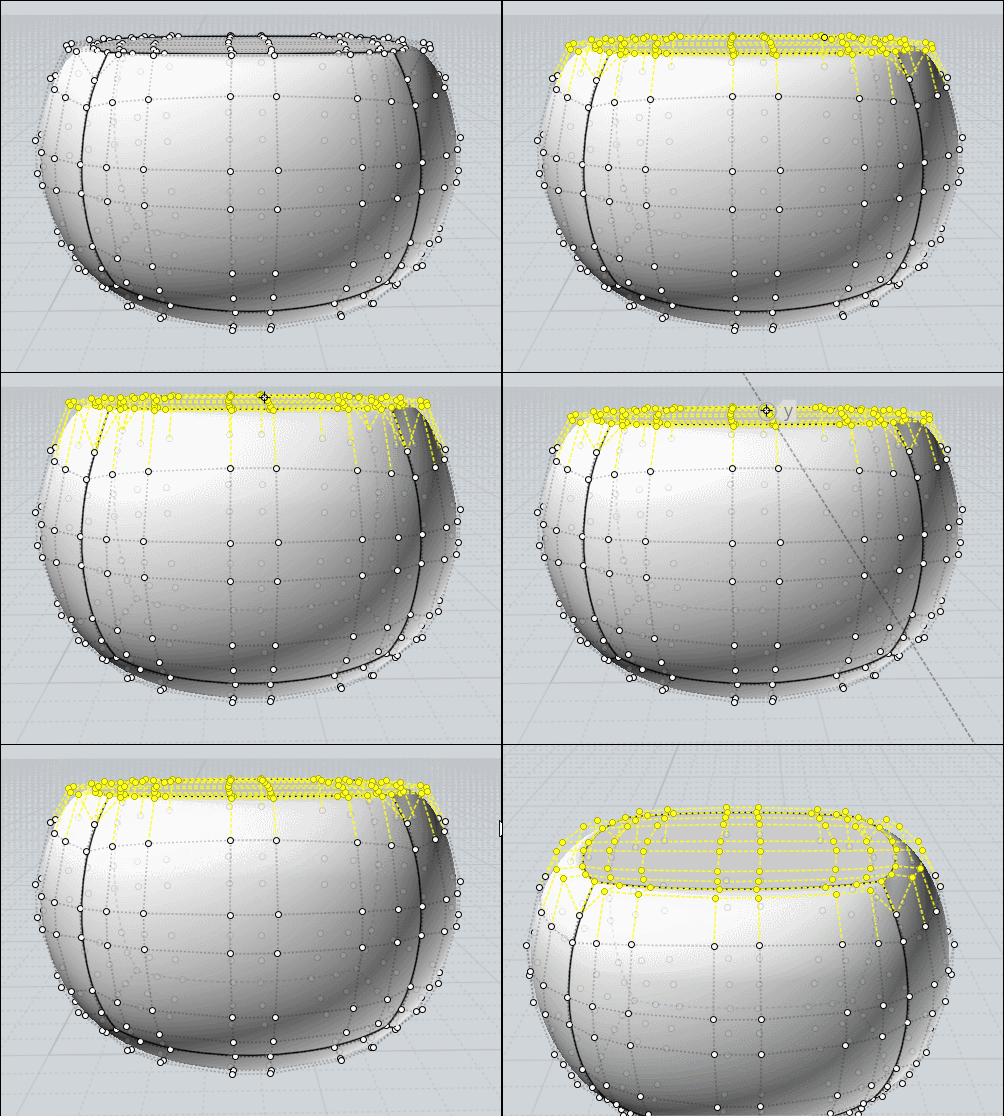
11964.5 
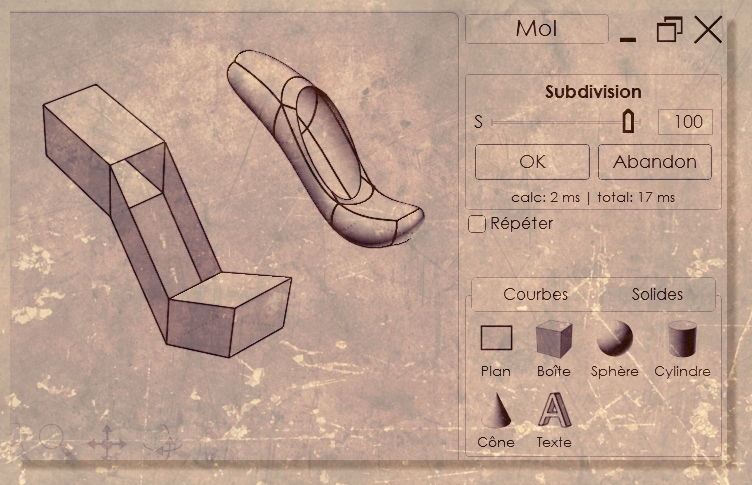
This is the situation I would need.

Tnx!
Image Attachments:
Size: 47.6 KB, Downloaded: 8 times, Dimensions: 584x344px
  Reply Reply More Options
Post Options
Reply as PM Reply as PM
Print Print
Mark as unread Mark as unread
Relationship Relationship
IP Logged

Previous
Next
 From:  BurrMan
11964.6 In reply to 11964.5 
So like slicing a 3d model in a single direction with no "curve"

I did a jury rig, by using LineWeb to generate a single line then ran calculator to divide it by my tooldiameter to get the number to enter into the morph and generate spacing that was close.

The "Close" came into play because if my line was 6.8824 and i divided it by .5, i got 13.7648, but linemorph only allowed me to enter 13 or 14. So slightly smaller or slightly bigger than .5 tool. A little smaller could work if your step didnt need precision at the perfect level

It seems like this could be scriptable (I am not capable but there are those who could)

If you need the perfect steps of .5, this is what your CAM software does with complex toolpath calcs and algo's.
  Reply Reply More Options
Post Options
Reply as PM Reply as PM
Print Print
Mark as unread Mark as unread
Relationship Relationship
IP Logged

Previous
Next
 From:  BurrMan
11964.7 In reply to 11964.6 
In other words, it is more like a "Loft that creates curves instead of surfaces"!

MultiISO Could also be used to generate those loft curves. It seems that what is missing will be an automatic calc of the distance of the loft to get a count value to use.

i wonder If a script could do the step distance calc to get the count value?

I wonder if MoI's Loft Command could generate "Curves instead of Surfaces and solids"?

EDITED: 15 Apr 14:58 by BURRMAN

  Reply Reply More Options
Post Options
Reply as PM Reply as PM
Print Print
Mark as unread Mark as unread
Relationship Relationship
IP Logged

Previous
Next
 From:  Frenchy Pilou (PILOU)
11964.8 
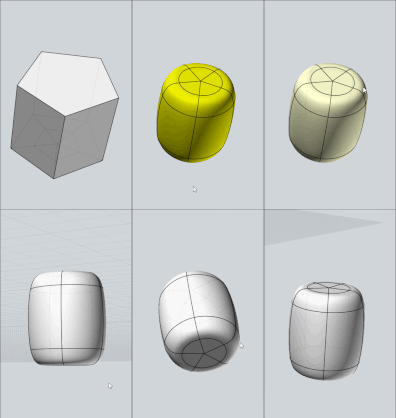
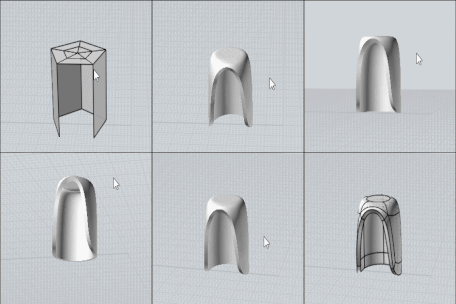
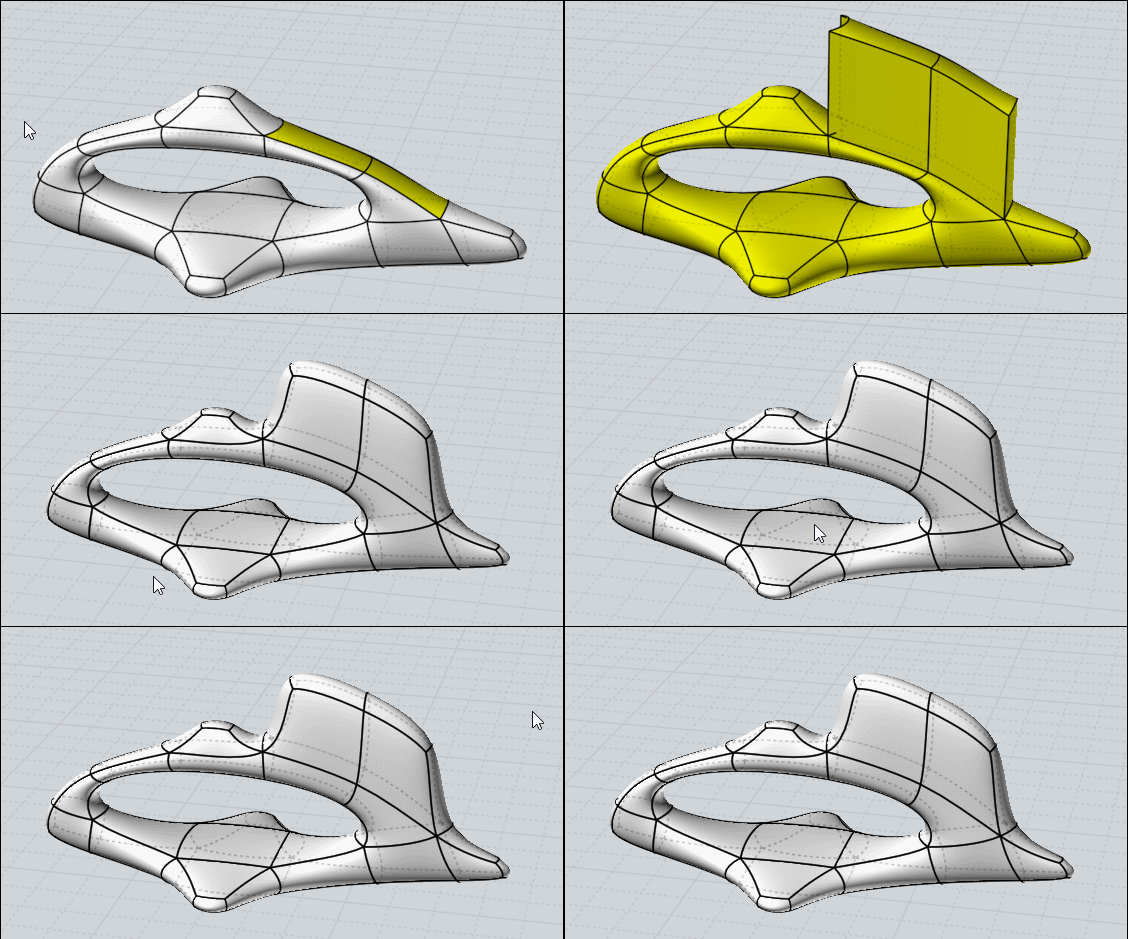
Project can be cool too! ;)

And as history is enabled by default you can adjust like you want!
Here one curve but you can move any number of curves in the same time !

  Reply Reply More Options
Post Options
Reply as PM Reply as PM
Print Print
Mark as unread Mark as unread
Relationship Relationship
IP Logged

Previous
 From:  Michael Gibson
11964.9 In reply to 11964.5 
Hi Matadem,

re:
> This is the situation I would need.

Please try the attached version. This one will show the step distance if all the curves are planar.

- Michael
Attachments:

  Reply Reply More Options
Post Options
Reply as PM Reply as PM
Print Print
Mark as unread Mark as unread
Relationship Relationship
IP Logged
 

Reply to All Reply to All