Show messages: All
1-2
3-7
From: Frenchy Pilou (PILOU)
Thanks but Uniconvector don't works for me on my computer!
But curious to convert Ai format in SVG as Ai format must be reloaded by Affinity!
I have ask on their forum if there is a N° version Ai admissible!!
Wait and see!
In any case PDF format works from Moi to Affinity! ;)
Vectorial drawing is not an easy thing! :)
From: BEAR17
Hi Pilou,
With Moi3D, export curb in pdf format.
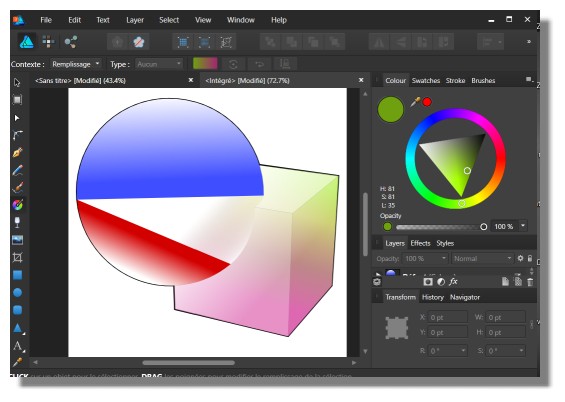
If you open this files with affinity, it still vector drawing.
Bear
In french : l'export des courbes au format pdf dans Moi3D permet d'avoir un résultat vectorisé sous Affinity. Le format AI n'est donc pas utile. J'en profite pour te remercier pour ce lien.
From: mkdm
Hi everyone,
It seems that Affinity Designer to be a very promising product!
For a long time i know and, almost daily, i use other gfx solutions from Serif and this latest creation seems to be very powerful and handy.
Not powerful as Illustator yet but tremendously easier and cheaper, and also faster!
From Affinity Designer simple copy any vector object and paste it into Moi.
And from Moi simply copy PDF format to clipboard and paste it into Affinity to get a fully editable vector object.
IMHO a perfect companion for Moi!
Ciao!
Marco (mkdm).
From: Frenchy Pilou (PILOU)
From the forum Affinity
<<I opened your file in Adobe Illustrator CC and saved it is as AI CS5 and AI CC.
And that works in affinity
;)
but there is new version of Affinity --- not yet tested
Sure PDF from Moi works directly!
I have just tested the Ai format because it was also present in Moi! ;)
From: Frenchy Pilou (PILOU)
Yes, works fine also in the other way! :)
You can use the ultra speed parametric tools then export in PDF to Moi!
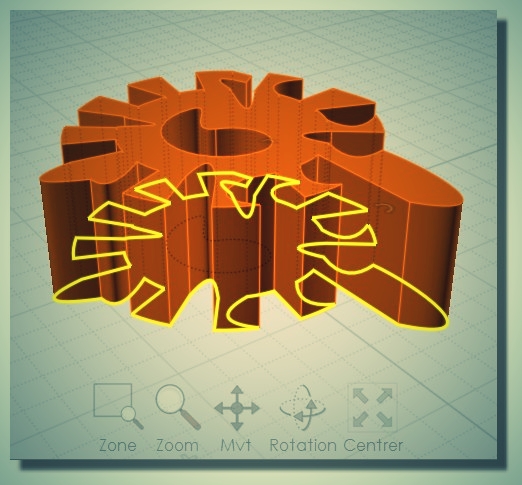
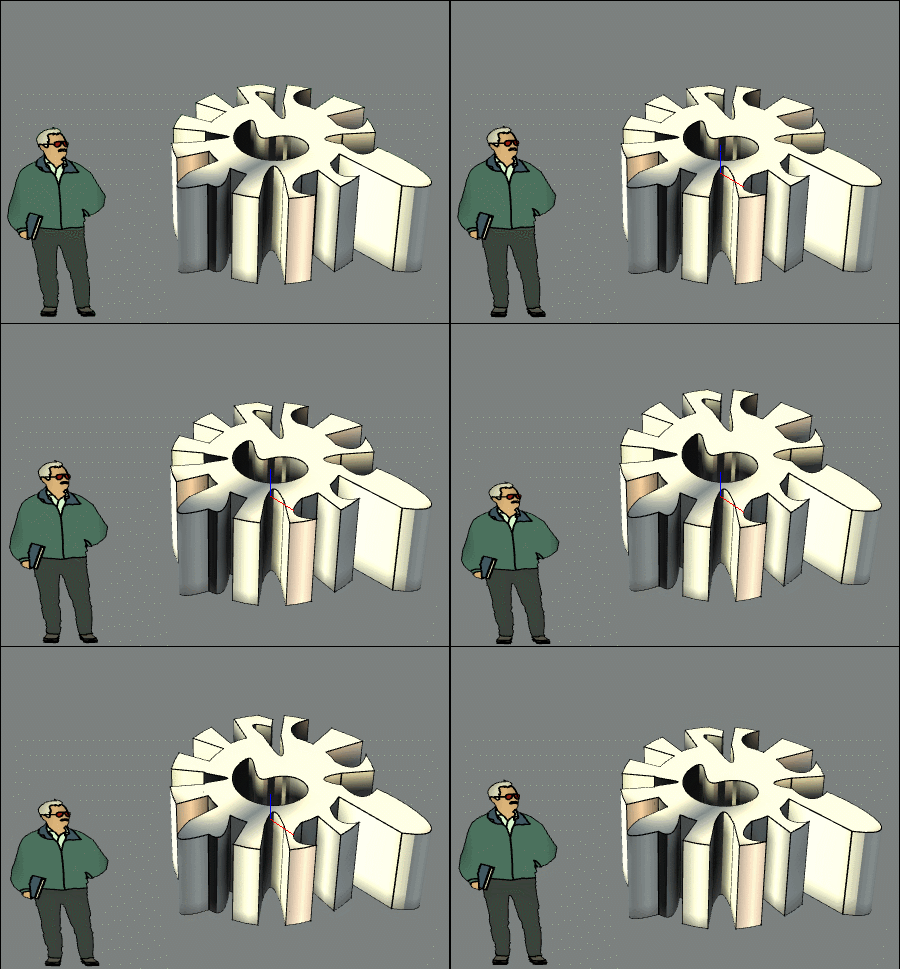
Then from Moi export to SketchUp! :)
Show messages: All
1-2
3-7

