""""""""""although I would avoid using the actual letters for the surface creation. """"""""""""""
Hi Steve,
Could you explain what you mean here? Here is the Times New Roman "I" from Michaels example, and i dont really see anything wrong with the surfaces created. This one was done with sweep. I also did one with loft that produced a surface with less control points in it... But it appears they both make a smooth usable solid.... ?????
Are you refering to just "fonts" in general as being poor geometry to start with?
Yeah often times fonts can have pretty messy curve structures, things like many small segment fragments, slight kinks in between pieces instead of being tangent, stuff like that.
Those kinds of things don't particularly have an effect on making a 2D filled outline (which is what they are originally created for) but can be not so good for treating them as 3D geometry. So a rebuild step could be a good idea.
But Times New Roman itself seems to be pretty cleanly constructed though, so it's possibly one case where it may not be necessary.
Yes,
I have seen numerous times where users of nurbs applications have been trying to put rads around solid text edges then they wonder why it can fail.
Generally fonts are created for a 2D use :)
It's an artificial mode to have them in 3D
It's an another work to make an alphabet in 3D :)
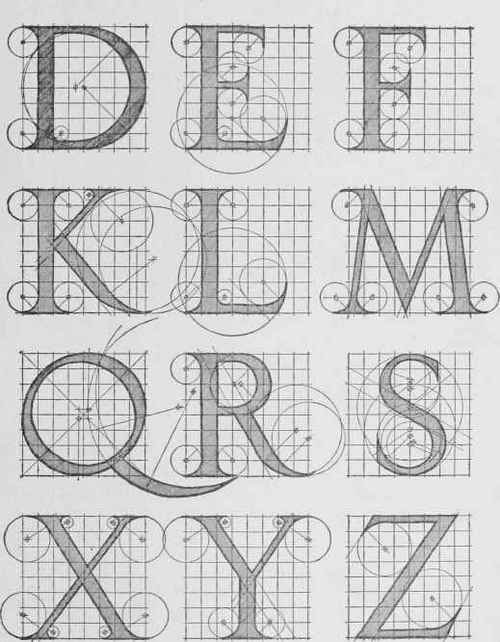
The famous Dürer one ;)
I don't believe you can without make some reparations :)
so after : explode all
and make some Sweep (and other reparations because your file is a true mess! ;)
(Curves at jonctions are not on the good vertices so no joint possible, no symmetry etc...)
i was following michaels instructions on the "I" but likely did it too fast; will try again.
I could easily fix that missing 'joint' but only some surfaces would close if i clicked planar.
For your case here to start with the curves need to be cleaned up so the pieces meet up exactly end to end and are precisely mirrored. You only need to bottom ones though, join those together into a single curve like this:
Then draw in an angled line here:
Select the line and run Construct > Sweep and pick the bottom closed curve as the rail path, that will generate these surfaces:
These are the surfaces you need but they need to be trimmed up. You can use the Edit > Trim command for that cutting them one by one but there is a shortcut you can use if your initial construction curves are clean and precise. The shortcut is that the boolean merge command can be used to extract out a center volume from a piece like this and slice away all the outer pieces in one shot. To use that you would need to put in a ground plane like this:
Now select all the surfaces and run Construct > Boolean > Merge and it can extract out the inner core solid:
3DM model file is attached.
> Also as this post is quite old any faster / alternative ways to acheive similar results ??
Using boolean merge will be quite a bit faster than trimming each individual surface. But make sure your starting curves are cleanly constructed, ends exactly touching and opposite pieces mirrored.
Already tried following your initial instructions which is how I seemed to get 'close'.
It seems all I need is a closed curve of the font outline and a 45degree line, no trimming
required if bolean merge used and artwork perfect...
Could you please verify if this dxf; the origination of the "I" is ok to start with...
Hi Stefano, yes that DXF file works fine with the CorelDraw DXF import fix. It would not be a bad idea to replace the straight parts with simple 2 point lines. You can construct a solid without doing that but it might help with other operations further down the line.
Here is a screencap of the process just after opening that V_Carve_I.dxf file you posted:
Hi Stefano, additional notes - the curved sides of the letter in your DXF file are not exact mirror images of each other but it seems to work ok still. But the center line where the pieces intersect will have a little undulation to it instead of being straight because of that variation.
Also if you want to draw a 45 degree angle line, type <45 and push enter to enable angle constraint.


 A.png
A.png