I know you've said you don't like Blender but you should put the time in to learn the interface. It is very powerful once you learn the hot-keys.
This is almost ancient history but this video is a good introduction to moving from Moi to Blender to Luxrender:
http://www.vimeo.com/4810249 He is moving too fast but you can see that it doesn't take that many steps to get to a workable render.
The biggest problem with that video now is that Blender has moved to 2.5 beta and the interface has changed. It is easier to learn now but that doesn't mean much to someone new.
Meanwhile Luxrender is starting to look amazing. It has been a very powerful renderer for a while but they are getting close to workable gpu rendering which is an order of magnitude faster than cpu rendering. Check out the real-time rendering in this video:
hi people
here a very interesting project from Japan "vidro - global illumination renderer"
console based with gui http://www.vidro-project.com/
ps. use google for the translation
Okay, I stumbled across this one on the Blender forums. Mitsuba. Supports Collada and OBJ. Documentation is a little sketchy, but the OpenGL realtime preview/scene navigation is pricelss.
Personally if I was looking for a free renderer I would use something like Carrara that's been given away on various CG Magazine cover discs. You then get an easy to use 3D program to apply materials and a reasonable GI renderer.
You can use the few existing Shaders but also create your owns! ;) See the video folowing!
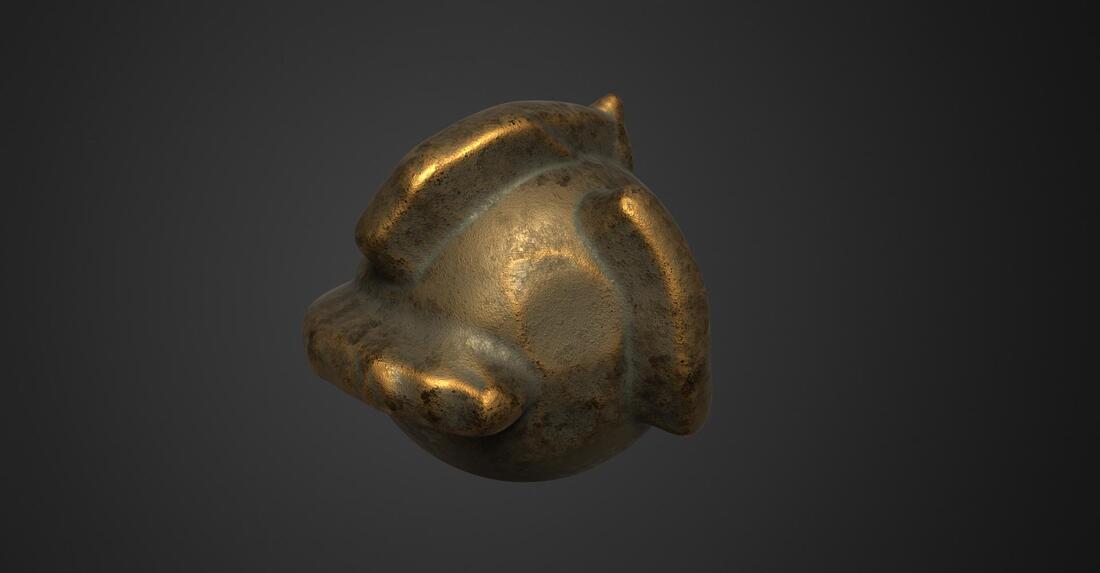
And of course mix your Moi3D objects exported with the 3dCoat objects modelized or free downloaded!
Accept NGons...for the OBJ format!
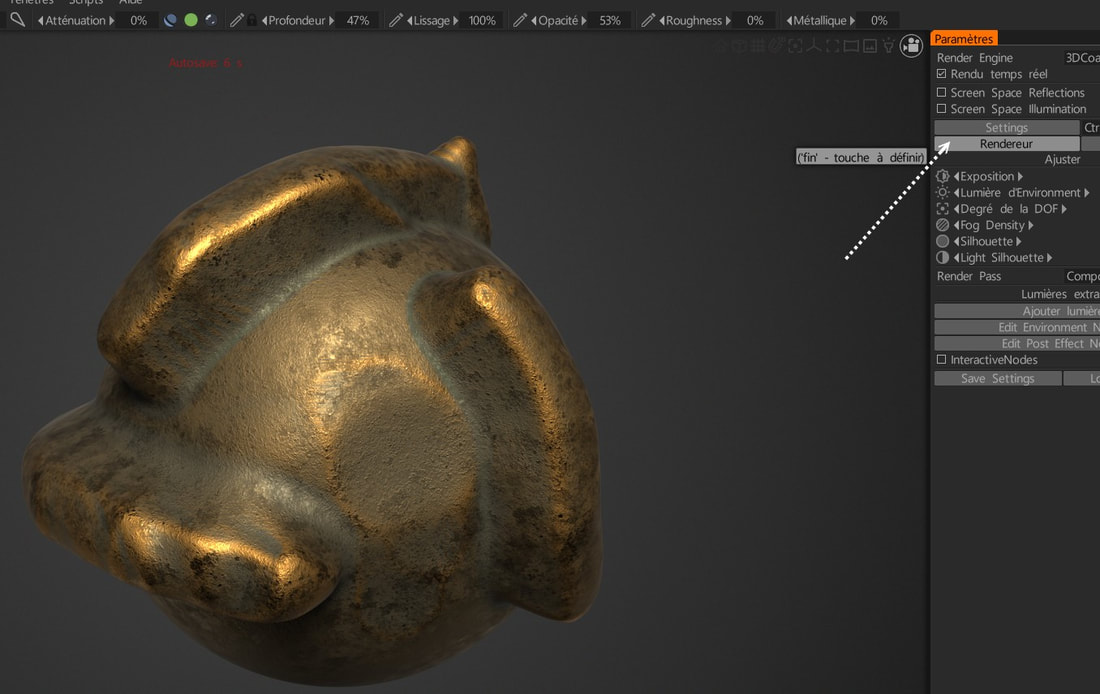
Press this key and above it for call the Render and settings - any size allowed!
I've been using 3D Coat for close to 10 years. I'm now use 3D Coat 2022. I've not looked at their free version.
However 3D Coat requires your models be UV mapped and if they are not UV mapped, 3DC will auto map your model.
However 3DC really prefers quads for automapping. I've had issues with tris and n-gons in 3DC.
II's PBR based shaders are incredible but again require UVs.