Hi NightCabbage, well Modo does has a kind of more sophisticated renderer than Carrara, so if for example you are going to be producing renderings professionally and need to do them on a tight schedule so that things like quick render speed is very important, then that could be a good investment.
However, if you're not going to be producing renderings on some kind of deadline or tight timetable, then I don't see why you wouldn't want to try Carrara 7 first, it does have a lot of capabilities so you can produce nice quality renderings with it.
But I guess in order to answer your question more fully you would need to give some more information about what you are going to be doing with these renderings.
For example, are you producing product brochures? Or are you doing animations? Or do you possibly just want to do some creative visualization?
Anyway, the more information about what your particular goals are would definitely help for giving advice.
For example if you are going to be working on producing a feature film, the advice of what renderer you will want to work with would be different than if you want to make some simple stills.
Wait, I think I remember now that you're trying to produce some pretty simple rendered tiles for a game?
If you only have pretty simple needs I'd think that you would want to stick with Carrara 7 Pro, or at least give it a deeper try to see if it will work for you.
It sounded like you were already testing it though - is there any particular reason why you are not able to use it, like is it missing some particular feature that you need?
Just baught a copy of 7 pro in current 3DArtist for my brother to feel.
Best thing to start with is go nto the presets on startup and choose a lighting scene. Like "3 point", then just delete the rocks and place your object and shade it.
Yes Michael, rocks and trumpets,bottles, glass balls, even a fully furnished room, that's what you get with a preset in Carrara, sometimes it's annoying, I guess it shows how the lighting will look with objects in place.
Hi Michael,
Well, maybe "Rocks" was a poor choice..."Objects" is more like it. This is a "3 point lighting" scene.
It comes with a bunch of prests for different things.
This is the room Danny was mentioning.
This is that same room in model view.
Note there is only one light outside of the entire model.
Remember that Carrara also is handling atmospheric data as well as lights. We have seen impressive work from Grendel using Carrara. I think it is a powerful render app along with the others. I think the thing that drops it off the others is it's lack of development, not it's ability or a "hobby app".
"""""Can you save your own presets"""""""
Yes, all this stuff is just a saved carrara file. Set up your own lighting scene and render settings you like and save the file. They have a browser thing where you can put scenes, objects/content etc.... I could open the "3 point lighting" rock scene, delete tyhe rocks and save it as "moi object test scene".
FOr a beginner, it's good to load a preset scene thats close to your idea, then delete the preset content and place your own in it for render. If you dont have experience in setting things like atmospheres with your lighting and "shaders" (materials, colors, textures) then it's hard to get something looking as you want.
Like for that room render, you could take max3d's waspbot, set it on the table and dolly the camera around and get a good render from all areas that appears the bot is in the room...
When I first learned of Carrara (v5 at the time) I started a whole big thread over at CGTalk about it perhaps being a (better) replacement for e-on's Vue.
There aren't many other mainstream 3D animation packages that also let you add / edit environments for your scenes and models without plugins or addons.
The fact you can create mountains, trees, patches of water & grass etc., right in the app makes Carrara an excellent choice IMO. Also it contains true polygon modeling which Vue does not, so I felt is had an advantage over Vue at the time I bought in.
Of course Vue has way more atmospheric simulation stuff than Carrara but you also have to deal with doggie slow renders.
Carrara's presets are a quick way to get a scene setup where you can plop in your model(s) and render or begin animating.
The Logo scenes are really good for quickly getting that HDR / Sunlight lighting look that a lot of folks use now to show off their models - just replace the default scene object(s) with your own and reap the time savings of a pre-made lighting setup...
Carrara has a very capable renderer. If you get hold of it I highly recommend checking out the Digital Carver's Guild plugins, very reasonable price and really make a difference:
An awful lot can be done without texture maps too. All the below examples use procedural shaders for pretty much everything (exceptions are the moon and the leaves in the canyon).
I know you've said you don't like Blender but you should put the time in to learn the interface. It is very powerful once you learn the hot-keys.
This is almost ancient history but this video is a good introduction to moving from Moi to Blender to Luxrender:
http://www.vimeo.com/4810249 He is moving too fast but you can see that it doesn't take that many steps to get to a workable render.
The biggest problem with that video now is that Blender has moved to 2.5 beta and the interface has changed. It is easier to learn now but that doesn't mean much to someone new.
Meanwhile Luxrender is starting to look amazing. It has been a very powerful renderer for a while but they are getting close to workable gpu rendering which is an order of magnitude faster than cpu rendering. Check out the real-time rendering in this video:
hi people
here a very interesting project from Japan "vidro - global illumination renderer"
console based with gui http://www.vidro-project.com/
ps. use google for the translation
Okay, I stumbled across this one on the Blender forums. Mitsuba. Supports Collada and OBJ. Documentation is a little sketchy, but the OpenGL realtime preview/scene navigation is pricelss.
Personally if I was looking for a free renderer I would use something like Carrara that's been given away on various CG Magazine cover discs. You then get an easy to use 3D program to apply materials and a reasonable GI renderer.
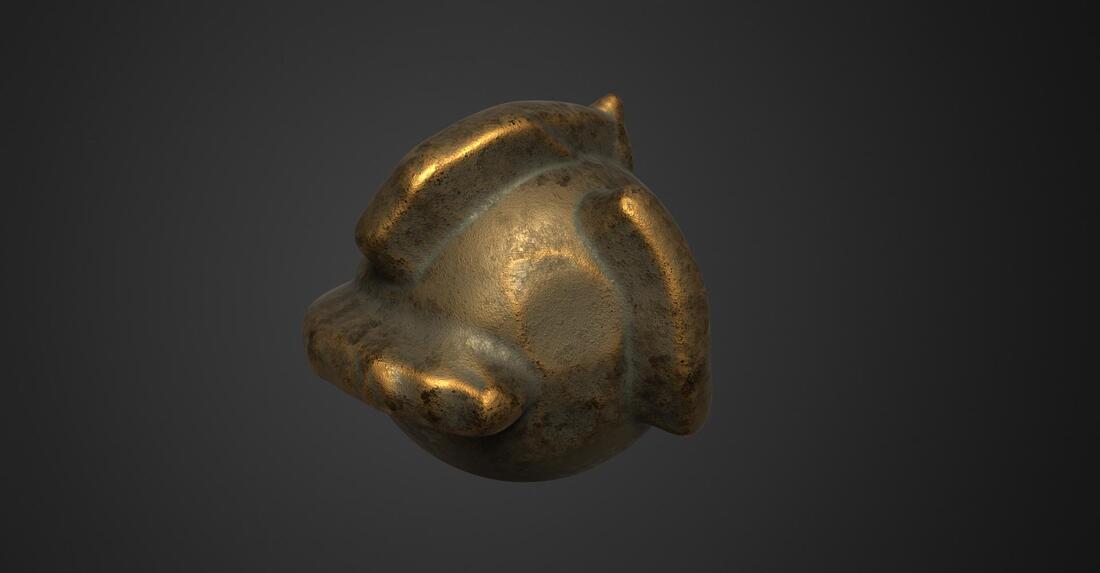
You can use the few existing Shaders but also create your owns! ;) See the video folowing!
And of course mix your Moi3D objects exported with the 3dCoat objects modelized or free downloaded!
Accept NGons...for the OBJ format!
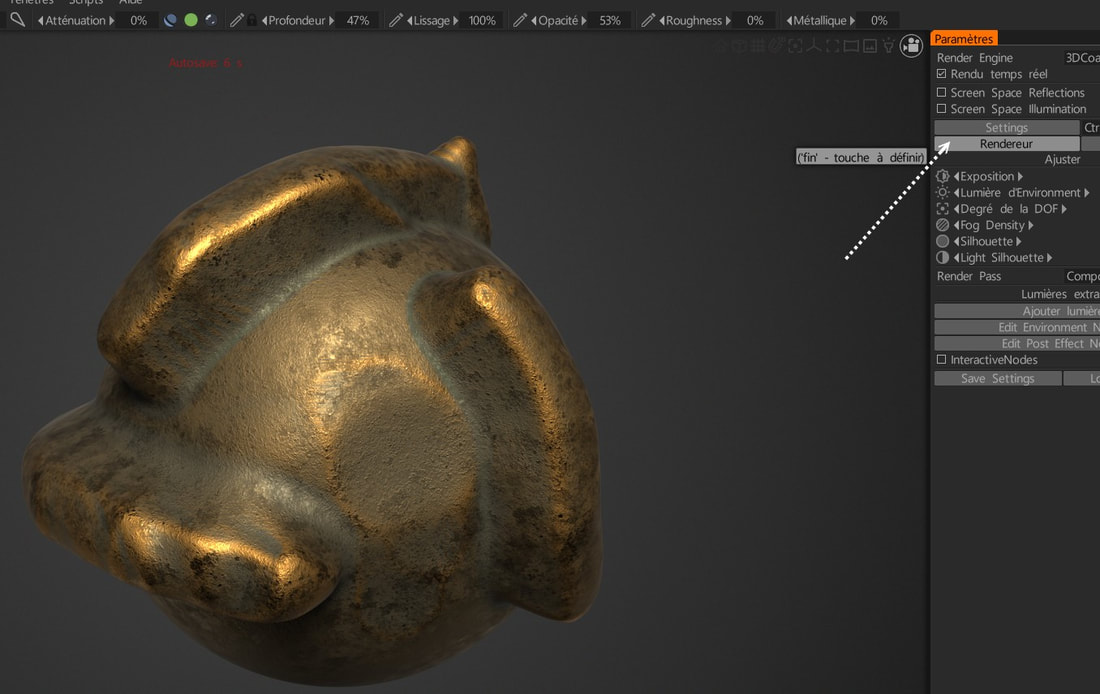
Press this key and above it for call the Render and settings - any size allowed!
I've been using 3D Coat for close to 10 years. I'm now use 3D Coat 2022. I've not looked at their free version.
However 3D Coat requires your models be UV mapped and if they are not UV mapped, 3DC will auto map your model.
However 3DC really prefers quads for automapping. I've had issues with tris and n-gons in 3DC.
II's PBR based shaders are incredible but again require UVs.


 Look Ma - dinner!.jpg