Show messages: All
1-3
4-11
From: Zooen
Hello Michael,
Would you have a bit of time to write a script that would automatically create a point at the center of a circle tangent to three edges of a surface (which is flat in my case)?
At the moment, I create a circle tangent to the three edges, then use BoundingBoxCenter to create my point. Next, I delete the circle and finally, I use EditCenterPosition to position it at -6 in the Z-axis.
Below is an image to illustrate what I mean. Note: the blue face is at -9 units along the Z-axis.
I need to create a hundred points for my panel, and I still have 17 panels to create (17 × 100 = 1700 !).
Kind regards
- Zooen
Image Attachments:
 Point_centre_Tangente.png
From: Frenchy Pilou (PILOU)
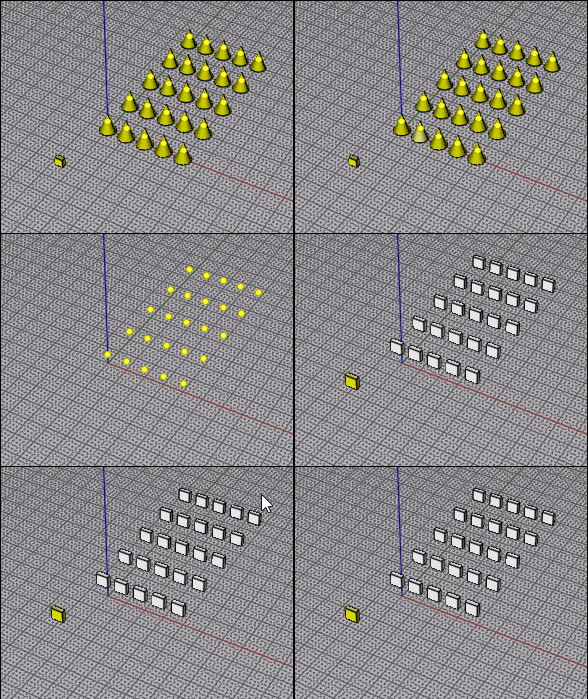
If It's the "same object" maybe you can use VClone ?
From: Michael Gibson
Hi Zooen, do you want the script to work by clicking 3 points, the same input given to the Circle Tangent command, but instead of making a circle it makes a center point at a specificed z level?
- Michael
From: Zooen
Hi Michael,
Yes, that’s exactly right.
I run the Circles Tan function, click on the three points of tangency on the edges, and the script prompts me for the Z-coordinate. In fact, it automatically handles, in the background, the creation of the circle, the creation of the circle’s center point, and the deletion of the circle, and simply prompts me to enter the Z-coordinate. The point is created in the right place at the correct Z-coordinate.
I no longer need to manually use `BoundingBoxCenter`, delete the circle, select the point and manually use `EditCenterPoint` to choose the Z-coordinate.
But perhaps it’s not quite as simple as that!
From: Zooen
I’ve just finished a new panel of Gothic interlacing. It took me less time than the previous one, as there are no Naked edges to tidy up – it’s a solid.
I’ve still got 16 panels to go… I’ve discovered a few new subtlety in MoI3D and improved my technique.
Image Attachments:
Finale.png
From: Michael Gibson
Hi Zooen, here is a script to try for extracting the center point and giving a z value.
- Michael
Attachments:
CircleTangentCenter.zip
From: Zooen
Hi Michael,
Many thanks for this script: I’ve just tried it out, and it’s saved me a lot of time!
Kind regards - Zooen
From: Zooen
New panelling
Image Attachments:
PL.VII_Z.jpg
Show messages: All
1-3
4-11

