From: hadri1
Hi everyone,
how can i use the sScale function from Max smirnov's scripts ? (link :
https://moi3d.com/wiki/MaxScriptArchive)
it requires to select control points but how can i display these points. For a face object, the command "showpoints" does not work.
it is ok for a surface but when it is joined. it does not work anymore.
Thanks for you help :).
hadri1
From: Michael Gibson
Hi hadri1,
re:
> For a face object, the command "showpoints" does not work.
> it is ok for a surface but when it is joined. it does not work anymore.
There is some description of why this happens in
FAQ #4: Why does show points work for some objects but not others?
It has to do with how CAD solids and surfaces are structured.
CAD surfaces have a concept of an "underlying surface" that basically gives the face its shape but then you can have "trim curves" on that surface which mark which areas of the full surface are cut away.
The trim curves live on the surface but are not directly connected to the underlying surface's control points.
Here's an example where the "underlying surface" is a plane made up of 4 corner points. There are trim curves that cut away an outer boundary and inner boundaries that make holes:

That's very different than how polygon mesh objects are structured. With polygon meshes a polygon face is only formed from the list of vertices, there is no separate "underlying surface" there.
It is possible to have a CAD surface where the trim curves are coincident to the underlying surface's edges. This will be the case for a box for example. That's why you can turn on edit points for a box in MOI if you have not done things (like Booleans) to it that introduce general trim curves instead of only the natural surface boundaries.
That's why control point editing like the sScale function is not a built in function in MOI. Generally if you want to do that kind of work you would be better off doing it in a polygon mesh editing program where you can always manipulate the point cage instead of only being able to do it in special cases.
The thing that you give up in the polygon modeling system is that booleans don't work very well without having "underlying surfaces" and "trim curves" because as you apply more and more boolean cuts on to a CAD object the underlying surfaces just stay the same and only new trim curves are generated. That's the fundamental reason why boolean operations work much better in CAD programs than in polygon mesh editing programs. In a polygon mesh program each boolean cut has to generate more and more little tiny slivery faces.
So anyway to use sScale in MOI, it's a poly modeling tool so it will only work on an object that has a polygon mesh like structure where all the trim edges are "natural edges" of the underlying surface. That limits a lot of what you can do, like no booleans. That's a big limit and usually it is better to do that type of editing in a polygon mesh editing program. The way MOI represents objects is good for modeling with 2D profile curves and using booleans.
- Michael
Image Attachments:
 underlying_surface.png
From: Frenchy Pilou (PILOU)
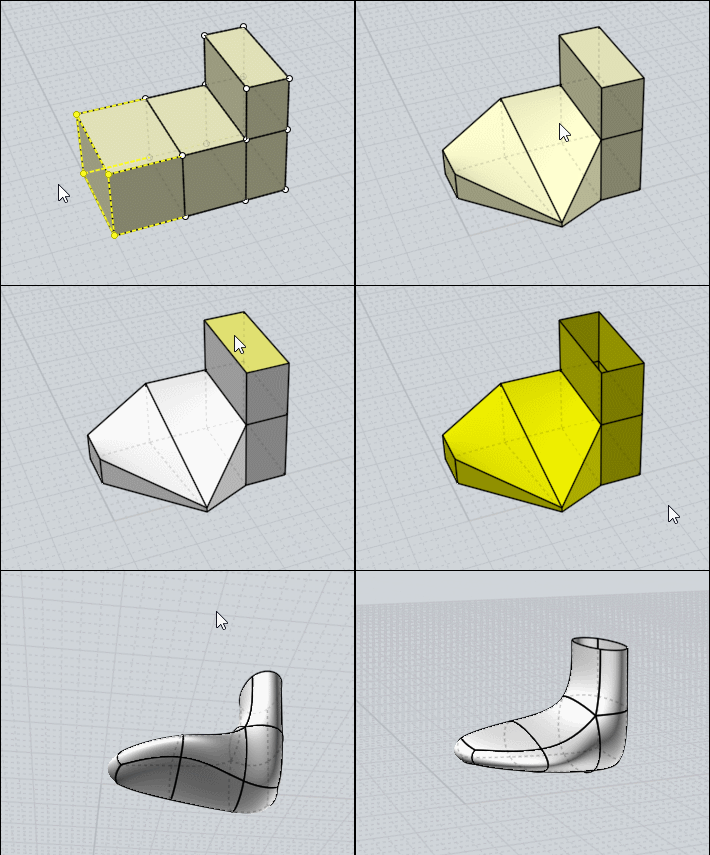
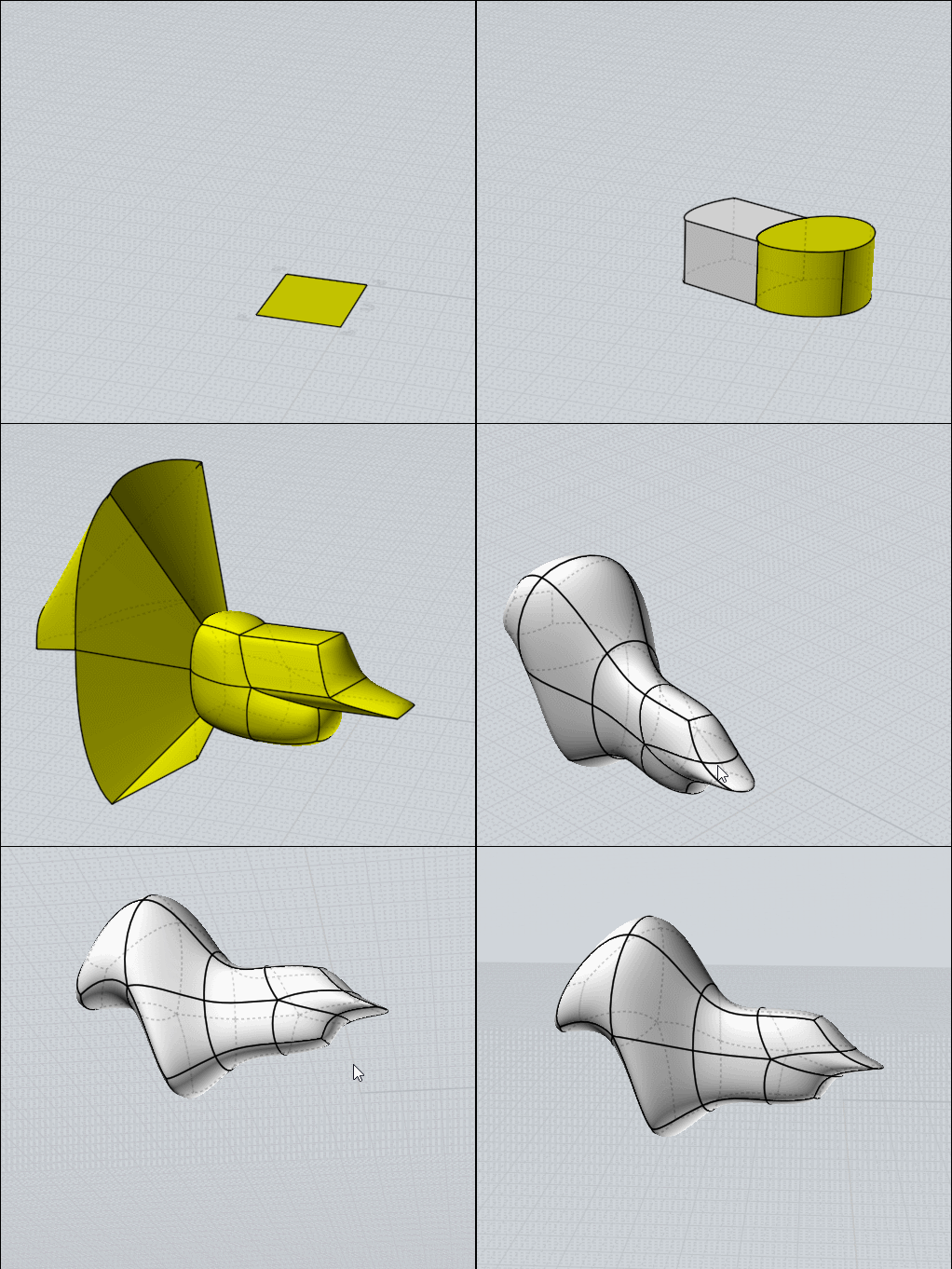
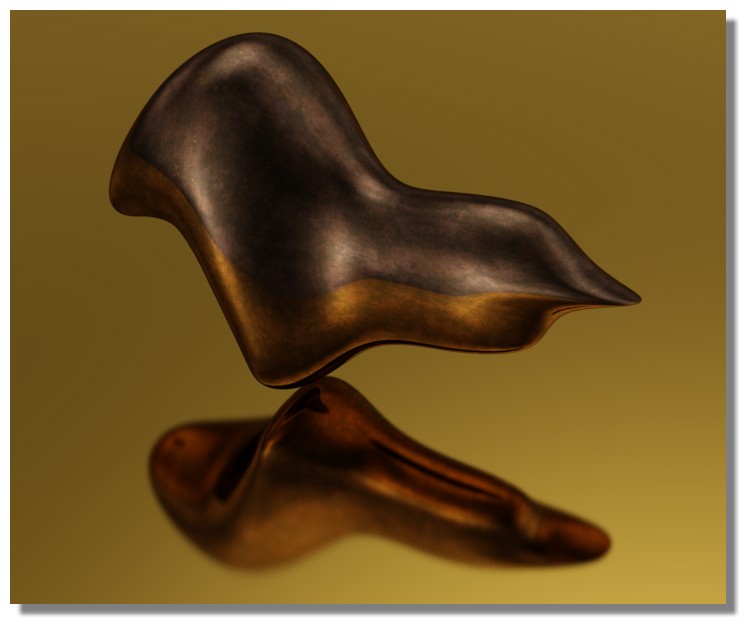
Yes you can use very easilly the "sScale function" In "BoxModeling for Subdivision! ;) (inside Moi Of course)
https://moiscript.weebly.com/la-subdivision.html
From: hadri1
Thank you Michael and Pilou.
I tried again today to understand why the "show points" function did not seem to work on simple cubic shapes and thanks to michael explanations i finally got it.
if you start with a cube or a plane that you extrude, then you end up with a solid on with the show point function is working properly. you can then run the _sScale function.
But if you start with a rectangle that you convert into a surface and then you extrude it, you get a solid on wich the "show point" function does not work.
The reason is because when you do the planar fill you are, in reality, making a trimmed surface.
Interestingly enough, on this solid, if you run the _sSplit command on any edge, then the result is a solid on which the show point functions work.
Anyway, thanks again. The problem is solved !
Have a great one.
Hadri1

