Show messages:
1-20
21-22
From: Frenchy Pilou (PILOU)
If you follow my process above you can make any curve with any number of Control Points!
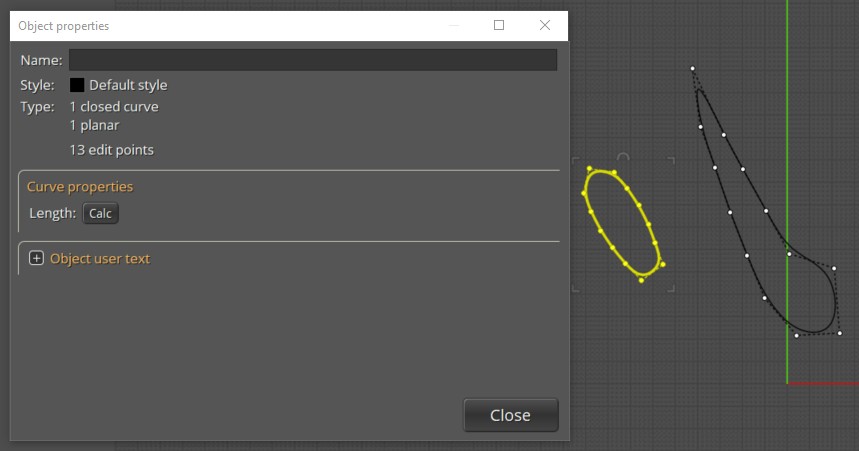
here each closed curve A & B has 13 C Points! And well spaced after a rebuild!
You can select many curves in the same time and rebuild them!
If you want same length of one of the curve : make a Scale 3D (A / B) or (B / A) following result wanted ! :)
From: Michael Gibson
Hi Booleano,
re:
> Why are there these differences in the number of points between figures "A" and "B"?
Probably because B is the result of a surface/surface intersection, and A has been simplified using the Rebuild command.
> Is there any way to convert figure "B" with the same number of points as figure "A", or
> at least approximately the same as "A", but with the points distributed similarly or equally?
Yes, use the Rebuild command to do that.
Set up a shortcut key, with Rebuild as the command name.
- Michael
Show messages:
1-20
21-22

