Show messages: All
1
2-5
From: Michael Gibson
Hi Booleano, start at the main web site:
https://moi3d.com/
click the resources link at the top:
https://moi3d.com/resources
on the resources page click the link for Max Smirnov's MoI scripts:
https://moi3d.com/wiki/MaxScriptArchive
The cloth plugin is there :
Cloth.v.0.97.2017.11.23.zip
Instructions for installing a plugin are
here.
But that is not a very general command, it only handles spheres as the target object.
However since your desired shape is circular maybe it will be of use for your particular case.
To use the command, create a plane and a sphere below the plane like this:

Deselect everything and run the _Cloth command.
When it says "select surface" select the plane and when it says "Select anchor points and obstacle objects" select the sphere.
It will run an animated simulation of the plane falling down on to the sphere.
You may want to check out Blender for a more generalized cloth simulator.
- Michael
Image Attachments:
 cloth_objects.jpg
From: Frenchy Pilou (PILOU)
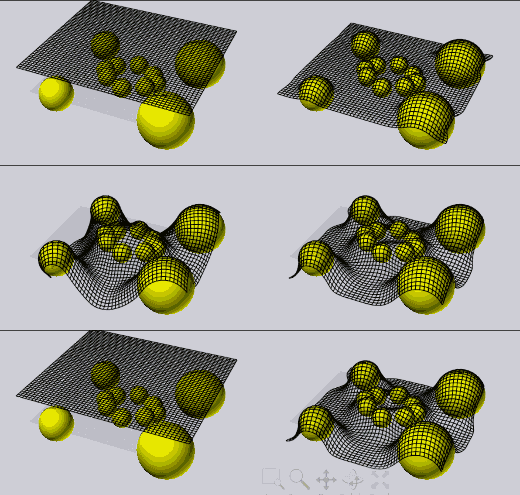
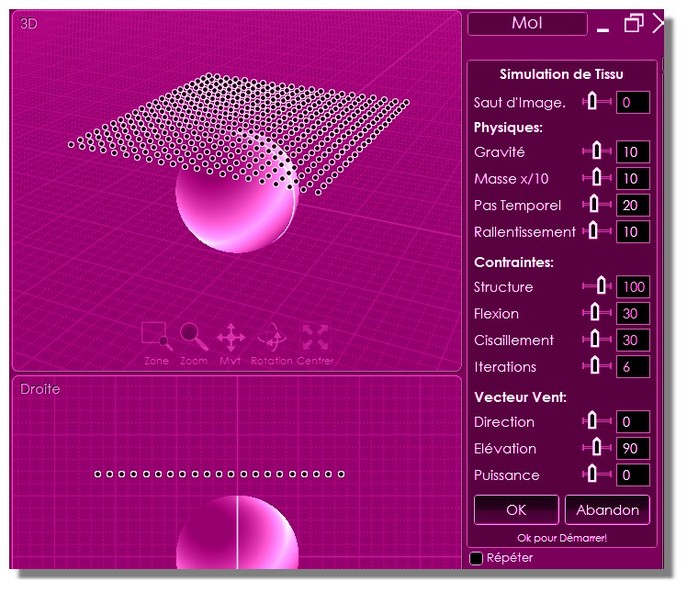
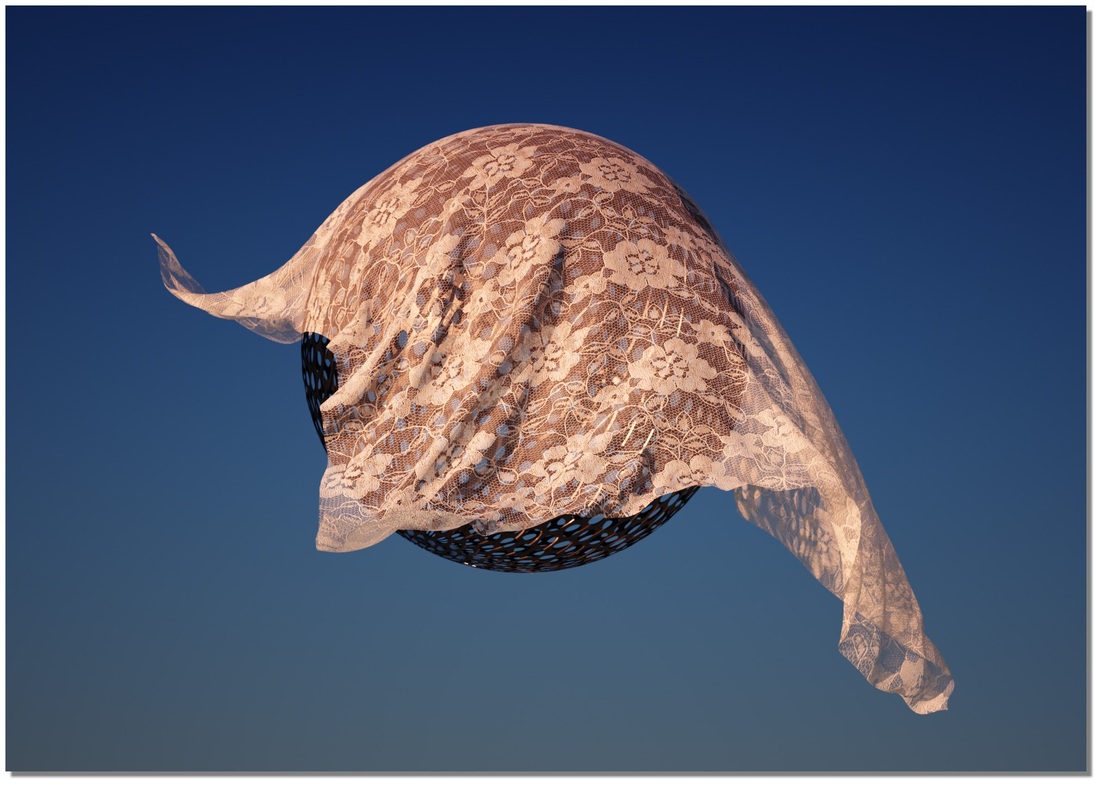
From: Booleano
Hi.
Thank you so much
From: Mik (MIKULAS)
You can also select the points as Locked Anchor Points and run the script.

Mik
Image Attachments:
Cloth_Lock Anchor points.png
Show messages: All
1
2-5

