Show messages:
1-2
3-22
23-42
43-62
63-82
83-102
…
123-138
From: MO (MO_TE)
Thanks for mentioning it. I can see it now.
The problem was at the end of the third line. I should have concatenated the 3rd and 4th lines in the pdf.
code:
var theme = 'Default'; /* Theme options: Default,Light,SkyBlue,Autumn,Lavender */
var language = 'EN'; /* Language options: EN,RU,FR */
moi.ui.createDialog( 'moi://appdata/NodeEditorPlus/index.html?'+
'scheme='+theme+'&lang='+language+'', 'resizeable,defaultWidth:870,defaultHeight:480',
moi.ui.mainWindow );
The code in my first post works fine, I'll update the pdf soon.
Sorry for inconvenience.
From: bemfarmer
Cool MO!
Thank you again
- Brian
From: Phiro
Hi all,
I will prepare a french version of the documentation.
From: Frenchy Pilou (PILOU)
Excellent i will put a link to my French site!
https://moiscript.weebly.com/biblio-elephant.html
From: wayne hill (WAYNEHILL5202)
Hi MO,
It is great to see a reboot of the Node Editor for MoI!
Thank you!
Wayne
From: MO (MO_TE)
Hi
Just uploaded new version
v0.7.01 Updates:
Fixed pdf shortcut code issue
Added CTRL + Double click on canvas to toggle "canvas info" on and off
From: MO (MO_TE)
Hi Phiro
Thanks for your contribution :)
From: Phiro
Hi all,
A french version of the documentation.
Have fun !
P.
Attachments:
 NodeEditorPlus_Quick Start-FR.pdf
From: christian (CHRI)
Bonjour Phiro
Thank you for your contributions... which make this software magical and a forum rich with great people.
Merci pour vos contributions ... qui rendent ce logiciel magique et un forum riche de belles personnes.
chri
From: Frenchy Pilou (PILOU)
Added to the Elephant Library
https://moiscript.weebly.com/biblio-elephant.html
From: bemfarmer
Note that old node programs, (assemblages of old nodes), may open and work in NodeEditorPlus, but they may look different, and inherit some differences from the new node.
Example: ConvertPts from an old node program. Mode order is different, but it still functions. Opening the new, Plus version shows different input and output.
I did an update of ConvertPts2, (it had some harmless errors as well, and was not multitype), to do interpcurve curves rather that control point curves, and called it ConvertPts3. It would go in the extension folder. (not uploaded) . Interpcurve could be added to ConvertPts, in the points.js big file.
- Brian
From: bemfarmer
Here is a modified points.js file, as points.zip, which adds interpcurve to ConvertPts, as InterpCurve U, and InterpCurve V. (For NodeEditorPlus)
If desirable, this would replace points.js in NEPlus.
I'll leave it up to MO, whether to adopt this modification or not, and will delete this file for room, in a few days, either way.
I had to be extremely careful to spell the new words correctly. Failure for spellings to agree yields strange results, orange lights, etc.
Curve V and InterpCurve V just made a bunch of points in a pile in my test script.
I think that to re-used old node program assemblages, all nodes in them should be replaced with NEPlus version, even if they "look right".
Re-save the upgraded node program. Maybe even close and reload MoI. (not quite sure).
In my yarn knit node, the Curve U version had end tangents which were (slightly) not parallel to the xy plane, (z values differed).
The InterpCurve U version of the knit curve, the end tangents were of constant z, which enables array in the xy plane with smooth end connections.
- Brian
Edit, modified points.js file deleted. (MO says he will use it.)
I have switched to the Curves>curve node, as per MO
From: MO (MO_TE)
Hi Brian
Thanks, I'll add it to the next version.
But generally, it's better to use the "Curves/Curve" node to generate curves from point data whenever possible.
"Curves/Curve" node supports both "control Points" and "Through Points" (interpCurve) modes + "Closed" option.
From: bemfarmer
Thankyou MO.
I will have a look.
- Brian
From: bemfarmer
I spent some time improving my Yarn node.
There are some new features in NodeEditorPlus that are terrific!
Especially:
1. Node to Macro,
2. Arrange Graph,
3. Notes. (Can be used as a label for the node assemblage, and for information.)
(See Documentation pdf)
Add Group could use some Documentation. How to remove "Group" box? ( > Edit Group > Remove Group.)
The use of the above improvements are for the most part self-evident., and the documentation helps.
Notes could use a documentation write-op. I had to type the same notes 5 times before realizing that (a very rapid) right mouse click adds them to the box. Otherwise the Info box resets.
A second shortcut key can be set up in MoI, to open a second canvas, to assist node program (assemblage) creationg.
- Brian
From: MO (MO_TE)
Hi Brian
Here is a shortcut while editing notes:
Press CTRL + ENTER to apply changes.
>> right mouse click adds them to the box.
Also, clicking on the node box and mouse leaving the text area will apply the changes.
I can confirm that when mouse enters or leaves the node box it resets the changes before applying them. I can fix that.
>> A second shortcut key can be set up in MoI, to open a second canvas, to assist node program (assemblage) creation.
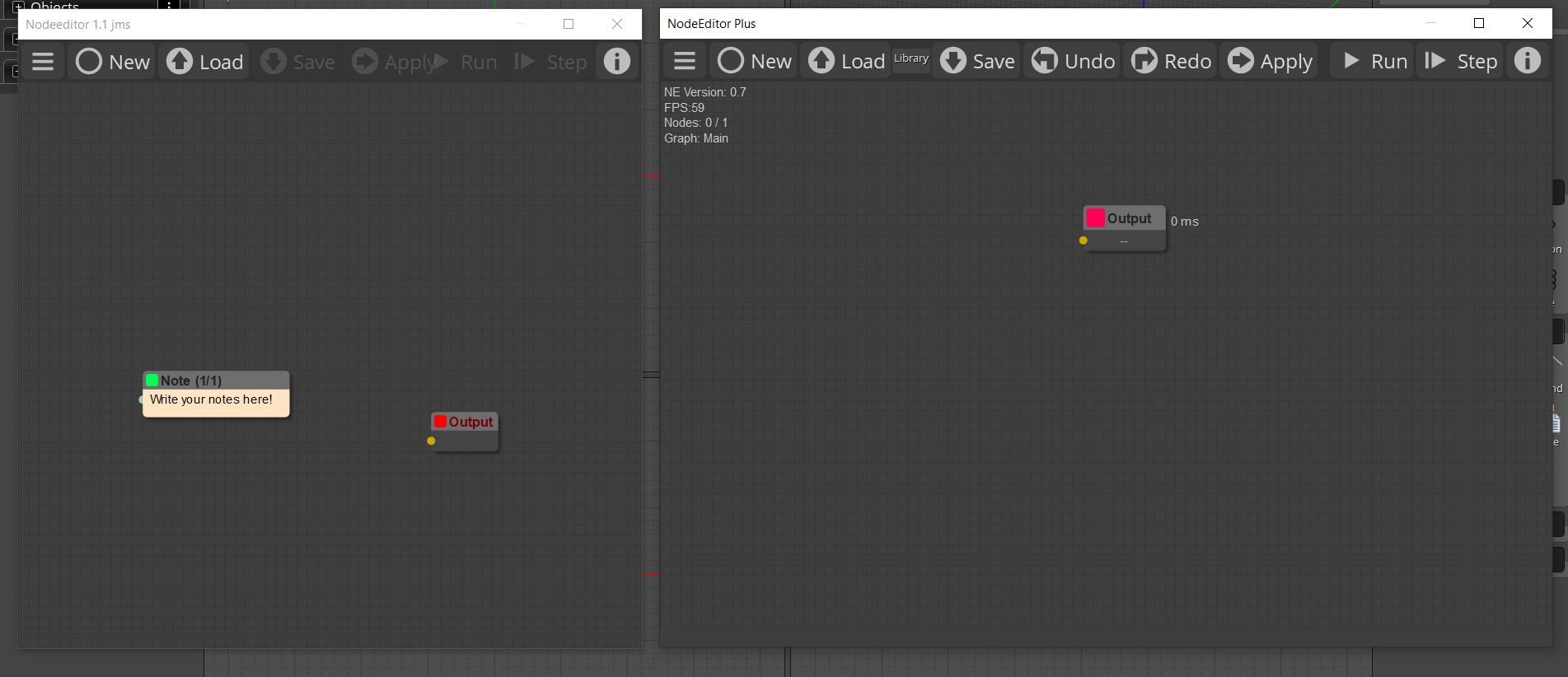
ALt + Click on the "New" button to open a new NE window.
From: Frenchy Pilou (PILOU)
Cool we can Open the 2 node Editors in the same time! ;)
From: Frenchy Pilou (PILOU)
@Mo_Te
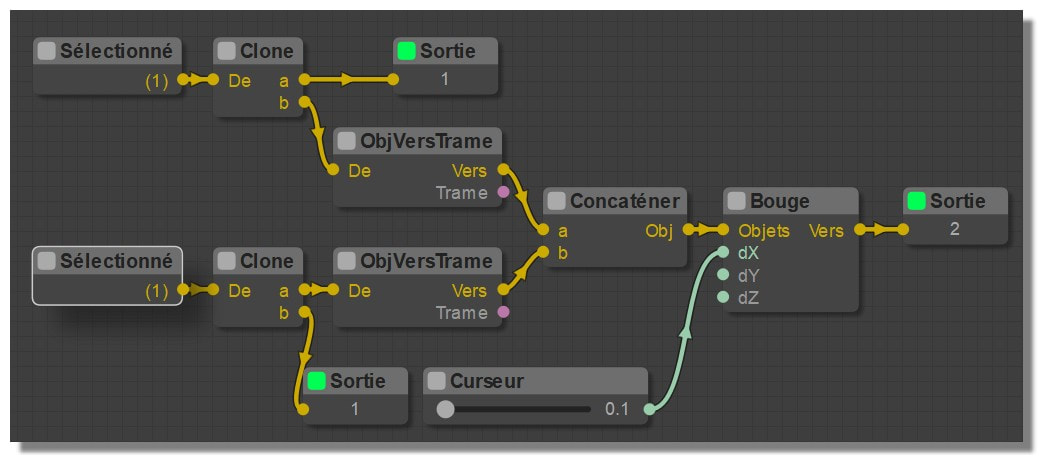
Have you make something for an easy translating ? (files, tables ... or nothing special like Max Smirnov :)
Edit: found the file lang.js and Compatibility.js but....
Here the ancient Elephant in French! :)
From: Frenchy Pilou (PILOU)
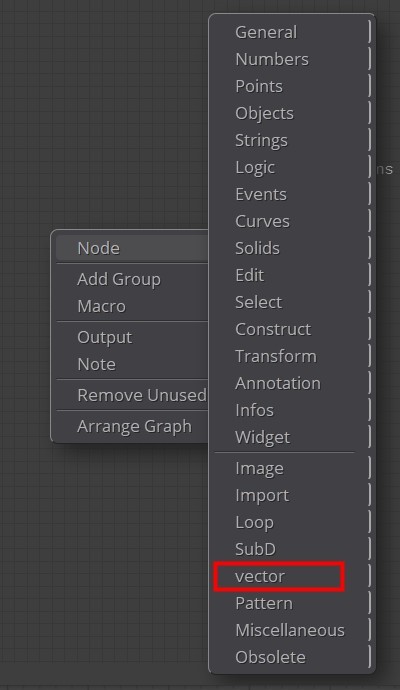
Why vector and not Vector ?
From: MO (MO_TE)
Hi PILOU
>> Have you make something for an easy translating ?
I haven't changed the translation process that much, it uses the "lang.js" as a dictionary.
Example: "English Word":"Translated Word",
I think you can translate almost every word you see in the NE plus. ( Except the node tooltips and searchbox )
That includes:
All menus, submenus, node title, node's inputs/outputs label and ui buttons
Show messages:
1-2
3-22
23-42
43-62
63-82
83-102
…
123-138

