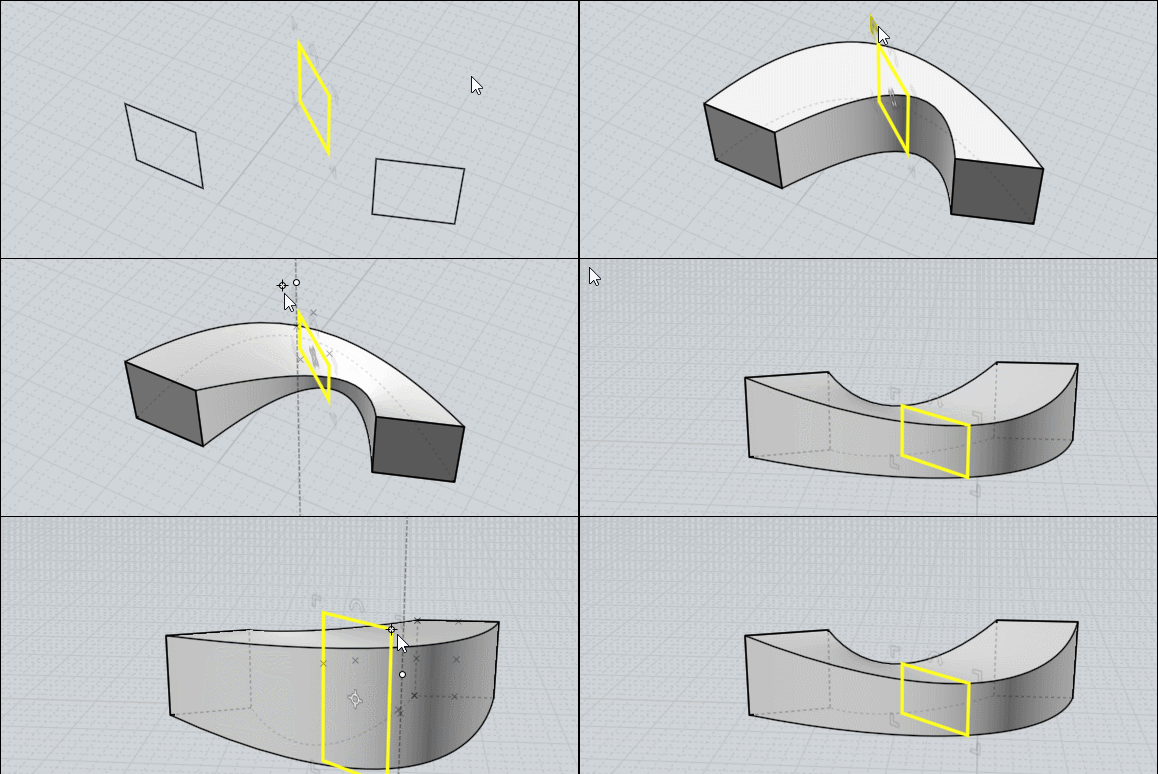
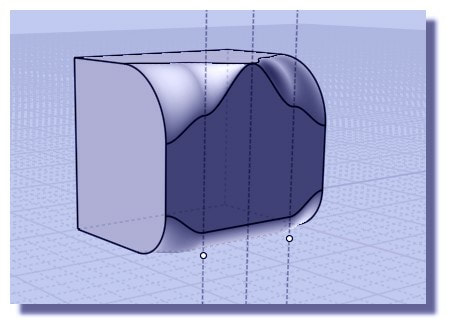
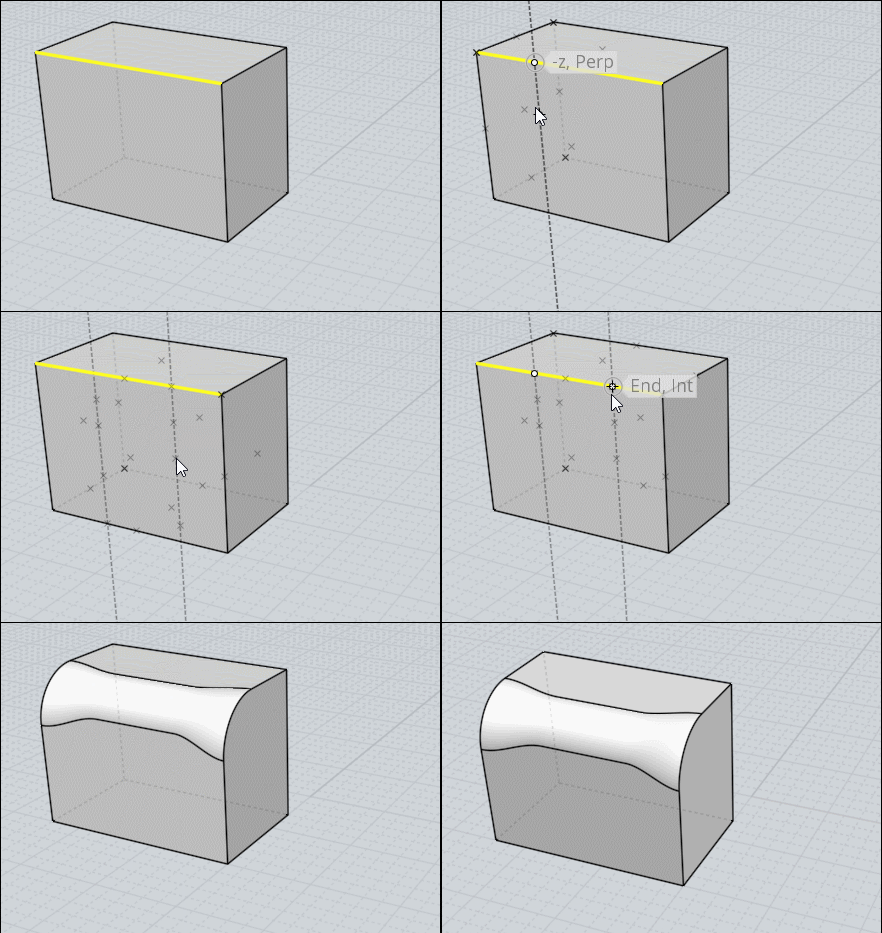
We can of course make the same with moi more speedy! ;)
The helpers lines are just persistant during the use of the complete Fillet function as inside any other function
Rules for the Helper Lines in any function
Call any function
Press Left Click Mouse Button without release ...Move...release (=draw first Point)
Click Left Mouse Button without release ...Move...release (=draw second Point)
the helper line is drawn
etc...
This can be made BEFORE First click of the function, AFTER First click of the function, BEFORE Last click of the function!
As soon as you exit the function they disapears
(you have plugins for keep them but...http://kyticka.webzdarma.cz/3d/moi/#KeepCLine
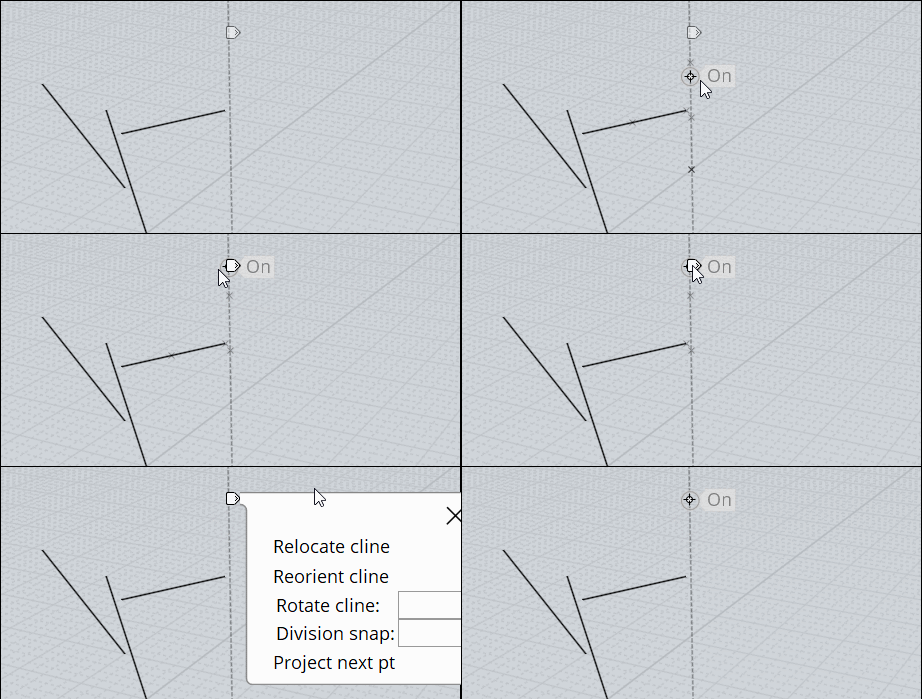
As soon as an Helper Line is drawn you can see a little "white Tab"
go over it and press it with Left or Right Mouse Button 1 second for access to some functions for modify the helper Lines!