FallOff again : a little tricky but easy ! ;)
Separate your surface (then move it (not obliged) or inverse selection more easy for see something)
Use the ShrinkTrimmedSrf hidden function for restric the aera of control point to your rectangle surface
(Michael will explain that some better than me:)
For use it make a simple shortcut with ShrinkTrimmedSrf on the second column or Press tab and copy/past this curious words from anywhere you want :)
Add Control Points (any as you want)
Move them as you want
Boolean Union to the original (not made follow but easy ;)
Et voilà! :)
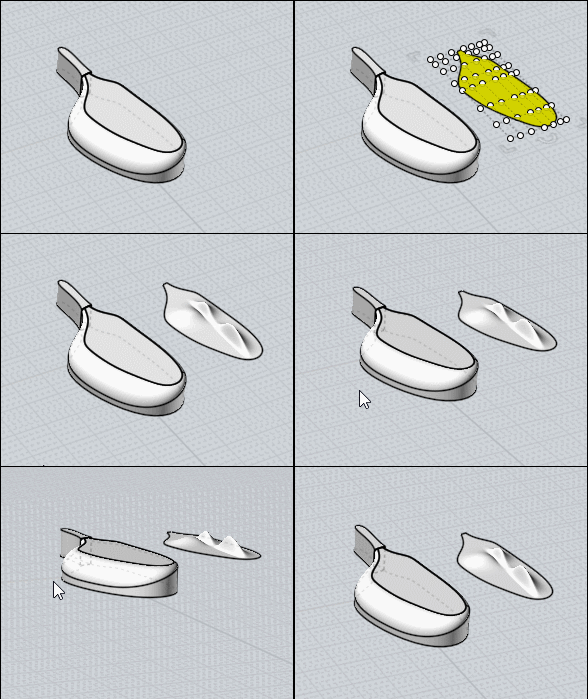
and don't forget: Control Points in Nurbs are absolutly not the same than Points in Polygon Modeler than Modo or other!
They can be overlapped to a curve when you make a Rebuild for example but as soon as you modify something they are not more on it! :)
There surrely in the futur a deformation box but...only Michael can be more precise :)
You can also deform your nurbs volume by the native Flow Function!
= Deform volume by another volume!
say this one
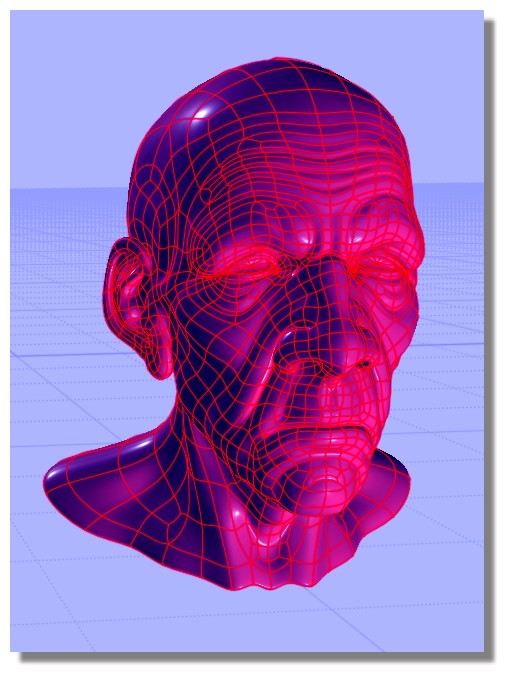
no problem for deform it by any volume! :)
not refound the old man but it will be the same!
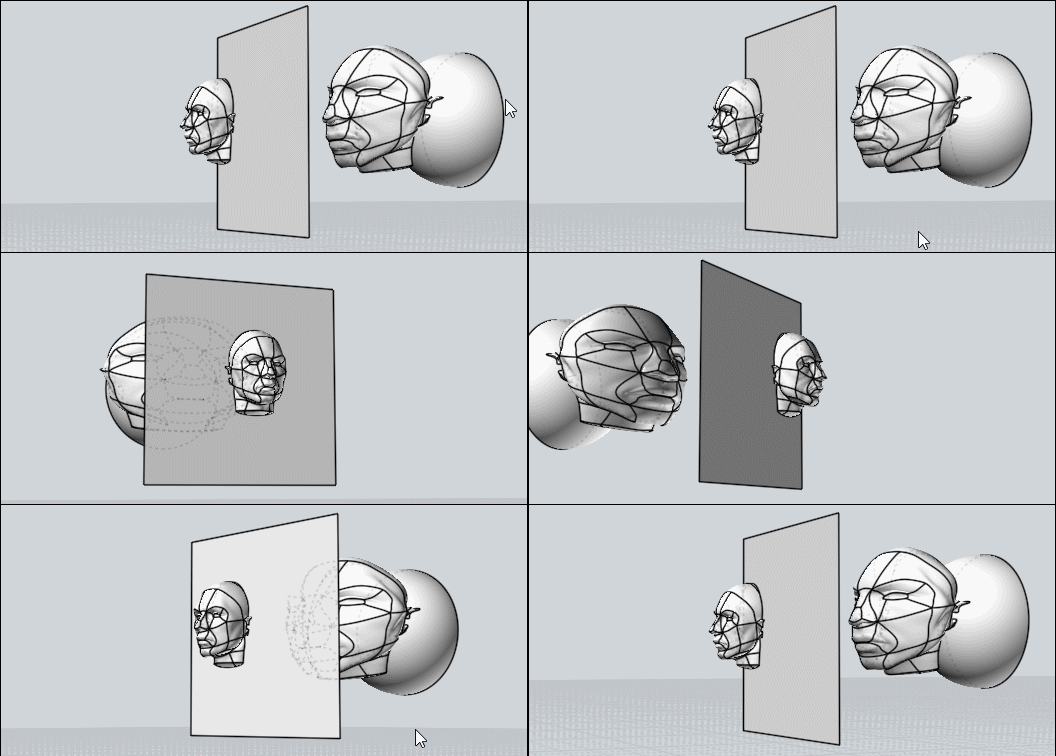 |
