I have found the trick for made our own "Texture 360°" !
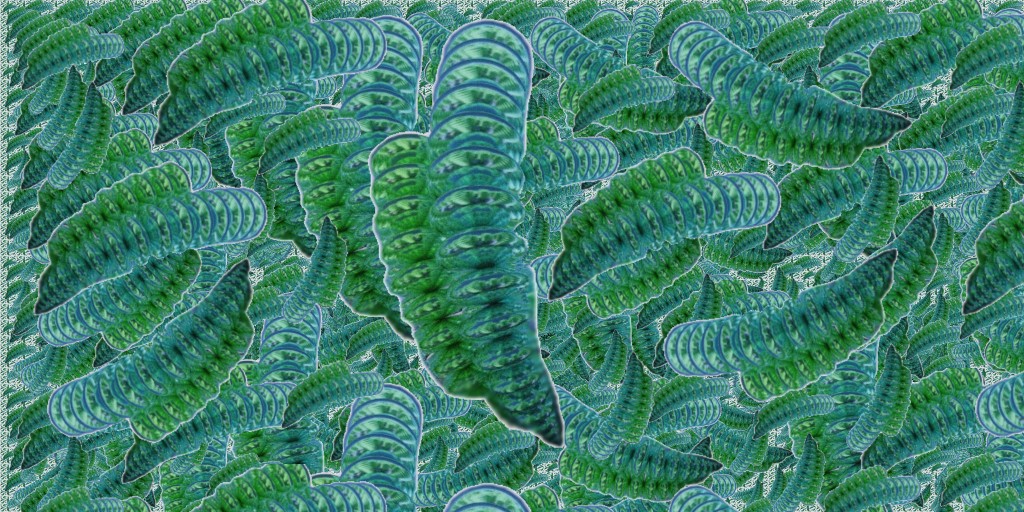
From this image (or any image of anything) here mine MagicaVoxel image! :)
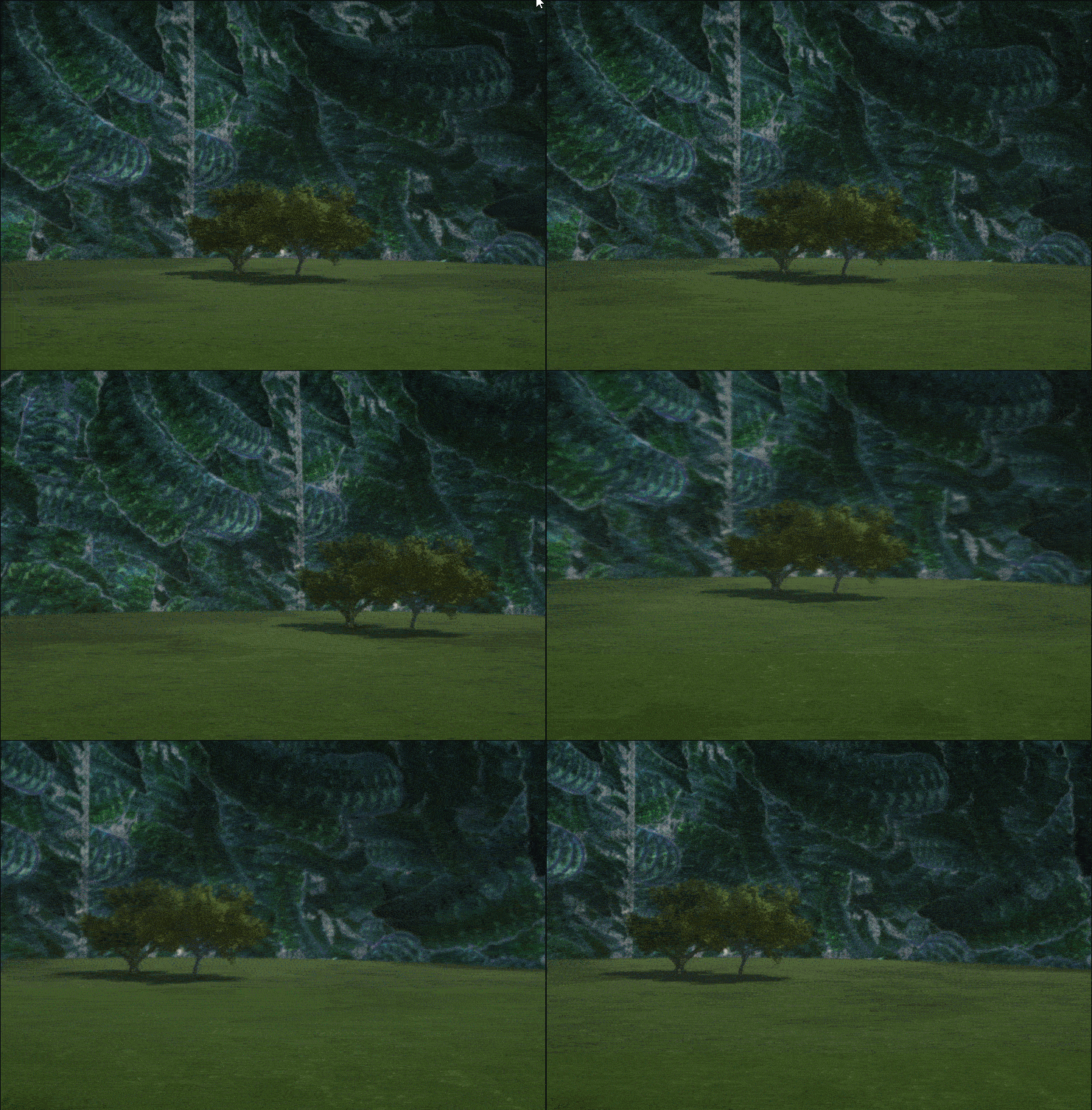
You obtain that! :) (you must make some rotate because here we are just on the seam ! : )
So Ink-Drpper/ Scale / Offset for have it on the back! :)
Vegetable Menu / Materials Menu
- Take any texture - Clic "Color Plus" to get the Texture Menu
- Apply this texture to the dome! (Drag & Drop)
- Click on "Texture" word - load any image
- [b]Right Click[/b] on the Control Globe that contains the new Texture / Add to User Library
The [b]native texture[/b] is obviously not destroyed!
You get your own personalized "Texture Dome"! The famous".tmi" file!
 |
