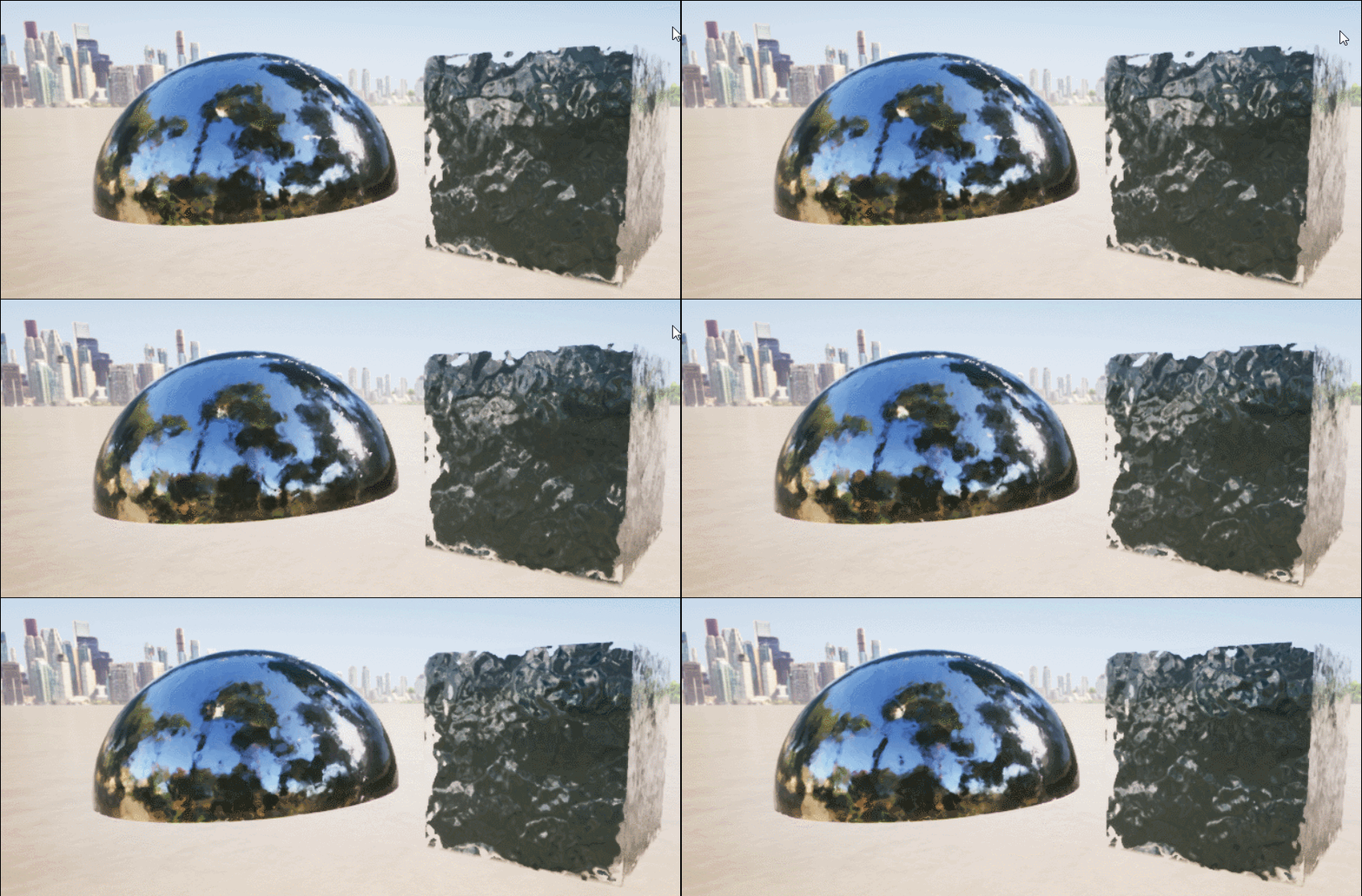
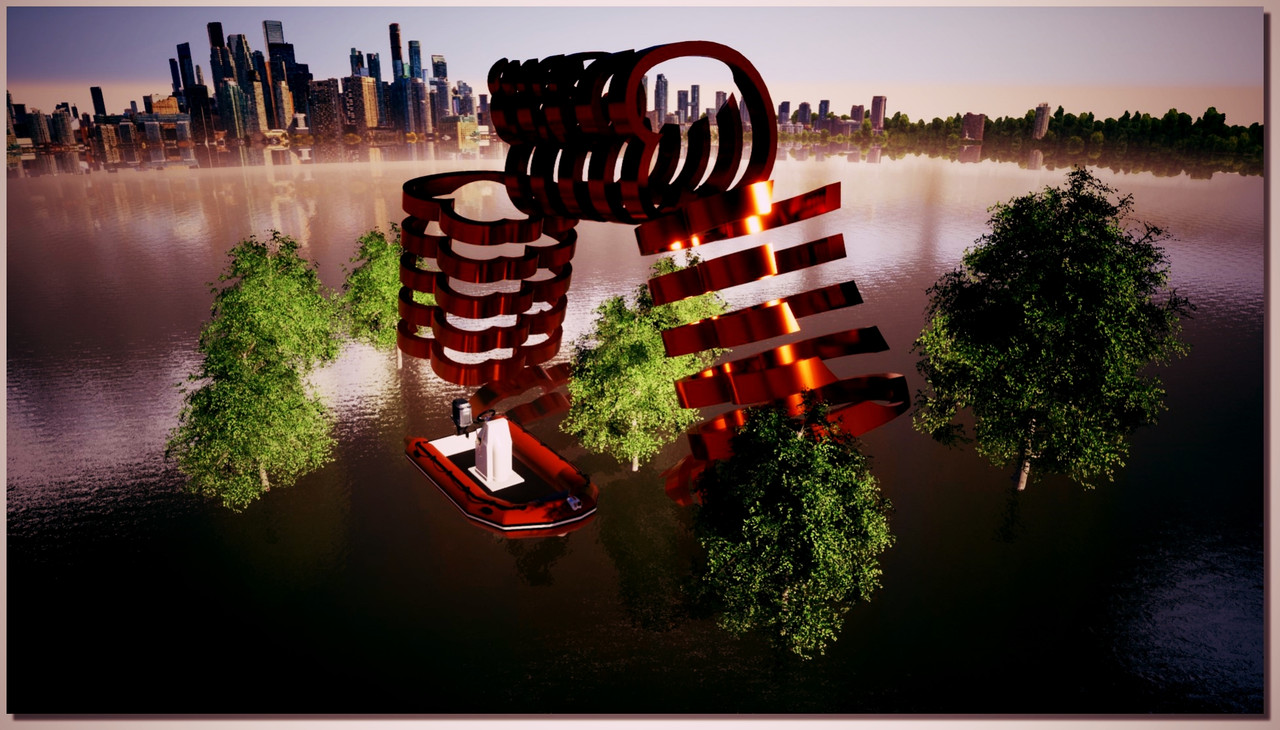
If it's very easy to put a material even animated on any volume(s)
It's another mystery for change the Background even the method is here!
Minute 0.57 second video! Sorry in French... but here the translation ;)
The key is to use a textured dome for create a "context"
Step 1 - Load textured examples created by Jesus Carbajal
Step 2 - Save them inside user Library of Twinmotion
Step 3 - Launch TwinMotion. Domes are organized bottom of the user Library.
drag & drop them to the scene
Step 4 - Select the Dome's texture with the ink-dropper. Like this you open the dock of the materials parameters where you can adjust the texture's position.
Use these domes as example, for create your own environement, you can replace the texture by another 360° images.
But where is the User Library folder on computer inside this TwinMotion version for input these files ...that's the mystery! :)
And make our own tmi another one! :-P
Maybe also try with the Library/ Volume/ Sphere Reflexion Probe...