Else before some deformation cage :)
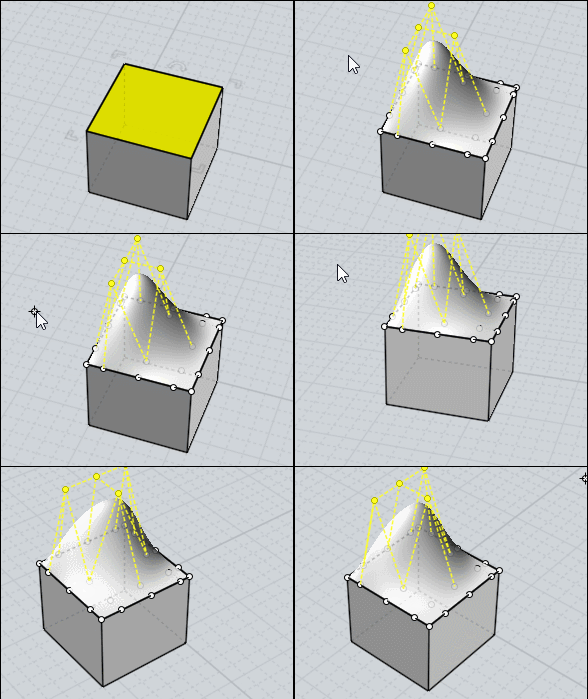
We "Separate" a surface (s) from a volume and we "Add points" to it (Edit Menu / Add Pts)
This makes it like a deformation cage where you just have to move the Control Points!
Points can only be added on one surface individually!
However, you can then move the Control Points from several surfaces at once!
Edit / View Points function activated of course! You can use the Edit / "Hide" and "Lock" functions
At the end, everything is grouped into a single "solid" volume (if the points of each adjoining face are "confused"!
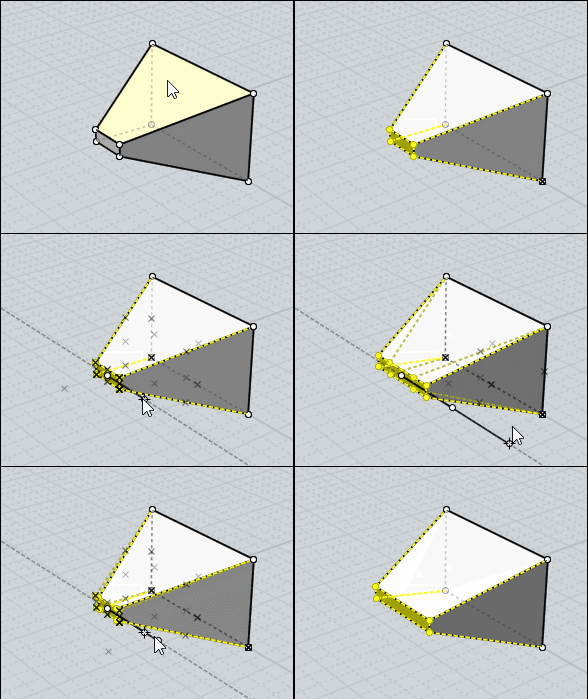
For move points with some mirror effect with Scale function ;)
 |
