When the Moi Object(s) format OBJ...
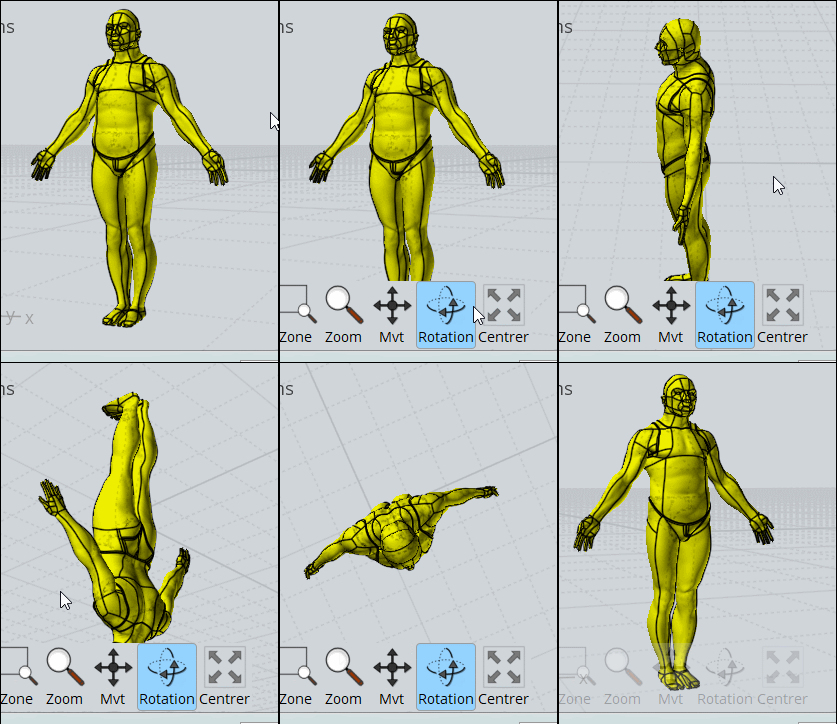
... is droped by Drag&Drop inside the screen of MagicaVoxel
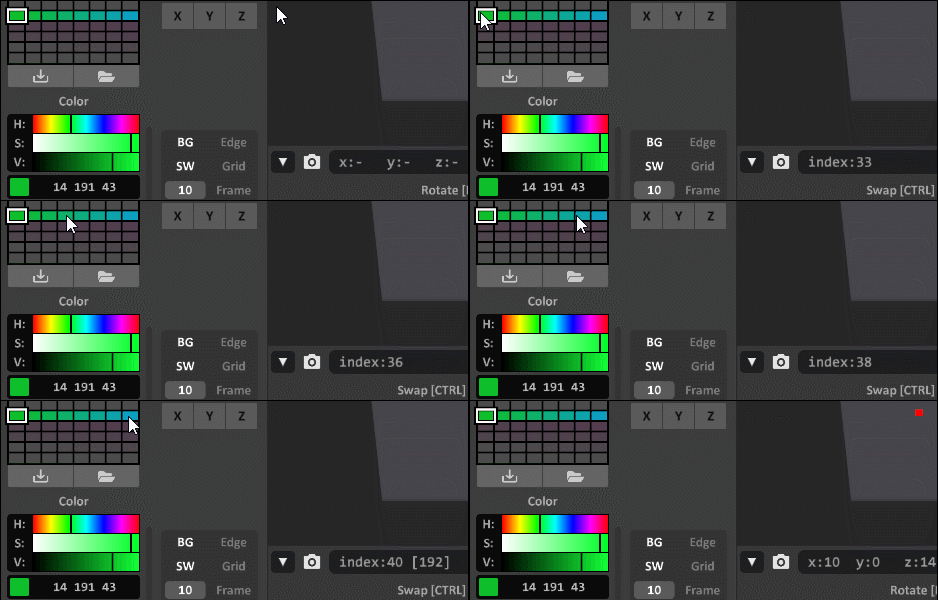
it's fun to apply to it and other volumes selected random colors from a palett(s)
with the function "rand" on the console (F1) like here: rand 33 40
You can see the number index with mouse over the palett !
Of course it's better when they are existing colors" !!!
The 2 Numbers of index is just start - end color wanted! :)
For make a gradient just SHIFT + ALT with mouse pressed from a color to another (diagonal are permitted)
SHIFT + Move = Copy along the Move
CTRL + Move = Move color
We can save & Load Paletts
With other gradients or colors
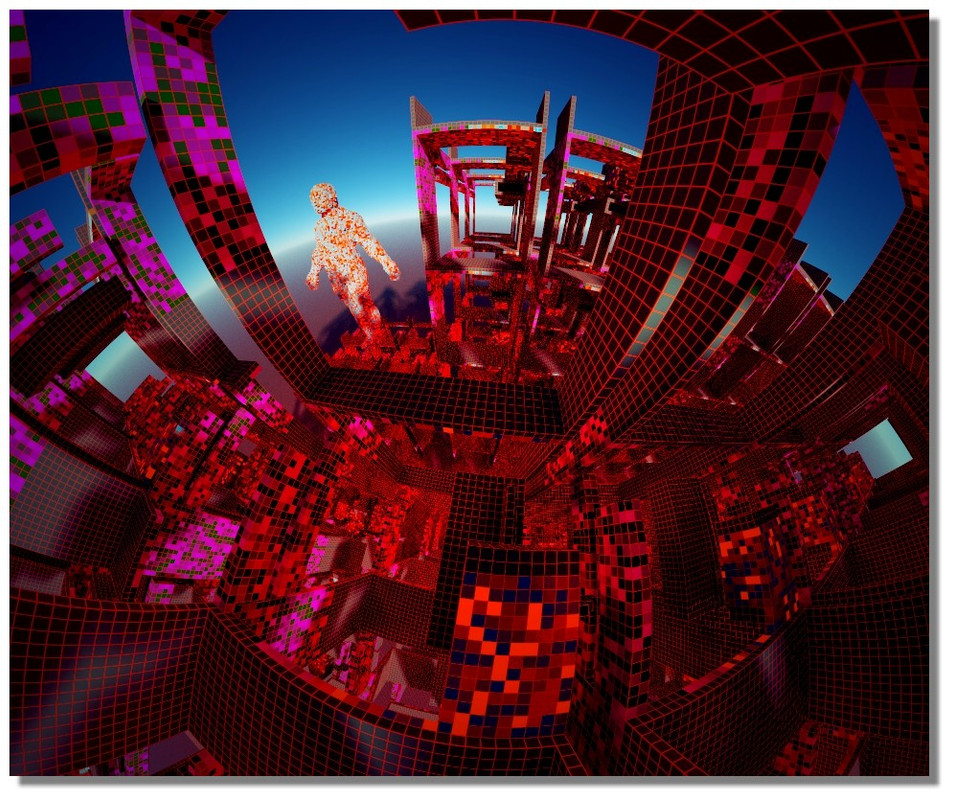
My Magica Gallery :)
https://schmoll8.wixsite.com/magicavox |
