@ Zooen
<< In addition I also do tests with SubD. I thought that once we had applied the subdivision we could not go back to the original state. But surprise, by separating then by re-applying SubD I found I found the original. You may say to me: But it's obvious my friend !!!
Maybe obvious but it's not the more practical! :)
Normal easy way ...for me...
Make any "operations for SubD" like my own shortcuts : E for Extrude, P for sSPlit, B for SBridge, S for sScale
then K (for me Shortcut for _SubD by Max is "K" )
so you have the surprise for pleasure of the eyes
Then Just Press "Escape" key! (So no need to select anythings ! :)
...and continue your elaborated SubD object! ;)
It's an infinite SUbD / Escape...till the perfection! :)
When all is fine with your last "K" you can export as OBJ to your favorite render!
(or continue your SuD Object but many chances there will be some difficulties on complex faces!
Here texture with the free crazzy Vervette https://moiscript.weebly.com/vervette.html (VF site)
and rendering with the free SimLab Composer Light VF Maxi 1920 *800 (very easy and no headaches! :)
https://simlabfr.weebly.com/light.html
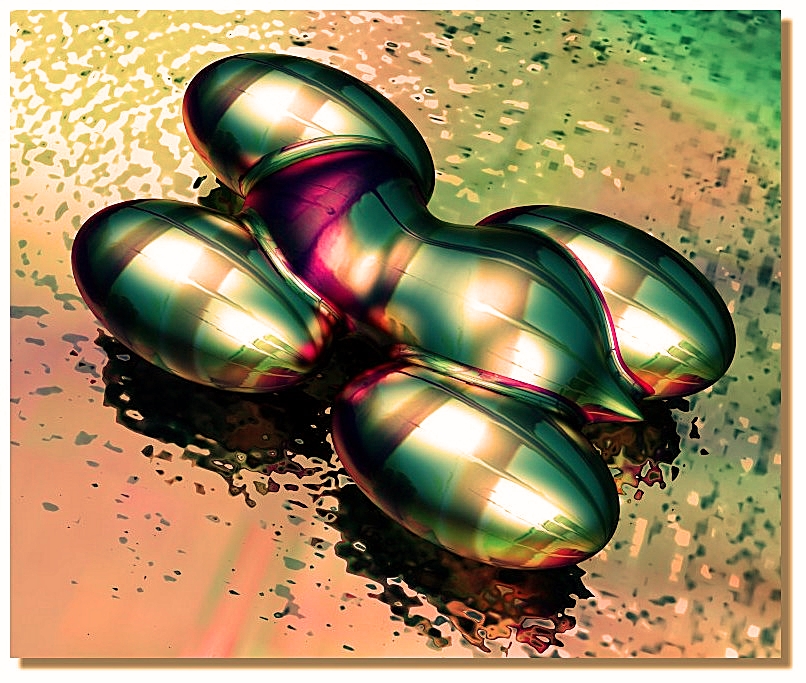
Koons revival! :
 |
